1. 서론
Thank you for choosing the KIDYWOLF KIDYMICPARENT Bluetooth Microphone. This all-in-one microphone features a built-in speaker, light effects, and Bluetooth connectivity, designed to provide an engaging music experience. This manual provides essential information for the safe and effective use of your device. Please read it thoroughly before use and retain it for future reference.
2. 안전 정보
- Keep the microphone away from water and moisture.
- 장치를 극한의 온도나 직사광선에 노출시키지 마십시오.
- 마이크를 떨어뜨리거나 강한 충격을 가하지 마십시오.
- 직접 기기를 분해하거나 수리하지 마십시오. 자격을 갖춘 서비스 담당자에게 문의하세요.
- 제공된 USB-C 충전 케이블이나 인증된 동등 제품만 사용하세요.
- This product contains a rechargeable battery. Do not dispose of it in fire.
- Ensure children use the microphone under adult supervision.
3. 패키지 내용
다음 품목이 패키지에 포함되어 있는지 확인하세요.
- 1 x KIDYWOLF KIDYMICPARENT Bluetooth Microphone
- 1 x USB-C 충전 케이블
4. 제품 오버view
The KIDYWOLF KIDYMICPARENT is a versatile microphone designed for entertainment. It integrates a 5W speaker, dynamic light effects, and various voice modulation features.
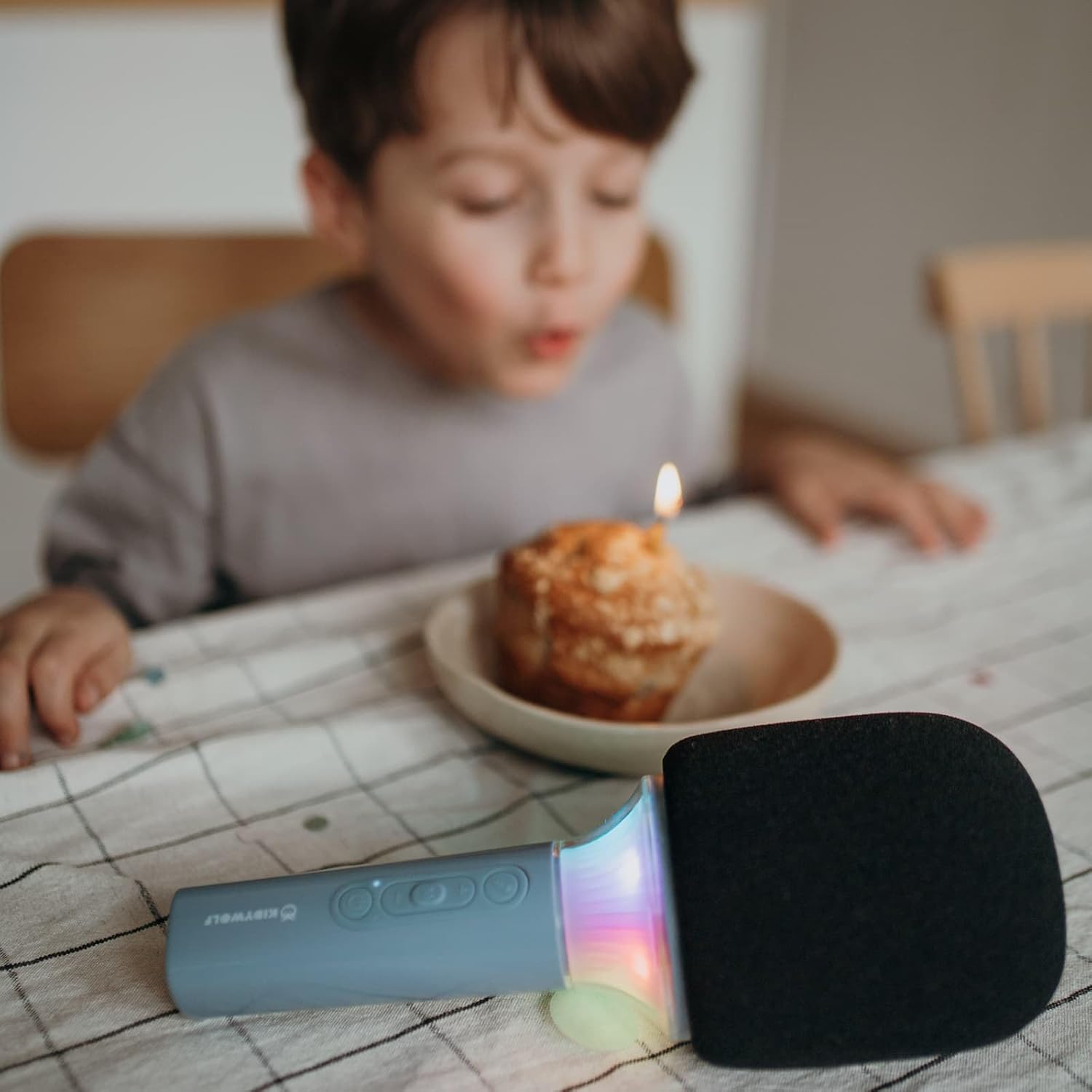
그림 4.1: 앞쪽 view of the KIDYWOLF KIDYMICPARENT Bluetooth Microphone. This image shows the microphone head with its foam cover and the main body with control buttons.
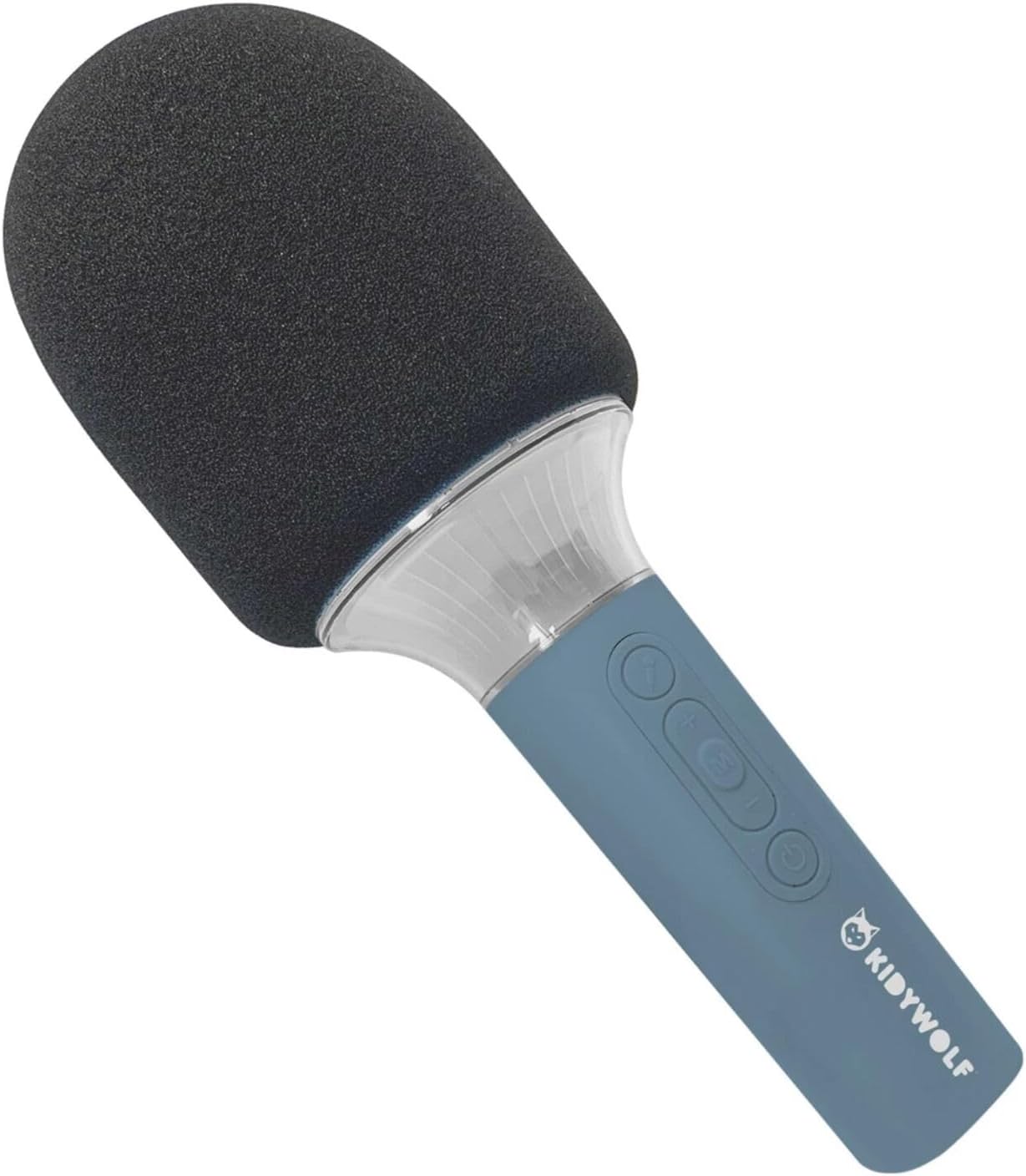
그림 4.2: 각진 view of the KIDYWOLF KIDYMICPARENT Bluetooth Microphone. This perspective highlights the ergonomic design of the handle and the placement of the control buttons.

그림 4.3: The KIDYWOLF KIDYMICPARENT Bluetooth Microphone with its integrated light effects active, showcasing the illuminated section below the microphone head.
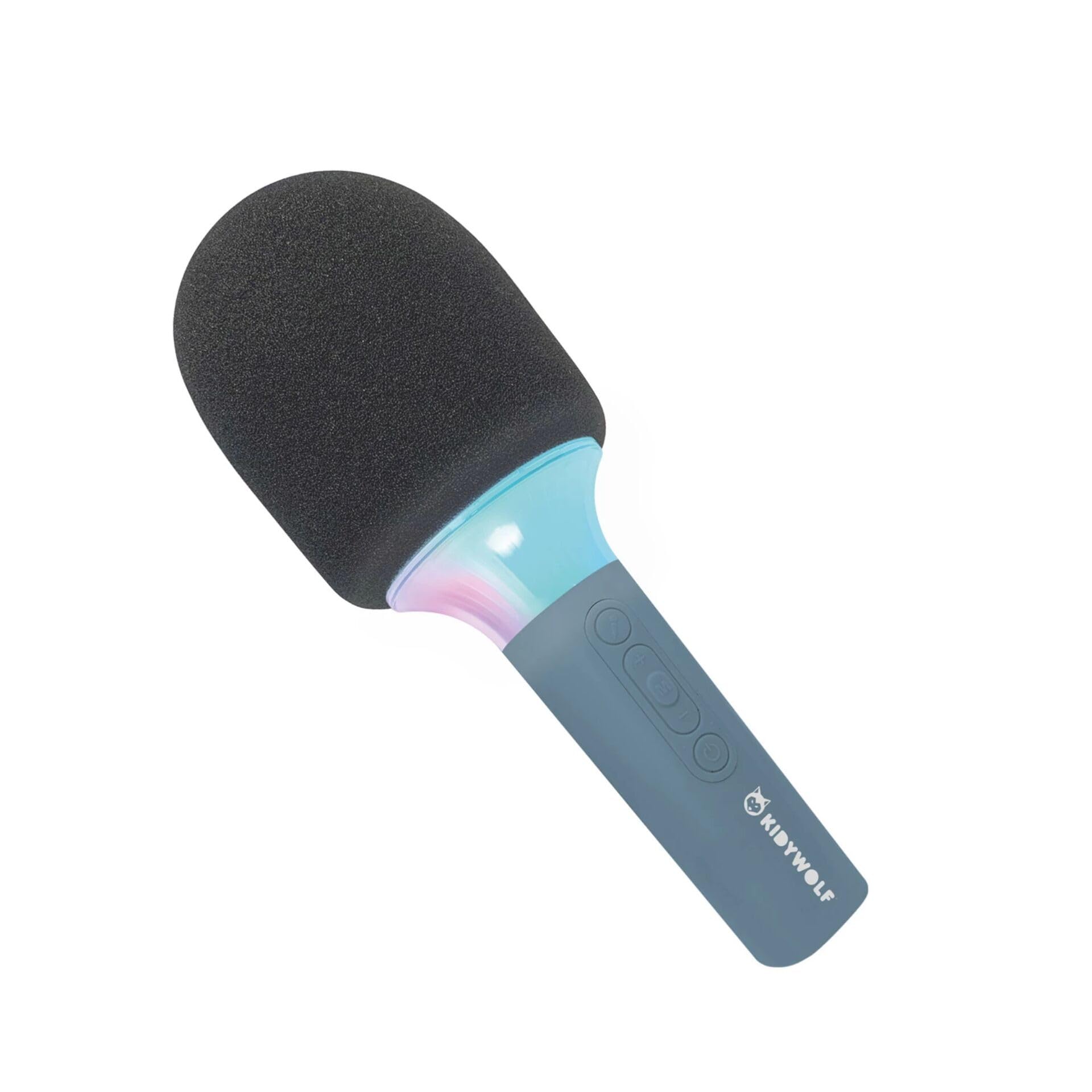
그림 4.4: A child using the KIDYWOLF KIDYMICPARENT Bluetooth Microphone, demonstrating its intended use for entertainment.
5. 설정
5.1 마이크 충전
- Locate the USB-C charging port on the microphone.
- Connect the provided USB-C cable to the microphone's charging port.
- USB-C 케이블의 다른 쪽 끝을 호환되는 USB 전원 어댑터(포함되지 않음) 또는 컴퓨터의 USB 포트에 연결합니다.
- 충전 표시등은 충전 중에 켜지고, 완전히 충전되면 꺼지거나 색상이 변경됩니다.
- 일반적으로 완전 충전에는 약 2~3시간이 걸립니다.
5.2 블루투스 페어링
- 전원 켜기: Press and hold the Power button (usually marked with a power symbol) on the microphone until the indicator light turns on and you hear an audible prompt.
- 블루투스 활성화: The microphone will automatically enter Bluetooth pairing mode, indicated by a flashing light or an audible prompt.
- 기기에서 Bluetooth를 활성화하세요: 스마트폰, 태블릿 또는 기타 블루투스 지원 기기에서 블루투스 설정으로 이동하여 블루투스가 켜져 있는지 확인하십시오.
- 장치 선택: Look for "KIDYMICPARENT" or a similar name in the list of available Bluetooth devices and select it to pair.
- 확인: Once successfully paired, you will hear a confirmation sound from the microphone, and the indicator light will stop flashing and remain solid.
메모: If pairing fails, turn off the microphone and your device's Bluetooth, then repeat the steps. The microphone will automatically attempt to reconnect to the last paired device when powered on.
6. 사용 설명서
6.1 전원 켜기/끄기
- 전원을 켜려면: 전원 버튼을 약 3초간 길게 누릅니다.
- 전원을 끄려면: 전원 버튼을 약 3초간 길게 누릅니다.
6.2 볼륨 조절
- 사용하세요 '+' button to increase the microphone and speaker volume.
- 사용하세요 '-' button to decrease the microphone and speaker volume.
6.3 음악 재생
Once paired via Bluetooth, you can play music from your connected device. The microphone's built-in speaker will output the audio. Use your connected device to control music playback (play, pause, skip tracks).
6.4 조명 효과
The microphone features integrated light effects. Refer to the specific button (if available, often marked with a light bulb symbol or integrated with another function) to cycle through different light modes or turn them on/off. If no dedicated button is present, the lights may activate automatically with sound or be controlled via a multi-function button.
7. 음성 효과
The KIDYWOLF KIDYMICPARENT microphone offers 6 different voice settings to enhance your singing experience. To change voice effects:
- Locate the dedicated voice effect button (often marked with a microphone icon or "FX").
- Press the button repeatedly to cycle through the available voice effects.
- Listen to the audio output to select your desired voice effect.
8. 유지관리
8.1 청소
- Wipe the microphone's exterior with a soft, dry, or slightly damp 옷감.
- 강한 화학 물질, 연마 세척제 또는 용제를 사용하지 마십시오.
- Ensure no liquid enters the microphone's openings.
8.2 보관
- Store the microphone in a cool, dry place away from direct sunlight.
- Keep it away from dust and extreme temperatures.
9. 문제 해결
| 문제 | 가능한 원인 | 해결책 |
|---|---|---|
| 마이크 전원이 켜지지 않습니다. | 배터리가 소진되었습니다. | USB-C 케이블을 사용하여 마이크를 충전하세요. |
| Bluetooth를 통해 연결할 수 없습니다. | Bluetooth is off on the device; microphone is not in pairing mode; device is too far. | Ensure Bluetooth is enabled on your device. Put the microphone into pairing mode. Move the device closer to the microphone (within 10 meters). |
| 스피커에서 소리가 나지 않습니다. | Volume is too low; microphone is muted; device is not playing audio. | Increase volume using the '+' button. Check if the microphone is muted. Ensure audio is playing on the connected device. |
| Voice effects are not changing. | Incorrect button pressed; feature not active. | Ensure you are pressing the correct voice effect button. |
10. 사양
| 모델명 | KIDYMICPARENT |
| 상표 | 키디울프 |
| 폼 팩터 | 핸드헬드 |
| 치수(길이x너비x높이) | 24 x 9 x 9cm |
| 무게 | 414g |
| 전원 | 충전식 배터리 |
| 재료 | 플라스틱 |
| 채널 수 | 1 |
| 연결 기술 | 블루투스 |
| 연결 유형 | USB 타입-C |
| 특별 기능 | Volume Control, Light Effects, Voice Modulation (6 settings) |
| 포함된 구성 요소 | Microphone, USB-C Charging Cable |
| 권장 사용 | 노래방 |
11. 보증 및 지원
For warranty information and customer support, please refer to the documentation provided at the time of purchase or contact your retailer. You may also visit the official KIDYWOLF web최신 지원 자료 및 연락처 정보를 확인할 수 있는 사이트입니다.


