1. 제품 오버view
The HP 255 G10 is a 15.6-inch Full HD Business Laptop designed for productivity and everyday use. It features an AMD Ryzen 7 7730U processor, ample RAM, and fast storage, making it suitable for multitasking, office applications, and general computing tasks. This manual provides essential information for setting up, operating, maintaining, and troubleshooting your laptop.

Figure 1: HP 255 G10 15.6-inch FHD Business Laptop
2. 상자 안에 무엇이 들어있나요?
- HP 노트북
- 전원 어댑터
- Quick Start Guide (may be a separate document)
3. 설정 가이드
3.1 초기 전원 켜기
- 풀다: 노트북과 모든 액세서리를 포장에서 조심스럽게 꺼내세요.
- 전원 연결: 전원 어댑터를 노트북의 전원 포트에 꽂은 다음 벽면 콘센트에 꽂습니다.
- 전원 켜기: 노트북 덮개를 열고 키보드 부분에 있는 전원 버튼을 누르세요.
- 초기 Windows 설정: 화면의 안내에 따라 언어, 지역, 네트워크 연결 및 사용자 계정 생성 등 Windows 11 Pro 설정을 완료하십시오.
3.2 Wi-Fi에 연결하기
- During initial setup, you will be prompted to connect to a Wi-Fi network. Select your network from the list and enter the password.
- 나중에 설정하는 경우 작업 표시줄에서 Wi-Fi 아이콘을 클릭하고 네트워크를 선택한 후 연결하세요.
4. 사용 설명서
4.1 기본 사용법
- 전원 켜기/끄기: Press the power button to turn on. To turn off, click Start > Power > Shut down.
- 수면 모드 : 뚜껑을 닫거나 시작 > 전원 > 절전을 클릭하여 절전 모드로 들어가세요.
- 키보드 및 터치패드: Utilize the full-size keyboard and precision touchpad for navigation and input. The numeric keypad is integrated for efficient data entry.
- Web캠: 통합된 webcam can be used for video calls and conferences.
4.2 주변기기 연결하기
이 노트북은 외부 장치를 연결하기 위한 다양한 포트를 제공합니다.
- USB 유형 A: Connect USB devices such as mice, keyboards, or external drives.
- USB 타입-C: 데이터 전송 및 호환 USB-C 장치 연결용입니다.
- HDMI : 확장된 화면 표시를 위해 외부 모니터 또는 프로젝터에 연결하십시오.
- 헤드폰/마이크 콤보: 오디오 입력 및 출력용.

그림 2: 측면 view showing available ports (USB, HDMI, USB-C, Headphone/Mic Combo)
5. 주요 특징
5.1 성능
The HP 255 G10 is equipped with an AMD Ryzen 7 7730U processor, featuring 8 cores and 16 threads, with a max turbo frequency of 4.50GHz. This provides robust performance for demanding business applications and efficient multitasking. The integrated AMD Radeon Graphics handles visual tasks smoothly.

Figure 3: Laptop highlighting AMD Ryzen 7 processor for ready-to-go performance.
5.2 메모리 및 저장
With 32GB of high-bandwidth DDR4 RAM, the laptop ensures smooth operation of multiple applications simultaneously. The 1TB PCIe M.2 Solid State Drive (SSD) provides fast boot-up times, quick application loading, and ample storage for documents, media, and software.
5.3 디스플레이
The 15.6-inch Full HD (1920 x 1080) IPS display features an anti-glare coating and micro-edge design, offering clear visuals and a comfortable viewing experience, even in varying lighting conditions. It provides 250 nits brightness and 45% NTSC color gamut.

그림 4: 노트북 디스플레이 화면asing the 15.6-inch FHD screen.
5.4 Connectivity and Operating System
The laptop supports Wi-Fi 6 for faster wireless speeds and improved network performance, along with Bluetooth for connecting wireless accessories. It comes pre-installed with Windows 11 Pro, offering advanced security features, management tools, and enhanced productivity.
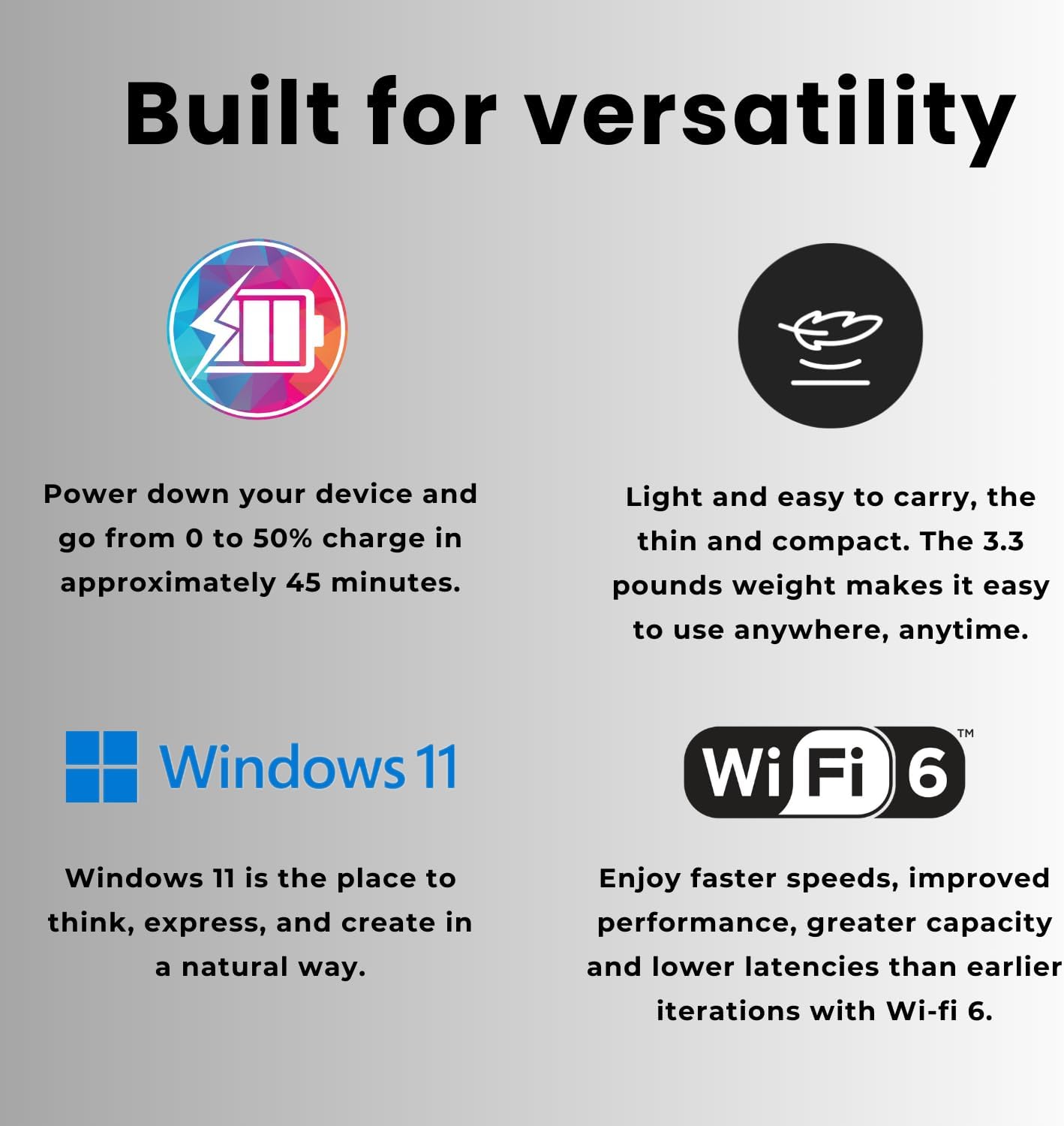
Figure 5: Laptop features including fast charging, lightweight design, Windows 11, and Wi-Fi 6.
6. 유지관리
- 청소: 부드럽고 보풀이 없는 천을 사용하여 화면과 외부를 닦으세요. 독한 화학 물질은 피하세요.
- 소프트웨어 업데이트: 최적의 성능과 보안을 유지하려면 Windows 업데이트 및 HP 드라이버 업데이트를 정기적으로 확인하고 설치하십시오.
- 배터리 관리 : 배터리 수명을 연장하려면 극한 온도 변화를 피하고 가능하면 배터리 충전량을 20%에서 80% 사이로 유지하십시오.
- 통풍: 노트북의 통풍구가 막히지 않도록 하여 과열을 방지하십시오.
7. 문제 해결
7.1 일반적인 문제 및 해결 방법
- 노트북 전원이 켜지지 않음: 전원 어댑터가 제대로 연결되어 있고 콘센트가 제대로 작동하는지 확인하세요. 다른 콘센트를 사용해 보세요.
- Wi-Fi 연결 없음: Windows 설정에서 Wi-Fi가 활성화되어 있는지 확인하세요. 라우터와 노트북을 다시 시작하세요.
- 느린 성능: Close unnecessary applications and browser tabs. Check for background updates or malware. Ensure sufficient free storage space.
- 화면 문제(디스플레이 없음, 깜박임): Restart the laptop. If connected to an external monitor, try disconnecting it.
8. 기술 사양
| 특징 | 사양 |
|---|---|
| 모델명 | 티피엔-Q287 |
| 프로세서 | AMD 라이젠 7 7730U (8코어, 16스레드, 최대 4.50GHz) |
| 제도법 | AMD Radeon 그래픽(통합) |
| 숫양 | 32GB DDR4(3200MHz) |
| 저장 | 1TB PCIe M.2 SSD |
| 표시하다 | 15.6-inch FHD (1920 x 1080) IPS, Anti-glare, Micro-edge, 250 nits, 45% NTSC |
| 운영 체제 | 윈도우 11 프로 |
| 포트 | 2x SuperSpeed USB Type-A, 1x SuperSpeed USB Type-C, 1x HDMI, 1x Headphone/Microphone Combo |
| 무선 연결 | Wi-Fi 6(802.11ax), 블루투스 |
| Web캠 | 예 |
| 치수(길이x너비x높이) | 14.17 x 9.29 x 0.73 인치 |
| 무게 | 3.35파운드 |
| 색상 | 검은색 |
| 특징 | 숫자 키패드 |
9. 보증 및 지원
보증 정보 및 기술 지원에 대해서는 제품과 함께 제공된 설명서를 참조하거나 공식 HP 지원을 방문하세요. web사이트에서 지원 리소스, 드라이버 다운로드, 고객 서비스 연락처 정보를 찾을 수 있습니다.
온라인 지원: HP 공식 지원