소개
This manual provides detailed instructions for the setup, operation, and maintenance of your AT&T GL2101-4 DECT 6.0 4-Handset Cordless Home Phone. Please read this manual thoroughly to ensure proper use and to take full advantag사용 가능한 모든 기능 중 하나입니다.
상자 안에 무엇이 들어있나요?
패키지에 다음 품목이 포함되어 있는지 확인하십시오.
- 기본 유닛
- 4 핸드셋
- 3 Chargers (for additional handsets)
- AC 어댑터 4개
- 배터리 팩 4개
- 전화선 코드
- 빠른 시작 가이드
설정
다음 단계를 따라 새로운 무선 전화 시스템을 설치하세요.
1. Connect the Base Unit
Plug one end of the telephone line cord into the TEL LINE jack on the back of the base unit. Plug the other end into a telephone wall jack. Plug the small end of the base unit AC adapter into the POWER jack on the back of the base unit. Plug the large end into an electrical outlet.
2. Install and Charge Handset Batteries
Open the battery compartment cover on each handset. Connect the battery pack connector securely into the jack inside the compartment. Place the battery pack inside the compartment and close the cover. Place each handset in its respective charger or the base unit. Allow the handsets to charge for at least 10 hours before first use. The CHARGE light on the handset will illuminate when properly placed in the charger.

Image: A handset placed in its charging base, indicating proper charging setup.
작동 지침
Learn how to use the various features of your AT&T cordless phone.
전화 걸기 및 받기
- 전화를 걸려면: 누르다 핸드폰, 전화번호를 누르세요.
- 전화를 받으려면: 누르다 핸드폰 또는 전화 걸기 키.
- 통화를 종료하려면: 누르다 끄다 또는 휴대폰을 충전기에 꽂아두세요.
전이중 핸드셋 스피커폰
The built-in full-duplex speakerphone allows both parties to speak and be heard simultaneously for more natural conversations. During a call, press 스피커 to activate the speakerphone. Press 스피커 again to return to normal handset use.
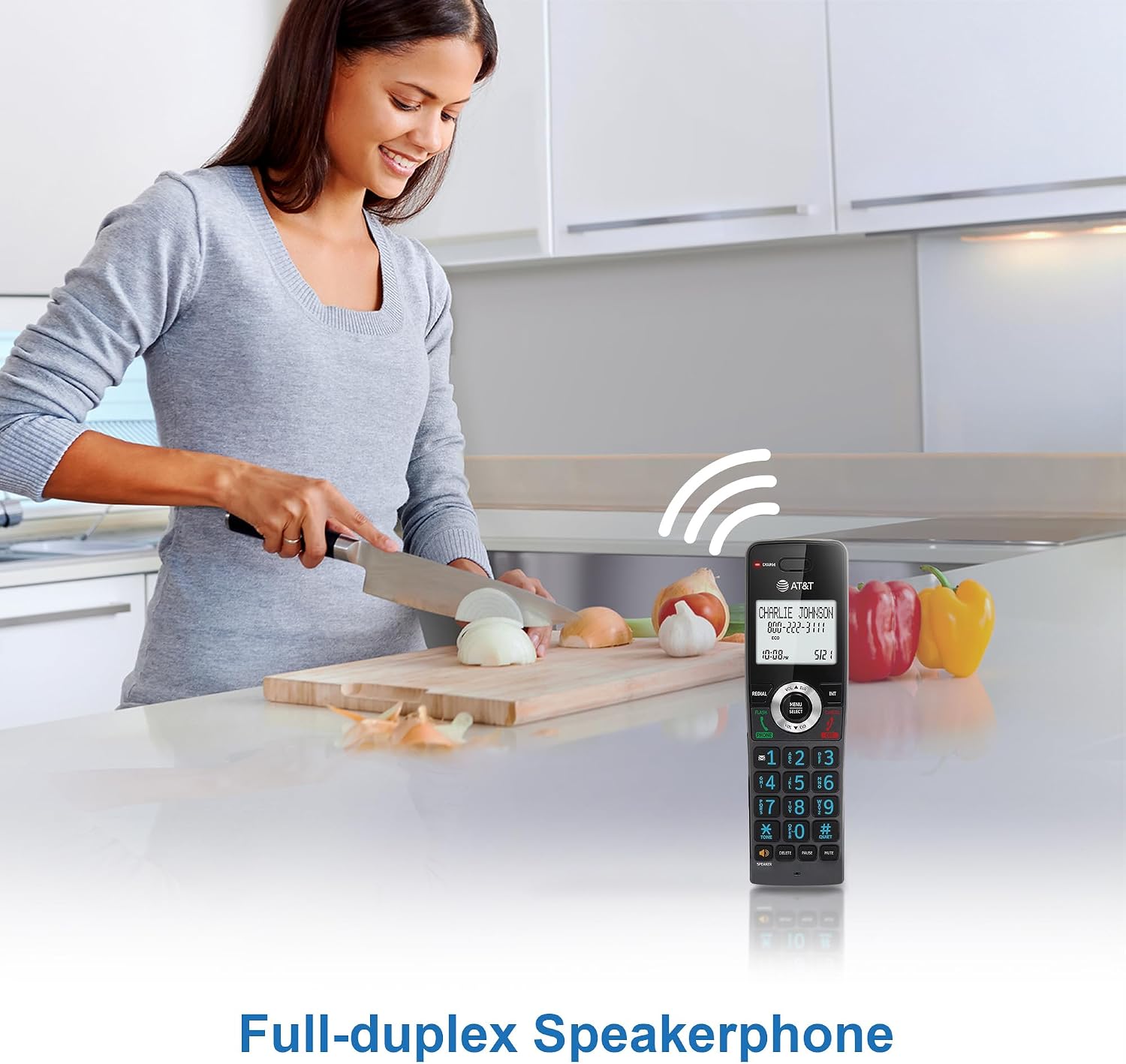
이미지: 사용자가 양손을 자유롭게 사용할 수 있는 전이중 스피커폰 기능을 시연하고 있습니다.
발신자 번호 표시 / 통화 대기
The handset's 2-inch white backlit display shows the caller's name and number (if available) for incoming calls. This feature requires a subscription from your telephone service provider. If you have call waiting, the display will show the incoming caller's information while you are on another call.

Image: The phone's display clearly showing caller ID information, including name and number.
통화 차단
Block unwanted calls by adding up to 20 names and numbers to the call block directory. When an incoming call is received, press the 통화 블록 button to add the number to the block list. This feature requires Caller ID subscription.

Image: The call block feature allows users to easily block unwanted callers, enhancing privacy.
핸드셋 대 핸드셋 인터콤
Use the intercom feature to communicate between handsets. Press 국제 on one handset, then dial the number of the desired handset (e.g., 2 for Handset 2). The receiving handset will ring, and you can begin an intercom conversation.

Image: Visual representation of the intercom function, enabling communication between multiple handsets.
전화번호부 디렉토리
Store up to 50 names and numbers in the phonebook directory for quick dialing. To add an entry, press 메뉴/선택, navigate to 'Phonebook', and follow the on-screen prompts. To dial from the phonebook, press 디렉터 and select the desired entry.

Image: The phonebook feature allows storage and quick access to frequently called contacts.
백라이트 키패드 및 디스플레이
The handset features a 2-inch white backlit display and an orange backlit keypad, making it easy to read caller information and dial numbers in low-light conditions.

Image: The 2-inch white backlit display provides clear visibility of information.

Image: The backlit keypad ensures easy dialing even in dim lighting.
조용한 모드
Activate Quiet Mode to silence all handset and base unit ringers for a set period. Press and hold the #조용한 button to toggle Quiet Mode on or off. You can configure the duration in the phone settings.

Image: The Quiet Mode feature allows users to silence ringers for undisturbed periods.
Battery Life and ECO Mode
The rechargeable handset battery provides up to 10 hours of talk time or 5 days of standby time on a single charge. ECO mode automatically manages power consumption, optimizing battery life and reducing energy usage.

Image: Illustration of the phone's long-lasting battery, offering extended talk and standby times.
유지
To ensure optimal performance and longevity of your phone system, follow these maintenance guidelines:
- 청소: 부드러운 천으로 휴대폰과 베이스 유닛을 닦으세요.amp 천으로 닦으세요. 세척용 스프레이나 강한 화학 약품을 사용하지 마세요.
- 배터리 관리 : Replace batteries when they no longer hold a charge effectively. Use only the specified replacement battery packs.
- 위치: Avoid placing the phone system near heat sources, direct sunlight, or areas with excessive moisture.
문제 해결
If you encounter any issues with your phone system, refer to the table below for common problems and solutions.
| 문제 | 해결책 |
|---|---|
| 다이얼 톤이 없습니다 | Ensure the base unit is properly connected to the telephone wall jack and power outlet. Check the telephone line cord for damage. |
| 핸드셋이 충전되지 않습니다 | Make sure the handset is correctly seated in the charger. Verify the charger's AC adapter is plugged into a working electrical outlet. Clean the charging contacts on the handset and charger. |
| 음질이 좋지 않음/정전기 | Move closer to the base unit. Avoid placing the phone near other electronic devices that may cause interference. Check for loose connections. |
| 전화를 걸거나 받을 수 없습니다 | Check if the telephone line is active. Ensure the handset battery is charged. Reset the base unit by unplugging it from power for a few minutes, then plugging it back in. |
명세서
Key technical specifications for the AT&T GL2101-4 DECT 6.0 4-Handset Cordless Home Phone:
| 특징 | 세부 사항 |
|---|---|
| 제품 치수 | 4.25 x 3.23 x 7.24인치 (기본 장치) |
| 품목 무게 | 2.55파운드 |
| 모델 번호 | GL2101-4 |
| 상표 | AT&T |
| 색상 | 석묵 |
| 전화 유형 | 무선 |
| 재료 | 플라스틱 |
| 전원 | 코드식 전기 |
| 응답 시스템 유형 | 아니요 |
| 호환 장치 | Standard Landline Networks |
| 다중 라인 작업 | 단일 라인 작동 |
보증 및 지원
For warranty information or technical support, please refer to the documentation included with your product or visit the official AT&T support web사이트. 보증 청구를 위해 구매 증빙 자료로 구매 영수증을 보관하세요.


