1. 서론
This manual provides essential information for the setup, operation, and maintenance of your Cello C1924WSH 19-inch Smart TV. This television integrates the WebOS Hub operating system by LG, offering a comprehensive smart TV experience. It features a triple tuner for various broadcast signals, Bluetooth connectivity, and Cello's patented Pitch Perfect Sound technology for enhanced audio.
Please read this manual thoroughly before using your television to ensure proper functionality and to maximize your view경험.
2. 패키지 내용
모든 품목이 포장에 들어 있는지 확인하세요.
- Cello C1924WSH 19-inch Smart TV
- 원격 제어
- 전원 케이블
- 사용 설명서 (본 문서)
3. 물리적 설정
3.1. 풀기
텔레비전과 모든 부속품을 포장에서 조심스럽게 꺼내십시오. 나중에 운반하거나 보관할 때를 대비하여 포장재를 보관하십시오.
3.2. Stand Installation (if applicable)
If using the included stand, attach it securely to the base of the television according to the diagrams provided in the quick start guide (not included in this manual, refer to physical packaging). Ensure all screws are tightened to prevent instability.
3.3. Wall Mounting (optional)
The television's slim design is suitable for wall mounting. Use a VESA-compatible wall mount (not included) and follow the wall mount manufacturer's instructions. Ensure the wall can support the weight of the television.
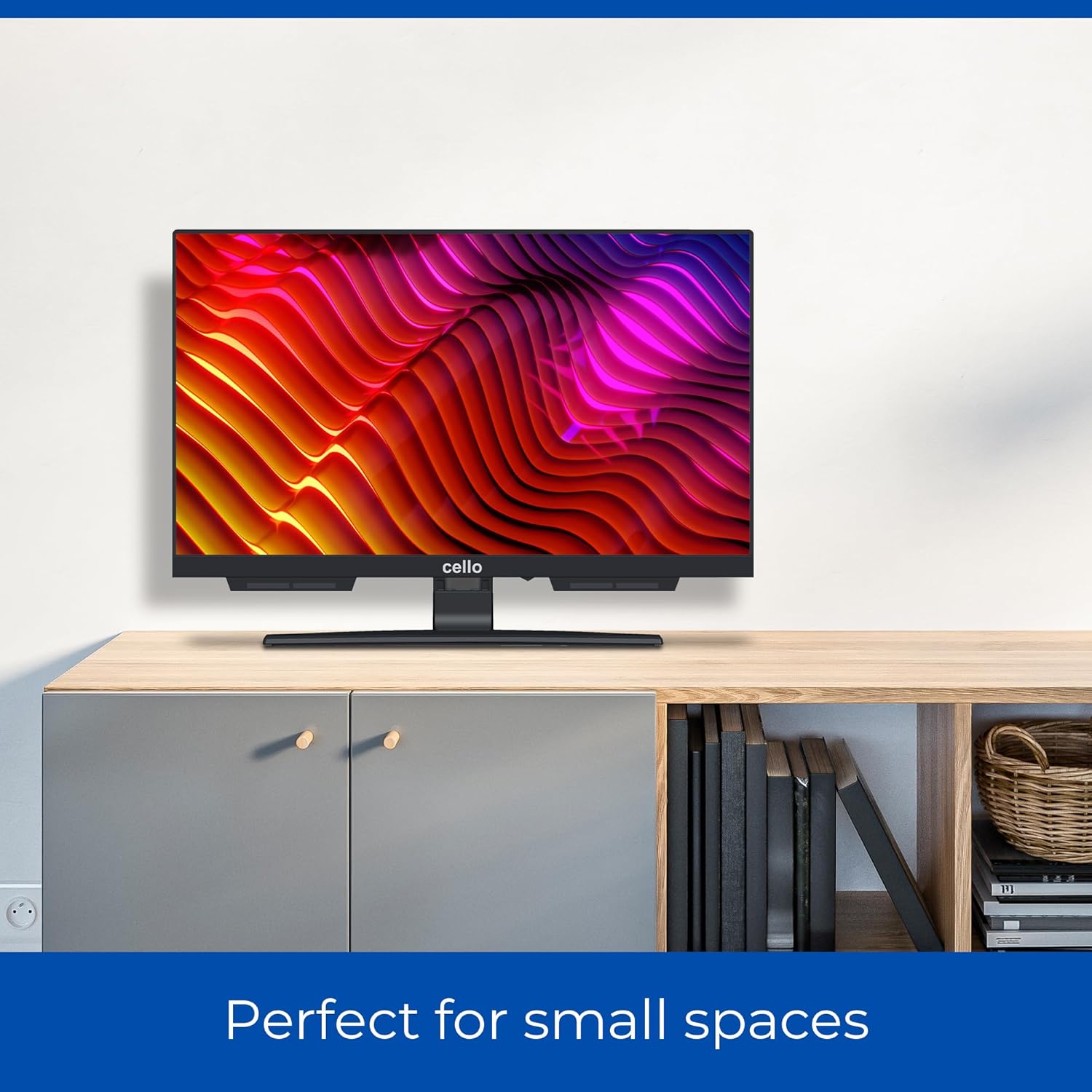
Image: Cello C1924WSH 19-inch Smart TV mounted on a wall, demonstrating its suitability for small spaces. The TV is positioned above a light-colored wooden cabinet.
3.4. 치수
The television has a 19-inch diagonal screen. Approximate dimensions are:
- 폭 : 44cm
- Height: 27 cm (without stand)
- Depth: 8 cm (without stand)
- Depth with stand: 16 cm
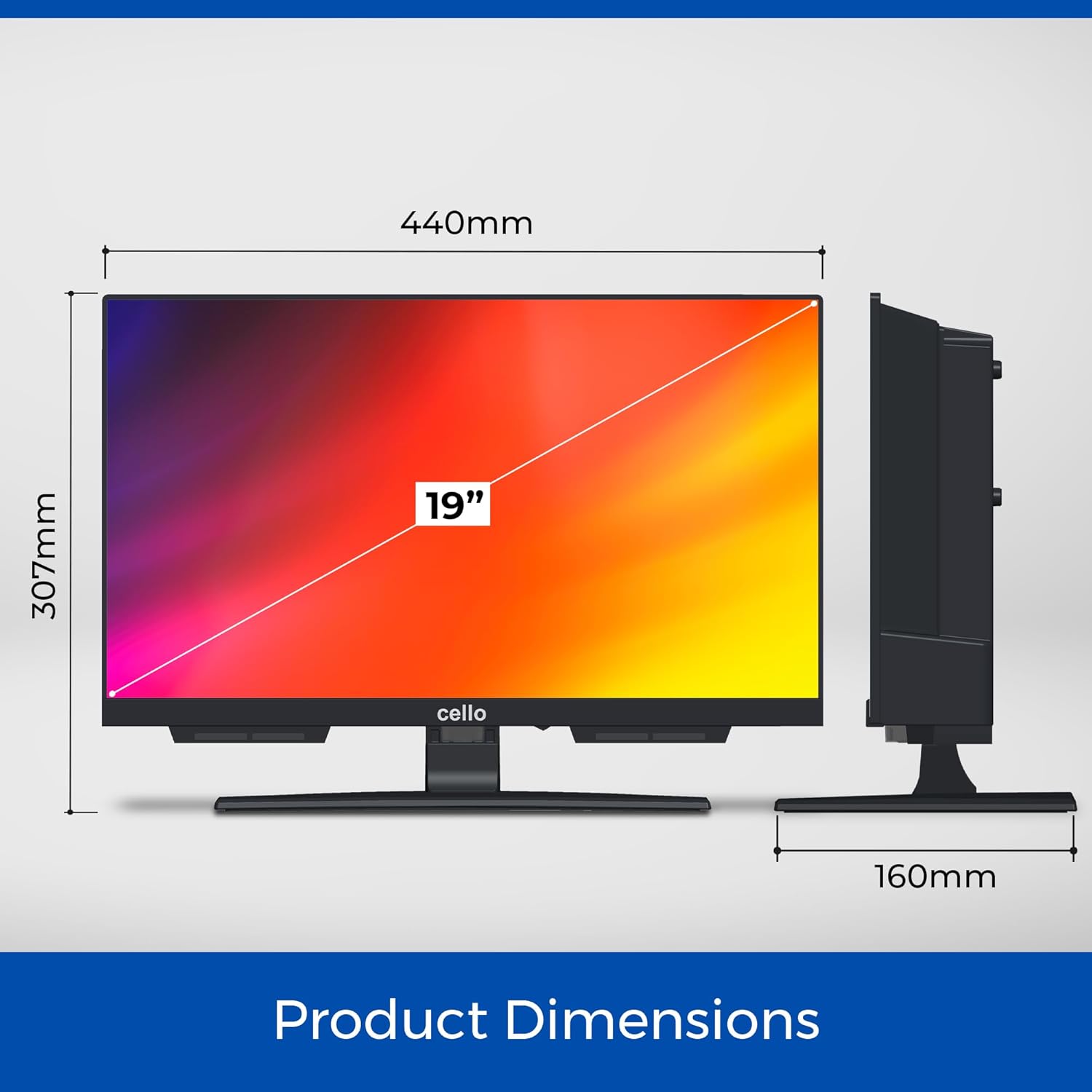
Image: A diagram illustrating the product dimensions of the Cello C1924WSH TV. It shows a width of 440mm, a height of 307mm (including stand), and a depth of 160mm (including stand).
4. 연결성
The Cello C1924WSH offers various ports for connecting external devices.
- HDMI 포트(1개): 블루레이 플레이어, 게임 콘솔, 셋톱박스 등 고화질 기기를 연결하는 데 사용됩니다.
- Optical Port (x1): 사운드바 또는 홈시어터 시스템으로 디지털 오디오를 출력하기 위한 용도입니다.
- RF 포트(1개): 안테나나 위성 접시를 연결하는 데 사용합니다.
- USB 포트(x2): For connecting USB storage devices to play media or record TV programs (DVR function).
- 이더넷 포트 : 유선 인터넷 연결의 경우.
- 블루투스: For wireless connection to compatible audio devices like soundbars or headphones.
- 와이파이: 무선 인터넷 접속을 위해.


Image: Icons representing HDMI, Bluetooth, and Satellite/Antenna connectivity options available on the TV.
5. 초기 설정 및 작동
5.1. 전원 켜기
Connect the power cable to the TV and then to a wall outlet. Press the power button on the remote control or on the TV itself to turn it on.
5.2. 최초 설치 마법사
처음 전원을 켜면 TV가 초기 설정 마법사를 안내합니다. 마법사에는 다음이 포함됩니다.
- 언어 선택
- 네트워크 연결(Wi-Fi 또는 이더넷)
- 채널 스캐닝(DVB-C, DVB-S2, DVB-T2)
- 시간 및 날짜 설정
5.3. WebOS 스마트 기능
The Cello C1924WSH is powered by WebOS Hub by LG, providing a fast and intuitive smart TV experience.

Image: The Cello C1924WSH Smart TV screen showing the WebOS Hub interface, featuring icons for popular streaming services like Netflix, iPlayer, Freeview Play, ITVX, Channel 4, Channel 5, Prime Video, Rakuten TV, Disney+, Apple TV, BBC Sounds, and YouTube.
- 앱 접근: Download and access popular streaming applications such as Netflix, Prime Video, Disney+, Apple TV+, Paramount+, BBC iPlayer, ITVX, and YouTube directly from the WebOS app store.
- 브라우저: 통합된 기능을 활용하세요 web 일반적인 인터넷 서핑용 브라우저입니다.
- Miracast : 호환되는 기기의 콘텐츠를 TV 화면으로 무선으로 미러링하세요.
- Ultrafast Performance: Experience up to 100% faster streaming app performance compared to other systems.
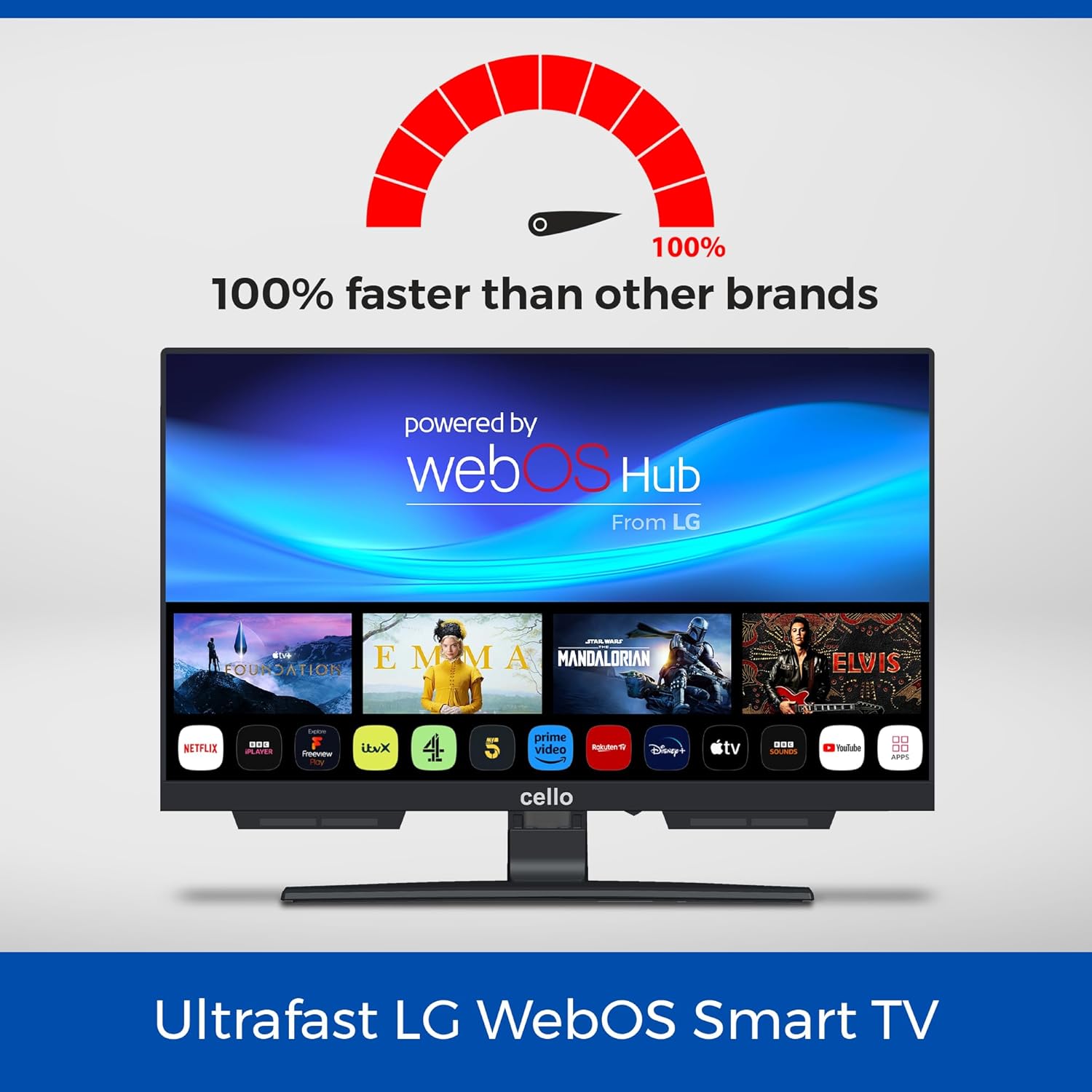
Image: The Cello C1924WSH Smart TV screen with the WebOS Hub logo and a graphic indicating "100% faster than other brands," highlighting its ultrafast performance for streaming applications.
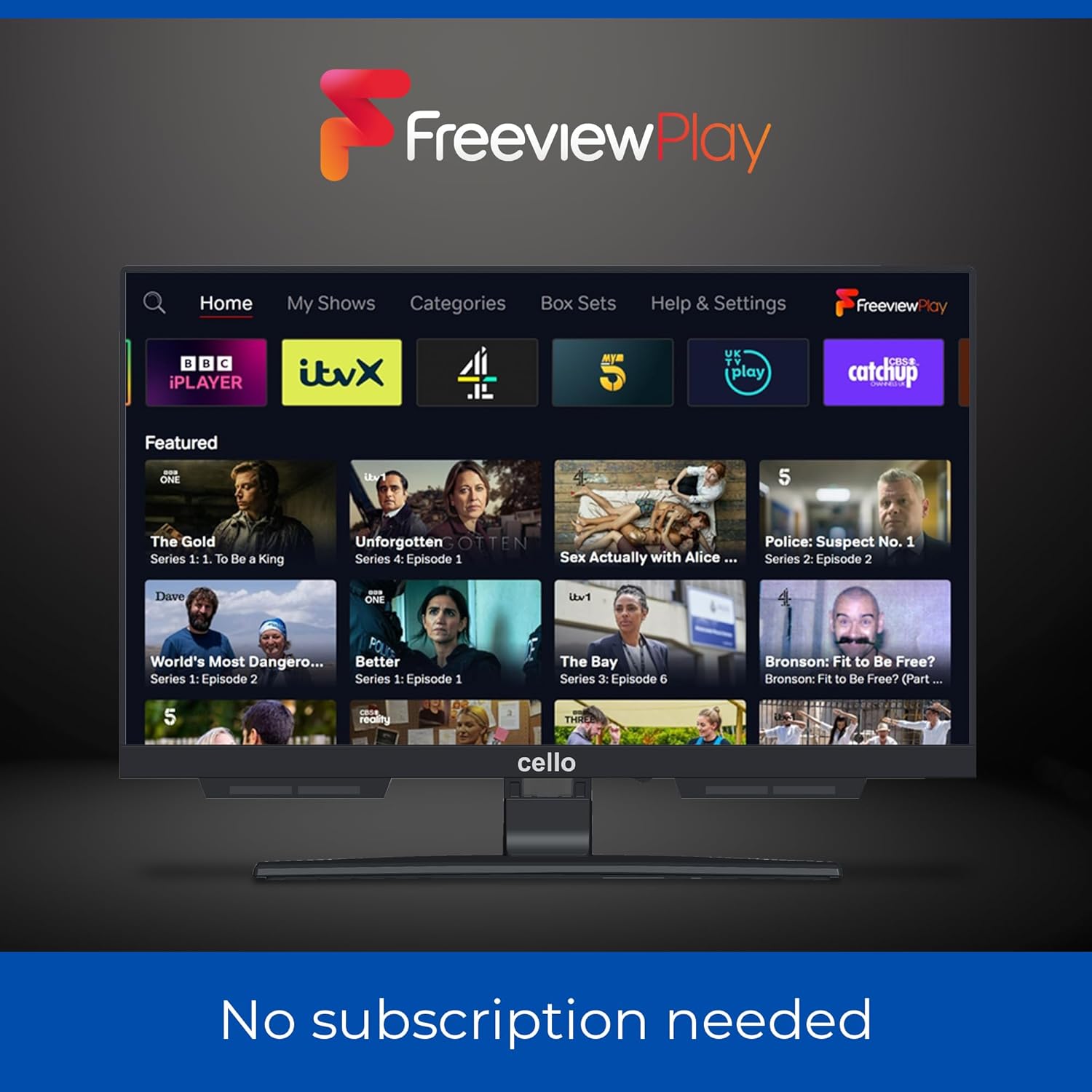
Image: The Cello C1924WSH Smart TV displaying the Freeview Play interface, showing various catch-up TV services like BBC iPlayer, ITVX, Channel 4, and Channel 5. The text "No subscription needed" is visible below the screen.
5.4. Triple Tuner
The integrated triple tuner supports DVB-C (cable), DVB-S2 (satellite), and DVB-T2 (terrestrial) signals, allowing access to a wide range of digital channels in HD resolution.
- 채널 스캔: Perform an automatic or manual channel scan during initial setup or via the settings menu to find available channels.
- USB 녹화(DVR): Connect a USB storage device to record your favorite programs and play back multimedia files.
5.5. Pitch Perfect Sound
The Cello C1924WSH features patented Pitch Perfect Sound technology. This design incorporates a speaker enclosure below the TV to enhance bass, clarify mid-range frequencies, and define high tones, providing an immersive audio experience without external speakers.

Image: A diagram explaining Cello's Pitch Perfect Sound. It shows a speaker enclosure positioned below the TV screen, designed to deliver enhanced bass, clearer mids, and more defined highs for an immersive listening experience.
6. 유지관리
6.1. 화면 청소
부드럽고 보풀이 없는 천으로 화면을 부드럽게 닦으세요. 잘 지워지지 않는 얼룩은 가볍게 닦아주세요.amp천에 물이나 특수 화면 세척제를 묻혀 닦아주세요. 강한 화학 물질이나 연마재는 사용하지 마세요.
6.2. 캐비닛 청소
TV 장식장을 부드럽고 마른 천으로 닦으십시오. 액체 세제를 장식장에 직접 사용하지 마십시오.
6.3. 소프트웨어 업데이트
The TV may receive software updates to improve performance and add features. Ensure your TV is connected to the internet to receive these updates. Check the TV's settings menu for options to manually check for updates.
7. 문제 해결
7.1. 힘이 없다
- 전원 케이블이 TV와 벽면 콘센트에 제대로 연결되어 있는지 확인하십시오.
- 다른 장치를 연결해 벽면 콘센트가 제대로 작동하는지 확인하세요.
- 다른 전원 콘센트를 사용해 보세요.
7.2. 화면이 안 나옴 / 화면 화질이 나쁨
- 올바른 입력 소스가 선택되었는지 확인하세요(예: HDMI 1, TV).
- 모든 케이블 연결(HDMI, 안테나)이 느슨하거나 손상되었는지 확인하세요.
- If using an antenna, ensure it is properly positioned and connected.
- TV 메뉴에서 화면 설정(밝기, 대비, 선명도)을 조정하세요.
7.3. 소리가 나지 않거나 음질이 좋지 않음
- 볼륨 레벨을 확인하고 TV가 음소거되어 있지 않은지 확인하세요.
- If using external audio devices (soundbar, headphones), ensure they are properly connected and powered on.
- TV 메뉴에서 오디오 출력 설정을 확인하십시오.
- If using Bluetooth audio, ensure the device is paired correctly.
7.4. Smart Features Not Working / Network Issues
- Ensure the TV is connected to the internet (Wi-Fi or Ethernet).
- 라우터와 모뎀을 다시 시작하세요.
- TV의 네트워크 설정을 확인하여 Wi-Fi 비밀번호 또는 IP 주소 구성이 올바른지 확인하십시오.
- If an app is not working, try restarting the app or reinstalling it.
8. 사양
| 상표 | 첼로 |
| 모델 번호 | C1924WSH |
| 화면 크기 | 19 인치 |
| 디스플레이 기술 | 주도의 |
| 해결 | 720p |
| 새로 고침 빈도 | 60Hz |
| 운영 체제 | WebOS |
| 연결 기술 | 블루투스, HDMI, USB, Wi-Fi |
| HDMI 포트 수 | 1 |
| USB 포트 수 | 2 |
| 특별 기능 | Bezel-Less Design, Browser, Miracast, USB Recording (DVR) |
| 튜너 유형 | Triple Tuner (DVB-C/-S2/-T2) |
| 오디오 기술 | Pitch Perfect Sound |
| 색상 | 검은색 |
| 종횡비 | 16시 9분 |
| 제품 크기(LxWxH) | 44 x 16 x 30cm (스탠드 포함) |
| 에너지 효율 등급 | E |
9. 보증 및 지원
9.1. 예비 부품 가용성
Spare parts for this product are guaranteed to be available for 5 years from the date of purchase.
9.2. 고객 지원
For technical assistance, troubleshooting beyond this manual, or warranty claims, please contact Cello customer support. Refer to the contact information provided with your purchase documentation or visit the official Cello web대지.


