소개
Welcome to the user manual for your new Cello C2224SH 22 inch Full HD Frameless TV. This television is designed to provide a crisp and clear viewing experience with its 1080p Full HD resolution. It features built-in Freeview HD DVB-T2 and satellite tuners, along with Cello's patented Pitch Perfect Speakers for immersive sound. This manual will guide you through the setup, operation, and maintenance of your television to ensure optimal performance and enjoyment.

The Cello C2224SH 22 inch Full HD Frameless TV, showcasing its sleek design and 22-inch screen.
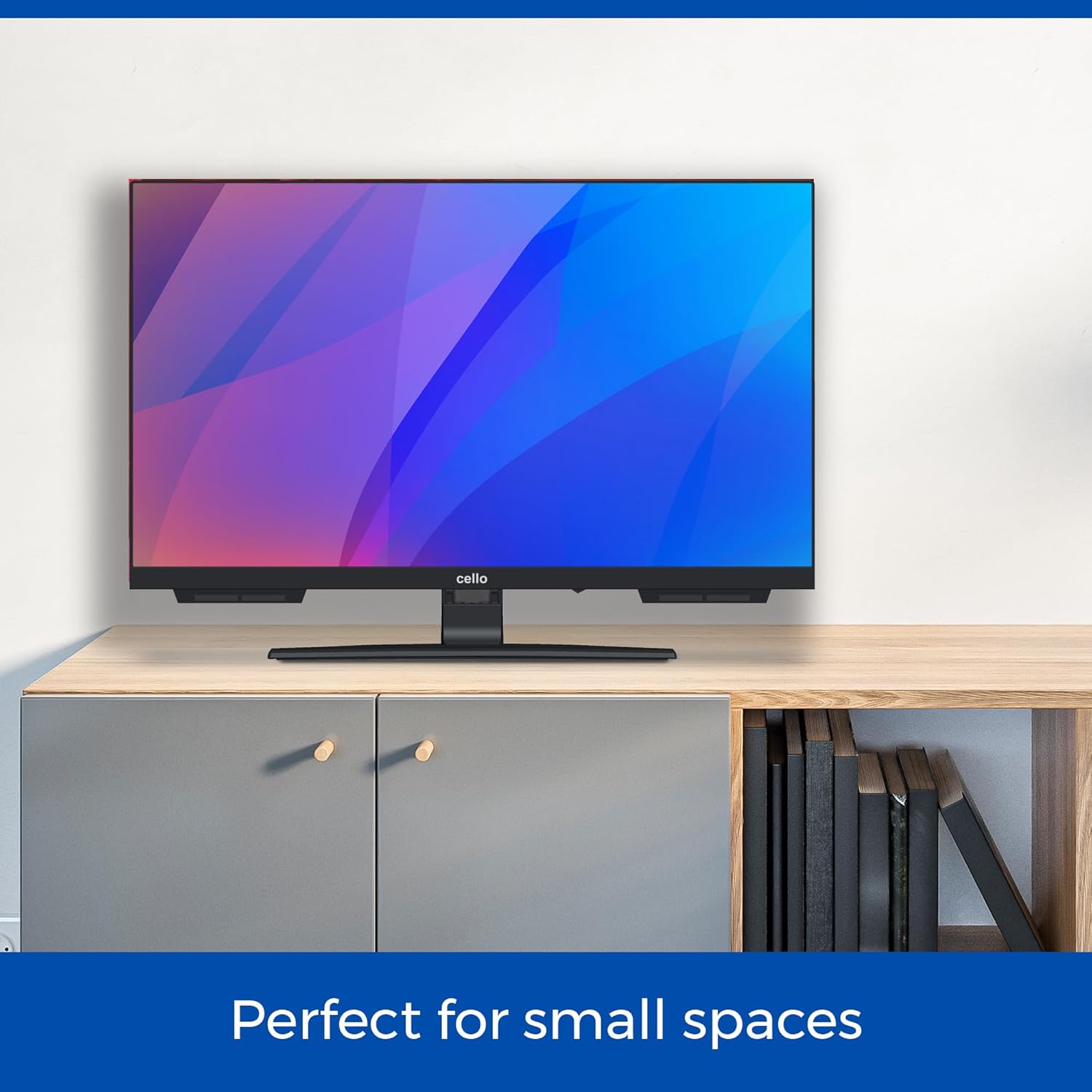
The Cello C2224SH TV is perfectly sized for smaller environments such as kitchens or bedrooms.
설정
언박싱 및 초기 배치
Carefully remove the TV from its packaging. Ensure you have all included components: the TV unit, power cable, and remote control. Place the TV on a stable, flat surface or mount it securely to a wall using a compatible VESA mount (not included).
Connecting Power and Antenna/Satellite
- 제공된 전원 케이블을 TV의 전원 입력 단자에 연결한 다음 벽면 콘센트에 연결하십시오.
- For Freeview HD, connect your terrestrial antenna cable to the RF input on the TV.
- For satellite channels, connect your satellite dish cable to the DVB-S2 input on the TV.
외부 장치 연결
The Cello C2224SH TV offers various connectivity options:
- HDMI 포트: Connect devices such as Blu-ray players, gaming consoles, or streaming sticks using an HDMI cable. The TV has 1 HDMI port.
- USB 포트: Connect USB storage devices for media playback or to record Freeview programs. The TV has 2 USB ports.
- 광 포트 : For high-quality audio output to a soundbar or home theatre system.

Illustration of the TV's USB and HDMI connectivity options for various external devices.
처음 설정 마법사
TV 전원을 처음 켜면 초기 설정 마법사가 나타납니다. 화면의 안내에 따라 다음 단계를 진행하세요.
- 언어를 선택하세요.
- Scan for available Freeview (DVB-T2) and/or Satellite (DVB-S2) channels.
- Set up network connections if applicable (though this model is not a Smart TV, some features might require a network connection via an external device).
운영
기본 기능
- 전원 켜기/끄기: 리모컨이나 TV의 전원 버튼을 누르세요.
- 채널 선택: Use the number buttons or CH+/- on the remote to change channels.
- 볼륨 조절: Use VOL+/- on the remote to adjust the volume.
- 입력 소스: Press the SOURCE button on the remote to switch between HDMI, USB, DVB-T2, and DVB-S2 inputs.
무료view HD and Satellite TV
Your Cello TV includes built-in tuners for Freeview HD (DVB-T2) and Satellite (DVB-S2), providing access to a wide range of digital channels without the need for an external set-top box. After the initial channel scan, you can browse channels using the Electronic Program Guide (EPG).

The TV's integrated tuners allow access to numerous channels, reducing clutter from external devices.
USB Recording and Media Playback
Connect a USB storage device (e.g., a USB flash drive or external hard drive) to one of the TV's USB ports to:
- 생방송 TV 녹화: Use the PVR (Personal Video Recorder) function to record Freeview programs directly to your USB device. Consult the on-screen menu for recording options.
- 미디어 재생 Files: View photos, play music, or watch videos stored on your USB device. Access the media player through the TV's menu.
Pitch Perfect Sound
The Cello C2224SH features a patented Pitch Perfect Sound design, which incorporates a speaker enclosure positioned below the TV. This innovative design enhances bass, clarifies mid-range frequencies, and refines high notes, delivering a more immersive audio experience.

Detail of the Pitch Perfect Sound speaker system, designed for enhanced audio quality.
유지
TV 청소
- 청소하기 전에는 항상 TV의 플러그를 전원 콘센트에서 뽑으세요.
- 부드럽고 마른 보푸라기 없는 천을 사용하여 화면과 캐비닛을 가볍게 닦으세요.
- 화면에 잔뜩 묻은 자국은 가볍게 닦아내세요amp천에 물이나 특수 화면 세척제를 묻혀 닦으세요. 화면에 세척제를 직접 뿌리지 마세요.
- TV의 마감을 손상시킬 수 있으므로 연마성 세척제, 왁스 또는 용제의 사용은 피하세요.
일반 관리
- TV의 통풍구를 막지 마세요.
- TV를 직사광선, 열원, 과도한 먼지로부터 멀리 두세요.
- 전원 코드가 밟히거나 끼지 않도록 보호하세요.
- If the TV will not be used for an extended period, unplug it from the wall outlet.
문제 해결
If you encounter issues with your Cello TV, please refer to the following common problems and solutions:
| 문제 | 가능한 원인 | 해결책 |
|---|---|---|
| 전원이 없습니다 | 전원 케이블이 연결되지 않았습니다. 벽면 콘센트가 작동하지 않습니다. | 전원 케이블이 제대로 연결되어 있는지 확인하세요. 다른 기기로 콘센트를 테스트해 보세요. |
| 그림 없음 / 검은색 화면 | Incorrect input source selected; Loose antenna/HDMI cable. | Press SOURCE button to select correct input. Check all cable connections. |
| 소리가 나지 않습니다 | 볼륨이 너무 낮거나 음소거됨, 외부 오디오 장치 문제. | Increase volume, check mute status. If using external speakers, check their connections and power. |
| 화질 저하 | 신호가 약합니다. 화면 설정이 잘못되었습니다. | Check antenna/satellite signal strength. Adjust picture settings (brightness, contrast, sharpness) in the TV menu. |
| 리모컨이 작동하지 않음 | 배터리 방전; 리모컨과 TV 사이에 장애물이 있음. | Replace batteries (2 AAA batteries required). Ensure no objects block the remote's signal path to the TV's IR receiver. |
If the problem persists after trying these solutions, please contact Cello customer support.
명세서
Below are the technical specifications for the Cello C2224SH 22 inch Full HD Frameless TV:
| 특징 | 세부 사항 |
|---|---|
| 모델 번호 | C2224SH |
| 화면 크기 | 22 인치 (56cm) |
| 해결 | 1080p 풀 HD(1920x1080) |
| 디스플레이 기술 | 주도의 |
| 새로 고침 빈도 | 60Hz |
| 연결성 | 1x HDMI, 2x USB, 1x Optical, 1x RF (Antenna), 1x DVB-S2 (Satellite) |
| 특별 기능 | Built-In Speaker (Pitch Perfect Sound), Bezel-Less Design, USB Recording (DVR) |
| 제품 크기(D x W x H) | 16D x 49W x 34H 센티미터 |
| 무게 | 2.6kg |
| 에너지 효율 등급 | E |
| 포함된 구성 요소 | Power Cable, Remote Control (requires 2 AAA batteries, included) |

Detailed product dimensions for the Cello C2224SH TV.
보증 및 지원
보증 정보
Your Cello C2224SH TV comes with a manufacturer's warranty. Please refer to the warranty card included in your product packaging for specific terms and conditions, including the warranty period and coverage details. Keep your proof of purchase for warranty claims.
고객 지원
For any technical assistance, troubleshooting not covered in this manual, or warranty inquiries, Cello's dedicated customer care team is available to help. Please have your model number (C2224SH) and purchase details ready when contacting support.
- 핸드폰: 0333-433-0312
- 이메일: consumersupport@celloelectronics.com

Cello provides round-the-clock post-purchase support for all customer inquiries.


