소개
The MAONO AU-PM325T is a professional condenser microphone designed for high-quality audio capture. Featuring a 25mm large diaphragm and a cardioid polar pattern, it is suitable for various applications including podcasting, music recording, live streaming, gaming, and vocal performances. This manual provides essential information for setting up, operating, and maintaining your microphone.
패키지 내용
아래 나열된 모든 품목이 패키지에 포함되어 있는지 확인하세요.
- Condenser Microphone (1)
- 쇼크 마운트 (1)
- Table Stand (1)
- Pop Filter (1)
- Wind Foam (1)
- XLR-3.5mm Cable (1)
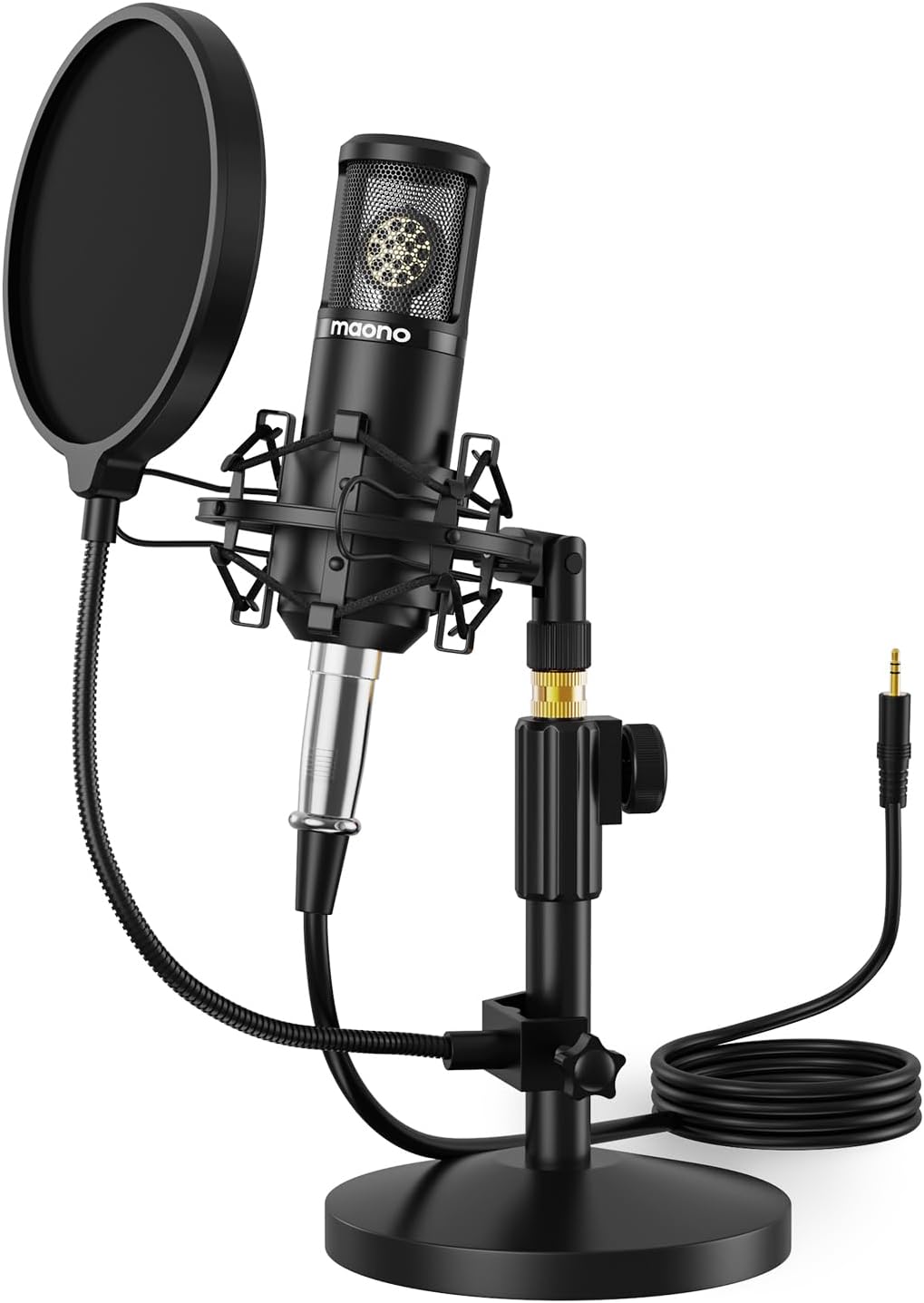
Image: The MAONO AU-PM325T microphone with its shock mount, pop filter, table stand, and connecting cable.
특징
- 25mm 대형 다이어프램: Equipped with a professional sound chipset and a 25mm electret condenser transducer, providing exquisite sound quality with a flat frequency response of 20Hz-20kHz. Ideal for detailed audio capture.
- 플러그 앤 플레이 연결: Features an XLR to 3.5mm connection for easy compatibility with computers and smartphones. Offers strong output, no distortion, and low power consumption.
- 풀 메탈 구조: Built with high-quality metal materials for durability and protection of internal components. The stable all-metal base and height-adjustable metal tube provide robust support.
- 단일 지향성 극성 패턴 : Designed to reduce the pickup of surrounding noise, focusing on sound directly in front of the microphone for an immersive recording experience.
- Noise Reduction Accessories: Includes a shock mount to minimize vibration-induced noise, and a pop filter and wind foam to reduce wind and plosive sounds, ensuring clear vocal recordings.

이미지: 클로즈업 view of the MAONO AU-PM325T microphone's 25mm large diaphragm, highlighting its studio-quality sound capability.
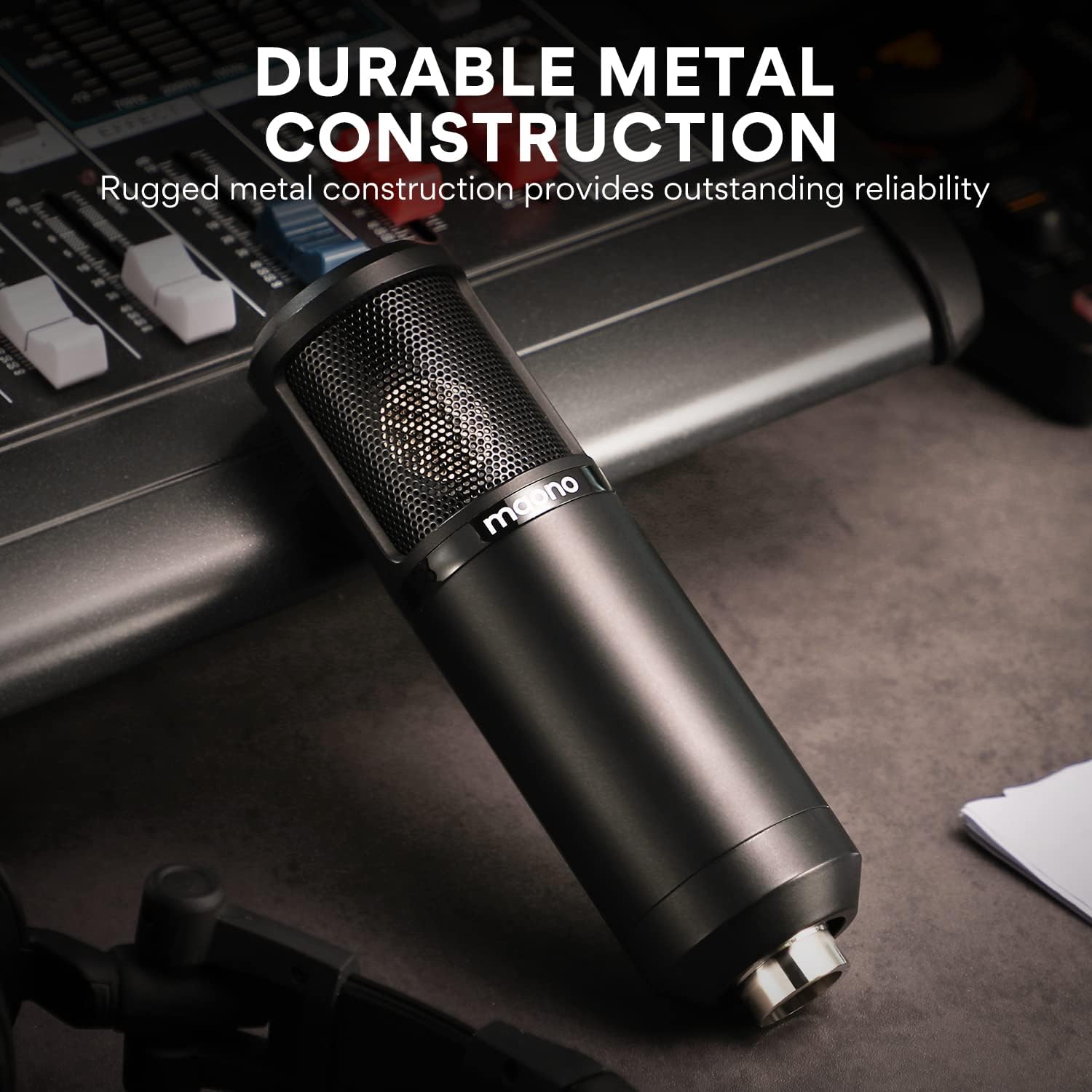
Image: The MAONO AU-PM325T microphone showcasing its durable full metal construction, designed for reliability.
설치 가이드
- 테이블 스탠드를 조립하세요: Securely attach the microphone to the provided table stand. Ensure the stand is stable on a flat surface.
- 쇼크 마운트 설치: Mount the microphone into the shock mount. The shock mount helps isolate the microphone from physical vibrations that can cause unwanted noise.
- Attach Pop Filter and Wind Foam:
- Slide the wind foam over the microphone capsule to reduce plosives and wind noise.
- Attach the pop filter to the stand and position it approximately 2-3 inches in front of the microphone. This further minimizes plosive sounds (like 'p' and 'b').
- Connect the XLR-3.5mm Cable:
- Connect the XLR end of the cable to the microphone's XLR port.
- Connect the 3.5mm end of the cable to your computer's microphone input, smartphone's audio jack (with adapter if needed), or an audio interface.
- 위치: For optimal sound capture, position the microphone directly in front of the sound source (e.g., your mouth) within a few inches. The cardioid polar pattern is most sensitive to sounds from the front.

Image: The MAONO AU-PM325T microphone set up with its stand, shock mount, and pop filter, connected to a laptop, demonstrating its plug-and-play compatibility with various devices including Windows, macOS, and audio interfaces.

Image: The MAONO AU-PM325T microphone connected to an audio interface, illustrating its use in a professional recording setup.
작동 지침
Once the microphone is set up and connected to your device, follow these general guidelines for operation:
- 소프트웨어 구성 : Ensure your recording software, operating system settings, or communication application recognizes the MAONO AU-PM325T as the input device. Adjust input levels to prevent clipping or distortion.
- 최적의 배치: Maintain a consistent distance from the microphone, typically 6-12 inches, for balanced audio levels. Speak or sing directly into the front of the microphone, where the cardioid pattern is most effective.
- 사운드를 모니터링하세요: If your audio interface or computer allows, monitor your audio with headphones to ensure desired sound quality and to identify any unwanted background noise.
- 환경 고려 사항: Record in a quiet environment to maximize the microphone's noise reduction capabilities. The cardioid pattern helps, but it cannot eliminate all ambient sound.

Image: A user recording vocals while playing a guitar, utilizing the MAONO AU-PM325T microphone for clear audio capture.

Image: The MAONO AU-PM325T microphone integrated into a home studio setup, connected to an audio mixer, demonstrating its use for professional recording.
유지
- 청소: 부드럽고 마른 천을 사용하여 마이크 본체를 닦으세요. 액체 세척제나 용제는 마감재나 내부 부품을 손상시킬 수 있으므로 사용하지 마세요.
- Pop Filter and Wind Foam: The pop filter screen can be gently cleaned with a damp cloth if necessary. The wind foam can be hand-washed with mild soap and water, then air-dried completely before re-use.
- 저장: When not in use, store the microphone in a dry, dust-free environment. Disassemble the pop filter and wind foam if storing for extended periods.
- 손질: Handle the microphone with care. Avoid dropping it or exposing it to extreme temperatures or humidity, which can affect its performance and lifespan.
문제 해결
| 문제 | 가능한 원인 | 해결책 |
|---|---|---|
| 사운드 출력이 없습니다 |
|
|
| 음질이 좋지 않음 / 배경 소음 |
|
|
| Microphone unstable on stand |
|
|
명세서
| 특징 | 세부 사항 |
|---|---|
| 상표 | 마오노 |
| 모델명 | PM325T |
| 마이크 폼 팩터 | 대형 다이어프램 |
| 극성 패턴 | 단방향 (카디오이드) |
| 연결 기술 | Auxiliary (XLR to 3.5mm) |
| 커넥터 유형 | 3.5 mm 잭 |
| 오디오 감도 | 45데시벨 |
| 신호 대 잡음 비율 | 78데시벨 |
| 주파수 응답 | 20Hz - 20kHz |
| 전원 | 코드식 전기 |
| 재료 | 알류미늄 |
| 색상 | 검은색 |
| 품목 무게 | 3.58파운드 |
| 패키지 크기 | 10.55 x 8.23 x 4.45 인치 |
| 호환 장치 | Audio Interface, Audio Mixer, Personal Computer, Smartphone |
| 추천 용도 | Singing, Gaming, Streaming, Voice Recording, Video Recording, Speech, Video Conference |
보증 및 지원
보증 정보 및 기술 지원에 대해서는 공식 MAONO를 참조하십시오. web사이트를 방문하거나 MAONO 고객 서비스에 직접 문의하세요. 보증 청구를 위해 구매 영수증을 보관하세요.
You can visit the MAONO Store for more information: MAONO 공식 스토어