1. 서론
Thank you for choosing the SYLVOX 40-inch Smart RV TV. This television is designed for versatile use, offering both DC and AC power options, making it ideal for RVs, campers, and home environments. Featuring the Android 11.0 system, it provides a smart and intuitive viewing experience with access to a wide range of applications, Google Assistant, and built-in Chromecast.
This manual provides detailed instructions for setting up, operating, and maintaining your SYLVOX Smart RV TV. Please read it thoroughly before use to ensure proper functionality and longevity of your device.
2. 상자 안에 무엇이 들어있나요?
Upon opening your SYLVOX Smart RV TV package, please verify that all the following components are included:
- SYLVOX 40-inch Smart RV TV
- Remote Control (2 AAA batteries required, often included)
- Power Cord (for AC power)
- Car Charger Cable (for DC power)
- 전원 어댑터
- 사용 설명서
- Base Stands (2 pieces)
- Screws for Base Stands
- 드라이버

Contents of the SYLVOX Smart RV TV package.
3. 설정
3.1 풀기 및 초기 배치
TV를 포장에서 조심스럽게 꺼내세요. TV를 안정적이고 평평한 표면에 놓거나 벽에 설치할 준비를 하세요. TV 주변이 충분히 통풍되도록 하세요.

앞쪽 view of the SYLVOX Smart RV TV.
3.2 Attaching the Base Stands (Optional)
If you are not wall-mounting the TV, attach the included base stands to the bottom of the TV using the provided screws and screwdriver. Ensure they are securely fastened.
3.3 전원 연결
Your SYLVOX RV TV supports both DC and AC power supply:
- DC Power (10.5V-28V): For RVs, campers, or yachts, connect the provided car charger cable directly to your vehicle's 12V/24V power outlet. The TV features wide voltage protection and shock resistance for mobile environments.
- 교류 전원(110V): For home use, connect the power adapter to the TV and then plug the power cord into a standard 110V AC wall outlet.
3.4 원격 제어 설정
Insert the two AAA batteries into the remote control, observing the correct polarity. The remote is pre-paired and ready for use.
4. Operating Your Smart RV TV
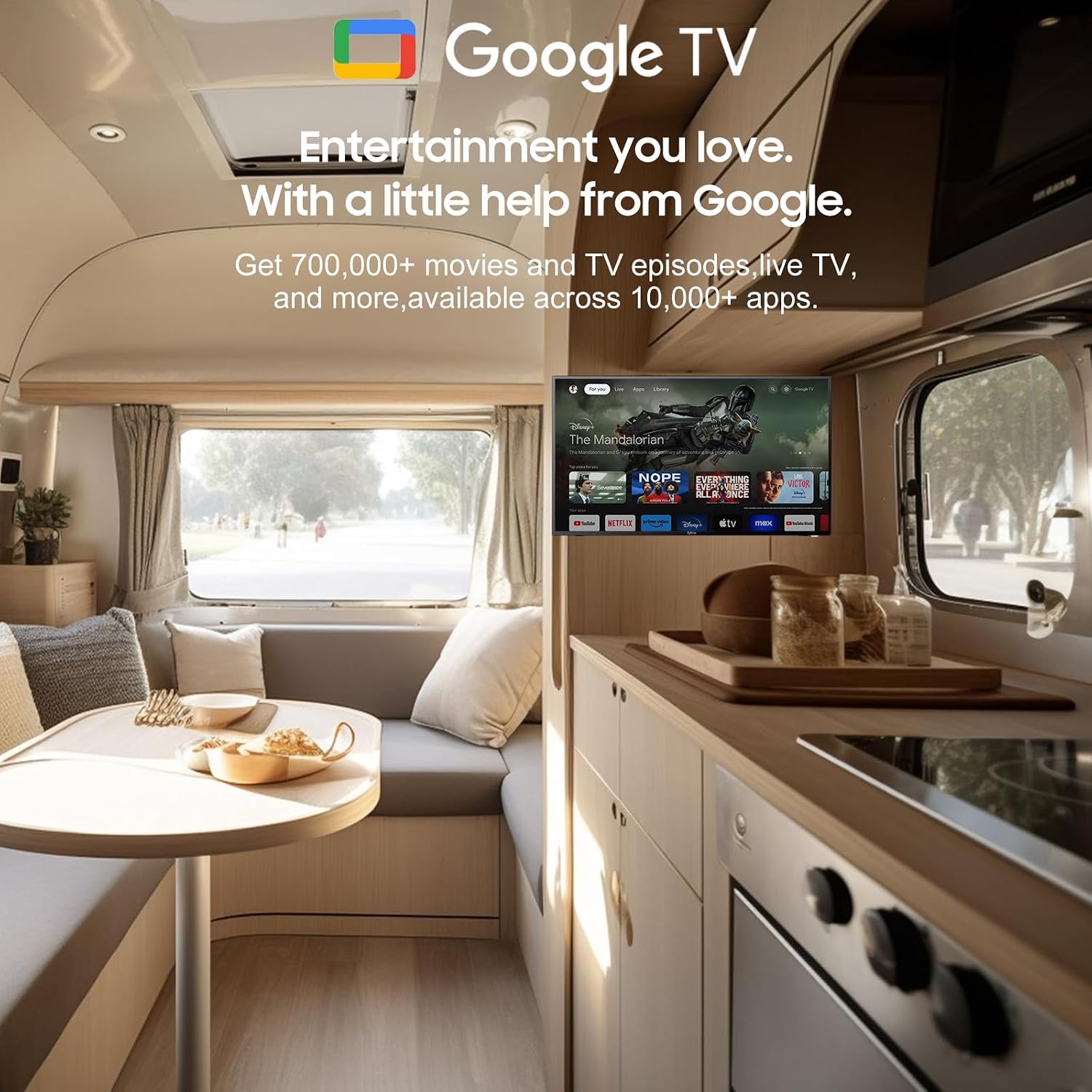
4.1 Smart Android 11.0 System
The TV runs on the Android 11.0 operating system, providing a user-friendly interface and access to a vast ecosystem of apps. Upon first power-on, follow the on-screen prompts to set up your language, Wi-Fi connection, and Google account.
4.2 Google 어시스턴트
Your remote control includes a dedicated Google Assistant button. Press this button and speak your commands to easily search for content, control smart home devices, get answers, and more.

음성 명령을 위해 Google 어시스턴트를 활용하세요.
4.3 구글 플레이 스토어
Access the Google Play Store directly from your TV to browse and download a wide variety of applications, games, and media streaming services, expanding your entertainment options.
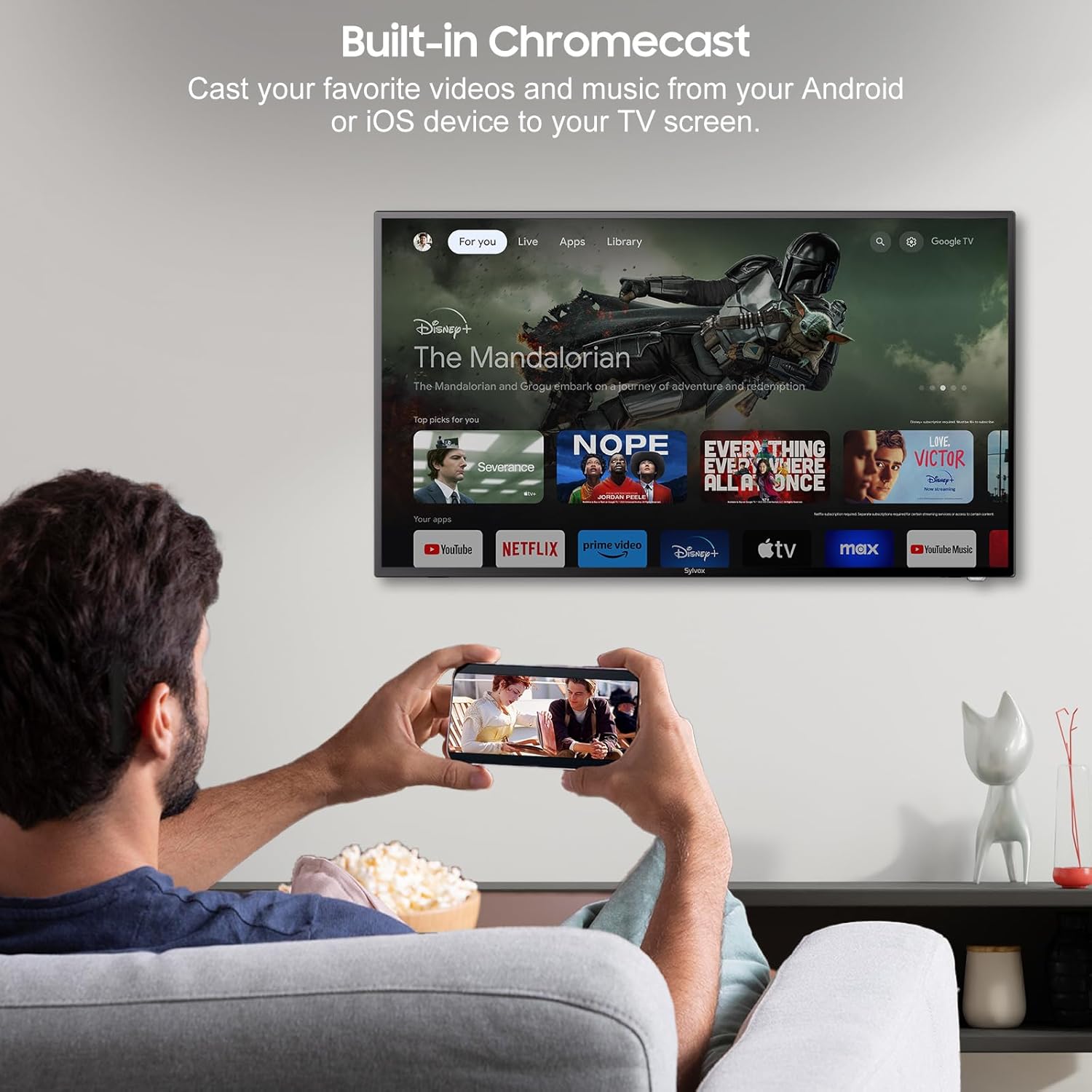
4.4 Built-in Chromecast
With built-in Chromecast, you can effortlessly stream and display content (videos, photos, music) from your compatible mobile devices (Android or iOS) or computers directly onto the TV screen.

Stream content with built-in Chromecast.
5. 연결성
Your SYLVOX Smart RV TV offers a comprehensive range of connectivity options for various devices:
- HDMI 포트: Connect external devices such as gaming consoles, Blu-ray players, or set-top boxes.
- USB 포트: 미디어 재생 files directly from USB drives or connect USB peripherals.
- RJ45(이더넷) 포트: 안정적인 유선 인터넷 연결을 위해.
- 광학 오디오 출력: Connect to soundbars or home theater systems for enhanced audio.
- RF 입력: 공중파 방송을 수신하기 위해 안테나를 연결합니다.
- AV Input (Mini AV): 컴포지트 비디오 및 스테레오 오디오 출력을 지원하는 구형 기기를 연결하는 데 사용합니다.
- 이어폰 잭: 개인적으로 듣기 위한 것입니다.
5.1 무선 연결
- 와이파이: 인터넷 접속 및 스마트 TV 기능을 사용하려면 무선 네트워크에 연결하세요.
- 블루투스: 헤드폰, 스피커 또는 게임 컨트롤러와 같은 블루투스 지원 장치와 페어링하세요.
Wireless and wired connectivity options.

Rear panel connectivity ports.
6. 화질 및 음질
6.1 1080P Full HD Display
Experience stunning visuals with the 1080P Full HD resolution, providing crisp, clear, and immersive picture quality for all your content.
1080P Full HD picture quality comparison.
6.2 Built-in HiFi Speakers
The TV is equipped with two built-in HiFi speakers, delivering rich and immersive audio to complement your viewing experience. For enhanced sound, external audio systems can be connected via the available audio output ports or Bluetooth.
7. 유지관리
7.1 청소
- 화면: 부드럽고 보풀이 없는 천으로 화면을 부드럽게 닦으세요. 잘 지워지지 않는 얼룩의 경우, 화면에 직접 닿지 않도록 천에 화면 전용 세척액을 묻혀 사용하세요.
- 내각: TV 캐비닛은 부드럽고 마른 천으로 닦으세요. 연마성 세제나 용제는 사용하지 마세요.
7.2 보관
If storing the TV for an extended period, disconnect it from power, clean it, and store it in a cool, dry place, preferably in its original packaging to protect it from dust and physical damage.
8. 문제 해결
If you encounter issues with your SYLVOX Smart RV TV, please refer to the following common problems and solutions:
| 문제 | 가능한 원인 | 해결책 |
|---|---|---|
| 전원이 없습니다 | Power cable not connected; outlet malfunction; vehicle battery low (for DC) | Ensure power cable is securely connected. Test outlet with another device. Check vehicle battery charge. |
| 화면은 나오지 않지만 소리는 나옵니다 | 잘못된 입력 소스가 선택되었습니다. 외부 장치 문제입니다. | Press the 'Input' or 'Source' button on the remote to select the correct input. Check connections to external devices. |
| 소리는 나지 않지만 화면은 보입니다 | 음량이 음소거되었거나 너무 작음; 외부 오디오 시스템 문제 | Unmute volume or increase level. Check connections to external speakers/soundbar. |
| 리모콘이 응답하지 않음 | 배터리 방전; 리모컨과 TV 사이에 장애물이 있음 | 배터리를 교체하십시오. 장애물을 제거하십시오. 통신 범위 내에 있는지 확인하십시오. |
| Wi-Fi에 연결할 수 없습니다 | 비밀번호가 잘못되었거나, 공유기 문제이거나, TV가 공유기에서 너무 멀리 떨어져 있는 경우 | Double-check Wi-Fi password. Restart router. Move TV closer to router or use Ethernet. |
| 앱이 로드되지 않거나 충돌합니다 | Insufficient memory; app specific issue; outdated app version | Clear app cache/data. Update the app. Restart the TV. |
If the problem persists after trying these solutions, please contact SYLVOX customer support for further assistance.
9. 사양
Detailed technical specifications for the SYLVOX 40-inch Smart RV TV:
| 특징 | 사양 |
|---|---|
| 상표 | 실복스 |
| 모델 번호 | 40 Vehicle Smart |
| 화면 크기 | 40인치(대각선 102cm) |
| 디스플레이 기술 | 주도의 |
| 해결 | 1080p(풀 HD) |
| 새로 고침 빈도 | 60Hz |
| 운영 체제 | 안드로이드 11.0 |
| 전원 공급 장치 | DC 10.5V-28V, AC 110V |
| 왓tage | 84 와트 |
| 연결성 | Bluetooth, WiFi, Ethernet (RJ45), HDMI, USB, Wireless |
| 포트 | HDMI, USB, RJ45, Optical, RF, AV, Earphone |
| 스피커 유형 | Built-In HiFi Speakers |
| 품목 무게 | 14.33파운드 |
| 제품 크기(DxWxH) | 8.32 x 35.7 x 22.11 인치 |
| 종횡비 | 16시 9분 |
| 특별 기능 | DC/AC, 12V, Wide voltage protection, Vibration protection, Google Assistant, Chromecast |
10. 보증 및 지원
SYLVOX is committed to providing high-quality products and excellent customer service. Your SYLVOX Smart RV TV comes with the following:
- 12개월 무상 제품 하자 보증: 구매일로부터 1년 동안 제조상의 결함에 대한 보증을 제공합니다.
- 품질 문제 발생 시 무료 반품: If you experience quality-related problems, returns are free of charge.
- 30일 이내 번거로움 없는 반품: Enjoy a 30-day return period for your convenience.
Please note that original packaging may be required for returns. For any technical assistance, warranty claims, or product inquiries, please contact SYLVOX customer support through the official SYLVOX web사이트 또는 구매 플랫폼.


