1. 서론
This manual provides instructions for the safe and effective use of your Coby Kids' Wireless Bluetooth Earbuds, Model CETW582 (Umi The Unicorn). Please read this manual thoroughly before using the product and retain it for future reference.
These earbuds are designed for children, featuring an ergonomic design with soft gel tips for a comfortable and secure fit. They offer wireless audio connectivity via Bluetooth 5.1 and are rated IPX4 for water resistance.
2. 상자 안에 무엇이 들어있나요?
상자를 풀 때 모든 구성품이 들어 있는지 확인하세요.
- Coby Wireless Bluetooth Earbuds (Left and Right)
- Umi The Unicorn Charging Case
- 마이크로 USB 충전 케이블
- 사용자 설명서
3. 제품 오버view
Familiarize yourself with the components of your Coby Kids' Wireless Earbuds.

그림 3.1: The Coby Kids' Wireless Earbuds shown within their Umi The Unicorn charging case, alongside a closed view of the case. The earbuds are white with soft gel tips, and the case features a unicorn design with a horn and ears.

그림 3.2: 클로즈업 view of the Umi The Unicorn charging case, highlighting its design elements including the unicorn's face, horn, and ears.
이어버드 특징:
- 터치 컨트롤 영역: 재생, 통화, 음성 지원을 관리합니다.
- LED 표시등: 페어링 상태와 배터리 잔량을 표시합니다.
- 마이크로폰: 핸즈프리 통화를 위해.
- 젤 팁: Soft, interchangeable tips for comfortable fit.
충전 케이스 특징:
- 충전 포트: Micro USB port for charging the case.
- 이어버드 충전 슬롯: 이어버드를 안전하게 고정하고 충전합니다.
- 충전 표시기: 케이스와 이어버드의 충전 상태를 보여줍니다.
4. 설정
4.1 초기 충전
- 처음 사용하기 전에 충전 케이스와 이어버드를 완전히 충전하세요.
- 양쪽 이어버드를 충전 케이스에 넣습니다.
- Connect the Micro USB charging cable to the charging port on the case and the other end to a USB power source (e.g., computer, wall adapter).
- The charging indicator on the case will illuminate to show charging is in progress. A full charge takes approximately 1.5 hours.
- 완전히 충전되면 충전 케이블을 분리하세요.
4.2 블루투스 기기와 페어링
이 이어버드는 안정적인 무선 연결을 위해 블루투스 5.1을 사용합니다.
- 이어버드가 충전되어 있고 충전 케이스에 넣어져 있는지 확인하세요.
- 충전 케이스를 여세요. 이어버드가 자동으로 켜지고 페어링 모드로 전환됩니다. 이어버드의 LED 표시등이 깜빡이며 페어링 준비가 완료되었음을 알려줍니다.
- 사용하시는 기기(예: 스마트폰, 태블릿, 노트북)에서 블루투스를 활성화하세요.
- 검색 available Bluetooth devices. Select "COBY-CETW582" from the list.
- Once connected, the earbud LED indicators will stop flashing or show a solid light (refer to specific LED behavior in the full manual if available). A voice prompt may confirm successful pairing.
- 기기에서 Bluetooth가 활성화되어 있는 경우, 이어버드를 케이스에서 꺼내면 마지막으로 페어링된 기기에 자동으로 다시 연결됩니다.

그림 4.1: A child wearing the Coby Kids' Wireless Earbuds, demonstrating their comfortable and secure fit with soft gel tips.
5. 운영
5.1 전원 켜기/끄기
- 전원 켜기: 충전 케이스를 열거나, 양쪽 이어버드의 터치 컨트롤 영역을 3초간 길게 누르세요.
- 전원 끄기 : 이어버드를 충전 케이스에 다시 넣고 뚜껑을 닫거나, 양쪽 이어버드의 터치 컨트롤 영역을 5초 동안 길게 누르세요.
5.2 음악 재생
- 재생/일시 중지: 양쪽 이어버드의 터치 컨트롤 영역을 한 번 탭합니다.
- 다음 트랙: 오른쪽 이어버드의 터치 컨트롤 영역을 두 번 탭합니다.
- 이전 트랙 : 왼쪽 이어버드의 터치 컨트롤 영역을 두 번 탭합니다.
- 볼륨 조절: 연결된 기기에서 직접 볼륨을 조절하세요.
5.3 전화 통화
- 전화 받기/종료: 양쪽 이어버드의 터치 컨트롤 영역을 한 번 탭합니다.
- 전화 거부: 양쪽 이어버드의 터치 컨트롤 영역을 2초간 길게 누르세요.
5.4 음성 어시스턴트
- Voice Assistant 활성화 : 이어버드 양쪽의 터치 컨트롤 영역을 세 번 탭하세요.
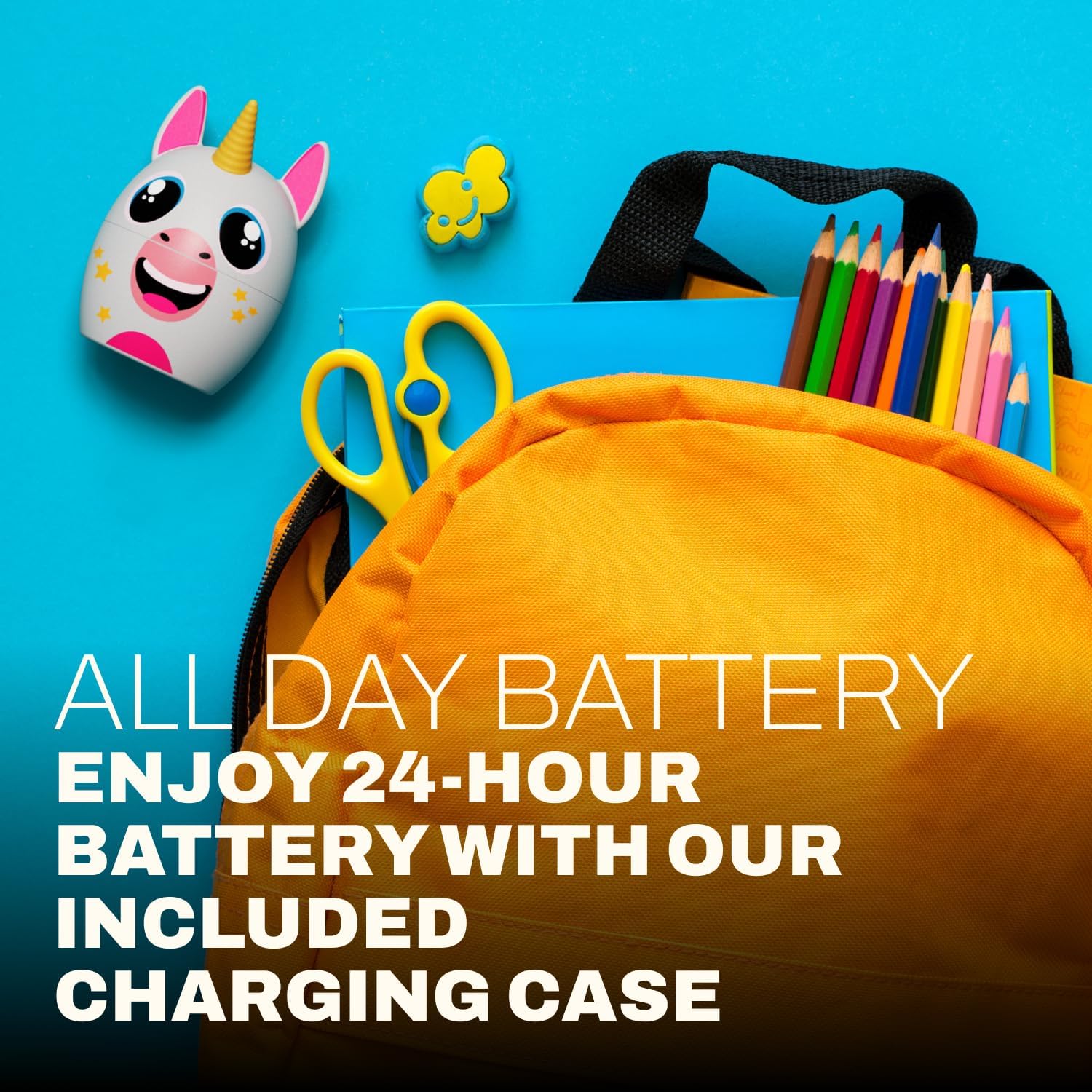
그림 5.1: A child focused on studying while wearing the Coby Kids' Wireless Earbuds, illustrating their use for educational or quiet activities.
6. 유지관리
6.1 청소
- 부드럽고 마른 보푸라기 없는 천을 사용하여 이어버드와 충전 케이스를 청소하세요.
- 연마성 세척제, 용제 또는 에어로졸 스프레이를 사용하지 마십시오.
- 작고 부드러운 솔이나 면봉을 사용하여 이어버드 팁과 스피커 메시에 묻은 귀지나 이물질을 조심스럽게 제거하세요.
6.2 보관
- 사용하지 않을 때는 이어버드를 충전 케이스에 보관하여 보호하고 충전 상태를 유지하세요.
- 제품은 서늘하고 건조한 곳에 보관하고, 극한의 온도와 직사광선을 피하세요.
6.3 방수 등급(IPX4)
The earbuds are IPX4 water-resistant, meaning they are protected from splashing water from any direction. They are not designed for submersion in water. Avoid exposing them to heavy rain, showering, or swimming.
7. 문제 해결
| 문제 | 가능한 원인 | 해결책 |
|---|---|---|
| 이어폰의 전원이 켜지지 않습니다. | 배터리가 부족합니다. | 이어버드와 충전 케이스를 완전히 충전하세요. |
| 기기와 페어링할 수 없습니다. | 기기의 블루투스가 꺼져 있습니다. 이어버드가 페어링 모드가 아닙니다. 기기와의 거리가 너무 멀습니다. | Ensure Bluetooth is enabled on your device. Place earbuds in case, close, then open to re-enter pairing mode. Move device closer to earbuds (within 33 feet). |
| 소리가 나지 않거나 간헐적으로 소리가 납니다. | Earbuds not properly connected; low battery; interference. | Check Bluetooth connection. Recharge earbuds. Move away from other wireless devices. |
| 한쪽 이어버드에서 소리가 나지 않습니다. | 이어버드가 제대로 동기화되지 않았습니다. | Place both earbuds back into the charging case, close the lid, then open again to re-sync. |
| Earbuds slip out of ears. | Incorrect gel tip size or improper insertion. | Ensure gel tips are correctly sized for the user's ears. Adjust the angle of insertion for a secure fit. |
8. 사양
| 특징 | 세부 사항 |
|---|---|
| 모델명 | COBY-CETW582 |
| 연결 기술 | 블루투스, 무선 |
| 무선 통신 기술 | 블루투스 5.1 |
| 포함된 구성 요소 | Coby Wireless Bluetooth Earbuds for Kids |
| 충전 시간 | 1.5시간 |
| 호환 장치 | 휴대폰, 노트북, 태블릿 |
| 제어 유형 | 미디어 컨트롤, 터치 |
| 품목 무게 | 1.6 온스 |
| 방수 레벨 | IPX4 방수 |
| 주파수 범위 | 20Hz ~ 20,000Hz |
| 배터리 수명 | 최대 24시간(충전 케이스 사용 시) |
| 블루투스 범위 | 최대 33피트 |
| 제품 치수 | 3 x 2.5 x 2.5 인치 |
9. 지원
For further assistance, product information, or warranty inquiries, please visit the official Coby website or contact Coby customer support.
- 코비 공식 Web대지: www.cobyusa.com (전amp링크를 클릭하시고 실제 지원 여부를 확인해 주세요. URL)
- 고객 서비스: Refer to the Coby web연락처 정보 사이트.


