1. 서론
Thank you for choosing the Telefunken 40DTAF724 Android TV. This manual provides essential information for the safe and efficient use of your new television. Please read these instructions thoroughly before operating the device and retain them for future reference.
2. 제품 오버view
The Telefunken 40DTAF724 is a 40-inch Full HD (1920 x 1080) Android Smart TV designed to deliver an immersive viewing experience. It features a bezel-less design, HDR10 support for enhanced color and contrast, and integrated Chromecast. With built-in Bluetooth and Wi-Fi connectivity, it is compatible with Google Assistant and Alexa for smart home integration.
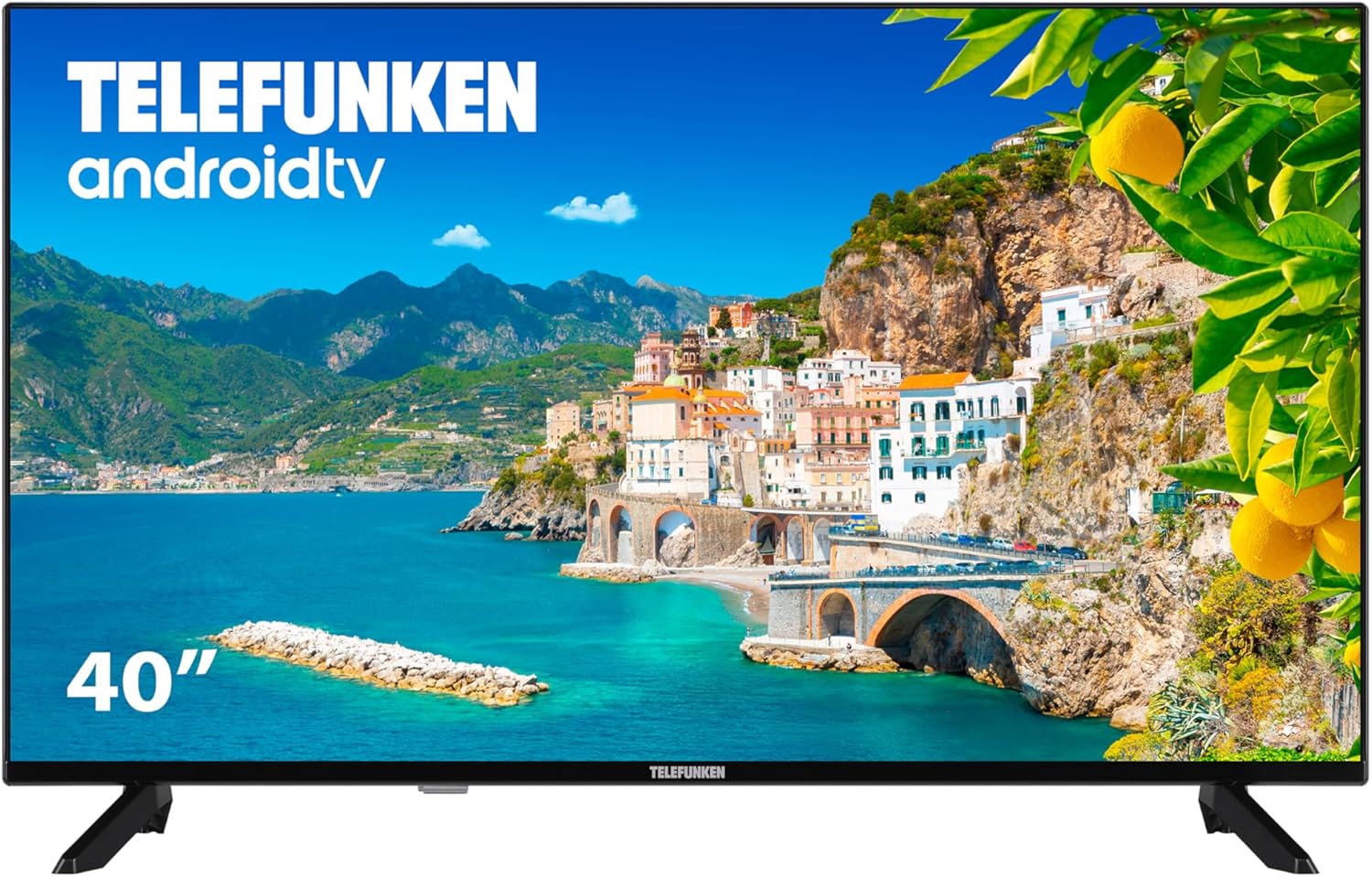
그림 2.1: 앞쪽 view of the Telefunken 40DTAF724 Android TV, showcasing its bezel-less design and display.
3. 상자 안에 무엇이 들어있나요?
Upon unpacking your Telefunken 40DTAF724 TV, please ensure all the following components are present:
- Telefunken 40DTAF724 Android TV Unit
- 원격 제어
- 원격 제어용 배터리
- 사용 설명서 (본 문서)
- 전원 케이블
- TV Stands (2 units) and Screws for assembly
4. 설정
4.1. 스탠드 설치
TV 스탠드를 설치하려면:
- 화면 손상을 방지하려면 부드럽고 평평한 표면에 TV를 뒤집어서 조심스럽게 놓으세요.
- 각 스탠드를 TV 바닥의 해당 나사 구멍에 맞춥니다.
- 제공된 나사를 사용하여 각 스탠드를 고정하세요. 나사가 단단히 조여졌는지 확인하세요.
4.2. 벽면 장착 (선택 사항)
The Telefunken 40DTAF724 is compatible with VESA 100 x 100 M4 wall mounts. Please refer to your wall mount's instructions for proper installation. Ensure the wall can support the TV's weight (8.46 kg) and the mount.

그림 4.1: 옆 view of the TV with dimensions (90.2 cm width, 56.7 cm height, 16.7 cm depth) and VESA mount details.
4.3. 장치 연결
Connect your external devices (e.g., cable box, gaming console, Blu-ray player) to the TV's ports. The TV supports HDMI, USB, Ethernet, and Bluetooth connectivity.

그림 4.2: 뒤쪽 view of the TV, illustrating the location of HDMI, USB, Ethernet, and other input/output ports.
For optimal performance, use high-quality HDMI cables for video and audio connections.
5. 사용 설명서
5.1. 최초 설정
After connecting the power cable and turning on the TV for the first time, you will be guided through the initial setup process. This includes:
- 언어 선택
- 네트워크 연결(Wi-Fi 또는 이더넷)
- Google Account sign-in (recommended for full Android TV features)
- 채널 스캐닝
- 이용약관 동의
5.2. 안드로이드 TV 기능
Your Telefunken TV runs on Android TV, providing access to a wide range of apps and services:
- 구글 플레이 스토어: Download your favorite streaming apps, games, and more.
- Chromecast 내장: 스마트폰, 태블릿 또는 컴퓨터의 콘텐츠를 TV 화면으로 바로 전송하세요.
- 구글 어시스턴트: 리모컨을 통해 음성 명령을 사용하여 콘텐츠를 검색하고, 스마트 홈 기기를 제어하고, 정보를 얻으세요.
- 알렉사 호환성: Integrate your TV with Alexa-enabled devices for voice control.
- HDR10: Experience enhanced contrast and a wider range of colors with HDR10 content.
5.3. 원격 제어
The included remote control allows you to navigate the TV's interface, adjust settings, and access smart features. Insert the provided batteries into the remote control, ensuring correct polarity.
6. 유지관리
TV의 수명과 최적의 성능을 보장하려면 다음 사항을 준수하십시오.
- 청소: Unplug the TV before cleaning. Use a soft, dry cloth to wipe the screen and exterior. Do not use liquid cleaners or sprays directly on the screen.
- 통풍: TV 주변의 통풍이 잘 되도록 하세요. 통풍구를 막지 마세요.
- 힘: 번개가 칠 때나 장시간 사용하지 않을 때는 TV의 플러그를 뽑아 두세요.
7. 문제 해결
TV에 문제가 발생하면 다음의 일반적인 해결책을 참조하세요.
- 전원 없음: 전원 케이블이 TV와 전원 콘센트에 단단히 연결되어 있는지 확인하세요. 콘센트가 제대로 작동하는지 확인하세요.
- 화면/소리 없음: 올바른 입력 소스가 선택되었는지 확인하세요. 모든 케이블 연결(HDMI, 안테나 등)을 확인하세요.
- 원격 제어가 작동하지 않음: 배터리를 교체하세요. 리모컨과 TV IR 센서 사이에 장애물이 없는지 확인하세요.
- 네트워크 연결 문제: 라우터와 모뎀을 재시작하세요. TV를 Wi-Fi 네트워크에 다시 연결하거나 이더넷 케이블을 확인하세요.
- 느린 성능: Close unused applications. Clear the cache of frequently used apps. Consider a factory reset if issues persist (note: this will erase all personal data and settings).
For further assistance, please contact Telefunken customer support.
8. 사양
| 특징 | 사양 |
|---|---|
| 상표 | 텔레푼켄 |
| 모델 번호 | 40DTAF724 |
| 화면 크기 | 40 인치 |
| 디스플레이 기술 | 주도의 |
| 해결 | 1080p (Full HD 1920 x 1080) |
| 새로 고침 빈도 | 60Hz |
| 특별 기능 | Chromecast, Bezel-less Design, VESA Wall Mount, HDR10 |
| 연결성 | 블루투스, 이더넷, HDMI, USB, Wi-Fi |
| 종횡비 | 1.77시 1분 |
| 제품 크기(가로x세로x높이) | 90.2 x 16.7 x 56.7cm |
| 무게 | 8.46kg |
| 에너지 효율 등급 | E |
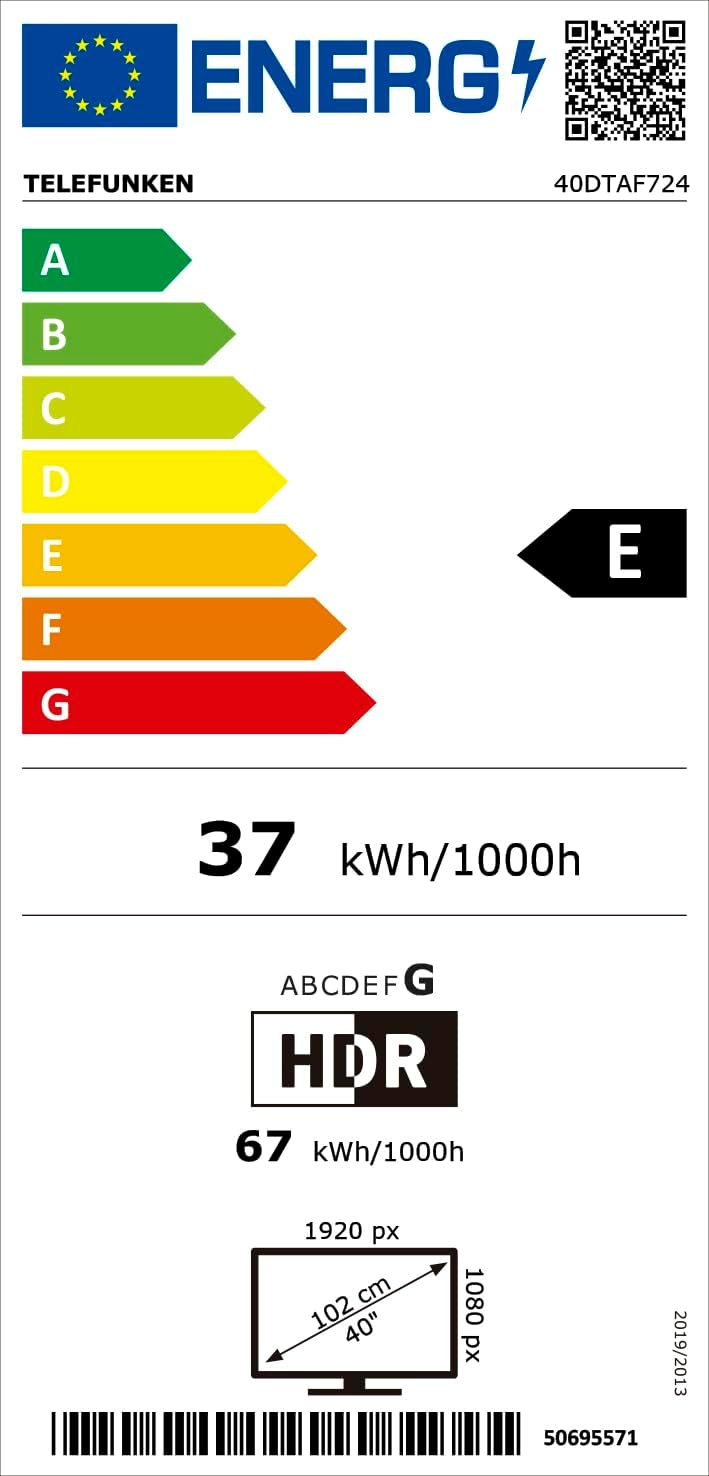
그림 8.1: Energy efficiency label for the Telefunken 40DTAF724 TV, showing its 'E' rating and power consumption.
For more details, scan the QR code or visit eprel.ec.europa.eu/qr/1860952.
9. 보증 및 지원
Your Telefunken 40DTAF724 TV comes with a standard manufacturer's warranty. Please refer to the warranty card included in the packaging for specific terms and conditions. For technical support, service, or warranty claims, please contact your local Telefunken customer service center. Contact information can typically be found on the Telefunken official web사이트 또는 보증 문서에서 확인하세요.


