소개
Welcome to the Yihou Smart Watch user manual. This guide provides detailed instructions on how to set up, operate, and maintain your new Yihou Smart Watch (Model QX11). Please read this manual carefully to ensure proper use and to fully utilize all the features of your device.

Image: The Yihou Smart Watch, showcasing its beige strap and square display with various health and time indicators.
설정
1. 언 박스
패키지를 열 때 다음 품목이 모두 들어 있는지 확인하세요.
- 스마트 워치 x 1
- 충전 케이블 x 1
- 사용 설명서 x 1
2. 초기 충전
Before first use, fully charge your Yihou Smart Watch. Connect the magnetic charging cable to the charging points on the back of the watch and plug the USB end into a compatible power adapter (not included). A full charge typically takes about 2-3 hours.

Image: A close-up of the Yihou Smart Watch screen displaying '420mAh' and indicators for 'Daily usage mode' (10 days) and 'Daily standby mode' (30 days), illustrating its long battery life.
3. 앱 설치 및 페어링
To unlock the full functionality of your smart watch, download the 글로리핏 스마트폰의 앱.
- 검색 "GloryFit" on Google Play Store (for Android devices) or Apple App Store (for iOS devices).
- Alternatively, scan the QR code provided in the physical user manual to download the app.
- Ensure your smartphone meets the equipment requirements: iOS 9.0 and above; Android 5.0 and above.
- Once installed, open the GloryFit app and follow the on-screen instructions to pair your Yihou Smart Watch via Bluetooth. Ensure Bluetooth is enabled on your phone.
4. 시계 착용하기
For accurate data monitoring and comfortable wear, position the watch about one finger's distance from your wrist bone. Adjust the strap tightness to a comfortable position, ensuring it is snug but not overly tight.
운영
1. 기본 탐색
The Yihou Smart Watch features a full touch screen for intuitive navigation. Swipe left, right, up, or down to access different functions and menus. Press the side buttons for specific actions like power on/off or returning to the home screen.
2. Bluetooth 통화 및 알림
The watch supports high-definition Bluetooth calls using a premium AAC waterproof speaker. You can answer/make calls directly from your wrist.
- 전화 걸기/받기: Once paired with your phone, you can answer incoming calls or dial numbers from the watch. The watch can store over 100 contacts.
- SOS 긴급 호출: Utilize the SOS feature for emergency situations.
- 스마트 알림: Receive message notifications from various apps (e.g., WeChat, Facebook, Line, WhatsApp) directly on your watch.

Image: The Yihou Smart Watch screen showing the Bluetooth call interface, including options for contacts, call history, dialpad, and an SOS button.
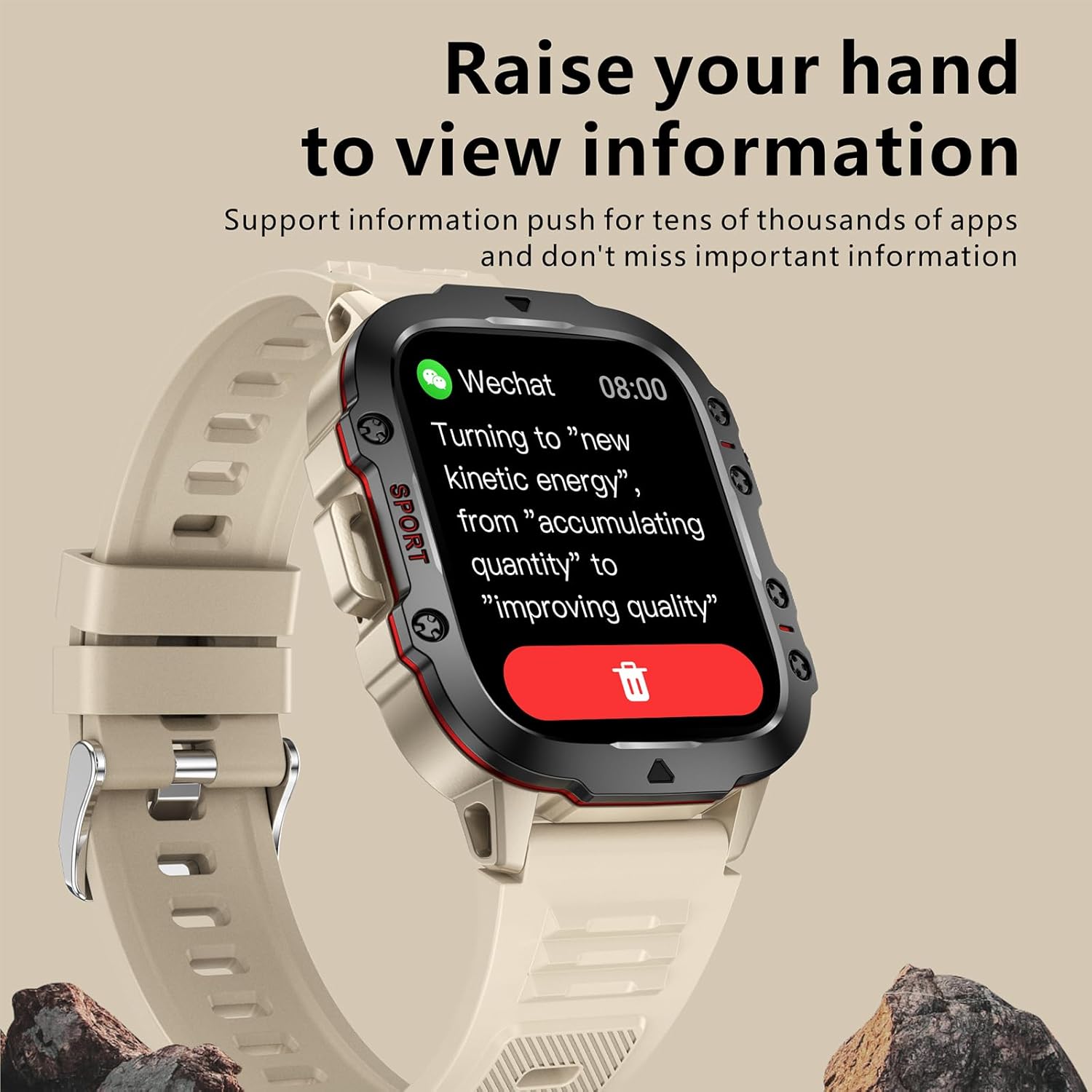
Image: The Yihou Smart Watch screen displaying a WeChat message notification, demonstrating its ability to show information from various apps.
3. 건강 모니터링
The Yihou Smart Watch provides comprehensive health monitoring features:
- 심박수 모니터: 심박수를 24시간 내내 지속적으로 모니터링합니다.
- 혈압 모니터: 혈압을 추적합니다.
- 수면 모니터링: Analyzes your sleep patterns, including deep sleep, light sleep, and wakefulness duration.
- 호흡 훈련: 호흡 운동을 안내합니다.
Important Note: Smartwatch data is for reference only and cannot be used for medical purposes. Consult a professional doctor for medical advice.

Image: The Yihou Smart Watch displaying heart rate data (70 bpm) and a graph, indicating its 24-hour monitoring capability.

Image: The Yihou Smart Watch displaying sleep monitoring data, showing total sleep duration, deep sleep, light sleep, awake time, and REM sleep.
4. 스포츠 모드 및 활동 추적
The watch offers over 100 built-in sports modes to track various exercise types. It accurately records your steps, distance, and calorie burn.
- 운동 기록: Tracks steps, distance, and calorie calculation.
- 100개 이상의 스포츠 모드: Select from a wide range of activities like outdoor run, indoor run, outdoor walk, skipping, swimming, badminton, boxing, indoor walk, trail running, basketball, football, and more.

Image: The Yihou Smart Watch screen showing a list of over 100 sport modes, including outdoor run, indoor run, outdoor walk, skipping, swimming, and more.
5. 기타 스마트 기능
The Yihou Smart Watch includes several other practical functions:
- 자명종
- 카메라 제어
- 음악 제어
- 날씨 예보
- 앉아서 보내는 시간 알림
- 전화 찾기
- 스톱워치
- Custom Watch Dial
- AI 보이스 어시스턴트
- 음악 재생
- 밝기 조정
유지
1. 내구성 및 방수성
The Yihou Smart Watch is built with military-grade quality, featuring an aviation alloy material body that is anti-fall, pressure-resistant, and protected against sand and extreme temperatures. It has a 3ATM waterproof rating, designed to withstand daily activities.
- 방수 기능: The 3ATM rating means the watch is resistant to splashes, rain, and brief immersion in water. It is suitable for daily wear, including hand washing and light rain. It is ~ 아니다 recommended for showering, swimming, or diving.
- 환경 저항성: The watch is designed to endure challenging conditions, offering protection against drops, pressure, sand, and extreme temperatures.
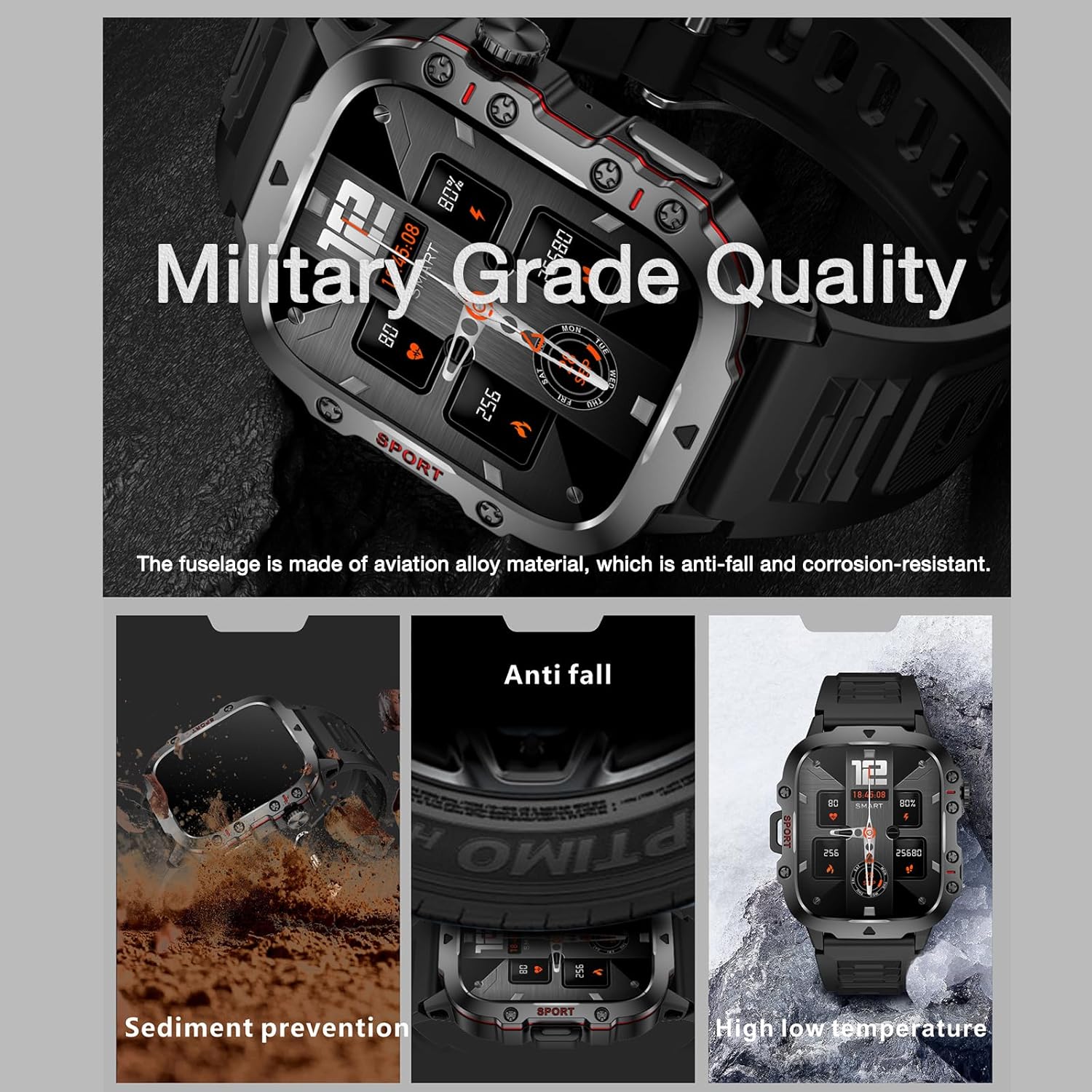
Image: The Yihou Smart Watch highlighting its military-grade quality, with insets showing anti-fall, sediment prevention, and high/low temperature resistance.
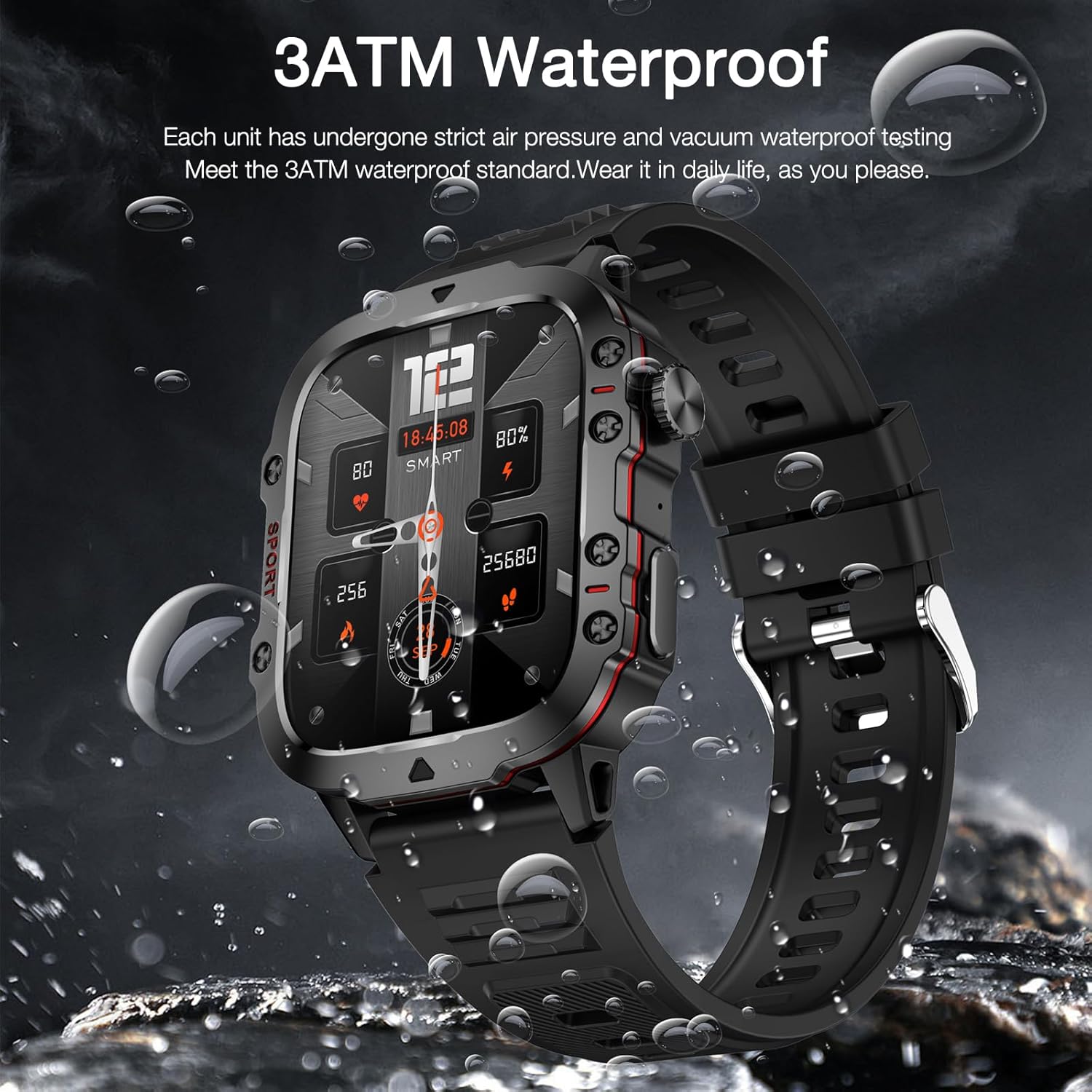
Image: The Yihou Smart Watch with water droplets, illustrating its 3ATM waterproof capability for daily use.
2. 청소
To keep your watch in optimal condition, regularly clean the watch body and strap. Use a soft, damp cloth to wipe away dirt and sweat. Avoid using harsh chemicals or abrasive materials that could damage the watch's surface.
문제 해결
1. 일반적인 문제
- 시계가 켜지지 않음: Ensure the watch is fully charged. Connect it to the magnetic charging cable and allow it to charge for at least 30 minutes before attempting to power it on.
- 휴대폰과 페어링할 수 없습니다: Make sure Bluetooth is enabled on your phone and the watch. Ensure the GloryFit app is open and attempting to connect. Try restarting both your phone and the watch.
- 부정확한 건강 데이터: Ensure the watch is worn correctly, snug but not too tight, and positioned about one finger's distance from your wrist bone. Environmental factors and movement can affect readings. Remember, data is for reference only.
- 알림이 나타나지 않음: Check app permissions in your phone's settings to ensure GloryFit has access to notifications. Also, verify notification settings within the GloryFit app itself.
2. 중요 사항
- 소프트웨어 업데이트: Always upgrade to the latest software version for a better experience when prompted by the GloryFit app. Updates often include bug fixes and performance improvements.
- Language Synchronization: The app language automatically switches languages according to your phone's system language.
- 의학 면책 조항 : The monitoring data from the smartwatch is for reference only and cannot be used for medical purposes. If you require medical assistance, please consult a professional doctor.
명세서
| 특징 | 세부 사항 |
|---|---|
| 상표 | 이호우 |
| 모델명 | QX11 |
| 화면 크기 | 1.96 inches (240*282 resolution) |
| 작동 유형 | 풀 터치 스크린 |
| 연결 기술 | 듀얼 블루투스 5.2 |
| 배터리 용량 | 420mAh 리튬 금속 배터리 |
| 충전 유형 | 자기 충전 |
| 완전 충전 시간 | 약 2-3시간 |
| 근무시간 | 7-10일(일반적인 사용) |
| 대기 시간 | 최대 30일 |
| 케이스 소재 | 합금 |
| 밴드 소재 | 고무 |
| Dial Case Length | 50mm(1.97인치) |
| 다이얼 케이스 너비 | 43.5mm(1.71인치) |
| 다이얼 케이스 두께 | 12.2mm(0.48인치) |
| 대역폭 | 22mm(0.87인치) |
| 밴드 길이 | 265mm(10.43인치) |
| 품목 무게 | 65그램(2.29온스) |
| 제품 치수 | 0.47 x 1.71 x 0.47 인치 |
| 방수 등급 | 3ATM |
| 호환 OS | Android 5.0 이상; iOS 9.0 이상 |
| 특별 기능 | SOS Button, Multisport Tracker, Activity Tracker, Phone Call, Shockproof |
| GPS | GPS 없음 |
| 제조업체 | Shenzhen Hanle Youpin Technology Co.,Ltd. |
| 원산지 | 중국 |


