1. 서론
This manual provides essential instructions for the safe and efficient use of your Retevis B3S Portable Two-Way Radios. Please read this manual thoroughly before operating the device and retain it for future reference. The Retevis B3S is a compact, license-free FRS radio designed for clear communication.
비디오: 오버view of the Retevis B3S walkie-talkie, showcasin디자인과 기능.
2. 안전 정보
Observe the following safety precautions to prevent injury or damage to your radio:
- 폭발 위험이 있는 환경(예: 가연성 가스, 먼지 또는 분말 주변)에서 라디오를 작동하지 마십시오.
- 라디오를 분해하거나 개조하지 마십시오. 수리는 반드시 공인된 담당자만 수행해야 합니다.
- 라디오를 장시간 직사광선이나 극한 온도에 노출시키지 마세요.
- 라디오를 물과 습기로부터 멀리하십시오. 이 제품은 방수 기능이 없습니다.
- Retevis에서 승인한 액세서리와 충전기만 사용하십시오.
3. 제품 오버view
3.1 패키지 내용
The Retevis B3S package includes:
- 2 x Retevis B3S Walkie Talkies (with 1620 mAh Li-ion battery included)
- 2 x 벨트 클립
- 1 x USB-C 충전 케이블
- 1 x 충전기 어댑터
- 1 x 사용자 설명서

Image: The complete package contents for the Retevis B3S walkie-talkie set.
3.2 Radio Features
The Retevis B3S features a clear LCD screen for easy information display, a compact and lightweight design, and a durable build. It operates on license-free FRS frequencies.

이미지: 앞면 view of the Retevis B3S walkie-talkie, highlighting its LCD screen and compact form factor.

Image: Demonstrating the ultra-thin design of the Retevis B3S, measuring 0.59 inches, for easy carrying.
4. 설정
4.1 배터리 충전
Your Retevis B3S walkie-talkie comes with a built-in 1620mAh Li-ion battery. Before first use, fully charge the battery.
- Connect the USB-C charging cable to the charging port on the side of the radio.
- Connect the other end of the USB-C cable to the provided charger adapter, then plug the adapter into a power outlet.
- The LCD screen will indicate charging status. A full charge typically takes several hours.

Image: Two Retevis B3S radios being charged simultaneously using the USB-C charging method.

Image: Visual representation of the 1620mAh battery capacity, supporting extended use.
4.2 벨트 클립 부착
벨트 클립을 라디오 뒷면의 지정된 슬롯에 맞춰 딸깍 소리가 나면서 단단히 고정될 때까지 밀어 넣으십시오.
5. 사용 설명서
5.1 전원 켜기/끄기
To power on the radio, rotate the Power/Volume knob clockwise until you hear a click and the LCD screen illuminates. To power off, rotate the knob counter-clockwise until it clicks off.
5.2 채널 선택
The Retevis B3S has 16 channels. Use the Channel Selector knob on top of the radio to choose your desired channel. Ensure all radios in your group are on the same channel for communication.
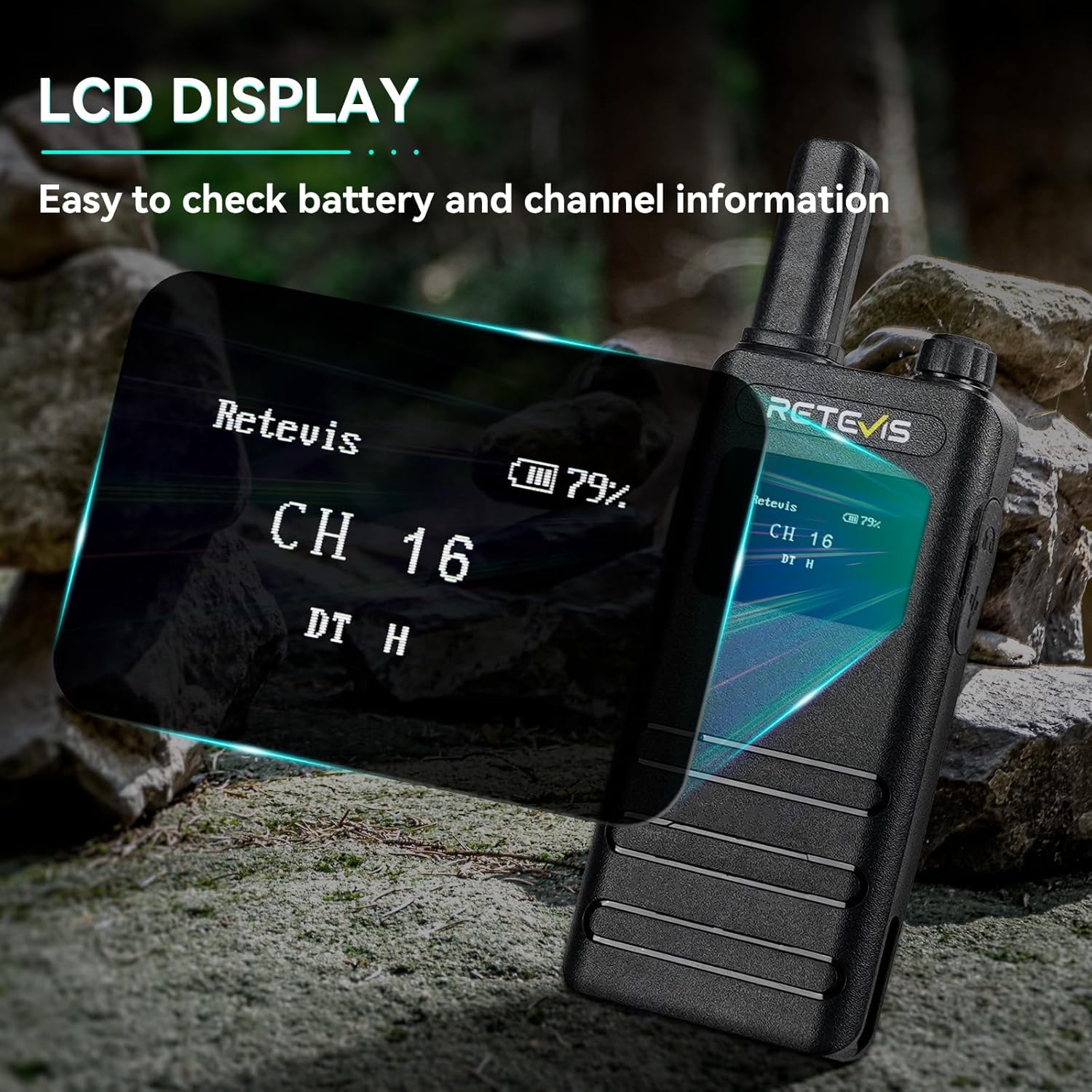
Image: The LCD screen of the Retevis B3S displaying channel and battery information.
Video: Demonstrating the various display options and settings accessible via the Retevis B3S LCD screen.
5.3 전송 및 수신
To transmit, press and hold the Push-to-Talk (PTT) button on the side of the radio and speak clearly into the microphone. Release the PTT button to receive. Adjust the volume using the Power/Volume knob.
5.4 VOX 핸즈프리 기능
The Voice Operated Exchange (VOX) function allows for hands-free communication without pressing the PTT button.
- Shortly press the Function Key to access the main menu.
- Use the + or - key to navigate to the VOX menu.
- Press the Function Key to enter the VOX function settings.
- Use the + or - key to set VOX to OFF or select a sensitivity level from 1-10.
- Press the Function Key to confirm your setting and return to the previous menu.

Image: Illustration of the VOX hands-free feature, allowing communication without manual button press.
5.5 비상 경보
In an emergency, you can activate an audible alarm to alert others.
- Long press the defined side key (usually the orange button) to activate the emergency alarm.
- The radio will emit a loud siren sound.
- To deactivate, short press the PTT button or power cycle the radio.
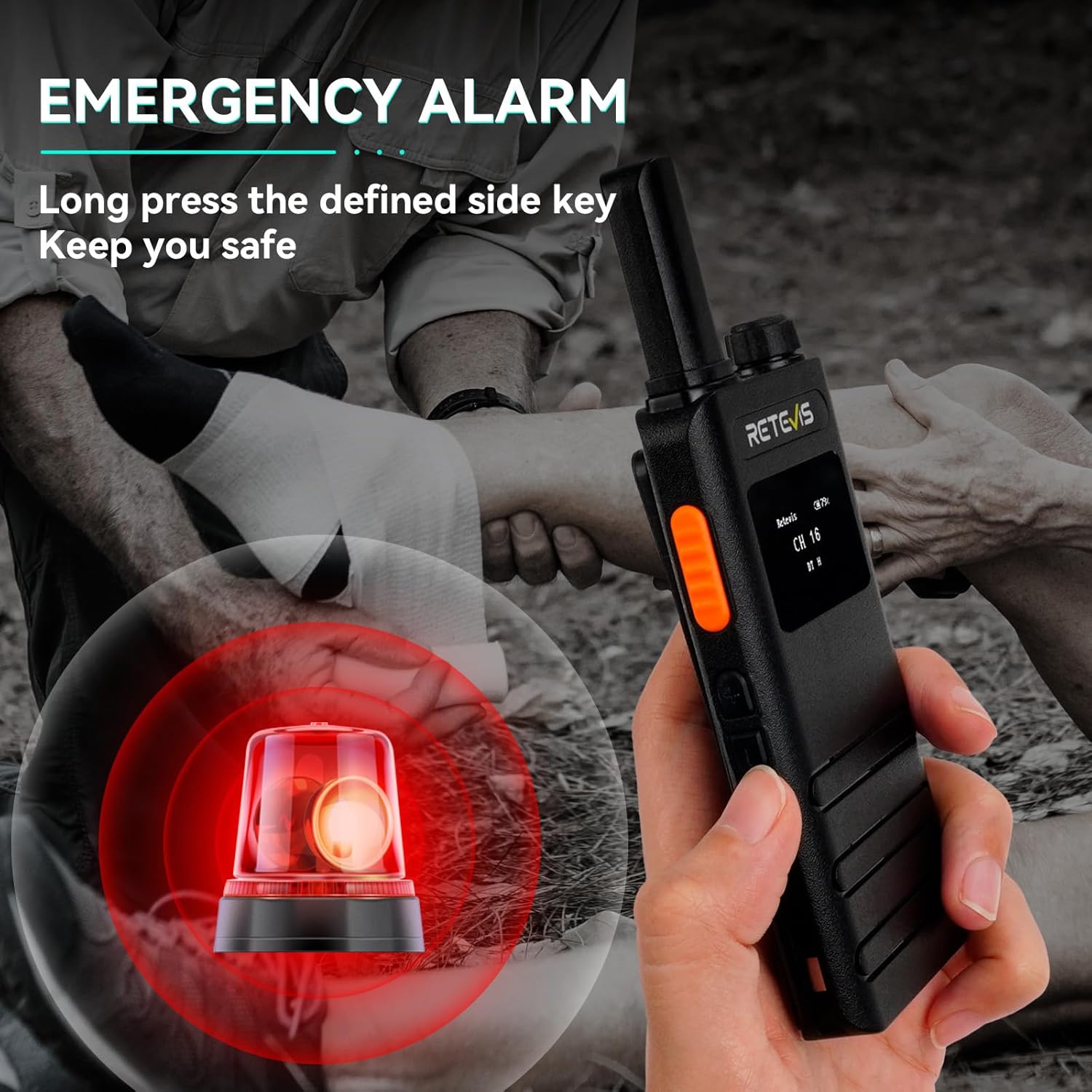
Image: Visual representation of the emergency alarm feature, activated by pressing a side key.
Video: Instructions on how to activate and use the emergency alarm function on the Retevis B3S.
5.6 CTCSS/DCS Codes (Privacy Codes)
CTCSS (Continuous Tone-Coded Squelch System) and DCS (Digitally Coded Squelch) codes help filter out unwanted conversations on a channel. When a CTCSS/DCS code is set, you will only hear transmissions from radios using the same channel and code.
- Access the menu via the Function Key.
- Navigate to the R-CTCSS/T-CTCSS or R-DCS/T-DCS settings.
- Select the desired code. Ensure all radios in your group use the same channel and code.
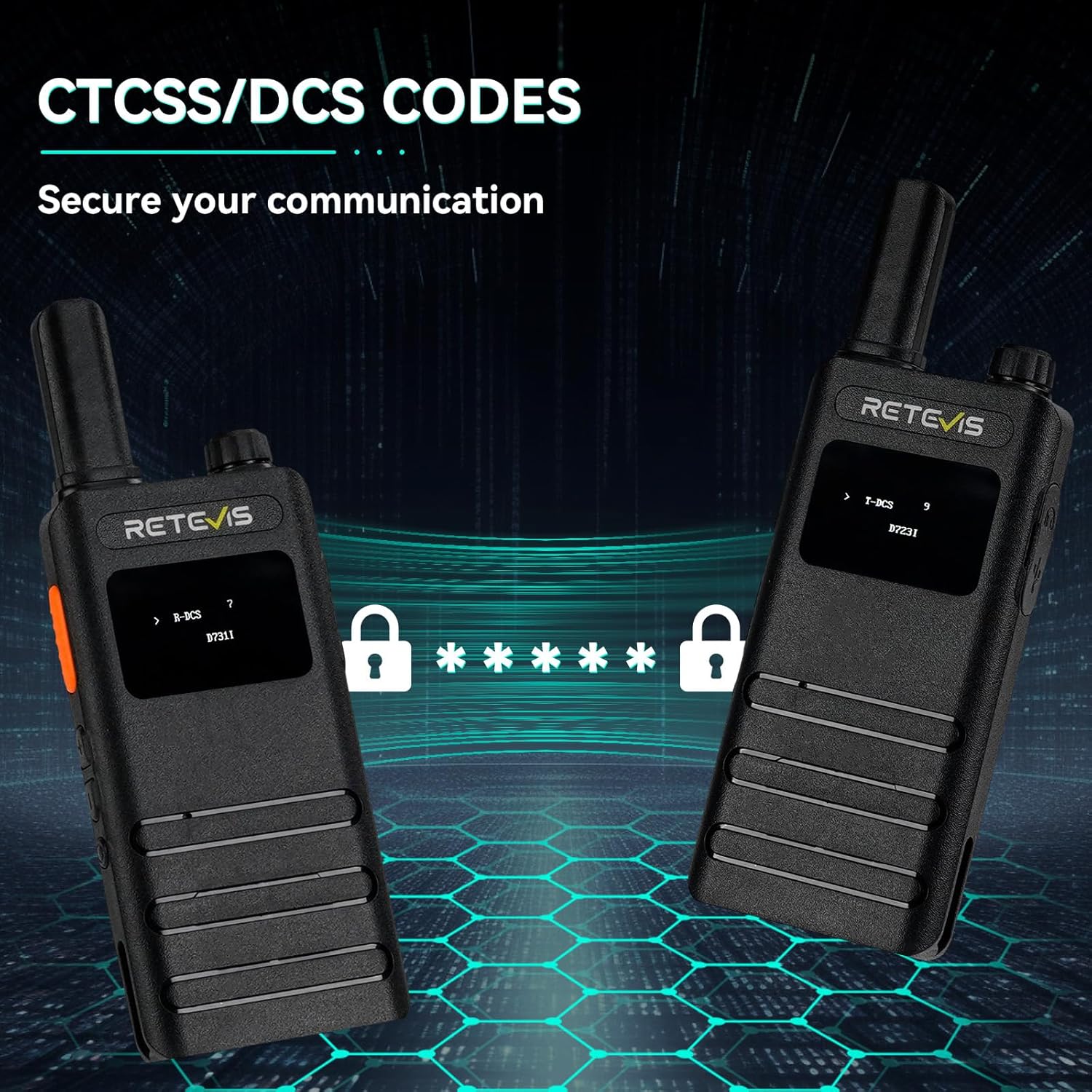
Image: The LCD screens showing CTCSS/DCS code settings for enhanced communication privacy.
6. 유지관리
6.1 청소
라디오 외부를 부드러운 천으로 청소하세요.amp 천을 사용하십시오. 독한 화학 약품이나 연마성 세척제를 사용하지 마십시오. 충전 포트에 먼지와 이물질이 없는지 확인하십시오.
6.2 보관
When not in use for extended periods, store the radio in a cool, dry place. It is recommended to fully charge the battery before storage and recharge it every three months to maintain battery health.
7. 문제 해결
| 문제 | 가능한 원인 | 해결책 |
|---|---|---|
| 전원이 없습니다 | Battery depleted; Power knob off | Charge battery; Rotate Power knob clockwise |
| 전송하거나 수신할 수 없습니다 | Wrong channel/code; Out of range; Low battery | Verify channel/code; Move closer; Recharge battery |
| 오디오 품질이 좋지 않음 | Volume too low/high; Obstructions; Interference | Adjust volume; Move to clear area; Change channel/code |
| VOX가 작동하지 않습니다 | VOX disabled; Sensitivity too low | Enable VOX in menu; Increase VOX sensitivity |
8. 사양
| 특징 | 세부 사항 |
|---|---|
| 모델 번호 | B3S |
| 품목 무게 | 7.04 온스 |
| 제품 치수 | 5.82 x 2.16 x 0.59 인치 |
| 배터리 | 2개의 리튬 이온 배터리 필요(포함) |
| 채널 수 | 16 |
| 주파수 범위 | 462MHz - 467MHz |
| 통화 범위 최대 | 2마일 |
| 권tage | 3.7 볼트 |
| 방수 레벨 | 방수가 되지 않음 |
| 특별 기능 | LCD screen, Portable, 1620mAh battery, USB-C charging, Emergency alarm, VOX |
9. 보증 및 지원
9.1 보증 정보
레테비스는 무전기 본체에 대해 2년, 액세서리에 대해 1년의 보증 기간을 제공합니다. 또한 30일 이내 이유 불문 반품 정책도 시행하고 있습니다. 보증 기간 이후의 서비스는 유지 보수 서비스를 통해 제공되며, 관련 비용은 구매자 부담입니다.
9.2 고객 지원
문의사항이나 지원이 필요하시면 아마존에서 Retevis에 직접 문의해 주세요. 일반적으로 12시간 이내에 답변을 드립니다.


