1. 서론
Thank you for choosing the Cecotec Toast&Taste 1500 Vertical Toaster. This manual provides essential information for the safe and efficient operation, maintenance, and troubleshooting of your new appliance. Please read these instructions carefully before first use and keep them for future reference.
2. 안전 지침
- 토스터를 사용하지 않을 때, 청소하기 전, 또는 오작동이 발생한 경우에는 항상 전원 콘센트에서 플러그를 뽑으십시오.
- Do not immerse the toaster, power cord, or plug in water or any other liquid.
- 볼륨을 확보하세요tag기기에 표시된 e는 해당 지역의 주 전원과 일치합니다.tag연결하기 전에 e를 누르세요.
- Do not touch hot surfaces. Use handles or knobs. The exterior of the toaster becomes hot during operation.
- Never insert metal objects into the toaster slots, as this can cause electric shock or fire.
- 전원 코드나 플러그가 손상된 경우, 또는 제품이 오작동하거나 어떤 식으로든 손상된 경우에는 토스터를 작동하지 마십시오.
- Keep the toaster away from flammable materials, such as curtains or drapes, during use.
- 본 기기는 신체적, 감각적 또는 정신적 능력이 저하된 사람(어린이 포함)이나 경험 및 지식이 부족한 사람이 사용하도록 의도된 것이 아니며, 안전을 책임질 사람으로부터 기기 사용에 관한 감독이나 지시를 받은 경우에만 사용할 수 있습니다.
- 어린이가 이 제품을 가지고 놀지 않도록 감독해야 합니다.
- 빵이 탈 수 있으므로 커튼 등 가연성 물질 근처나 아래에서 토스터를 사용하지 마세요.
3. 제품 오버view
The Cecotec Toast&Taste 1500 is a vertical toaster designed for efficient toasting of various bread types. It features two wide slots, a browning control dial, and multiple function buttons.
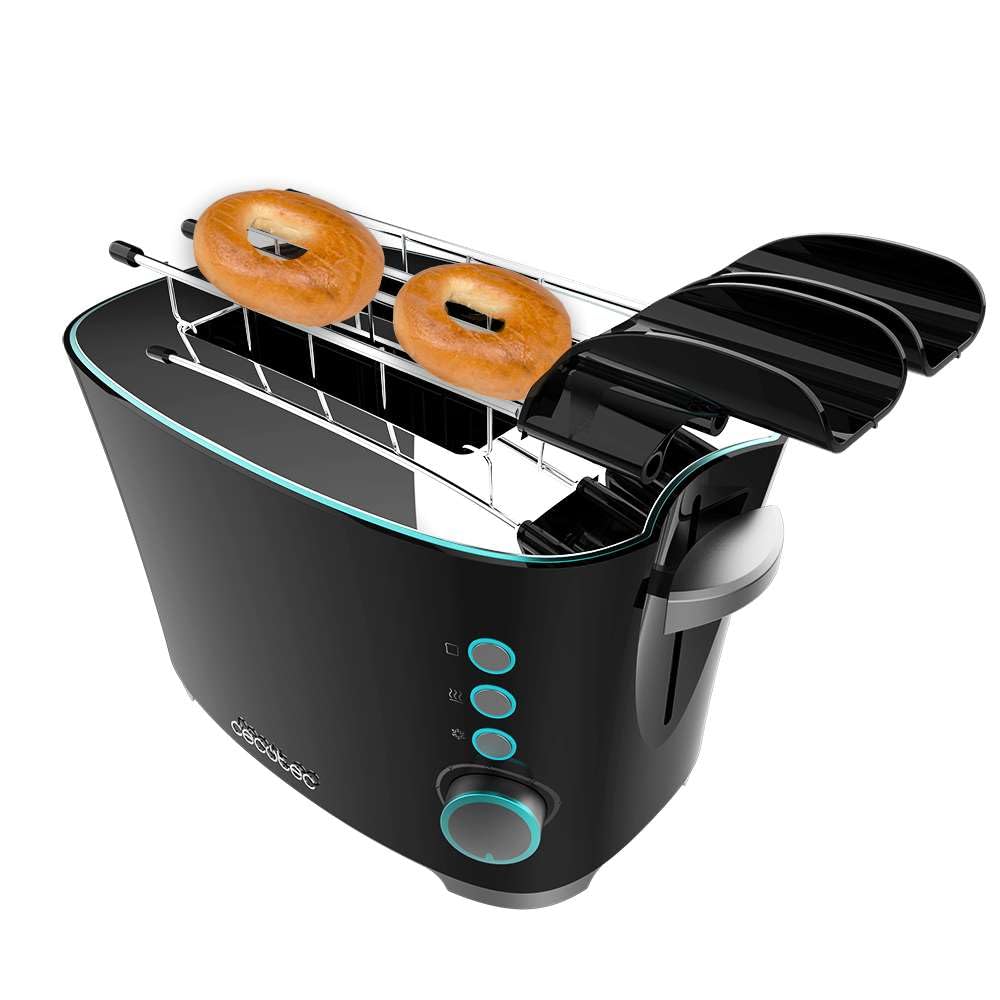
그림 1: 전면 view of the Cecotec Toast&Taste 1500 Toaster with bread slices.
구성 요소:
- 토스트 슬롯: Two wide slots suitable for various bread thicknesses.
- 캐리지 레버: Lowers the bread into the toaster and initiates the toasting cycle.
- 브라우닝 컨트롤 다이얼: 토스트의 굽기 정도를 원하는 대로 조절합니다(설정 1~7).
- 취소 버튼 : 토스트 과정을 언제든지 멈출 수 있습니다.
- 재가열 버튼: Warms up previously toasted bread without further browning.
- 해동 버튼: 냉동 빵을 해동하고 토스트합니다.
- 부스러기 쟁반: 부스러기를 모아서 쉽게 청소할 수 있습니다.
- Extra-Lift System: Allows for easier removal of smaller bread slices.
- Toast Tongs: Included for safe removal of hot toast.
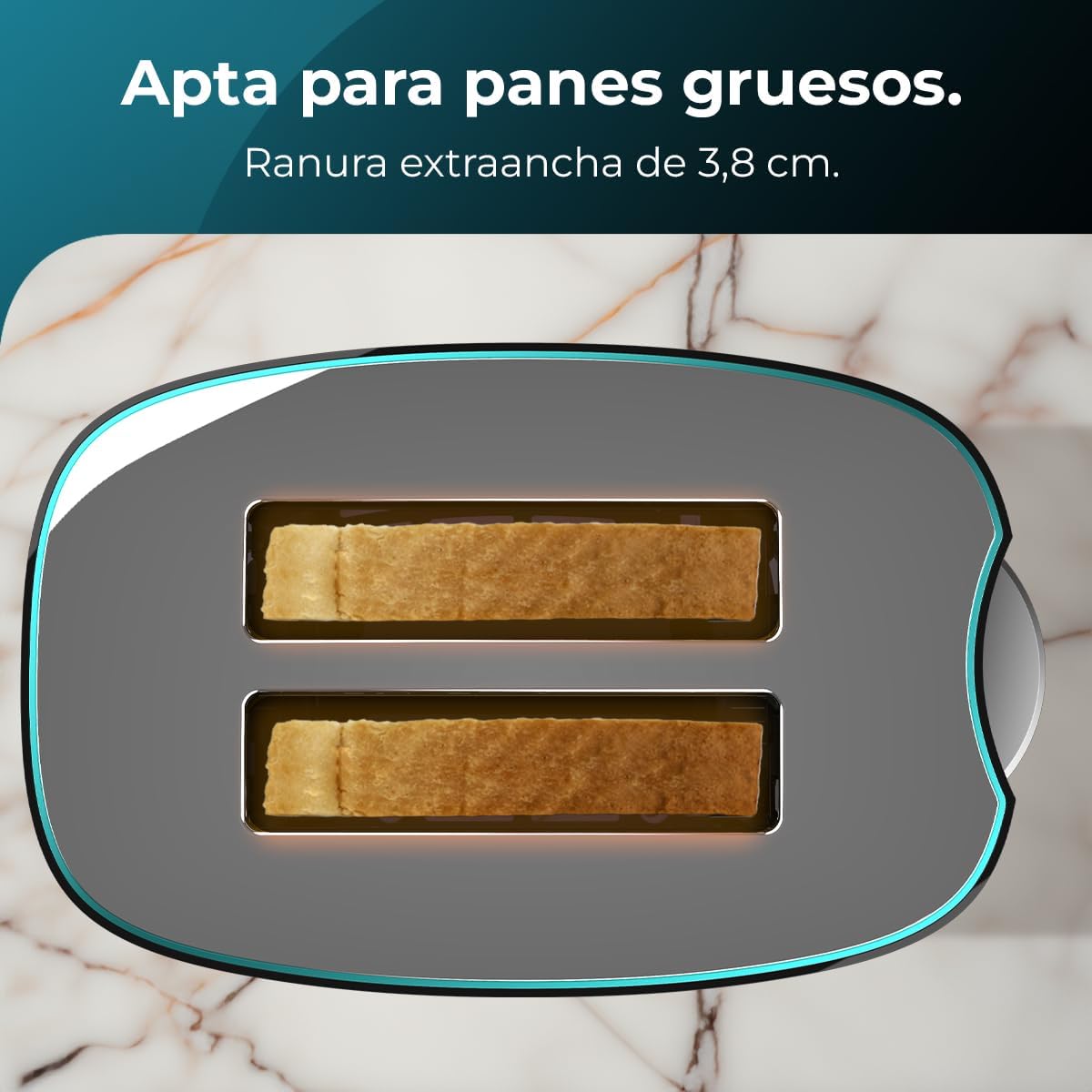
그림 2: View of the extra-wide slots, suitable for thick bread slices.

Figure 3: The toaster includes tongs for safe and easy toast extraction.
4. 설정
- 짐 풀기: Carefully remove the toaster and all accessories from its packaging. Retain packaging for future storage or transport.
- 놓기: Place the toaster on a stable, flat, heat-resistant surface, away from flammable materials and at least 10 cm from walls or other appliances.
- 첫 번째 사용: Before first use, operate the toaster without bread for a few cycles at the highest browning setting to burn off any manufacturing residues. A slight odor or smoke may be present; this is normal and will dissipate. Ensure good ventilation.
- 부스러기 쟁반: 토스터 바닥에 부스러기 수집 용기가 올바르게 삽입되었는지 확인하세요.
5. 사용 설명서
빵을 굽다:
- 토스터를 적절한 전원 콘센트에 꽂습니다.
- Place up to two slices of bread into the toasting slots. The self-centering system will hold the bread in place for even toasting.
- 굽기 정도 조절 다이얼을 사용하여 원하는 굽기 정도를 선택하세요 (1은 연한 토스트, 7은 진한 토스트).
- Press down the carriage lever until it locks into place. The toasting cycle will begin, and the indicator light will illuminate.
- 선택한 굽기 정도에 도달하면 토스트가 자동으로 튀어 오르고 토스터가 꺼집니다.
- If the toast is not sufficiently browned, you can lower the lever again for a short period.
- To remove smaller slices of bread safely, use the extra-lift system by gently pushing the carriage lever upwards after the toast has popped up. Alternatively, use the provided toast tongs.

Figure 4: The self-centering system ensures uniform toasting for crispy results.

Figure 5: The extra-lift system allows for convenient removal of smaller items.
특수 기능:
- 취소 기능: 를 누르세요 취소 button at any time to stop the toasting cycle. The bread will pop up immediately.
- 재가열 기능: Insert previously toasted bread, lower the carriage lever, and press the 재가열 button. The toaster will warm the bread without further browning.
- 해동 기능: Insert frozen bread, lower the carriage lever, and press the 서리를 없애다 button. The toaster will first defrost the bread and then toast it to the selected browning level.
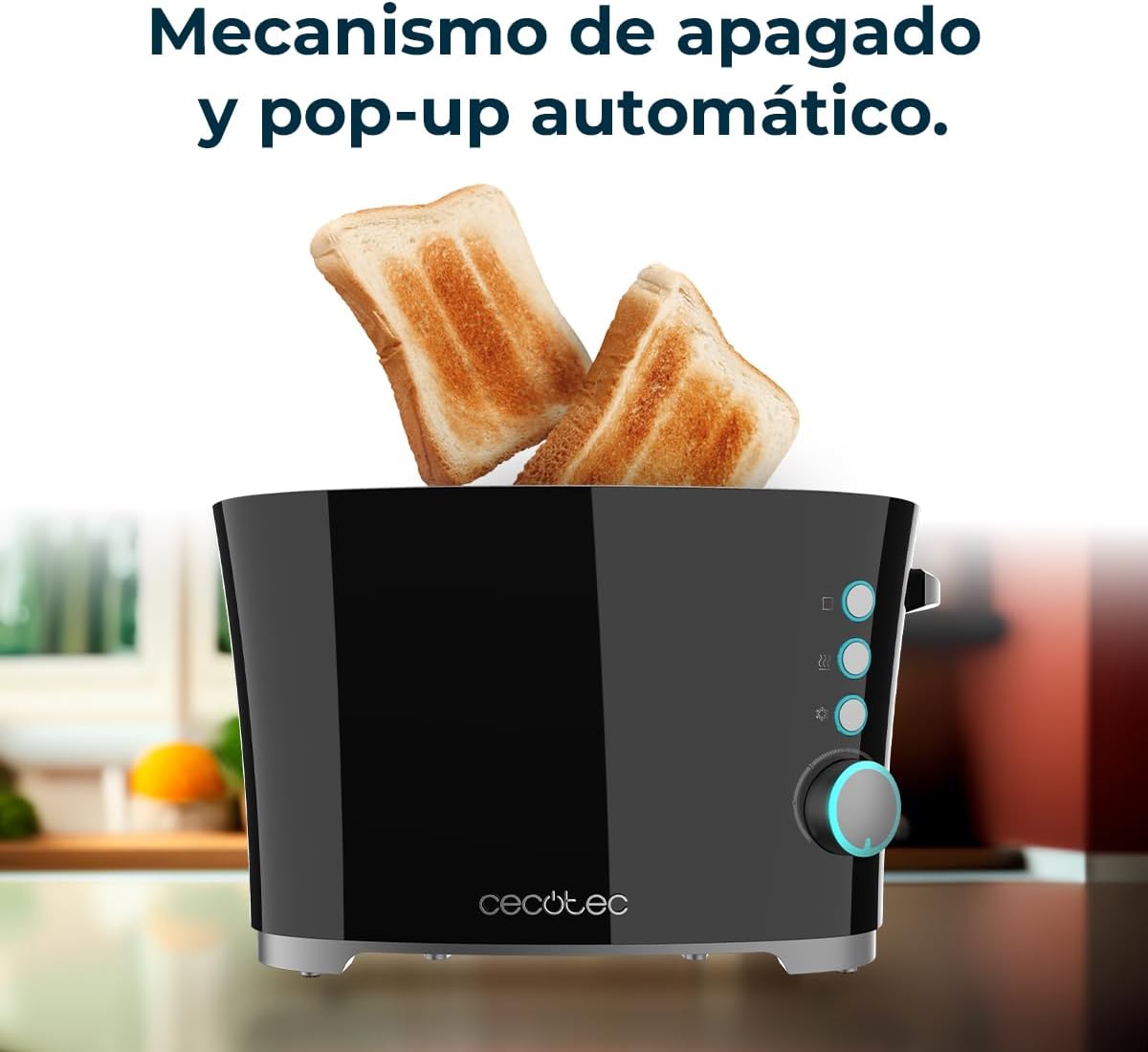
Figure 6: The toaster features an automatic shut-off and pop-up mechanism for convenience.
6. 유지관리 및 청소
정기적으로 청소하면 토스터의 성능을 최적화하고 수명을 연장할 수 있습니다.
- 항상 플러그를 뽑아두세요 the toaster from the power outlet and allow it to cool completely before cleaning.
- 부스러기 쟁반: Pull out the crumb tray from the bottom of the toaster. Dispose of crumbs and wipe the tray clean with a damp 천을 덮으세요. 트레이를 다시 제자리에 단단히 끼우세요.
- 외부: 토스터 외부를 부드러운 천으로 닦으세요.amp 천을 사용하십시오. 연마성 세제나 금속 수세미는 표면에 흠집을 낼 수 있으므로 사용하지 마십시오.
- 내부: Never insert any objects into the toasting slots to clean them. If bread becomes jammed, unplug the toaster and carefully remove the bread after it has cooled.
- 토스터를 물이나 다른 액체에 담그지 마십시오.
7. 문제 해결
If you encounter any issues with your toaster, refer to the following common problems and solutions:
| 문제 | 가능한 원인 | 해결책 |
|---|---|---|
| 토스터가 켜지지 않습니다. | 플러그가 꽂혀 있지 않음; 전원이 꺼짐tage; 콘센트에 결함이 있음. | 전원 코드 연결 상태를 확인하고, 회로 차단기를 확인하고, 다른 콘센트를 사용해 보세요. |
| 빵이 골고루 구워지지 않아요. | 빵 두께가 고르지 않고, 부스러기 받침대가 가득 찼습니다. | Ensure bread slices are of similar thickness; clean crumb tray. The self-centering system helps, but very irregular slices may still toast unevenly. |
| 빵이 토스터에 끼었습니다. | Bread too large or thick; carriage lever not fully raised. | Unplug the toaster, allow to cool, then carefully remove bread. Use the extra-lift system or tongs. |
| 토스터에서 나오는 연기. | Crumb tray full; food lodged in slots; first use residue. | Press Cancel, unplug, allow to cool. Clean crumb tray. Remove any food particles. For first use, this is normal. |
이러한 해결 방법을 시도한 후에도 문제가 지속되면 고객 지원팀에 문의하세요.
8. 사양
| 특징 | 세부 사항 |
|---|---|
| 상표 | 세코텍 |
| 모델 번호 | 02184 |
| 색상 | 검은색 |
| 제품 크기(L x W x H) | 27.5 x 17.5 x 17.5cm |
| 품목 무게 | 1.22 킬로그램 |
| 전력 / 와트tage | 650 와트 |
| 권tage | 230 볼트 |
| 재료 | 스테인리스 스틸 |
| 슬롯 수 | 2 |
| 특별 기능 | Extra-lift system, Self-centering, Includes toast tongs, 7 toasting levels, Reheat and Defrost functions |
| 특정 용도 | 빵 굽기 |
| 스타일 | 현대의 |
9. 보증 및 지원
Your Cecotec Toast&Taste 1500 Toaster is covered by a manufacturer's warranty. Please refer to the warranty card included in your product packaging for specific terms and conditions.
For technical support, service, or warranty claims, please contact your retailer or the official Cecotec customer service. Keep your proof of purchase for any warranty-related inquiries.


