소개
The EZCast Compact Mate is a wireless HDMI transmitter and receiver kit designed to simplify your display setup. It offers a plug-and-play solution for projecting 1080p/60 video and audio from your phone, tablet, or laptop to an HDTV or projector without the need for complex wiring or Wi-Fi networks. This compact and portable device allows for both screen mirroring and extended display modes, providing flexibility for various applications from home entertainment to professional presentations.
상자 안에 무엇이 들어있나요?
- 1 x 무선 HDMI 송신기
- 1 x 무선 HDMI 수신기
- 1 x 전원 케이블

Figure 1: EZCast Compact Mate package contents.
설정
The EZCast Compact Mate is designed for simple plug-and-play operation. No app installation or Wi-Fi network is required for basic functionality.
- 수신기(RX) 연결: Plug the HDMI end of the receiver unit into an available HDMI input port on your HDTV, monitor, or projector. Connect the USB-A power cable from the receiver to a USB power source (e.g., a USB port on your TV or a USB wall adapter).
- 송신기(TX) 연결: Plug the HDMI end of the transmitter unit into the HDMI output port of your source device (e.g., laptop, game console, camera). Connect the USB-A power cable from the transmitter to a USB power source on your device or a separate USB wall adapter.
- 전원 켜기: Ensure both the transmitter and receiver units are powered on. The devices will automatically pair and establish a connection.
- 입력 선택: Switch your display device (TV/monitor/projector) to the correct HDMI input channel where the receiver is connected.

Figure 2: Connection diagram for the EZCast Compact Mate.
The Compact Mate features advanced internal components for reliable 5GHz Wi-Fi transmission and low latency, ensuring a smooth view경험.
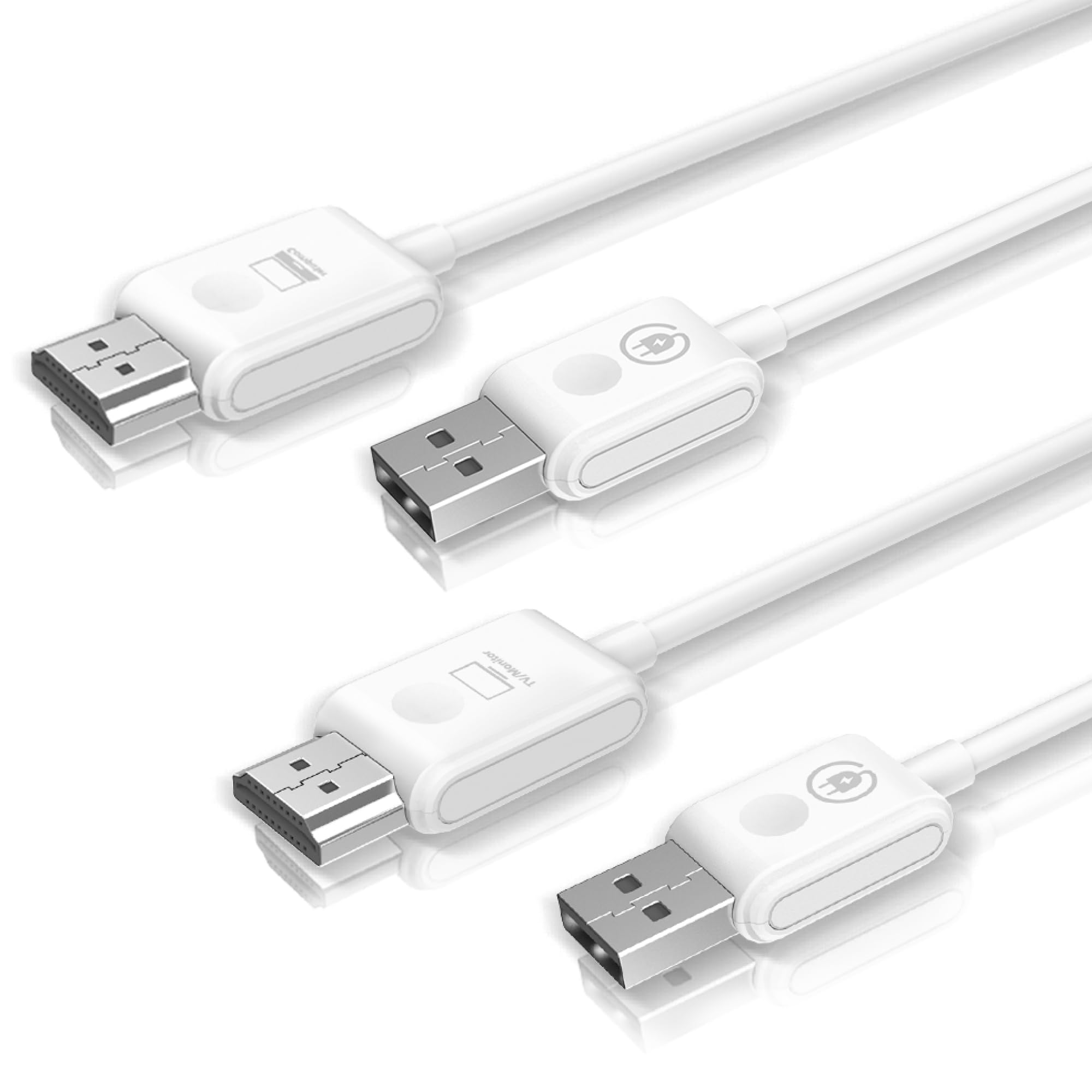
Figure 3: Internal components of the EZCast Compact Mate.
Video Guide: Compact Mate - The Simplest Wireless Display Solution
Video 1: This official video demonstrates the simple setup and functionality of the EZCast Compact Mate wireless display solution.
작동 모드
The EZCast Compact Mate supports both Mirror and Extend display modes, allowing you to customize your view경험.
- 미러 모드: Duplicate your source device's screen onto the connected display. Ideal for presentations, sharing content, or watching videos on a larger screen.
- 확장 모드: Expand your desktop workspace across two screens. This allows for multitasking, such as working on one screen while referencing content on another.

Figure 4: Mirror and Extend display modes in a professional environment.
호환성
The Compact Mate is compatible with a wide range of devices that feature an HDMI output, including personal computers, laptops, tablets, phones (with appropriate adapters, if needed), and gaming consoles. It is designed to connect seamlessly to televisions, monitors, and projectors.

Figure 5: Wireless HDMI connection from a laptop to a TV.

Figure 6: Wireless HDMI connection from a camera to a TV.

Figure 7: Wireless HDMI connection from a projector to a TV.
문제 해결
- Connection Drops/Flickering: If you experience intermittent connection drops or flickering, ensure both the transmitter and receiver units are receiving stable power. Overheating can sometimes cause instability; ensure adequate ventilation around the units.
- 신호 없음: Verify that both the transmitter and receiver are correctly plugged into their respective devices and power sources. Confirm that your display device is set to the correct HDMI input.
- 화질 : The device supports 1080p/60 resolution. Ensure your source device's output resolution is set appropriately.
명세서
| 브랜드 이름 | 이지캐스트 |
| 품목 무게 | 2.82 온스 |
| 제품 치수 | 5.59 x 3.54 x 1.38 인치 |
| 품목 모델 번호 | 컴팩트메이트2-H1R1 |
| 색상 | 하얀색 |
| Number of Component Outputs | HDMI |
| 커넥터 유형 | HDMI, USB-C DisplayPort |
| 호환 장치 | 개인용 컴퓨터, 텔레비전 |
보증 및 지원
For warranty information or technical support, please refer to the official EZCast website or contact their customer service. While some users have reported difficulties in receiving direct responses, EZCast aims to provide assistance for product-related inquiries.