1. 서론
The Promate Capsule-3 is a portable Bluetooth speaker designed to deliver high-definition audio with versatile connectivity options. This manual provides essential information for setting up, operating, and maintaining your speaker to ensure optimal performance.
2. 상자 안에 무엇이 들어있나요?
Carefully unpack your Promate Capsule-3 speaker. The package should contain the following items:
- 1 x Promate Capsule-3 Bluetooth Speaker
- 1 x 사용자 설명서
3. 제품 오버view
The Promate Capsule-3 speaker features a 5W audio output, True Wireless Stereo (TWS) technology for pairing two speakers, and integrated rainbow LED lights. It supports multiple playback modes including Bluetooth v5.3, TF Card, USB Media Port, and 3.5mm AUX input. The compact design includes a lanyard for portability, and it is powered by a built-in 500mAh rechargeable lithium battery providing up to 6 hours of playtime.
Video 1: Promate Capsule-3 Speaker Overview. This video provides a brief introduction to the Promate Capsule-3 Bluetooth Speaker, highlighting its key features and design.

Image 1: True Wireless Stereo Sound. The image displays the Promate Capsule-3 speaker, emphasizing its 5-watt output and True Wireless Stereo (TWS) capability for enhanced audio.

Image 2: Rainbow LED Lights. This image shows the speaker with its vibrant rainbow LED lights, illustrating its ability to enhance the ambiance of any environment.
4. 설정
4.1 스피커 충전
- Connect the charging cable to the DC 5V port on the speaker.
- 케이블의 다른 쪽 끝을 USB 전원 어댑터(포함되지 않음)나 컴퓨터의 USB 포트에 연결합니다.
- LED 표시등은 충전 상태를 표시합니다. 충전이 완료되면 표시등이 바뀌거나 꺼집니다.
4.2 전원 켜기/끄기
- To power on, press and hold the Power button until the LED lights illuminate and an audible prompt is heard.
- To power off, press and hold the Power button again until the LED lights turn off and an audible prompt is heard.
5. 사용 설명서
5.1 블루투스 페어링
- 스피커 전원이 켜져 있고 블루투스 페어링 모드인지 확인하십시오(LED 표시등이 깜빡입니다).
- 기기(스마트폰, 태블릿, 노트북)에서 Bluetooth를 활성화하고 사용 가능한 기기를 검색하세요.
- Select "Promate Capsule-3" from the list.
- 페어링이 완료되면 스피커에서 소리로 확인 메시지가 나오고 LED 표시등이 깜빡임을 멈춥니다.
5.2 True Wireless Stereo(TWS) 페어링
To achieve stereo sound, you can pair two Promate Capsule-3 speakers together:
- Ensure both Capsule-3 speakers are powered on and not connected to any Bluetooth device.
- On one speaker (this will be the primary speaker), press and hold the TWS pairing button (refer to controls section for button identification).
- The speakers will search for each other and automatically pair. An audible prompt will confirm successful TWS connection.
- 이제 5.1절에 설명된 대로 블루투스를 통해 기기를 기본 스피커에 연결하세요. 오디오는 두 스피커를 통해 스테레오로 재생됩니다.

Image 3: Easy Music Navigation. This image highlights the speaker's control buttons, indicating simple navigation for music playback and call management.
5.3 멀티 모드 재생
이 스피커는 다양한 오디오 입력 방식을 지원합니다.
- 블루투스: Connect wirelessly to your device (see 5.1).
- TF 카드: Insert a TF (Micro SD) card loaded with audio fileTF 카드 슬롯에 s를 삽입하세요. 스피커가 자동으로 TF 카드 모드로 전환되어 재생을 시작합니다.
- USB Media Port: 오디오가 있는 USB 플래시 드라이브 삽입 fileUSB 포트에 꽂으세요. 스피커가 자동으로 USB 모드로 전환되어 재생을 시작합니다.
- 보조 입력: 3.5mm AUX 케이블을 사용하여 오디오 장치를 AUX 포트에 연결하세요. 스피커가 자동으로 AUX 모드로 전환됩니다.

Image 4: Multiple Connectivity Options. The image illustrates the various input ports available on the speaker, including Wireless BT, AUX Port, USB Drive, and TF Card slot.
6. 컨트롤
The Promate Capsule-3 features intuitive touch controls and quick access buttons for managing your audio experience:
- 전원 버튼: 전원을 켜거나 끄려면 길게 누릅니다.
- 재생/일시 정지 버튼: Press to play or pause audio. During a call, press to answer/end.
- 볼륨 높이기(+): 볼륨을 높이려면 누르세요. 다음 트랙을 보려면 길게 누르세요.
- 볼륨 낮추기(-): 볼륨을 낮추려면 누르세요. 이전 트랙을 보려면 길게 누르세요.
- 모드 버튼(M): Press to switch between Bluetooth, TF Card, USB, and AUX modes.
- LED 조명 제어: Specific button or combination (refer to speaker markings) to cycle through or turn off LED light modes.
7. 유지관리
- 청소: 부드럽고 마른 천을 사용하여 스피커 외부를 닦으세요. 연마성 세제나 용제를 사용하지 마세요.
- 저장: 스피커는 직사광선과 극한의 온도를 피해 시원하고 건조한 곳에 보관하세요.
- 배터리 관리 : 배터리 수명을 연장하려면 처음 사용하기 전에 스피커를 완전히 충전하고, 장기간 사용하지 않더라도 정기적으로 충전하십시오. 배터리를 자주 완전히 방전시키지 마십시오.
- 방수 기능: 이 스피커는 방수 기능이 없습니다. 물이나 과도한 습기에 노출시키지 마십시오.
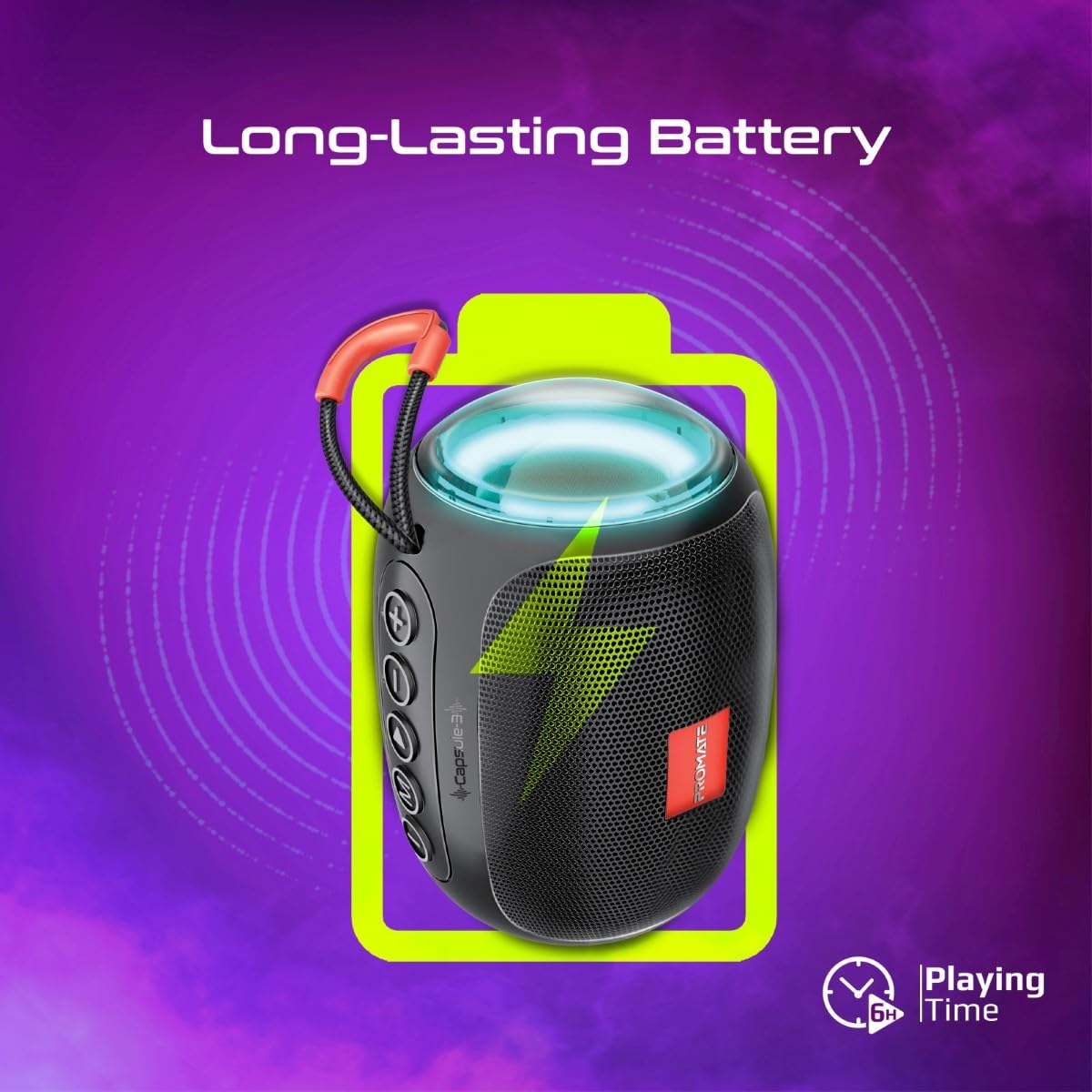
Image 5: Long-Lasting Battery. The image highlights the speaker's extended battery life, indicating over 6 hours of continuous playtime on a single charge.
8. 문제 해결
| 문제 | 가능한 원인 | 해결책 |
|---|---|---|
| 스피커의 전원이 켜지지 않습니다. | 배터리가 부족합니다. | 스피커를 완전히 충전하세요. |
| 블루투스로 페어링할 수 없습니다. | 스피커가 페어링 모드가 아닙니다. 기기의 Bluetooth가 꺼져 있습니다. 스피커와의 거리가 너무 멀습니다. | Ensure speaker is in pairing mode. Turn device Bluetooth off/on. Move device closer to speaker (within 10 meters). |
| 소리가 나지 않습니다. | Volume too low; incorrect input mode; paused playback. | Increase volume. Check input mode (Bluetooth, AUX, TF, USB). Ensure music is playing. |
| TWS 페어링이 실패합니다. | 스피커가 이미 다른 장치에 연결되어 있고, 너무 멀리 떨어져 있습니다. | Disconnect speakers from any Bluetooth devices. Ensure speakers are close to each other. Try re-initiating TWS pairing. |
9. 사양
| 특징 | 세부 사항 |
|---|---|
| 모델명 | Capsule-3 |
| 재료 | 아크릴로니트릴 부타디엔 스티렌(ABS) |
| 스피커 출력 | 5 와트 |
| 블루투스 버전 | v5.3 |
| 무선 범위 | 최대 10미터 |
| 배터리 용량 | 500mAh 충전식 리튬 배터리 내장 |
| 노는 시간 | 최대 6시간 |
| 충전 포트 | DC 5V(USB) |
| 연결 옵션 | Bluetooth, 3.5mm AUX, USB Port, TF Card Slot |
| 제어 방법 | 터치 버튼 |
| 특별 기능 | LED Lights, True Wireless Stereo (TWS) support, Portable design |
| 제품 치수 | 9D x 9W x 16H 센티미터 |
| 품목 무게 | 410그램 |
| 방수성 | 방수가 되지 않음 |
10. 보증 및 지원
For warranty information, technical support, or service inquiries, please refer to the warranty card included with your product or visit the official Promate web사이트. 구매 증빙 자료로 구매 영수증을 보관하세요.

Image 6: Music On-The-Go. This image depicts the speaker in an outdoor setting, highlighting its compact and portable design, suitable for travel and outdoor activities.


