1. 서론
The Lexar JumpDrive S80 USB 3.2 Gen 1 Flash Drive is designed for high-speed data transfer and secure storage. This manual provides instructions for setting up, operating, and maintaining your flash drive, along with important specifications and troubleshooting tips.
2. 제품 특징
- 고속 성능: Utilizes USB 3.2 Gen 1 technology for read speeds up to 150MB/s and write speeds up to 60MB/s, enabling quick transfer of large files.
- 고급 보안: Features 256-bit AES encryption software to protect your sensitive data from unauthorized access.
- 접이식 디자인: A protective, retractable cover safeguards the USB connector when not in use.
- 광범위한 호환성: Backward-compatible with USB 3.0 and USB 2.0 devices, ensuring versatility across various systems.
- Multiple Capacities: Available in various storage capacities, including 512GB, to suit different user needs.
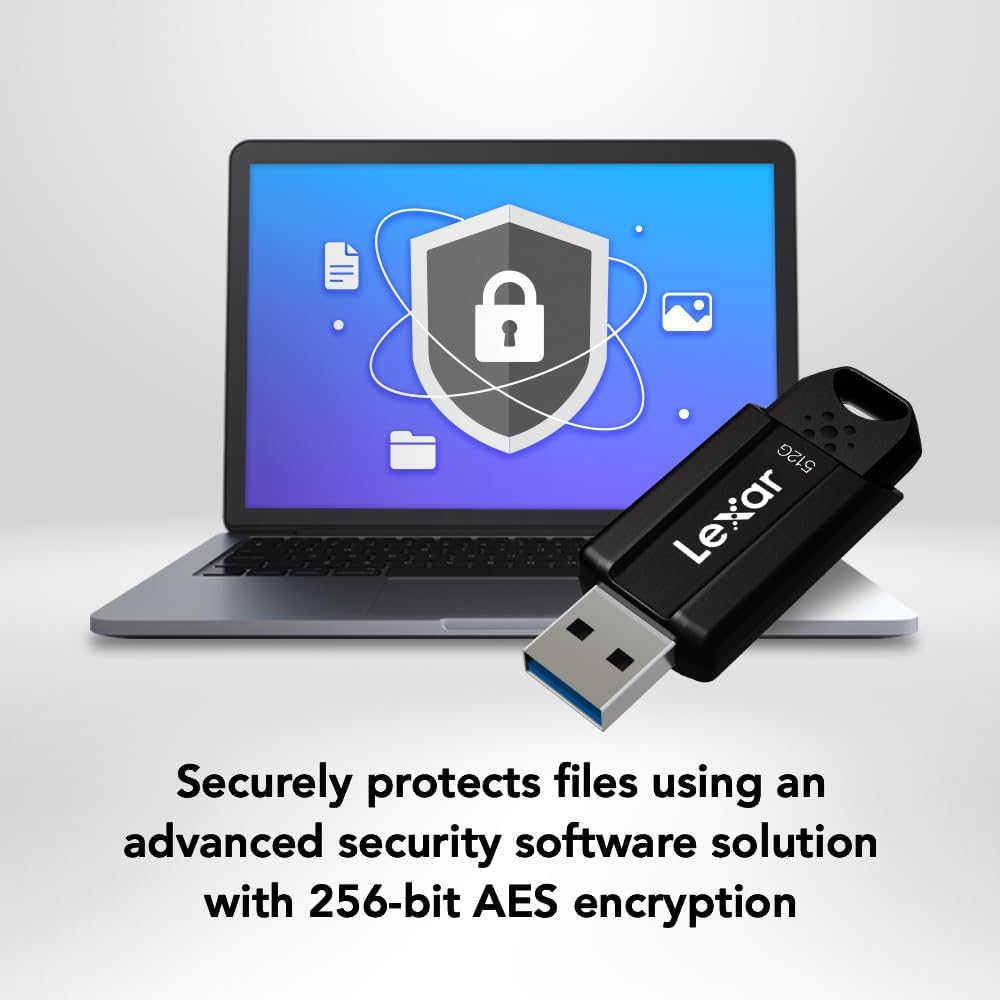
Image: The Lexar JumpDrive S80 connected to a laptop, highlighting its USB 3.2 Gen 1 performance for fast content transfer.
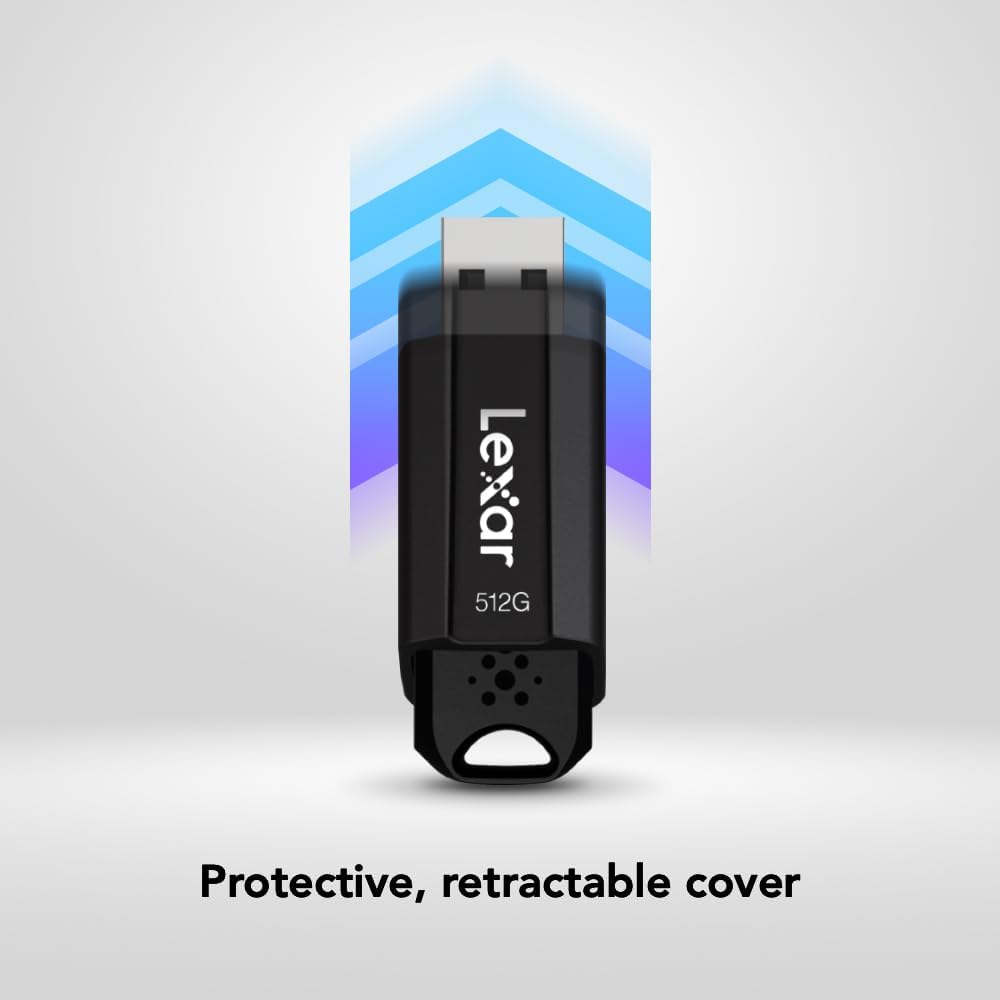
Image: The JumpDrive S80 with a laptop, emphasizing its advanced security software and 256-bit AES encryption.

이미지: 자세한 view of the JumpDrive S80's protective retractable cover.

Image: A display of Lexar JumpDrive S80 models showcasing the wide range of available storage capacities.

Image: The JumpDrive S80, highlighting that Lexar products undergo rigorous testing in Lexar Quality Labs for performance and reliability.
3. 설정
- 드라이브 압축 해제: Carefully remove the Lexar JumpDrive S80 from its packaging.
- USB 포트를 확인하세요: Locate an available USB port on your computer (PC or Mac). For optimal performance, use a USB 3.2 Gen 1 (or USB 3.0) compatible port, often identified by a blue insert. The drive is also compatible with USB 2.0 ports.
- 드라이브 연결: Extend the retractable USB connector by sliding the mechanism. Insert the flash drive firmly into the USB port. The drive should be automatically recognized by your operating system.
- 초기 인식: Your computer may display a notification indicating that a new device has been detected and is ready for use. The drive will appear as a removable storage device in your file 탐색기(Windows) 또는 Finder(Mac).
비디오: 오버view of the Lexar JumpDrive S80, demonstrating its connection to a laptop and highlighting key features like speed and security.
4. 사용 설명서
4.1. 전송 Files
- 드라이브에 액세스하세요: Open "This PC" or "My Computer" (Windows) or "Finder" (Mac) and locate the Lexar JumpDrive S80. Double-click to open it.
- 복사 Files: 드래그 앤 드롭 files or folders from your computer to the JumpDrive S80, or copy and paste them into the drive's folder.
- 반죽 Files: 전송하려면 files from the JumpDrive S80 to your computer, drag and drop or copy and paste them from the drive's folder to your desired location on the computer.
- 진행 상황 모니터링: A progress bar will indicate the transfer status. For large files, transfer times will vary based on file size and the USB port speed.
4.2. 드라이브 안전하게 제거하기
To prevent data corruption, always safely remove the flash drive before physically disconnecting it from your computer.
- 윈도우: Click the "Safely Remove Hardware and Eject Media" icon in the system tray (bottom-right corner), then select the Lexar JumpDrive S80. Wait for the "Safe to Remove Hardware" message before unplugging.
- 스코틀랜드 사람: Drag the JumpDrive S80 icon from your desktop or Finder sidebar to the Trash icon, or right-click (Control-click) the drive icon and select "Eject." Wait for the icon to disappear before unplugging.
5. 보안 기능
The Lexar JumpDrive S80 includes advanced security software with 256-bit AES encryption to protect your confidential files. This software allows you to create a password-protected safe that automatically encrypts data. Files deleted from this safe are securely erased and cannot be recovered.
Refer to the pre-loaded security software documentation on the drive for detailed instructions on setting up and managing your encrypted safe.
6. 사양
| 특징 | 세부 사항 |
|---|---|
| 모델명 | JumpDrive S80 USB 3.1 |
| 품목 모델 번호 | LJDS080512G-BNBNU |
| 메모리 저장 용량 | 512GB (XNUMX기가바이트) |
| 하드웨어 인터페이스 | USB 3.2 1세대 |
| 읽기 속도 | 최대 150MB/s |
| 쓰기 속도 | 최대 60MB/s |
| 연결 기술 | USB |
| 색상 | 검은색 |
| 특징 | Protective, retractable cover |
| 품목 무게 | 0.288 온스 |
| 제품 치수 | 5.5 x 0.54 x 4 인치 |
| 제조업체 | Lexar International |
| 한국어: | 843367130870 |
7. 유지관리
- 신체 관리: Keep the flash drive clean and free from dust and debris. Use a soft, dry cloth for cleaning. Avoid exposing the drive to extreme temperatures, moisture, or direct sunlight.
- 커넥터를 보호하십시오: Always retract the USB connector when the drive is not in use to prevent damage.
- 데이터 백업: 데이터 손실을 방지하기 위해 플래시 드라이브에 저장된 중요한 데이터는 정기적으로 다른 저장 매체에 백업하십시오.
- 소프트웨어 업데이트: Periodically check the Lexar website for any available firmware or security software updates for your JumpDrive S80.
8. 문제 해결
- 드라이브가 인식되지 않음:
- 드라이브가 USB 포트에 완전히 삽입되었는지 확인하세요.
- 컴퓨터의 다른 USB 포트를 사용해 보십시오.
- 컴퓨터 자체의 문제인지 확인하기 위해 다른 컴퓨터에서 드라이브를 테스트해 보세요.
- Check Device Manager (Windows) or System Information (Mac) to see if the drive is listed, even if not assigned a drive letter.
- 컴퓨터를 다시 시작하세요.
- 느린 전송 속도:
- Ensure you are using a USB 3.2 Gen 1 (or USB 3.0) compatible port. USB 2.0 ports will result in significantly slower speeds.
- 작은 것을 많이 옮기지 마세요 file여러 파일을 동시에 처리할 수 있으며, 하나의 아카이브로 압축하면 속도가 향상될 수 있습니다.
- 시스템 리소스를 사용하거나 드라이브에 액세스하는 다른 애플리케이션을 종료하십시오.
- 컴퓨터의 USB 드라이버가 최신 버전인지 확인하십시오.
- 데이터 손상 또는 오류:
- 드라이브를 제거하기 전에 항상 안전하게 꺼내십시오.
- Run a disk check utility (e.g., Error Checking in Windows, Disk Utility in Mac) on the drive.
- If issues persist, consider reformatting the drive (this will erase all data).
9. 보증 및 지원
The Lexar JumpDrive S80 USB 3.2 Gen 1 Flash Drive comes with a 3년 한정 보증. 본 보증은 정상적인 사용 환경에서 발생하는 재료 및 제조상의 결함에 적용됩니다. 보증 청구를 위해 구매 증빙 서류를 보관해 주십시오.
For detailed warranty terms, technical support, or to register your product, please visit the official Lexar web대지: www.lexar.com/support.


