소개
This manual provides detailed instructions for the proper use, setup, and maintenance of your Status Audio Between Pro True Wireless Earbuds. Please read this manual thoroughly before using the product to ensure optimal performance and longevity.

Image: Status Audio Between Pro True Wireless Earbuds with their compact charging case. The earbuds are shown outside the case, highlighting their sleek design.
패키지 내용
패키지에 모든 품목이 들어 있는지 확인하세요.
- Status Audio Between Pro True Wireless Earbuds (Left and Right)
- 무선 충전 케이스
- USB-C 충전 케이블
- Multiple sizes of Silicone Ear Tips (S/M/L)
- 사용 설명서 (본 문서)
설정
이어버드 및 케이스 충전하기
처음 사용하기 전에 이어버드와 충전 케이스를 완전히 충전하십시오. 충전 케이스는 이동 중에도 충전할 수 있도록 추가 배터리 수명을 제공합니다.
- Place both earbuds into the charging case. Ensure they are properly seated; the indicator lights on the earbuds will illuminate (red) to confirm charging.
- USB-C 충전 케이블을 케이스 뒷면의 충전 포트와 전원에 연결하세요.
- The LED indicators on the front of the charging case will show the battery level. Three blue lights indicate a full charge.

Image: The Status Audio Between Pro charging case displaying its battery indicator lights, alongside an illustration of the earbuds and their impressive 12-hour battery life per charge, with an additional 36 hours from the case.
장치와 페어링
The earbuds utilize Bluetooth 5.2 for stable and instantaneous pairing.
- 충전 케이스를 여세요. 이어버드가 자동으로 페어링 모드로 진입합니다.
- On your device (smartphone, laptop, etc.), navigate to the Bluetooth settings.
- Select "Status Between Pro" from the list of available devices.
- 연결되면 음성 안내로 페어링이 성공적으로 완료되었음을 확인할 수 있습니다.
The earbuds support long-range, ultra-stable wireless connectivity.

Image: A visual representation of the Qualcomm QCC3040 Bluetooth 5.2 Chipset, emphasizing its role in providing long-range, ultra-stable wireless connectivity and instantaneous pairing, along with support for AAC & SBC codecs.
이어버드 장착
For optimal sound quality and comfort, select the correct size of silicone ear tips. A proper seal is crucial for noise isolation and bass response.
- Try different sizes (S/M/L) to find the best fit for your ears.
- 이어버드를 귓속에 부드럽게 삽입하고 살짝 돌려 고정하세요.

Image: An exploded diagram illustrating the internal components of the Status Audio Between Pro earbud, including the silicone tips for personalized fitting and comfort, the 60 mAh battery, and the Qualcomm QCC3040 Bluetooth 5.2 chipset.
작동 지침
The Between Pro earbuds feature physical buttons for intuitive control of music and calls.

Image: A detailed guide to the multifunctional button controls on each earbud, showing specific actions for single tap, double tap, press & hold, and triple tap for both left and right earbuds, as well as actions applicable to either earbud.
음악 재생 컨트롤
- 재생/일시 중지: 양쪽 이어버드를 한 번 탭하세요.
- 볼륨 업: 오른쪽 이어버드를 두 번 탭하세요.
- 볼륨 작게 : 왼쪽 이어버드를 두 번 탭하세요.
- 다음 트랙: Press & Hold the Right earbud.
- 이전 트랙 : Press & Hold the Left earbud.
통화 관리
- 전화 받기/종료: 양쪽 이어버드를 한 번 탭하세요.
- 전화 거부: Press & Hold either earbud.
- Switch Audio Source (during call): Press & Hold either earbud.
음성 지원
- Voice Assistant 활성화 : 양쪽 이어버드를 세 번 탭하세요.
음질 및 통화 선명도
The earbuds feature Hybrid Triple Drivers for a rich frequency response, combining two balanced armature drivers and one dynamic driver in each ear. This provides commanding bass, warmed mids, and bright treble.

이미지: 폭발된 view illustrating the powerful Hybrid Triple Driver Sound System, detailing the 10mm Dynamic Driver for deep notes and two Balanced Armature Drivers for stunning sound detail and clarity.
For crystal-clear calls, the earbuds are equipped with four external microphones and Qualcomm cVc noise cancellation technology. This filters out disruptive background noise, ensuring superior noise suppression for precise and audible conversations.

Image: A visual representation of the Crystal-Clear Calls feature, highlighting how four external microphones with Qualcomm cVc noise reduction technology provide noise isolation by filtering out external noise during calls.
유지
청소
정기적인 청소는 건전한 품질과 위생을 유지하는 데 도움이 됩니다.
- 부드럽고 마른 보푸라기 없는 천으로 이어버드와 충전 케이스를 조심스럽게 닦으세요.
- 이어팁을 분리하여 순한 비누와 물로 세척하세요. 다시 부착하기 전에 완전히 말랐는지 확인하세요.
- 마른 면봉을 사용하여 이어버드와 케이스 내부의 충전 접점을 조심스럽게 닦으세요.
방수성
The Status Audio Between Pro earbuds are IPX5 water-resistant, meaning they can withstand splashes and sweat. They are not designed for submersion in water.
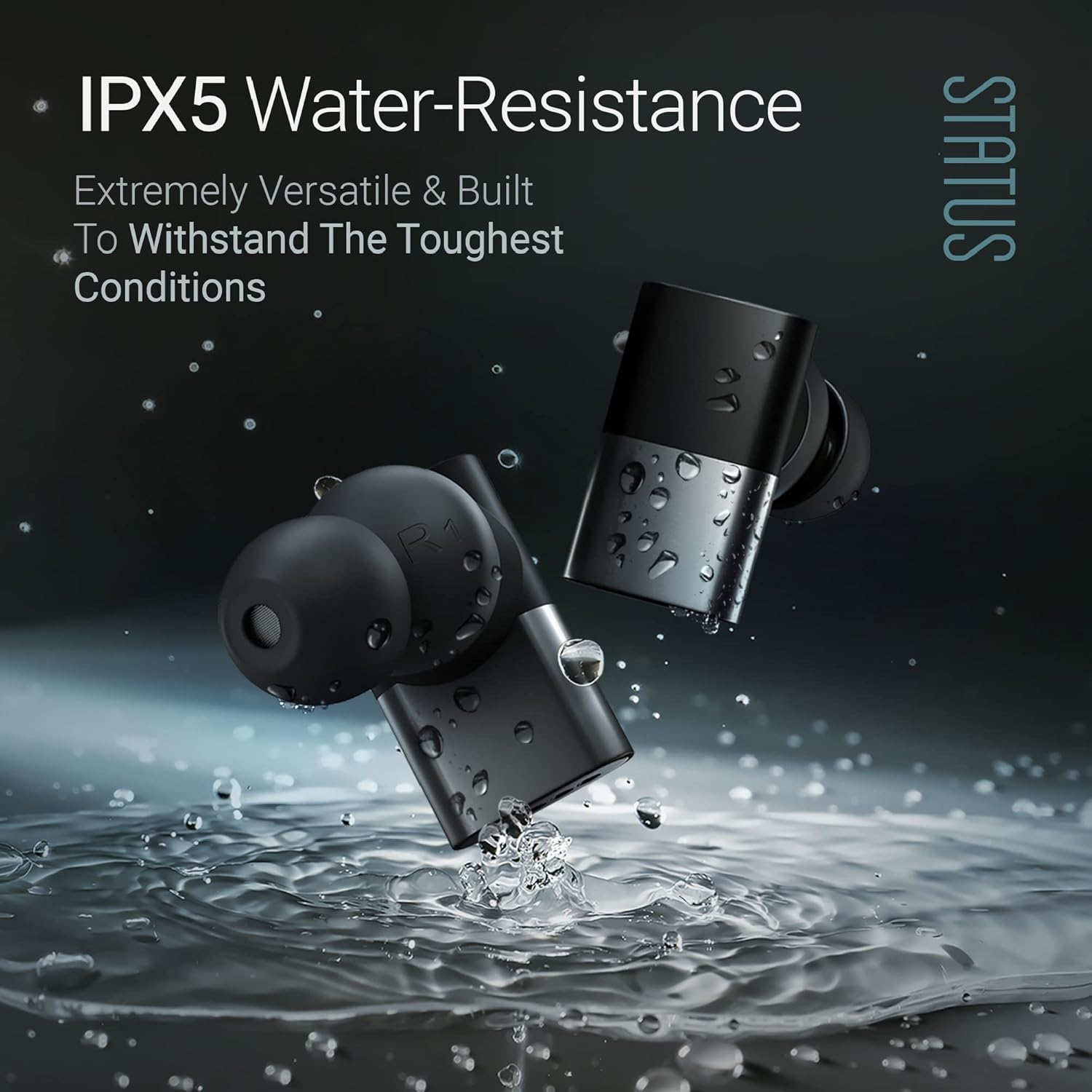
Image: The Status Audio Between Pro earbuds shown with water splashing around them, illustrating their IPX5 water-resistance, making them suitable for workouts and various weather conditions.
주의:
- 이어버드를 물에 담그지 마세요.
- 손상을 방지하려면 이어버드를 충전 케이스에 다시 넣기 전에 건조한지 확인하세요.
문제 해결
| 문제 | 가능한 원인 | 해결책 |
|---|---|---|
| 이어버드가 페어링/연결되지 않습니다. | Earbuds not in pairing mode; device Bluetooth off; interference. | Ensure case is open and earbuds are in pairing mode. Turn device Bluetooth off and on. Move closer to the device. Forget device in Bluetooth settings and re-pair. |
| 소리가 나지 않거나 볼륨이 작습니다. | Incorrect ear tip size; low earbud battery; device volume too low. | Adjust ear tips for a secure fit. Charge earbuds. Increase volume on both earbuds and connected device. |
| Poor call quality (for others). | Microphone obstruction; excessive background noise. | Ensure microphones are not covered. Move to a quieter environment. If using a single earbud, try placing both in initially then removing one. |
| 이어폰이 충전되지 않습니다. | 충전 접점이 더럽습니다. 케이블/전원에 결함이 있습니다. | 이어버드와 케이스의 충전 접점을 청소하세요. 다른 USB-C 케이블과 전원 어댑터를 사용해 보세요. |
명세서
| 특징 | 세부 사항 |
|---|---|
| 모델명 | SAEE-3X-NEW (SAEE-3X-1) |
| 연결 기술 | 무선(블루투스 5.2) |
| 오디오 드라이버 유형 | Hybrid Triple Driver (10mm Dynamic Driver, 2x Balanced Armature Drivers) |
| 주파수 응답 | 20Hz - 20,000Hz |
| 임피던스 | 12옴 |
| 배터리 수명(이어버드) | 최대 12시간 |
| 배터리 수명(충전 케이스 포함) | Up to 36 Hours additional (Total 48 hours) |
| 방수 레벨 | IPX5 방수 |
| 마이크 | 4 external microphones with Qualcomm cVc noise cancellation |
| 제어 유형 | 물리적 버튼 |
| 재료 | Composite, Metal, Plastic |
| 품목 무게 | 8.4온스(0.24킬로그램) |
| 포함된 구성 요소 | 무선 충전 케이스 |
| 한국어: | 850056984027 |
보증 및 지원
For warranty information and customer support, please refer to the official Status Audio web사이트를 방문하거나 고객 서비스에 직접 문의하세요. 보증 청구를 위해 구매 증빙 자료를 보관하세요.
제조업체: 상태
모델 번호: SAEE-3X-1
ASIN: B0CLFPNS22
첫 이용 가능 날짜: 19년 2023월 XNUMX일


