소개
Thank you for choosing the ZEBRONICS MTS150 Foldable Mobile Holder. This device is designed to provide a stable and adjustable platform for your mobile phone or tablet, enhancing your viewing and interaction experience. Please read this manual carefully to ensure proper use and maintenance of your product.
제품 특징
- Lightweight and Handy: 휴대성과 사용 편의성을 고려하여 설계되었습니다.
- 보편적 인 호환성 : Suitable for various mobile phones and tablets.
- Damping Shaft: Provides smooth and stable angle adjustments.
- 케이블 관리 : Integrated design for convenient charging while in use.
- Rust-Free Aluminum Alloy: 오래 지속되는 성능을 위한 내구성 있는 구조.
- Anti-Skid Base: 다양한 표면에서 안정성을 보장합니다.
- Anti-Skid Resting Pad: Protects your device from scratches and prevents slipping.
- 초박형 디자인: Compact and sleek profile.
- 360° 회전: 유연성을 허용합니다 view각도를 나타냅니다.
- 180° Stepless Tilt Adjustments: Offers a wide range of tilt options for optimal view주고받음.
패키지 내용
- ZEBRONICS MTS150 Mobile Stand - 1 unit
설치 지침
- 스탠드 펼치기: Gently unfold the stand from its compact position. The hinges are designed for smooth movement.
- 베이스 조정: Place the stand on a flat, stable surface. Ensure the anti-skid base is fully in contact with the surface.
- 조정하다 View각도: d를 사용amping shaft to adjust the main arm to your desired height and tilt. The stand supports 180° stepless tilt adjustments.
- Rotate the Device Holder: The device holder features 360° rotation. Adjust it to achieve either portrait or landscape orientation for your device.
- 장치 배치: Carefully place your mobile phone or tablet onto the anti-skid resting pad. Ensure it is securely seated.
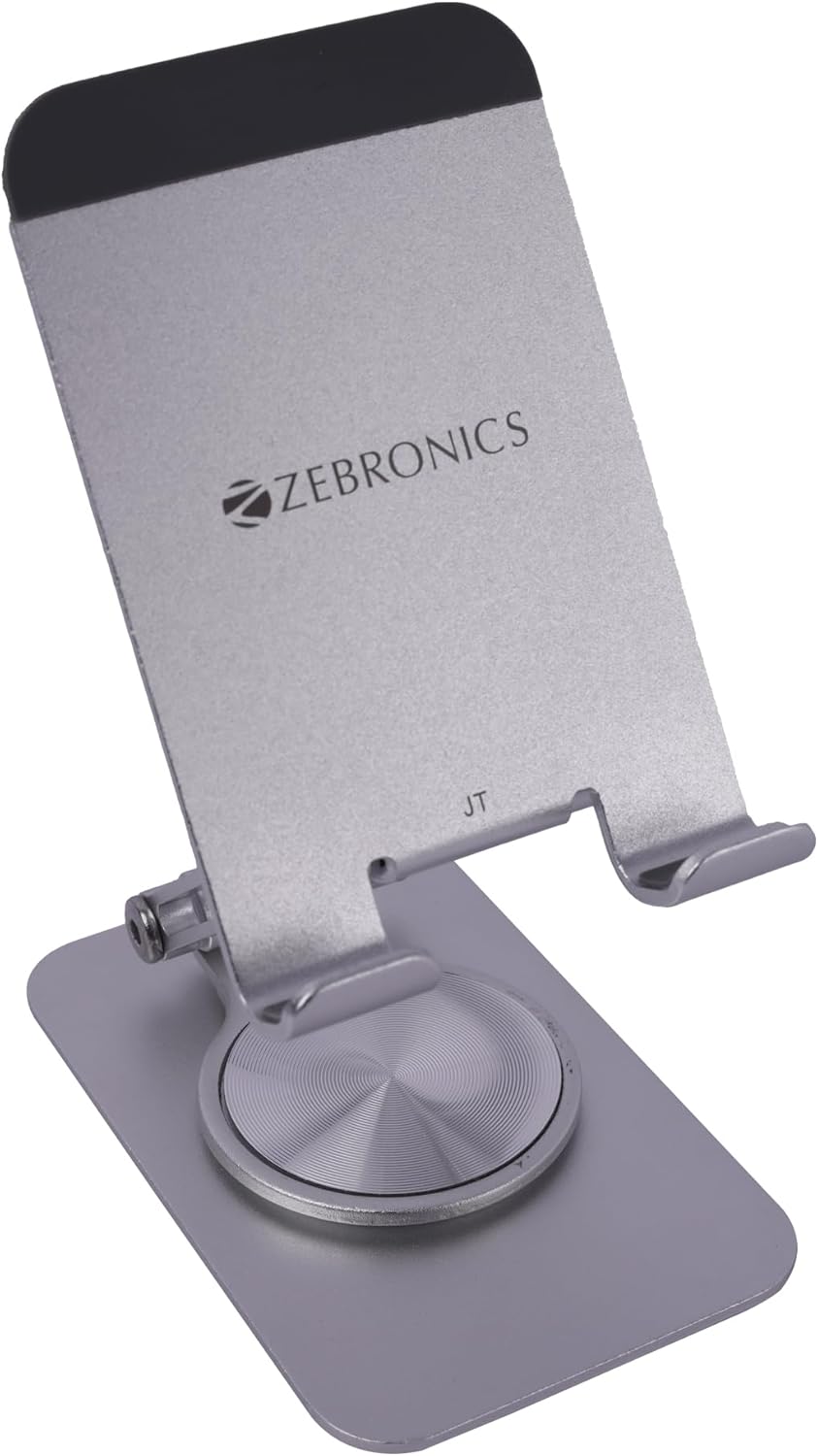
Image 1: The ZEBRONICS MTS150 Mobile Holder unfolded and ready for device placement.
작동 지침
- 각도 조정: The stand allows for multi-angle adjustments. Gently push or pull the upper arm to achieve the desired viewing angle. The damping shaft ensures the angle remains stable.
- 360° 회전: The circular base allows for 360° rotation. Simply turn the base to change the orientation of your device without moving the entire stand.
- 케이블 관리 : Utilize the designated cut-out at the bottom of the device resting area for charging cables. This keeps your workspace tidy while your device charges.
- 보관을 위한 접기: To store or transport the stand, fold it back into its compact, ultra-thin design.
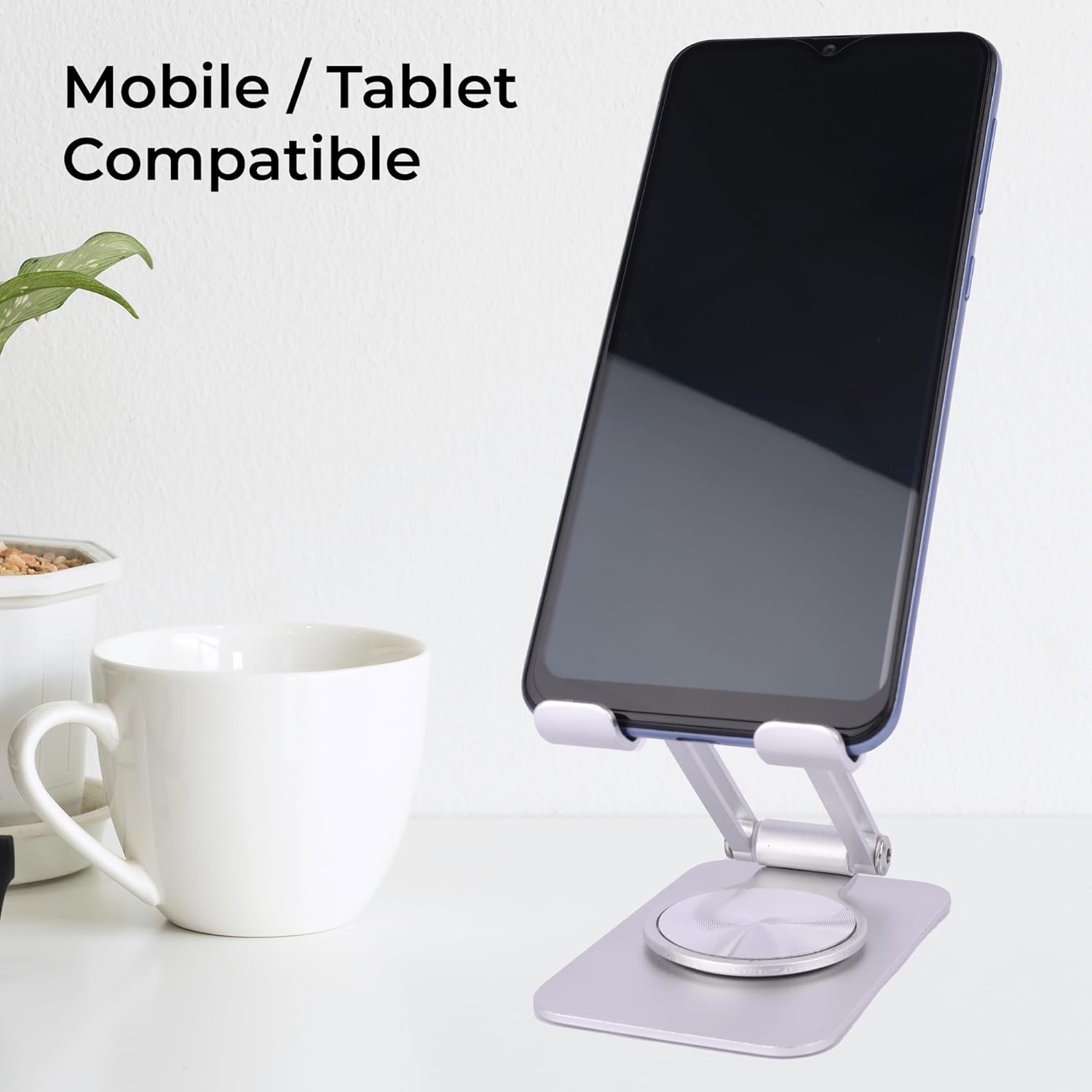
Image 2: The mobile holder supporting a smartphone, illustrating its compatibility.

Image 3: The stand demonstrating its 360° rotation capability.

이미지 4: 상세 view d의amping shaft and cable management slot with a phone charging.
유지
- 청소: Wipe the stand with a soft, dry cloth to remove dust. For stubborn marks, a slightly damp 천을 사용한 후 바로 말릴 수 있습니다.
- 가혹한 화학 물질을 피하세요: Do not use abrasive cleaners, solvents, or strong detergents, as these can damage the finish and materials.
- 저장: When not in use, fold the stand to its compact form and store it in a clean, dry place.
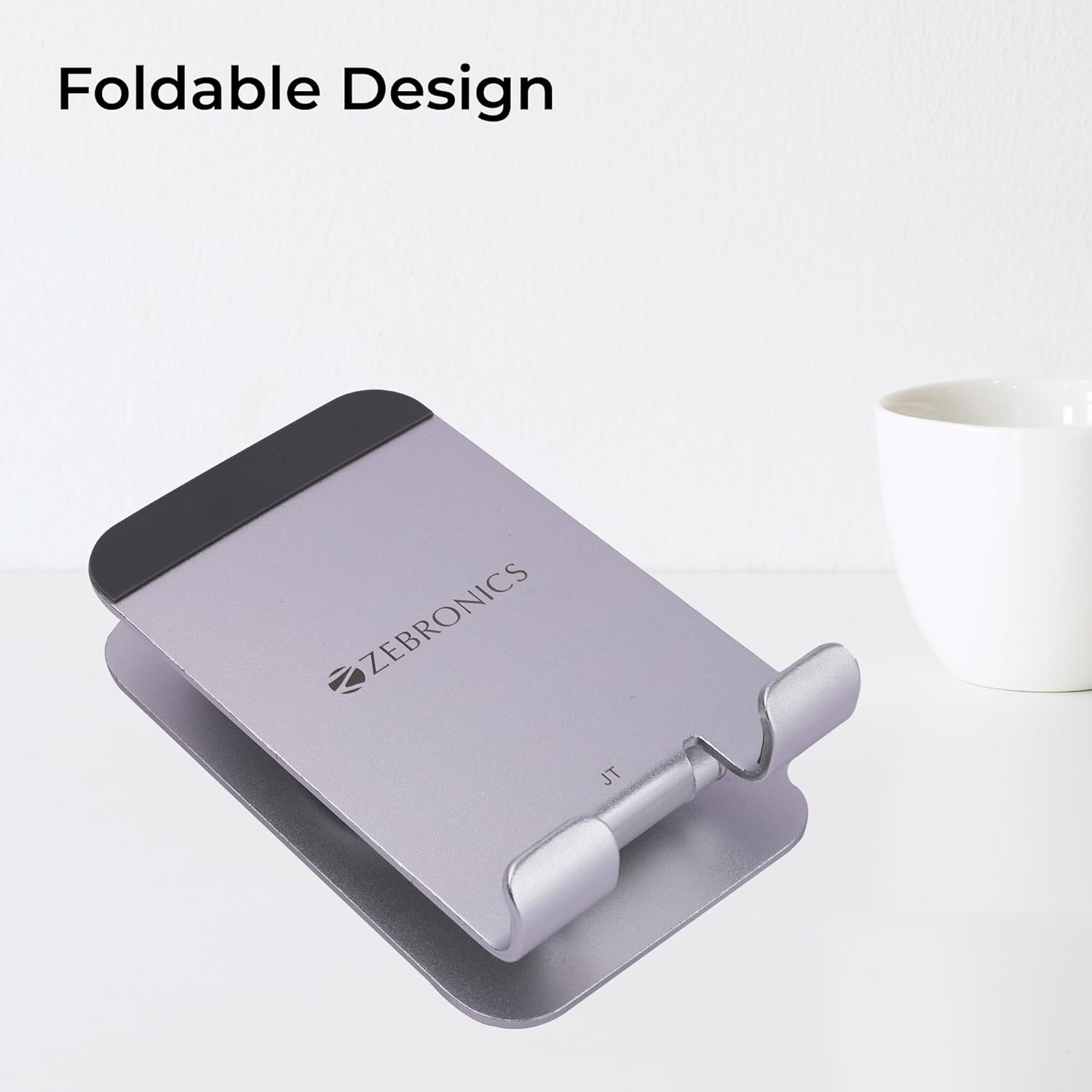
Image 5: The mobile holder showcasing its foldable design for easy storage.
문제 해결
The ZEBRONICS MTS150 is a mechanical device designed for simplicity and durability. Most issues can be resolved with basic checks.
- 스탠드가 불안정하게 느껴집니다. Ensure the stand is placed on a flat, level surface and the anti-skid base is clean and free of debris.
- 기기 미끄러짐: Verify that your device is properly seated on the anti-skid resting pads. Clean the pads if they appear dusty or oily.
- 각도 조절이 어렵습니다. 디amping shaft is designed to hold angles firmly. Apply gentle, consistent pressure when adjusting. Do not force the mechanism.
명세서
| 특징 | 세부 사항 |
|---|---|
| 상표 | 제 브로 닉스 |
| 모델 | MTS150 |
| 색상 | 은 |
| 폼 팩터 | 테이블 스탠드 |
| 호환 장치 | 스마트폰, 태블릿 |
| 제품 치수 | 2.68 x 1.06 x 4.41인치(접힌 상태) |
| 품목 무게 | 4.2 온스 |
| 재료 | Rust-Free Aluminum Alloy |
| 회전 | 360° |
| 기울기 조정 | 180° Stepless |
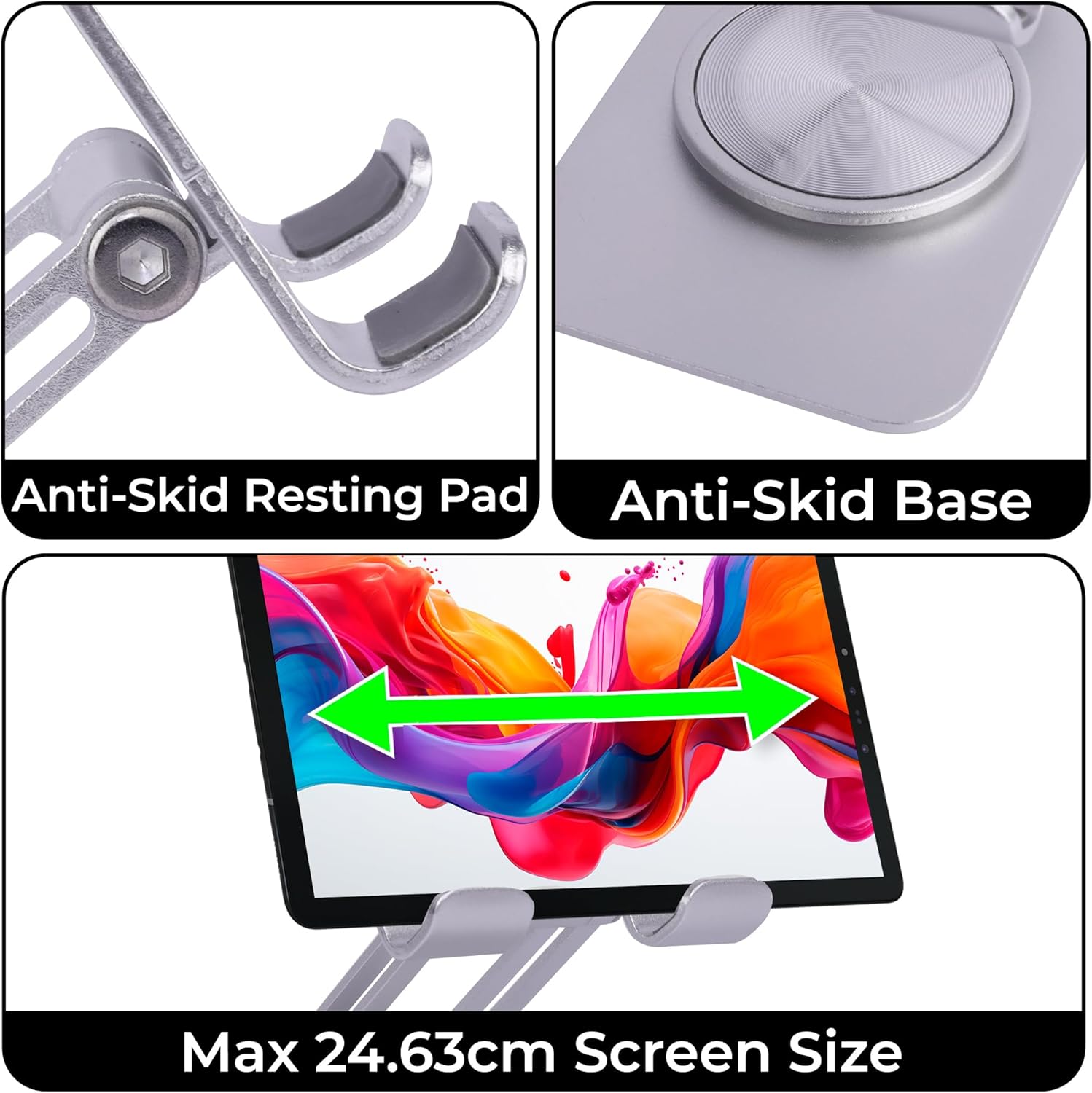
Image 6: Details of the anti-skid features and screen size compatibility.
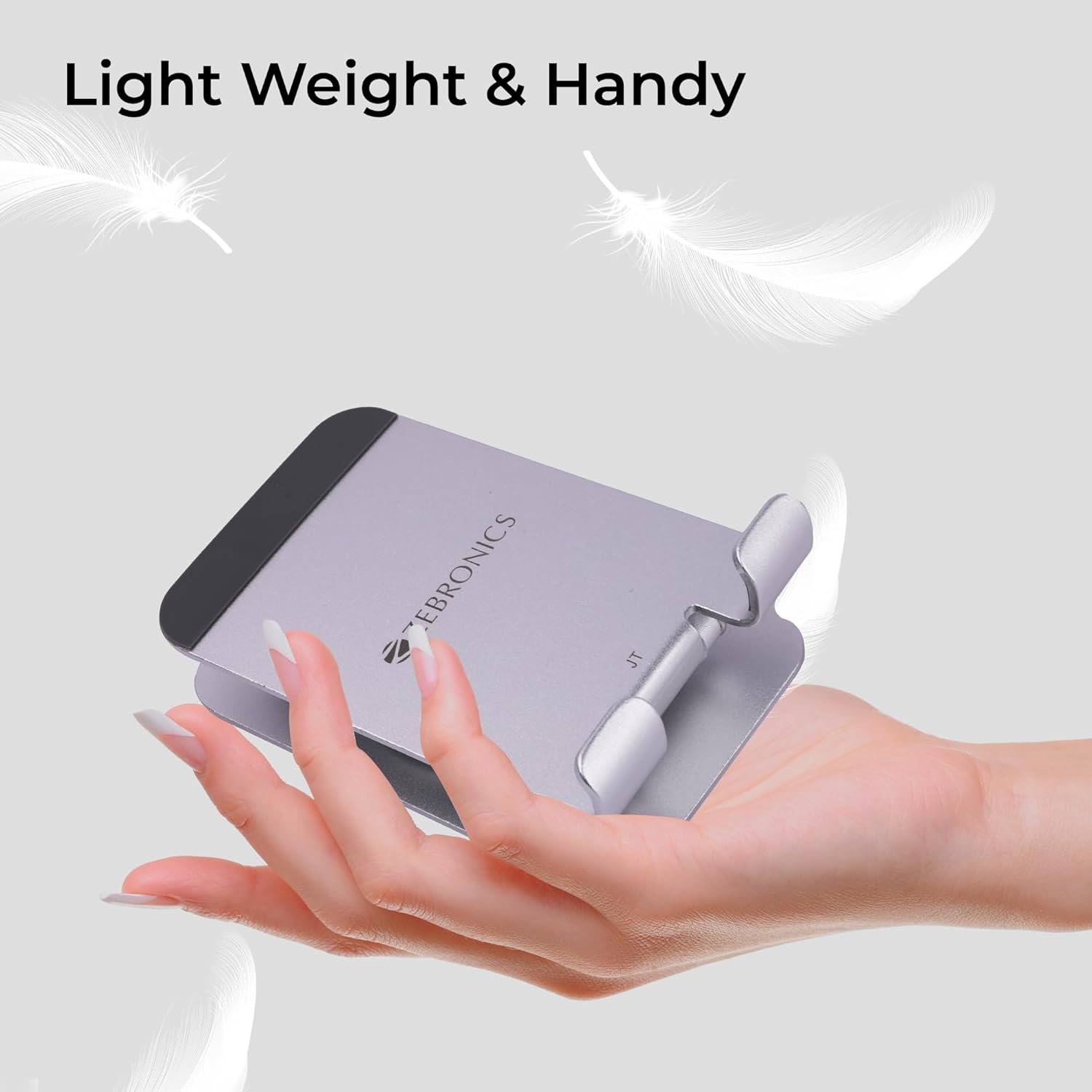
Image 7: The stand being held, highlighting its lightweight and handy design.
보증 및 지원
For warranty information and customer support, please refer to the official ZEBRONICS web해당 사이트를 방문하거나 고객 서비스 부서에 문의하세요. 보증 청구를 위해 구매 영수증을 보관하세요.
- 공식적인 Web대지: www.zebronics.com
- 고객 서비스: 공식 웹사이트에 제공된 연락처 정보를 참조하세요. web사이트 또는 제품 포장.


