1. 서론
Thank you for choosing the itel T31 Truly Wireless Earbuds. This manual provides essential information for setting up, operating, maintaining, and troubleshooting your earbuds to ensure an optimal audio experience. Please read this manual carefully before using the product.
2. 상자 안에 무엇이 들어있나요?
The itel T31 package includes the following items:
- itel T31 Truly Wireless Earbuds (Left and Right)
- 충전 케이스
- USB Type-C 충전 케이블
- 이어팁(다양한 크기)
- 사용 설명서 (본 문서)
3. 설정
3.1 초기 충전
Before first use, fully charge the earbuds and the charging case. Connect the provided USB Type-C cable to the charging port on the case and a compatible power source. The indicator lights on the case will show the charging status. A full charge typically takes approximately 1.5 to 2 hours.
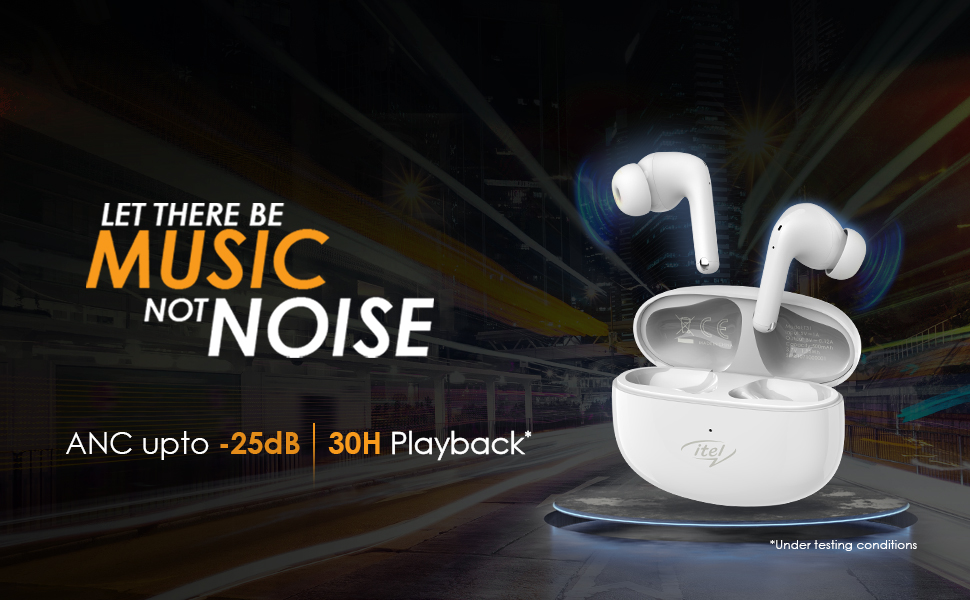
Figure 1: Earbuds and charging case with Type-C fast charging.
3.2 장치와의 페어링
- 이어버드가 충전되어 있는지 확인하세요.
- 충전 케이스를 여세요. 이어버드가 자동으로 페어링 모드로 전환되며, 이어버드 한쪽 또는 양쪽에 있는 LED 표시등이 깜빡입니다.
- 스마트폰, 태블릿, 노트북에서 Bluetooth를 활성화하세요.
- 검색 available Bluetooth devices and select "itel T31" from the list.
- 연결되면 이어버드의 LED 표시등이 깜빡임을 멈추고 확인음이 들립니다.
이어버드는 케이스에서 꺼내면 기기에서 블루투스가 활성화된 경우 마지막으로 페어링된 기기에 자동으로 다시 연결됩니다.
3.3 편안한 착용감
Select the eartips that provide the best seal and comfort for your ears. A proper fit is crucial for optimal sound quality and effective Active Noise Cancellation (ANC).
4. 사용 설명서
4.1 터치 컨트롤
The itel T31 earbuds feature intuitive touch controls for managing music, calls, and sound modes.
| 행동 | 왼쪽 이어버드 | 오른쪽 이어 버드 |
|---|---|---|
| 음악 재생/일시 정지 | 싱글 탭 | 싱글 탭 |
| 다음 트랙 | 더블 탭 | 더블 탭 |
| 이전 트랙 | 트리플 탭 | 트리플 탭 |
| 전화 받기/종료하기 | 싱글 탭 | 싱글 탭 |
| 전화 거부 | 길게 누르기(2초) | 길게 누르기(2초) |
| 음성 지원 활성화 | 길게 누르기(2초) | 길게 누르기(2초) |
| ANC/투명 모드 전환 | 길게 누르기(2초) | 길게 누르기(2초) |
| 게임 모드 | 쿼드 탭 | 쿼드 탭 |
5. 능동형 소음 제거(ANC) 및 투명 모드
The itel T31 earbuds offer versatile listening modes:
- 능동형 소음 제거(ANC): Reduces ambient noise by up to -25dB, providing an immersive audio experience ideal for travel or noisy environments.
- 투명 모드: Allows you to hear your surroundings clearly without removing the earbuds, enhancing awareness in situations requiring attention to external sounds.
To switch between ANC and Transparency modes, use the touch controls as described in Section 4.1.
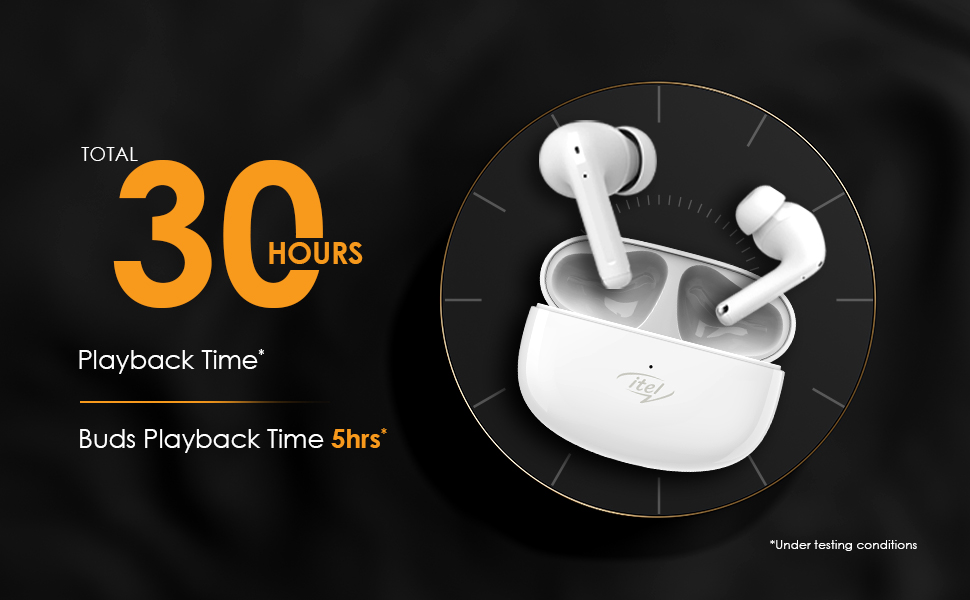
Figure 2: Active Noise Cancellation (ANC) feature.
6. 통화 기능
The itel T31 earbuds are equipped with Quad Mic Environmental Noise Cancellation (ENC) technology. Four microphones work together to filter out background noise, ensuring your voice is clear and audible during calls, even in noisy environments.
7. 충전
7.1 이어버드 충전
Place the earbuds back into the charging case. They will automatically begin charging. The case's indicator lights will show the charging status of the earbuds.
7.2 케이스 충전
Connect the charging case to a power source using the provided USB Type-C cable. The fast charging capability ensures quick power replenishment. A fully charged case provides multiple charges for the earbuds, extending the total playtime up to 30 hours.
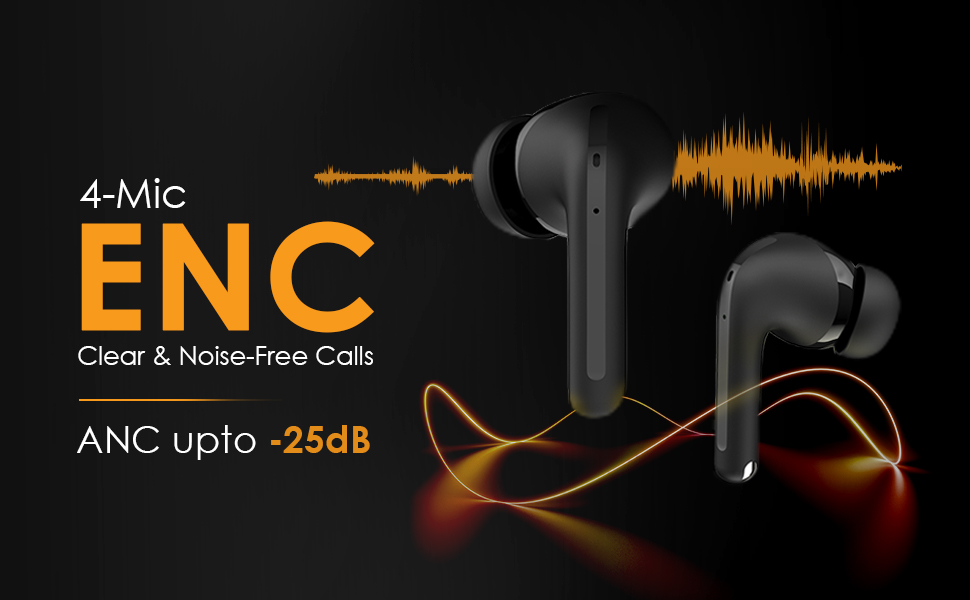
Figure 3: Earbuds in charging case, illustrating 30 hours of total playback.
8. 방수 기능(IPX5)
The itel T31 earbuds are rated IPX5 water-resistant. This means they are protected against low-pressure water jets from any direction. They are suitable for workouts and light rain but should not be submerged in water or exposed to heavy downpours.
9. 유지관리
9.1 청소
최적의 성능과 위생을 유지하려면 이어버드와 충전 케이스를 정기적으로 청소하십시오. 부드럽고 마른 보풀 없는 천을 사용하세요. 잘 지워지지 않는 얼룩은 약간 건조한 천으로 닦아내십시오.amp천에 물을 묻힙니다. 연마성 세척제나 용매를 사용하지 마십시오.
9.2 보관
사용하지 않을 때는 이어버드를 충전 케이스에 넣어 먼지와 손상으로부터 보호하고 충전 상태를 유지하십시오. 극한 온도나 높은 습도에 보관하지 마십시오.
10. 문제 해결
If you encounter issues with your itel T31 earbuds, refer to the following common solutions:
- 이어버드가 페어링되지 않음: Ensure both earbuds are charged and in pairing mode. Turn off and on Bluetooth on your device. Try forgetting the device in your Bluetooth settings and re-pairing.
- 한쪽 이어버드에서 소리가 나지 않습니다. 이어버드 두 개를 모두 케이스에 넣고 닫았다가 다시 여세요. 두 이어버드가 모두 충전되었는지 확인하세요.
- 충전 문제: 충전 케이블과 어댑터를 확인하세요. 이어버드와 케이스의 충전 접점이 깨끗하고 이물질이 없는지 확인하세요.
- 볼륨이 낮거나 음질이 좋지 않음: Adjust the volume on your device. Ensure the eartips provide a good seal. Clean any earwax or debris from the earbud nozzles.
- 터치 컨트롤이 응답하지 않음: 손가락이 깨끗하고 건조한지 확인하세요. 이어버드를 케이스에 넣었다가 다시 꺼내서 다시 시작해 보세요.
문제가 지속되면 고객 지원팀에 문의하세요.
11. 사양
Key technical specifications for the itel T31 Truly Wireless Earbuds:
| 특징 | 세부 사항 |
|---|---|
| 모델명 | T31 |
| 연결 기술 | 블루투스 5.3 |
| 소음 제어 | Active Noise Cancellation (ANC up to -25dB), Environmental Noise Cancellation (ENC) |
| 오디오 드라이버 크기 | 10mm 베이스 부스트 드라이버 |
| 배터리 수명 | 최대 30시간(충전 케이스 사용 시) |
| 충전 포트 | USB 타입 C (고속 충전) |
| 방수 등급 | IPX5 |
| 제어 방법 | 터치 컨트롤 |
| 호환 장치 | 노트북, 스마트폰, 태블릿 |
| 품목 무게 | 36그램 |
| 제품 치수 | 6.3 x 4.9 x 2.5cm |
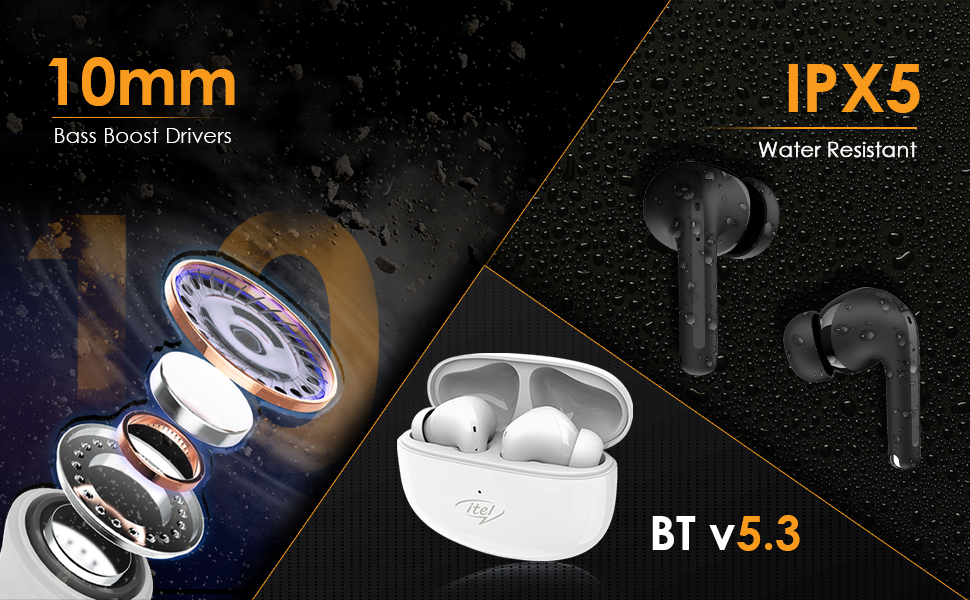
Figure 4: Illustration of 10mm Bass Boost Drivers.
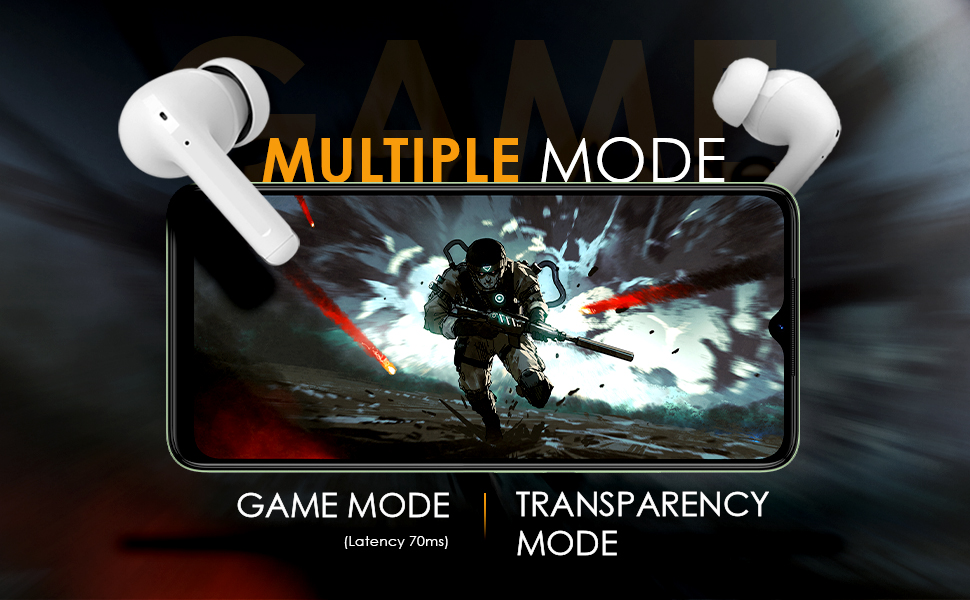
Figure 5: Earbuds in Game Mode.
12. 보증 및 지원
12.1 보증 정보
The itel T31 Truly Wireless Earbuds come with a standard manufacturer's warranty. Please refer to the warranty card included in your product packaging for specific terms, conditions, and duration of coverage. Keep your purchase receipt as proof of purchase for warranty claims.
12.2 고객 지원
For technical assistance, troubleshooting beyond this manual, or warranty inquiries, please contact itel customer support. Contact details can typically be found on the official itel web사이트나 보증 카드에 적혀 있습니다.


