1. 서론
The Lanaform WL-100C is a versatile device designed to enhance your sleep and wake-up experience through light and sound simulation. It functions as a smart alarm clock, a bedside lamp, and a sleep aid, offering both sunrise and sunset simulations. This manual provides detailed instructions for setting up, operating, and maintaining your WL-100C device.

Image 1.1: Lanaform WL-100C device with its mobile application interface.
2. 안전 정보
- 사용하기 전에 모든 지침을 읽고 향후 참고를 위해 보관하세요.
- Do not immerse the device or power adapter in water or other liquids.
- 제공된 전원 어댑터만 사용하세요.
- 장치를 열원이나 직사광선으로부터 멀리 두십시오.
- 직접 기기를 분해하거나 수리하지 마십시오. 자격을 갖춘 서비스 담당자에게 문의하세요.
- 장치가 안정적이고 평평한 표면에 놓여 있는지 확인하십시오.
3. 패키지 내용
패키지에 모든 품목이 들어 있는지 확인하세요.
- Lanaform WL-100C Smart Sunrise & Sunset Simulator
- 전원 어댑터
- 사용 설명서 (본 문서)
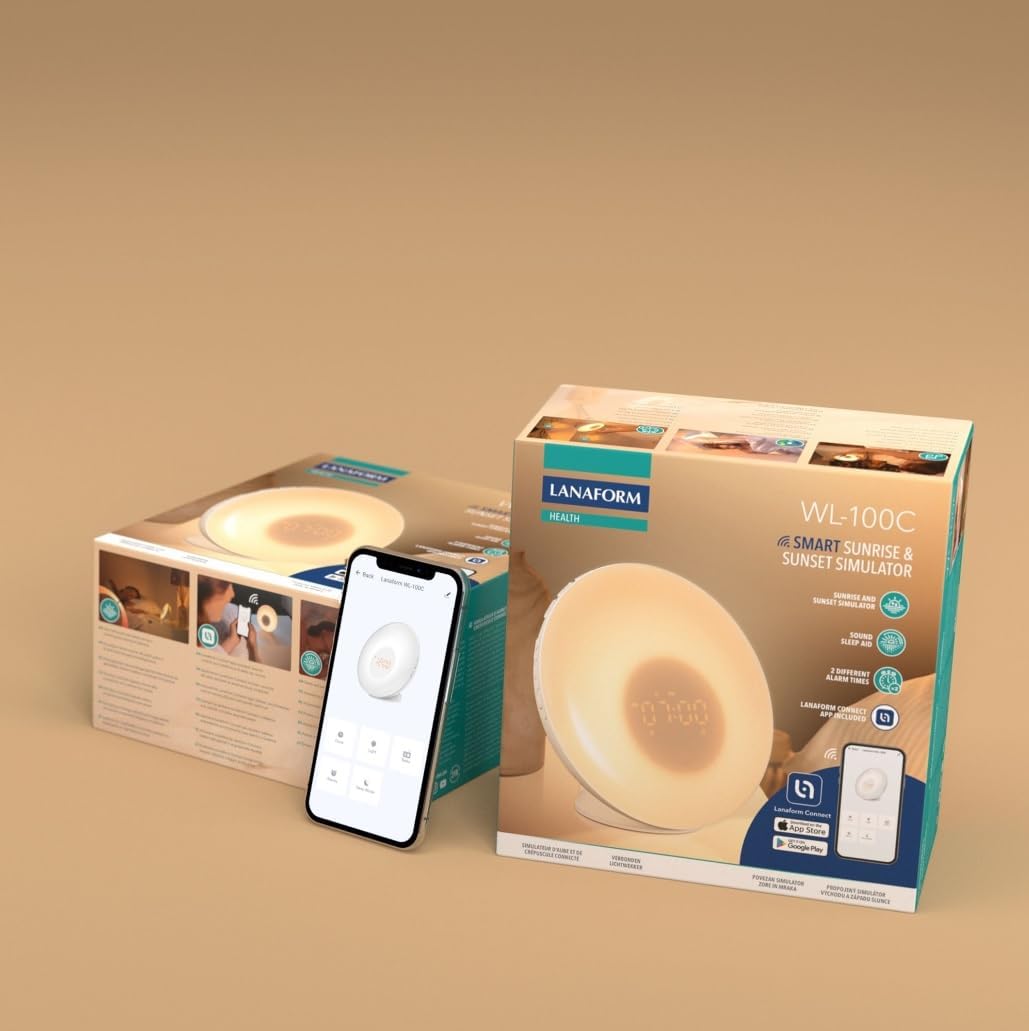
Image 3.1: The Lanaform WL-100C device and its packaging.
4. 디바이스 오버view
The WL-100C features an intuitive design with accessible controls and a clear display. Familiarize yourself with the main components:
- 전면 패널: Light panel, digital time display.
- 상단 버튼: Control various functions such as time setting, alarm activation, light intensity, sound selection, and FM radio.
- 후면 패널 : Power input, USB charging port, FM antenna.
이미지 4.1: 앞면 view of the Lanaform WL-100C device.
5. 설정
5.1 전원 연결
- Connect the power adapter to the DC input port on the rear of the WL-100C.
- Plug the adapter into a standard wall outlet. The device will power on and the display will illuminate.
5.2 App Installation (Lanaform Connect)
For advanced features and convenient control, download the Lanaform Connect application:
- Scan the QR code provided in the packaging or search for "Lanaform Connect" on the Apple App Store or Google Play Store.
- 스마트폰에 앱을 설치하세요.
5.3 블루투스 페어링
To connect the device to the Lanaform Connect app:
- 스마트폰에서 Bluetooth가 활성화되어 있는지 확인하세요.
- Open the Lanaform Connect app.
- Follow the in-app instructions to discover and pair with your WL-100C device. The device name will typically appear as "Lanaform WL-100C".

Image 5.1: Controlling the WL-100C via the Lanaform Connect mobile application.
6. 사용 설명서
6.1 설정 시간
The time can be set manually using the device buttons or automatically via the Lanaform Connect app after pairing.
6.2 Sunrise Simulation (Wake-up Light)
The sunrise simulation gradually increases light intensity over 30 minutes before your set alarm time, transitioning to a bright yellow light to simulate natural dawn.
- 활성화: Enable this feature through the alarm settings on the device or via the app.
- 지속: Fixed at 30 minutes prior to the alarm.
6.3 Sunset Simulation (Sleep Aid)
The sunset simulation gradually decreases light intensity, promoting a peaceful transition to sleep. You can set the duration for 15, 30, or 60 minutes.
- 활성화: Select the sunset mode on the device or through the app.
- 지속: Choose 15, 30, or 60 minutes for the light to dim completely.
6.4 알람 설정
The WL-100C supports two customizable alarms.
- 알람 설정: Use the dedicated alarm buttons on the device or the alarm section in the Lanaform Connect app to set desired wake-up times.
- 사운드 옵션: Choose from 6 neutral sounds or select an FM radio station as your alarm sound.
- 용량: 알람 소리를 원하는 수준으로 조절하세요.
6.5 FM 라디오 작동
The integrated FM radio can be used as an alarm sound or for general listening.
- 튜닝 : Use the radio function buttons to scan for and save FM stations.
- 안테나: Ensure the FM antenna on the rear of the device is extended for optimal reception.
6.6 침대 옆 Lamp 기능
The device can be used as a regular bedside lamp with adjustable brightness and color temperature.
- 명도: Adjust light intensity using the dedicated light control buttons or the app.
- 색상: Customize light colors and ambiances via the Lanaform Connect app.
6.7 스누즈 기능
When an alarm sounds, press the Snooze button (usually located on top of the device) to temporarily pause the alarm and extend your sleep for a short period (e.g., 9 minutes). The alarm will sound again after the snooze period.
6.8 USB 충전 포트
A USB port is available on the rear of the device for charging external devices like smartphones.
- Connect your device's USB charging cable to the WL-100C's USB port.
- Ensure the WL-100C is powered on for charging functionality.
6.9 App Control vs. Manual Control
All primary functions of the WL-100C can be controlled manually using the buttons on the device. For more detailed customization, such as specific light ambiances, advanced alarm scheduling, and sound selection, the Lanaform Connect application offers a comprehensive interface.

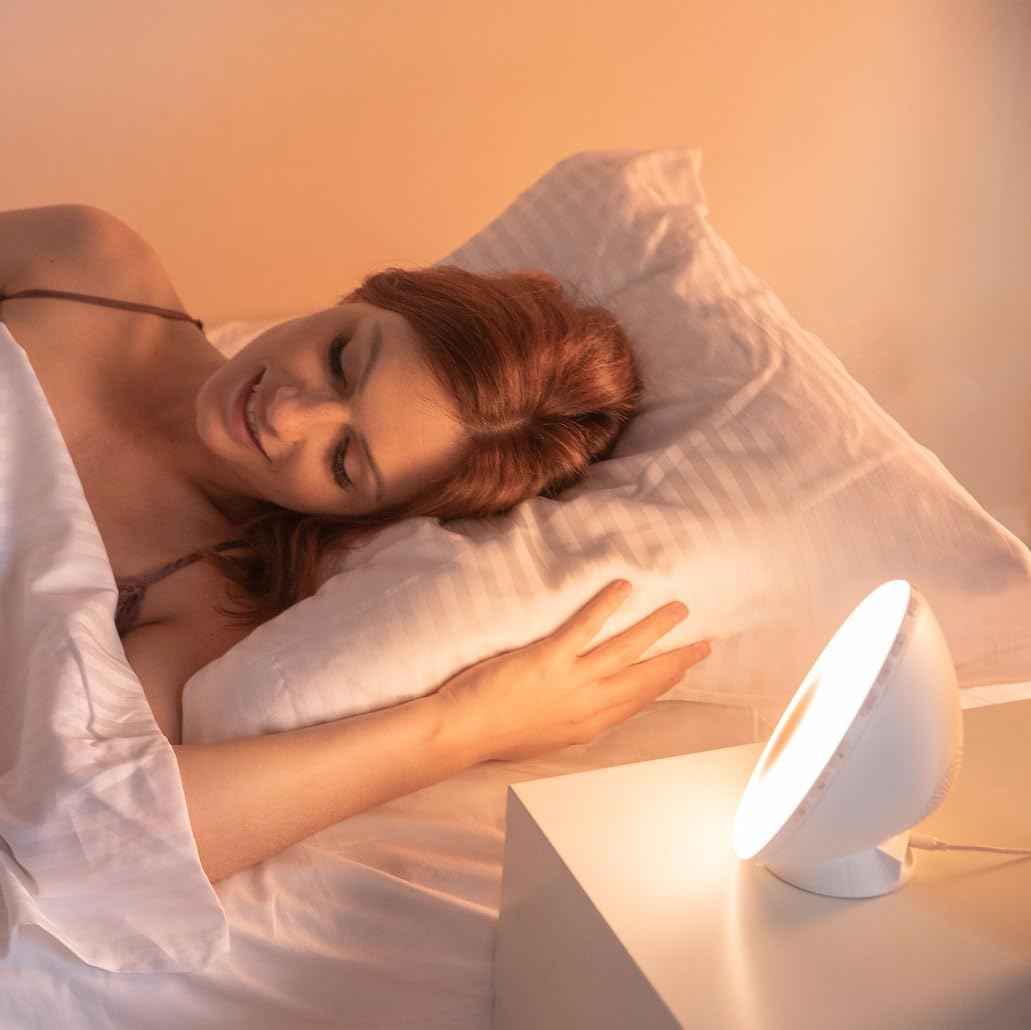
이미지 6.1: 이상view of the WL-100C's multiple functions and customizable experience.
7. 유지관리
7.1 청소
- 청소하기 전에 기기의 플러그를 전원 콘센트에서 뽑으세요.
- 부드럽고 마른 천으로 외부를 닦습니다.
- 연마성 세척제, 용제 또는 강한 화학 물질을 사용하지 마십시오.
7.2 보관
If storing the device for an extended period, unplug it and keep it in a cool, dry place, away from direct sunlight and moisture.
8. 문제 해결
| 문제 | 가능한 원인 | 해결책 |
|---|---|---|
| 장치의 전원이 켜지지 않습니다. | 전원 어댑터가 연결되지 않았거나 결함이 있습니다. | Ensure the power adapter is securely plugged into the device and a working outlet. Try a different outlet. |
| 알람이 울리지 않습니다. | 경보가 작동하지 않거나 소리가 너무 작습니다. | Check alarm settings on the device or app. Increase alarm volume. |
| Sunrise/Sunset simulation not working. | Feature not enabled or incorrect settings. | Verify that the simulation is enabled and configured correctly in the alarm or sleep settings. |
| Cannot connect to Lanaform Connect app. | 블루투스가 꺼져 있거나 기기가 범위를 벗어났습니다. | Ensure Bluetooth is enabled on your smartphone. Bring the device closer to your phone. Restart both the app and the device. |
| FM 라디오 수신이 좋지 않습니다. | 안테나가 펼쳐지지 않았거나 신호가 약합니다. | Fully extend the FM antenna. Try repositioning the device for better signal. |
9. 사양
- 모델 번호: 1625
- 제품 크기(길이 x 너비 x 높이): 17.5 x 8.5 x 17.5cm
- 무게: 400그램
- 전원: AC/DC Adapter (Input: 100-240V, Output: 5V)
- 연결성: 블루투스
- 특징: Sunrise/Sunset Simulation, 2 Alarms, FM Radio, 6 Natural Sounds, Snooze Function, USB Charging Port, Bedside Lamp
- 제조업체: Lanaform
- 원산지: 벨기에
10. 보증 정보
Lanaform products are manufactured to high-quality standards. For detailed warranty terms and conditions, please refer to the official Lanaform web웹사이트 또는 구매 시 동봉된 보증 카드를 참조하십시오. 보증 청구를 위해 구매 증빙 자료를 보관하십시오.
11. 지원
For further assistance, technical support, or inquiries regarding your Lanaform WL-100C, please visit the official Lanaform website or contact their customer service department. Contact details can typically be found on the Lanaform web사이트 또는 제품 포장에 포함되어 있습니다.
Web대지: www.lanaform.com


