소개
This manual provides detailed instructions for the safe and efficient operation of your YABER E1 Mini Projector. Please read this manual thoroughly before using the product and retain it for future reference.
중요한 안전 정보
- l을 사용할 때 프로젝터 렌즈를 직접 쳐다보지 마십시오.amp 켜져있습니다.
- 과열을 방지하려면 프로젝터 주변을 적절하게 환기시키십시오.
- 프로젝터와 함께 제공된 전원 어댑터만 사용하십시오.
- 프로젝터를 물이나 다른 액체로부터 멀리하세요.
- 불안정한 표면에 프로젝터를 두지 마십시오.
- 프로젝터를 직접 분해하거나 수리하지 마십시오. 도움이 필요하면 고객 지원 센터에 문의하십시오.
상자 안에 무엇이 들어있나요?
포장을 풀 때 다음 품목이 모두 포함되어 있는지 확인하세요.
- 1 E1 Projector
- 원격 제어
- 전원 코드
- HDMI 케이블
- 청소 키트
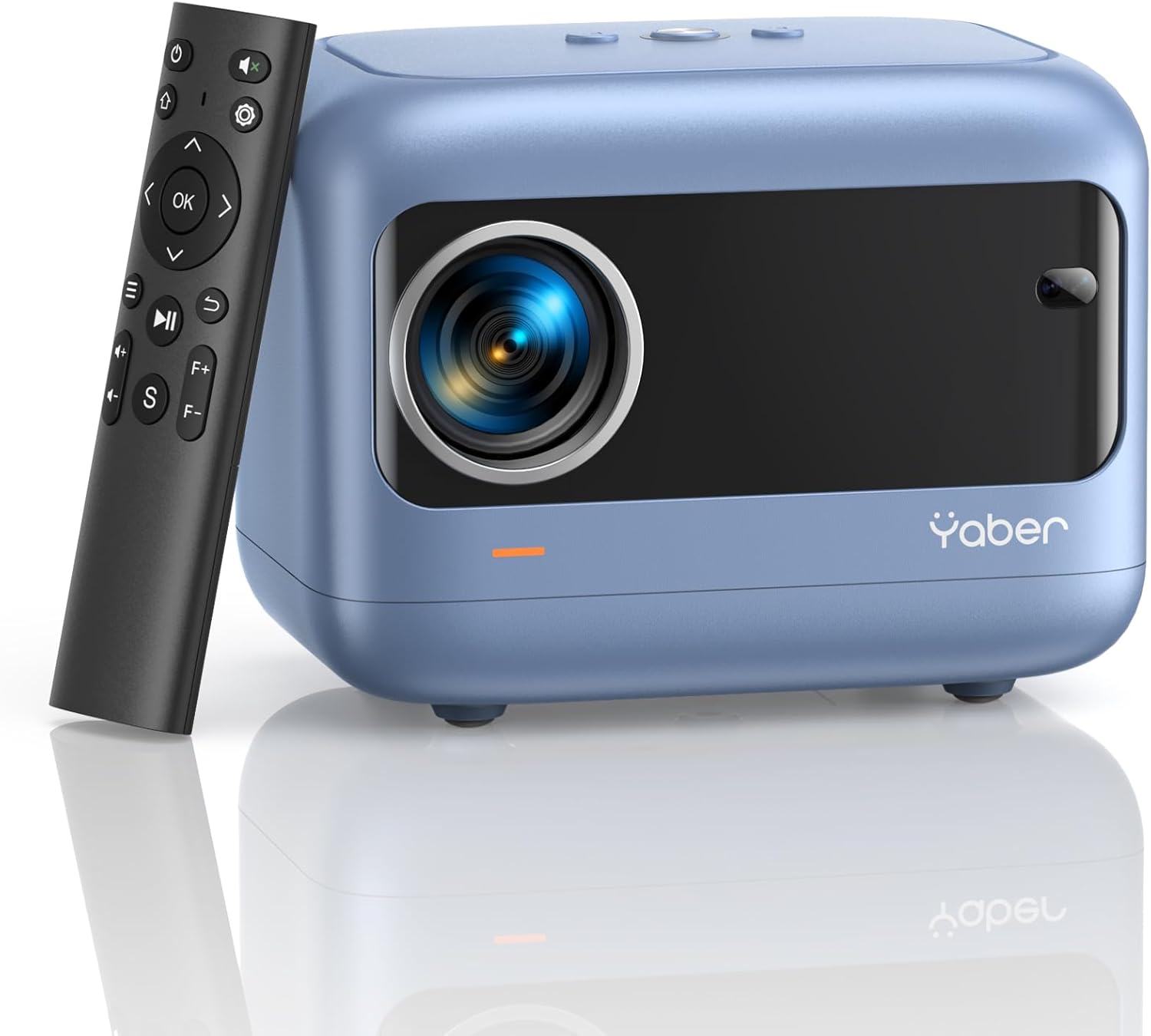
Image: YABER E1 Mini Projector with its remote control.
설치 가이드
1. 물리적 배치
Place the projector on a stable, flat surface. Ensure there is adequate space around the projector for ventilation. The optimal projection distance ranges from 2.6 feet to 16.4 feet, allowing for a screen size of 50 to 200 inches.
2. 전원 연결
Connect the provided power cord to the projector's power input and then to a power outlet.
3. Initial Adjustments: Electric Focus and Keystone Correction
The YABER E1 features advanced electric focus and keystone correction for optimal image clarity and shape. Use the remote control or the buttons on the projector panel to adjust these settings.
- 전기 초점: Automatically adjusts the lens position for precise focus.
- 키스톤 보정: Corrects image distortion (up to ±40° vertical) when the projector is not perfectly perpendicular to the screen.

Image: Adjusting electric focus using the remote control.

Image: Illustrating vertical keystone correction.
작동 지침
1. 연결 옵션
The YABER E1 offers various connectivity methods to display your content.
- Wireless Connectivity (5GHz WiFi): Supports wireless screen mirroring for iOS, Android, and Windows devices. Navigate to the WiFi settings in the projector menu to connect to your home network and enable screen mirroring from your device.
- 블루투스 5.2 : Connect external Bluetooth speakers, headphones, or other audio equipment for an enhanced sound experience. Access Bluetooth settings in the menu to pair devices.
- 유선 연결: The projector includes multiple ports for wired connections:
- 2 x USB 포트
- 1 x HDMI 포트
- 1 x 3.5mm audio port
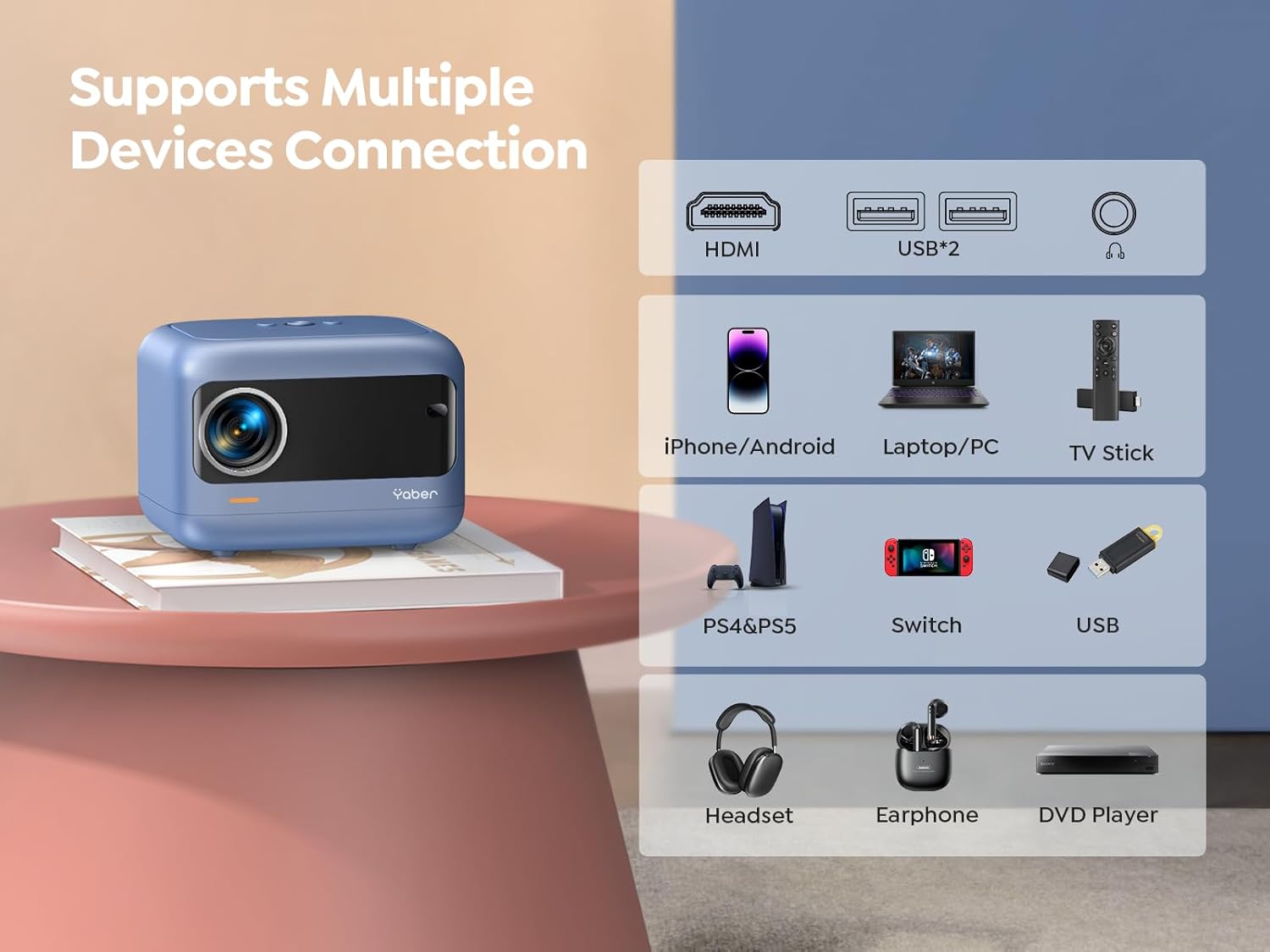
이미지: 이상view of available ports and compatible devices.

Image: Demonstrating 5G and 2.4G WiFi connectivity for streaming.

Image: Connecting external audio devices via Bluetooth 5.2.
2. Screen Zoom Function
The zoom function allows you to adjust the screen size without moving the projector. This is useful for fine-tuning the image to fit your projection surface.
3. 오디오 출력
The YABER E1 includes dual 6W built-in speakers. For a more immersive audio experience, connect external speakers or headphones via Bluetooth 5.2 or the 3.5mm audio jack.
유지
- 렌즈 세척: Use the provided cleaning kit or a soft, lint-free cloth to gently clean the projector lens. Avoid abrasive materials that could scratch the lens.
- 먼지 제거: Regularly clean the projector's vents to ensure proper airflow and prevent dust buildup, which can affect performance and lifespan.
- 저장: When not in use, store the projector in a cool, dry place, ideally with the lens cap on to protect it from dust and damage.
문제 해결
For common issues such as signal loss, sound problems, or connectivity difficulties, please refer to the detailed troubleshooting guide available on the product detail page or contact YABER customer support.
- 이미지/신호 없음: Check all cable connections (HDMI, USB) and ensure the correct input source is selected on the projector. For wireless connections, verify WiFi settings and screen mirroring activation on your device.
- 흐린 이미지: Use the electric focus function to sharpen the image. Ensure the projector is placed within the recommended projection distance.
- 왜곡된 이미지: Utilize the keystone correction feature to adjust the image shape.
- 소리 없음: Check the volume settings on both the projector and the connected device. If using external speakers, ensure they are properly connected and powered on. Verify Bluetooth pairing if applicable.

Image: General troubleshooting tips for quick resolution.
명세서
| 특징 | 세부 사항 |
|---|---|
| 제품 치수 | 6.26 x 4.92 x 4.61 인치 |
| 품목 무게 | 2.11파운드 |
| 모델 번호 | 야베르 E1 |
| 디스플레이 해상도 | 1920 x 1080(풀HD) |
| 연결 기술 | Wireless (5G WiFi), Bluetooth 5.2, HDMI, USB |
| 특별 기능 | Electric Focus, ±40° Keystone Correction, Dual 6W Speakers, Wireless Screen Mirroring |
| 추천 용도 | 홈시네마 |
보증 및 지원
YABER offers comprehensive customer support for your E1 Mini Projector.
- 서비스: 24/7 customer service team.
- 대사: 3년 무상 교체 보증.
- 지원하다: 평생 기술 지원.
- 연락하다: For any questions or assistance, please contact us via email at support03@yaberauto.com.

이미지: 이상view of YABER's customer service commitments.


