1. 제품 오버view
Thank you for choosing the PDP AIRLITE GLOW Wired Headset. This headset is designed to provide an immersive audio experience and clear communication for gaming on Xbox Series X|S, Xbox One, and Windows 10/11 PC. Its lightweight design and comfortable earcups ensure extended use without discomfort.
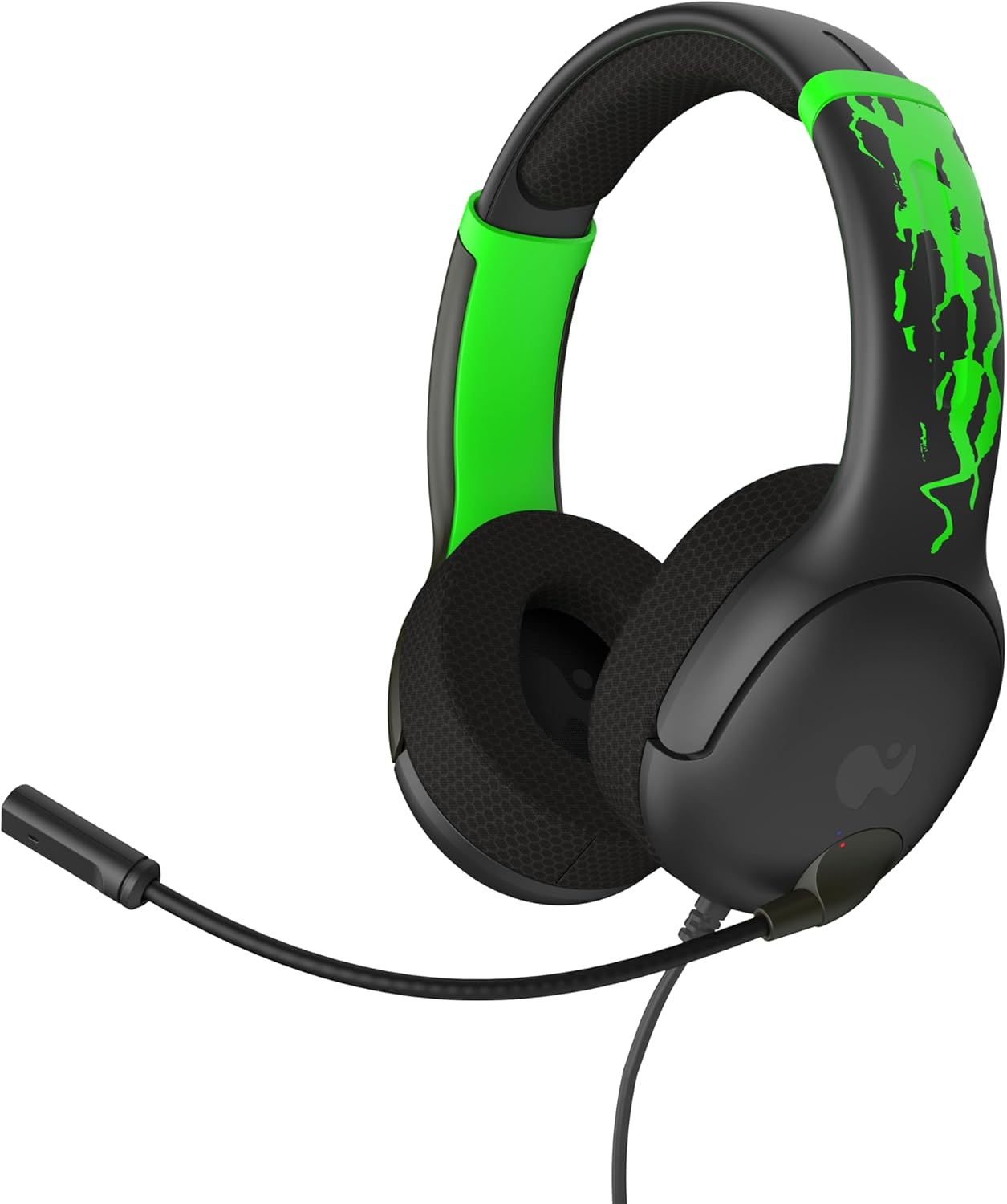
그림 1: 전면 view of the PDP AIRLITE GLOW Wired Headset.
주요 특징:
- Unique design glows in the dark after exposure to light (for best results use UV light).
- Lightweight construction (7 oz) and soft padded earcups for all-day comfort.
- 40mm drivers with fine-tuned audio for immersive gameplay.
- Sleek, noise-canceling mic with flip-to-mute feature.
- Officially licensed by Xbox.
2. 설정 지침
The PDP AIRLITE GLOW Wired Headset connects directly to your gaming controller or compatible device via a 3.5mm audio jack.
Connecting to an Xbox Controller:
- Ensure your Xbox console and controller are powered on.
- Locate the 3.5mm audio jack port on the bottom of your Xbox controller.
- Insert the 3.5mm audio plug from the headset firmly into the controller's audio jack.
- The headset should now be connected and ready for use. You may need to adjust audio settings on your Xbox console or controller for optimal sound and microphone levels.
Connecting to PC (Windows 10/11):
- Locate the 3.5mm audio jack on your PC. If your PC has separate ports for microphone and headphones, you may need a 3.5mm splitter (not included).
- Insert the 3.5mm audio plug from the headset into the combined audio jack or the appropriate headphone/microphone jacks.
- Access your PC's sound settings to ensure the headset is selected as the default input and output device. Adjust volume and microphone levels as needed.
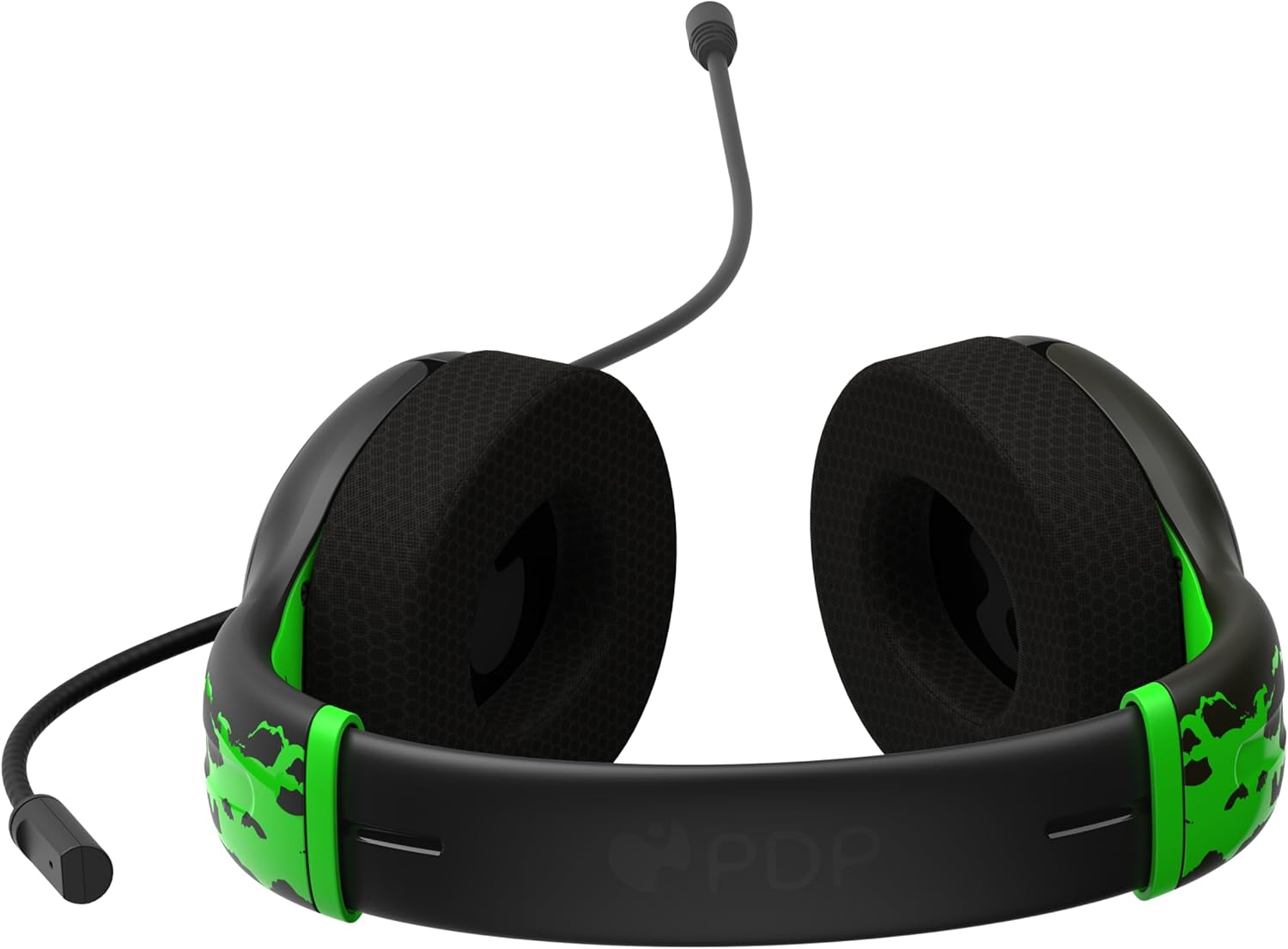
Figure 2: The 3.5mm audio jack for connecting the headset.
3. 사용 설명서
마이크 기능:
- 플립 투 뮤트: The headset features a convenient flip-to-mute microphone. To mute your microphone, simply flip the microphone boom arm upwards until it clicks into the vertical position. To unmute, flip the microphone boom arm back down to the speaking position.
- 조절 가능한 마이크: The microphone arm is flexible and can be adjusted to your preferred speaking distance for optimal voice clarity.
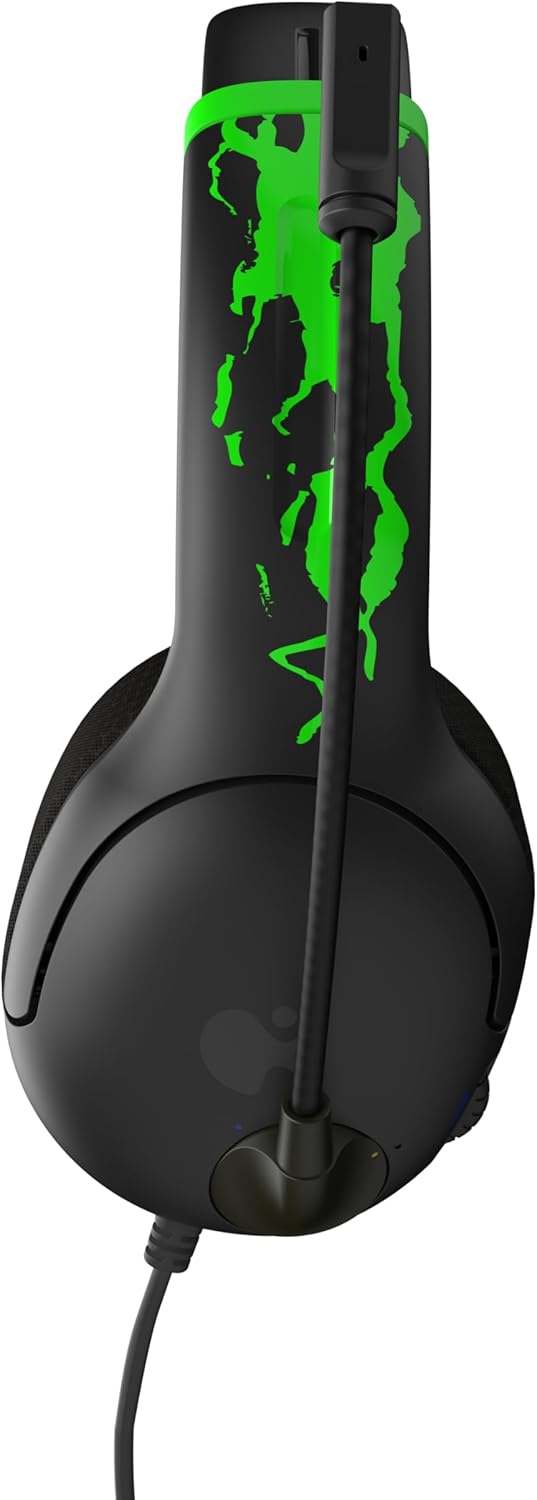
Figure 3: Microphone in the muted (upright) position.
볼륨 조절:
- The headset includes an on-ear volume control dial. Rotate the dial to increase or decrease the audio volume to your desired level.

Figure 4: Volume control dial located on the earcup.
Adjusting Headset Fit:
- The headband is adjustable. Gently slide the earcups up or down to find a comfortable and secure fit on your head.

Figure 5: Adjustable headband for a personalized fit.
4. 관리 및 유지 보수
- 청소: 부드럽고 마른 천을 사용하여 헤드셋을 닦으세요. 강한 화학 물질이나 연마재는 사용하지 마세요.
- 저장: 헤드셋은 직사광선과 극한의 온도를 피해 서늘하고 건조한 곳에 보관하세요.
- 케이블 관리: 케이블 내부 손상을 방지하기 위해 케이블을 심하게 구부리거나 비틀지 마십시오.
- 빛나는 기능: For optimal glow effect, expose the headset's glow-in-the-dark elements to a light source (preferably UV light) before use in dark environments.
5. 문제 해결
| 문제 | 해결책 |
|---|---|
| 헤드셋에서 소리가 나지 않습니다. |
|
| 마이크가 작동하지 않습니다. |
|
| Headset feels uncomfortable. |
|
6. 제품 사양
| 특징 | 세부 사항 |
|---|---|
| 모델명 | AIRLITE GLOW |
| 모델 번호 | 049-015-JGR |
| 상표 | 피디피디 |
| 연결 기술 | 유선(3.5mm 잭) |
| 호환 장치 | Xbox Series X|S, Xbox One, Windows 10/11 PC, Gaming Consoles, Desktops, Laptops |
| 오디오 드라이버 유형 | 다이내믹 드라이버(40mm) |
| 마이크로폰 | Noise-canceling, Flip-to-mute |
| 제어 유형 | Volume Control (on-ear dial) |
| 품목 무게 | 0.018 ounces (approximately 7 oz as per feature bullet) |
| 재료 | 플라스틱 |
| 특징 | Lightweight, Glow-in-the-dark design |
7. 보증 및 지원
For warranty information and customer support, please refer to the official PDP web사이트를 방문하거나 고객 서비스에 직접 문의하세요. 보증 청구를 위해 구매 증빙 자료를 보관하세요.
온라인 지원: 방문하세요 아마존에서 PDP 스토어를 만나보세요 자세한 제품 정보와 지원 리소스를 확인하세요.
8. 제품 비디오
AIRLITE GLOW Wired Headset for Xbox: Jolt Green 3D Video
This video provides a 3D view of the PDP AIRLITE GLOW Wired Headset in Jolt Green, showcasing its design and features. Note: This is a short preview 동영상.
PDP Licensed Gaming Accessories Xbox Nintendo Playstation
오버view 비디오 쇼asing various PDP licensed gaming accessories for Xbox, Nintendo, and PlayStation, including the AIRLITE GLOW headset.