소개
Thank you for choosing the RG N35 TWS Gaming Headset. This manual provides essential information for setting up, operating, and maintaining your new wireless earbuds. Please read this manual thoroughly before use to ensure optimal performance and longevity of your device.
패키지 내용
- RG N35 TWS Gaming Earbuds (Left and Right)
- 충전 케이스
- 충전 케이블
- 사용자 설명서
제품 끝view
The RG N35 TWS Gaming Headset features a low-latency design optimized for gaming, true wireless stereo audio, and touch controls. The earbuds are housed in a distinctive charging case with LED indicators.

RG N35 TWS Gaming Earbuds in their charging case, with the lid open, showcasin이어버드와 케이스의 내부 디자인을 살펴보겠습니다.
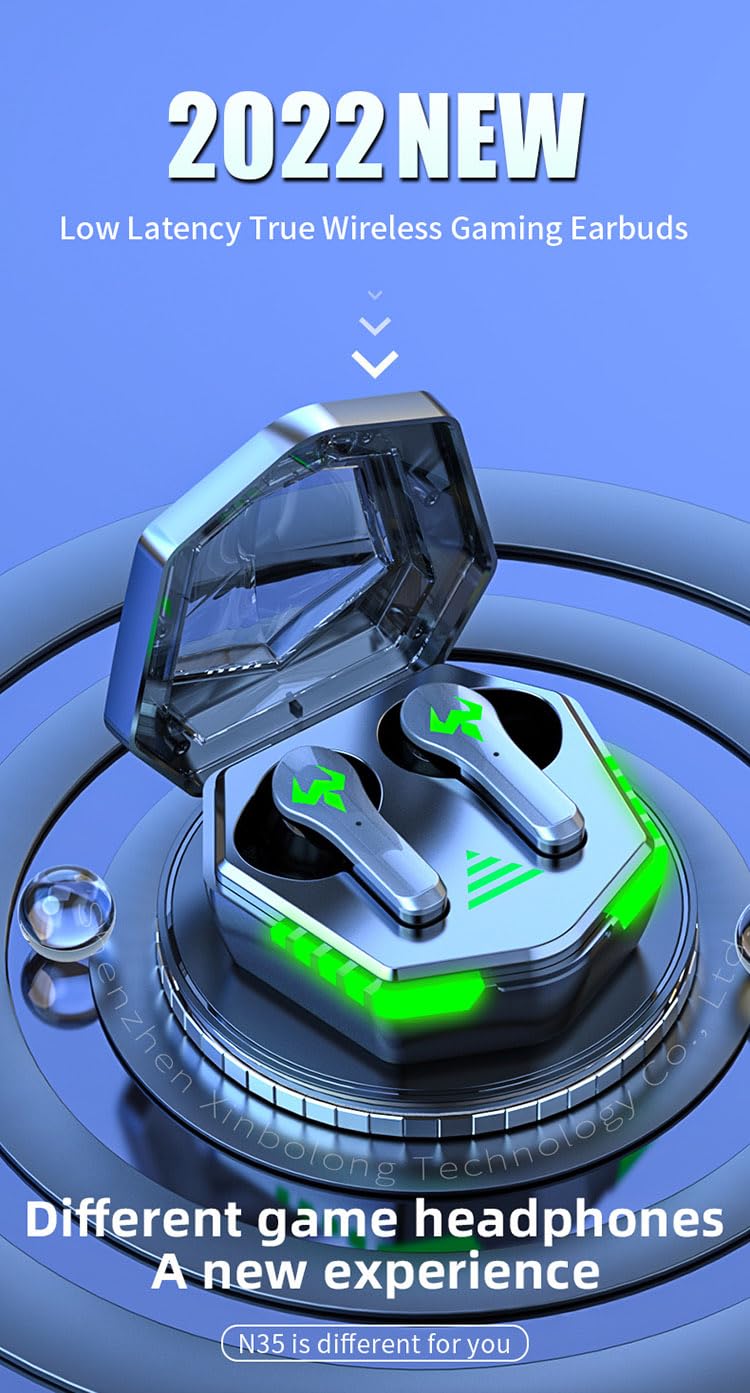
A visual representation of the RG N35 TWS Gaming Earbuds and charging case, emphasizing their low latency and gaming-specific design.
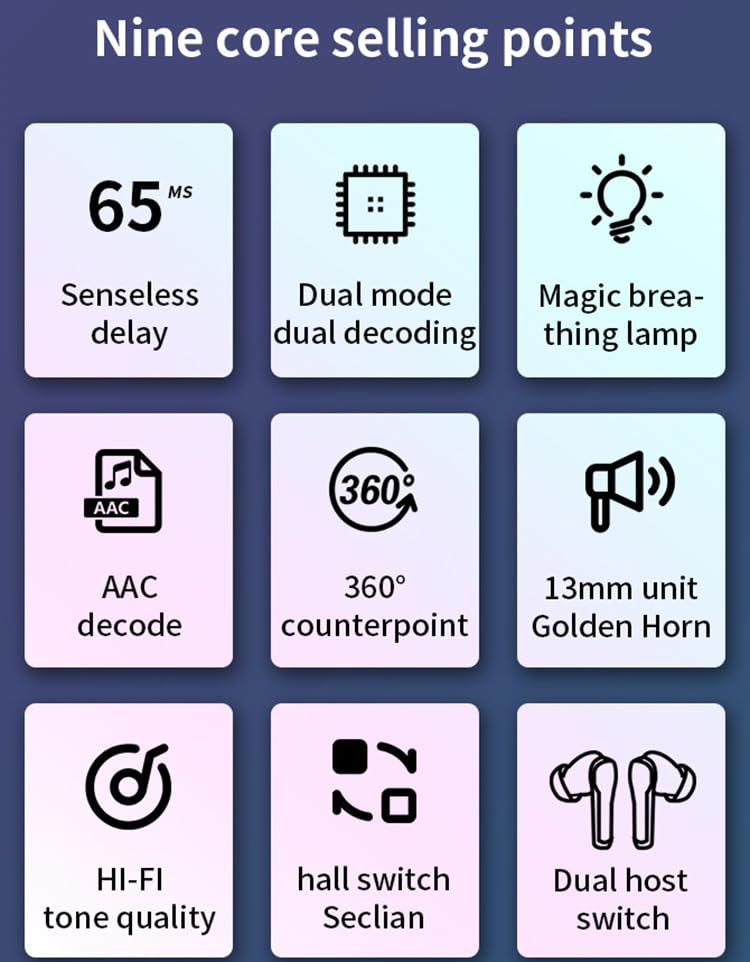
An infographic detailing key features of the RG N35 earbuds, including 65ms low latency, dual mode decoding, breathing lamp, AAC decode, 360-degree sound, 13mm driver, Hi-Fi audio, hall switch, and dual host switch.
설정
1. 장치 충전
Before first use, fully charge the earbuds and the charging case. Connect the provided charging cable to the charging port on the case and a compatible USB power source. The LED indicators on the case will show the charging status. A full charge typically takes approximately 1.5 hours.
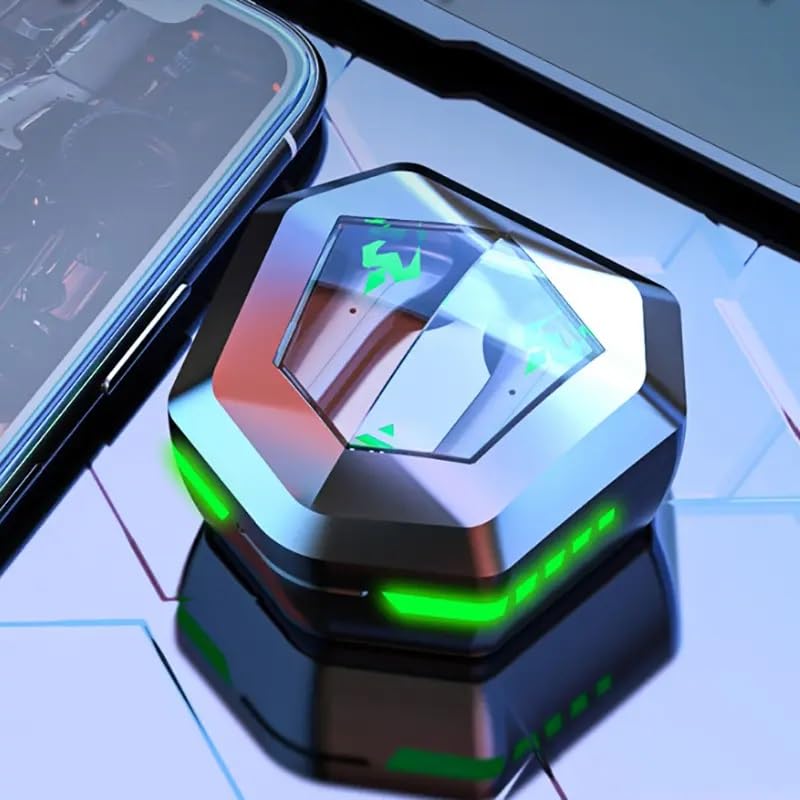
The RG N35 TWS Gaming Earbuds charging case, closed, displaying its hexagonal shape and illuminated green LED accents, indicating charging or power status.
2. 초기 페어링
- 이어버드가 충전되어 있는지 확인하세요.
- 충전 케이스를 여세요. 이어버드가 자동으로 켜지고 페어링 모드로 진입합니다.
- On your device (smartphone, computer, etc.), enable Bluetooth.
- 검색 available Bluetooth devices and select "N35" from the list.
- 연결되면 음성 안내로 페어링이 성공적으로 완료되었음을 확인할 수 있습니다.
The earbuds support synchronous transmission, meaning either earbud can function independently after initial pairing, allowing for single-ear use.
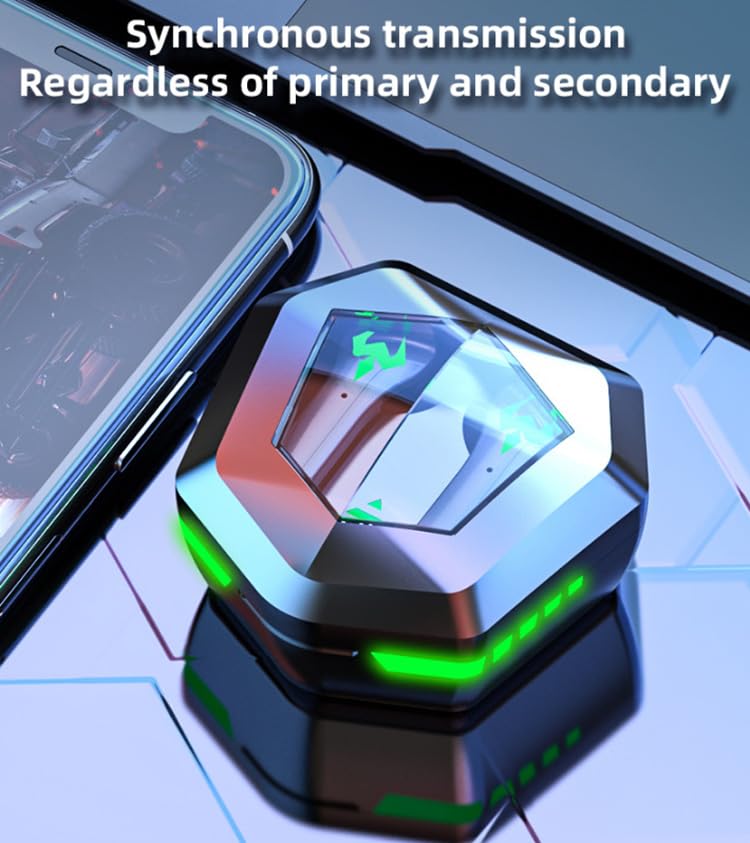
An image depicting the synchronous transmission capability of the earbuds, indicating that either earbud can function independently as primary or secondary.
작동 지침
전원 켜기/끄기
- 전원 켜기: 충전 케이스를 열거나 양쪽 이어버드의 터치 영역을 3초 동안 길게 누르세요.
- 전원 끄기 : 이어버드를 충전 케이스에 다시 넣고 뚜껑을 닫거나, 양쪽 이어버드의 터치 영역을 5초 동안 길게 누르세요.
음악/게임 모드 전환
The RG N35 features a dual mode for music and gaming. In gaming mode, the earbuds provide ultra-low latency (approximately 45-65ms) for a synchronized audio-visual experience.
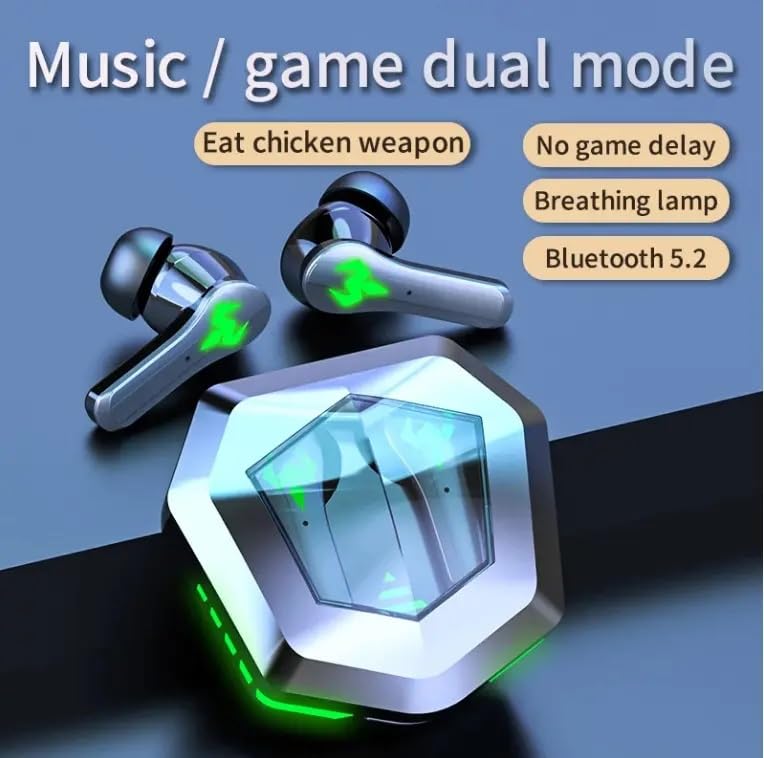
An illustration highlighting the dual mode functionality (music/game) of the RG N35 earbuds, emphasizing low latency for gaming and Bluetooth 5.2 connectivity.
To switch between modes, triple-tap the touch area on either earbud. A voice prompt will indicate the current mode.
터치 컨트롤
The earbuds are equipped with touch-sensitive controls for various functions:
- 재생/일시 중지: Single-tap either earbud.
- 다음 트랙: 오른쪽 이어버드를 두 번 탭합니다.
- 이전 트랙 : 왼쪽 이어버드를 두 번 탭합니다.
- 볼륨 업: 오른쪽 이어버드를 길게 누르세요.
- 볼륨 작게 : 왼쪽 이어버드를 길게 누르세요.
- 음성 비서(Siri, Google Assistant, Alexa)를 활성화하세요. Triple-tap either earbud (when not in game mode).
전화 걸기
- 전화 받기/종료: Single-tap either earbud.
- 전화 거부: 한쪽 이어버드를 2초간 길게 누르세요.
유지
청소
최적의 성능과 위생을 위해 이어버드와 충전 케이스를 정기적으로 청소하십시오. 부드럽고 마른 보풀 없는 천을 사용하세요. 잘 지워지지 않는 얼룩은 약간 거친 천으로 닦아내십시오.amp cloth can be used, but ensure no moisture enters the charging ports or speaker grilles. Do not use harsh chemicals or abrasive materials.
저장
When not in use, store the earbuds in their charging case to protect them from dust and damage. Store the device in a cool, dry place away from direct sunlight and extreme temperatures.
방수성
The RG N35 earbuds are rated IPX-5 water resistant and sweatproof. This means they can withstand splashes of water and sweat, making them suitable for workouts and light rain. They are not designed for submersion in water or exposure to heavy rain. Ensure the earbuds are dry before placing them back in the charging case to prevent damage.
문제 해결
| 문제 | 가능한 해결책 |
|---|---|
| 이어버드 전원이 켜지지 않음 | Ensure the earbuds and charging case are fully charged. Place earbuds in the case, close, then reopen. |
| 장치와 페어링할 수 없습니다 | Make sure Bluetooth is enabled on your device. Ensure earbuds are in pairing mode (open case). Forget "N35" from your device's Bluetooth list and try pairing again. Move closer to your device. |
| 소리가 안 나거나 소리가 끊깁니다. | Check volume levels on both earbuds and your connected device. Ensure earbuds are properly seated in your ears. Reconnect the earbuds to your device. |
| 터치 컨트롤이 응답하지 않음 | 손가락이 깨끗하고 건조한지 확인하세요. 이어버드를 케이스에 넣었다가 다시 꺼내서 다시 시작해 보세요. |
| Low latency not active in game mode | Ensure you have successfully switched to game mode (triple-tap either earbud). Verify your device's settings are not interfering with Bluetooth performance. |
명세서
| 특징 | 세부 사항 |
|---|---|
| 모델명 | N35 |
| 연결 기술 | 무선(블루투스) |
| 무선 통신 기술 | 블루투스 5.2 |
| 블루투스 범위 | 10m - 15m |
| 보컬리즘 원리 | 평형 전기자 드라이버 |
| 오디오 드라이버 크기 | 13mm 단위 |
| 디코딩 형식 | AAC |
| 무선 지연 시간 | 45-65 ms (Gaming Mode) |
| 이어버드 배터리 용량 | 35mAh |
| 충전 박스 용량 | 300mAh |
| 충전 시간 | 약 1.5시간 |
| 음악 재생 시간 | 약 5시간 |
| 대화 시간 | 약 5시간 |
| 방수 표준 | IPX-5 (Water Resistant, Sweatproof) |
| 제어 유형 | 터치 컨트롤, 볼륨 컨트롤 |
| 마이크로폰 | 내장형 |
| 게임 분위기 조명 | Single Color (LED Display) |
| 호환 장치 | Mobile Phone, Computer, MP3 Player, Smartphone |
| 제품 치수 | 5 x 5 x 5cm |
| 품목 무게 | 200g |
보증 및 지원
For warranty information or technical support, please refer to the documentation provided at the time of purchase or contact your seller directly. Keep your proof of purchase for any warranty claims.