소개
Thank you for choosing the HiFuture EVENT Bluetooth Speaker. This powerful and portable speaker is designed to deliver exceptional audio quality with vibrant RGB lighting, making it perfect for any event or gathering. This manual provides detailed instructions to help you set up, operate, and maintain your speaker for optimal performance.
제품 끝view

그림 1: 전면 view of the HiFuture EVENT Bluetooth Speaker, showcasing its sleek black design and dynamic RGB light ring.

Figure 2: An illustrative diagram highlighting the main features of the HiFuture EVENT speaker, including dual DSP, multiple audio inputs, dual-directional sound system, 50W woofer + 30W tweeter, RGB lights, TWS connection option, bass boost function, and power bank functionality.

그림 3: 클로즈업 view of the speaker's internal components, specifically pointing out the 50W Woofer and 30W Tweeter, which contribute to its powerful 80W sound output.

Figure 4: An internal diagram demonstrating the speaker's optimized acoustic design for deep and impactful bass, including the bass port and vibration suppression features.
주요 특징
- 강력한 오디오 출력: Equipped with a 50W woofer and 30W tweeter for a total of 80W RMS output, with a maximum peak power of 180 Watts, delivering rich and clear stereo sound.
- 블루투스 연결: 기기와의 끊김 없는 무선 연결.
- 역동적인 RGB 조명: Enhance your listening experience with vibrant, rhythm-synced RGB lights.
- Dual DSP & Multiple Audio Inputs: Advanced Digital Signal Processing for optimized sound and versatile connectivity options.
- 완전 무선 스테레오(TWS) 지원: Connect two EVENT speakers for an immersive stereo sound experience.
- 베이스 부스트 기능: Dedicated feature to amplify low frequencies for deeper bass.
- 보조 배터리 기능: Use the speaker to charge your other devices on the go.
- 휴대성 있는 디자인: Durable acrylic material and table-mount type for easy placement and transport, designed for parties and various events.
설치 가이드
1. 언박싱 및 초기 충전
- 스피커와 모든 부속품을 포장에서 조심스럽게 꺼내십시오.
- Inspect the speaker for any signs of damage.
- Before first use, fully charge the speaker using the provided charging cable. The battery life is approximately 4 hours on a full charge.
2. 전원 켜기 / 끄기
- To power on, press and hold the Power button (location typically on the back or top panel) for a few seconds until you hear an audible prompt or see the indicator lights illuminate.
- 전원을 끄려면 스피커가 꺼질 때까지 전원 버튼을 다시 길게 누르세요.
작동 지침
1. 블루투스 페어링
- Ensure the speaker is powered on and in Bluetooth pairing mode (usually indicated by a blinking LED light). If not, press the Bluetooth button to activate pairing mode.
- 기기(스마트폰, 태블릿, 컴퓨터)에서 Bluetooth 설정으로 가서 Bluetooth를 활성화하세요.
- 검색 available devices. You should see "HiFuture EVENT" in the list.
- Select "HiFuture EVENT" to connect. Once connected, the speaker will provide an audible confirmation, and the LED light will become solid.
- 이제 스피커를 통해 기기의 오디오를 재생할 수 있습니다.
2. True Wireless Stereo(TWS) 페어링
To pair two HiFuture EVENT speakers for a stereo experience:
- 두 스피커의 전원이 켜져 있고 다른 Bluetooth 장치에 연결되어 있지 않은지 확인하세요.
- On one speaker (this will be the primary speaker), press and hold the TWS button (refer to your speaker's button layout if unsure).
- 기본 스피커가 보조 스피커를 검색합니다. 연결되면 두 스피커 모두 음성으로 확인음을 냅니다.
- 이제 "블루투스 페어링" 섹션에 설명된 대로 블루투스를 통해 기기를 메인 스피커에 연결하세요. 오디오는 두 스피커를 통해 스테레오로 재생됩니다.
3. 컨트롤 및 기능
- 볼륨 조절: Use the volume buttons (+/-) on the speaker or your connected device.
- 재생/일시 중지: 재생/일시 정지 버튼을 한 번 누르면 오디오가 재생되거나 일시 정지됩니다.
- 트랙 건너 뛰기 : Double-press the Next Track button to skip forward, or the Previous Track button to skip backward.
- RGB 조명 제어: Press the Light button to cycle through different lighting modes or turn the lights off.
- 베이스 부스트 : Press the Bass Boost button to activate or deactivate the enhanced bass mode.
- 전원 은행 기능: Connect your device to the speaker's USB output port to charge it.

Figure 5: The HiFuture EVENT speaker displaying its vibrant RGB lighting, which can be controlled to match your mood or music.
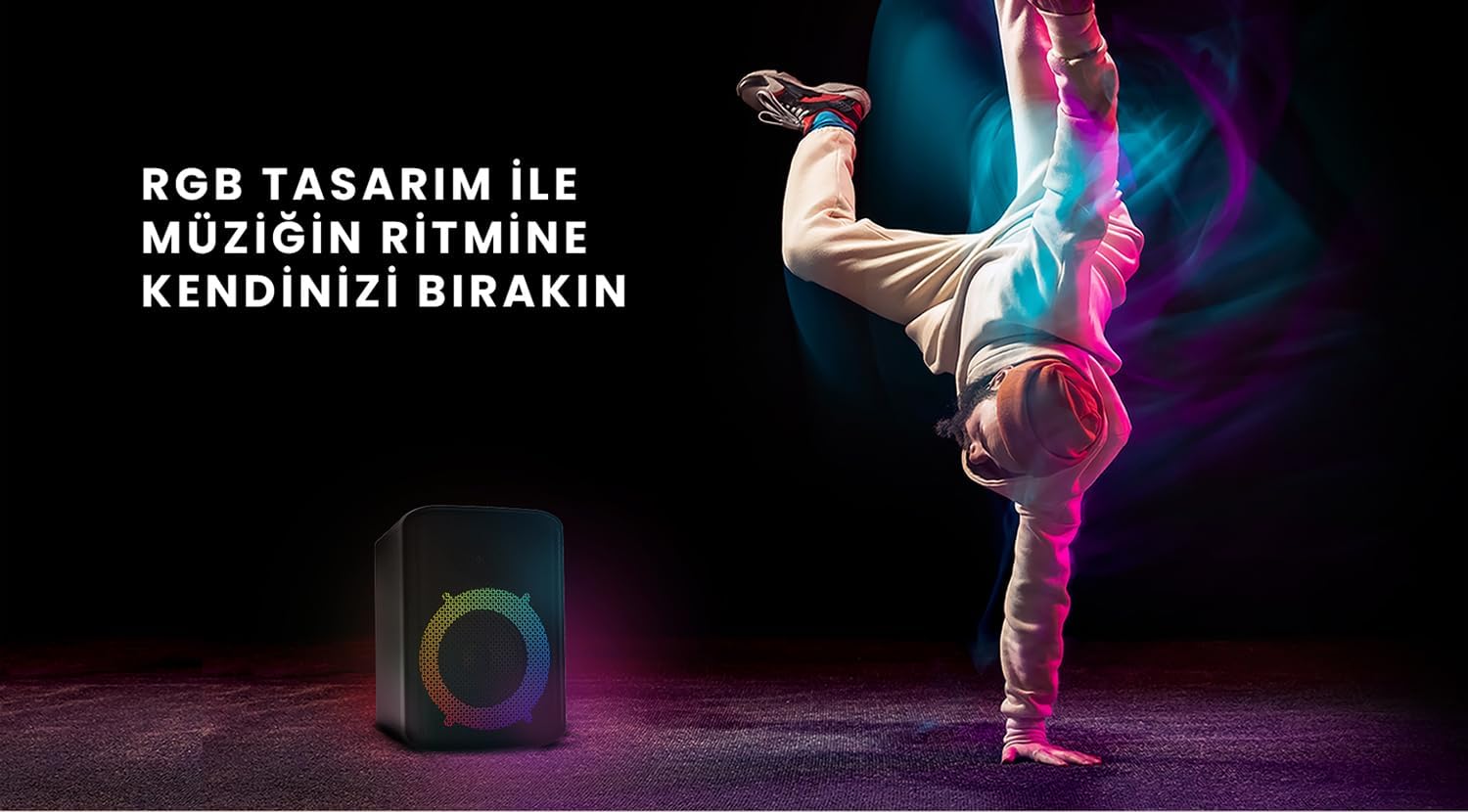
Figure 6: The HiFuture EVENT speaker in a dynamic setting, emphasizing how its RGB lighting enhances the atmosphere for parties and events.
유지
- 청소: 부드럽고 마른 천으로 스피커 표면을 닦으십시오. 연마성 세척제나 용제를 사용하지 마십시오.
- 저장: 스피커는 직사광선과 극한의 온도를 피해 시원하고 건조한 곳에 보관하세요.
- 배터리 관리 : 배터리 수명을 연장하려면 배터리를 자주 완전히 방전하지 마세요. 장시간 사용하지 않더라도 정기적으로 충전하세요.
- 방수 기능: While designed for portability, avoid exposing the speaker to excessive moisture or submerging it in water unless explicitly stated as waterproof.
문제 해결
| 문제 | 가능한 해결책 |
|---|---|
| 스피커의 전원이 켜지지 않습니다. | 스피커가 완전히 충전되었는지 확인하세요. 전원에 연결한 후 다시 시도해 보세요. |
| 블루투스로 페어링할 수 없습니다. |
|
| 소리가 나지 않거나 볼륨이 작습니다. |
|
| RGB 조명이 작동하지 않습니다. | Press the Light button to cycle through modes or turn them on. Ensure the speaker is powered on. |
명세서
| 특징 | 세부 사항 |
|---|---|
| 상표 | 하이퓨처 |
| 모델 | 이벤트 |
| 최대 스피커 출력 전력 | 180 Watts (Peak), 80W RMS (50W Woofer + 30W Tweeter) |
| 연결 기술 | 블루투스 |
| 오디오 출력 모드 | 스테레오 재생 |
| 장착 유형 | 테이블 마운트 |
| 재료 | 아크릴 |
| 스피커 유형 | 멀티미디어 |
| 호환 장치 | Bluetooth-enabled devices (e.g., smartphones, tablets) |
| 색상 | 검은색 |
| 배터리 수명 | 최대 4시간 |
보증 및 지원
The HiFuture EVENT Bluetooth Speaker comes with a standard manufacturer's warranty. Please refer to the warranty card included in your product packaging for specific terms and conditions. For technical support, troubleshooting assistance, or warranty claims, please contact HiFuture customer service through their official web제품을 구매한 사이트 또는 소매업체.


