1. 서론
구매해주셔서 감사합니다asing the CUPEISI YQ11M Android 13 10.1-inch Tablet. This manual provides essential information for setting up, operating, maintaining, and troubleshooting your device. Please read this manual thoroughly to ensure proper use and to maximize your tablet's performance.
2. 안전 정보
기기 손상이나 본인 및 타인의 부상을 방지하기 위해 다음 안전 수칙을 준수해 주십시오.
- 태블릿을 극한의 온도, 직사광선 또는 높은 습도에 노출시키지 마세요.
- 태블릿을 떨어뜨리거나 강한 충격을 가하지 마십시오.
- 정제를 물이나 기타 액체로부터 멀리 보관하십시오.
- 승인된 액세서리와 충전기만 사용하십시오.
- 태블릿을 직접 분해하거나 수리하려고 하지 마십시오. 자격을 갖춘 서비스 담당자에게 문의하십시오.
충전 시 주의사항
When charging your CUPEISI YQ11M tablet, it is crucial to use a charger with a 5V / 2.0A 출력. Using chargers with different output specifications may lead to device malfunction or damage. The tablet supports both Type-A and Type-C charging terminals. However, chargers with Type-C on both ends may not be compatible. Avoid using multi-type chargers with outputs exceeding 2.0A, chargers that automatically detect current, fast chargers, or chargers specifically designed for other brands (e.g., Apple, Docomo, au).

영상: Charging precautions and pre-applied protective film.
3. 패키지 내용
다음 항목에 대한 상자를 체크해 주세요.
- CUPEISI YQ11M Android 13 Tablet
- USB 충전 케이블
- 전원 어댑터
- 사용 설명서 (본 문서)
4. 디바이스 오버view
Familiarize yourself with the physical features of your CUPEISI YQ11M tablet.
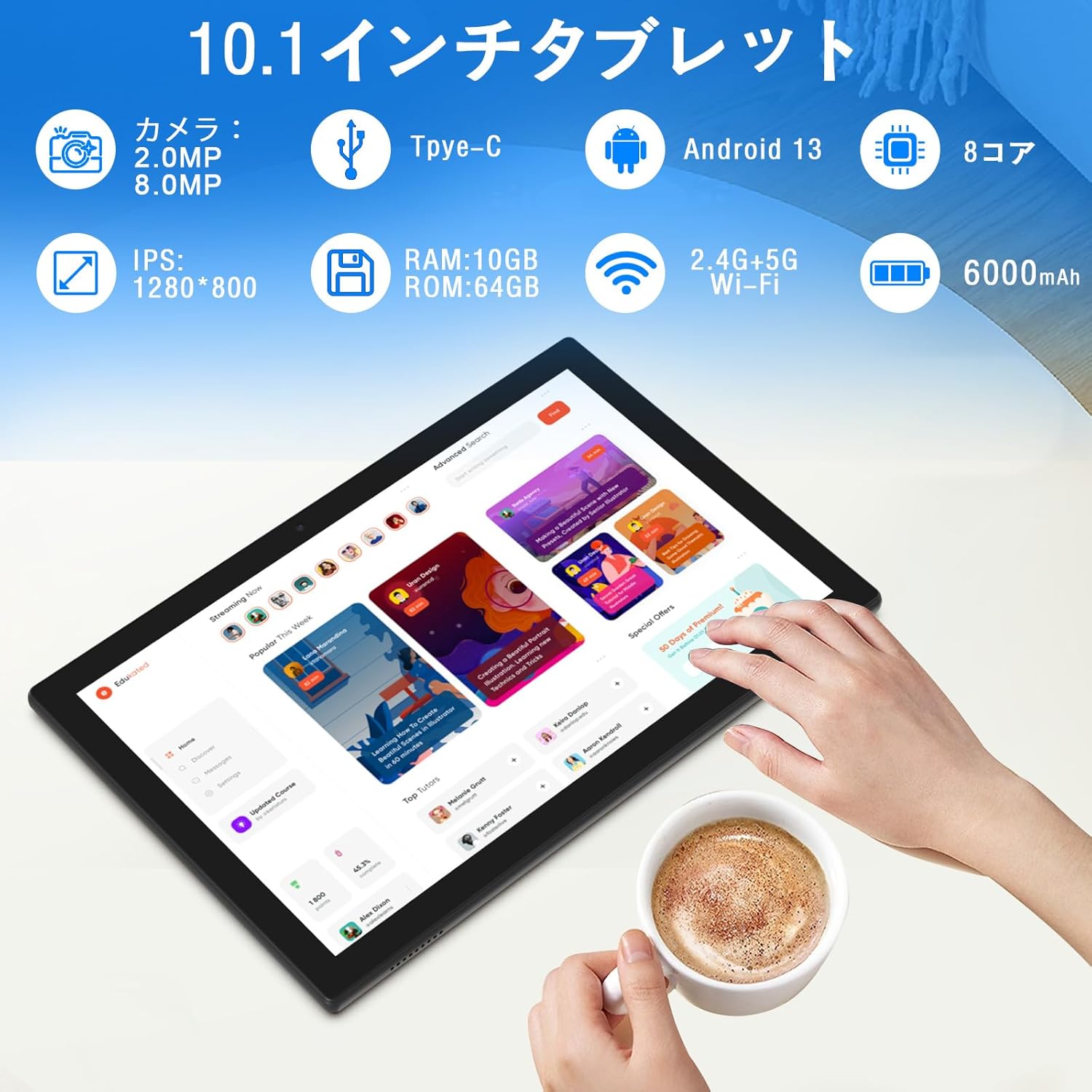
영상: 위에view of tablet features and specifications.
- 전면 카메라: 화상 통화와 셀카를 위한 2MP.
- 후방 카메라: 사진과 비디오를 촬영하기 위한 8MP.
- 표시하다: 10.1-inch IPS HD screen (1280x800 resolution).
- 스피커: 향상된 오디오 경험을 위한 듀얼 스피커.
- 충전 포트: 충전 및 데이터 전송용 Type-C 포트.
- 전원 버튼: 기기의 전원 켜기/끄기 및 화면 잠금 버튼은 측면에 있습니다.
- 볼륨 버튼: 볼륨 조절 버튼은 측면에 있습니다.
- MicroSD 카드 슬롯: 최대 1TB까지 저장 용량을 확장할 수 있습니다.

영상: 앞면과 뒷면 view of the CUPEISI YQ11M tablet.
5. 설정
5.1 초기 전원 켜기
- 화면이 켜질 때까지 전원 버튼을 길게 누릅니다.
- 화면 안내에 따라 언어와 지역을 선택하고 이용 약관에 동의하십시오.
5.2 Wi-Fi 연결
- During the initial setup, select your preferred Wi-Fi network from the list.
- 메시지가 나타나면 Wi-Fi 비밀번호를 입력하고 '연결'을 탭하세요.
- The tablet supports both 2.4G and 5G Wi-Fi for stable and fast connections.
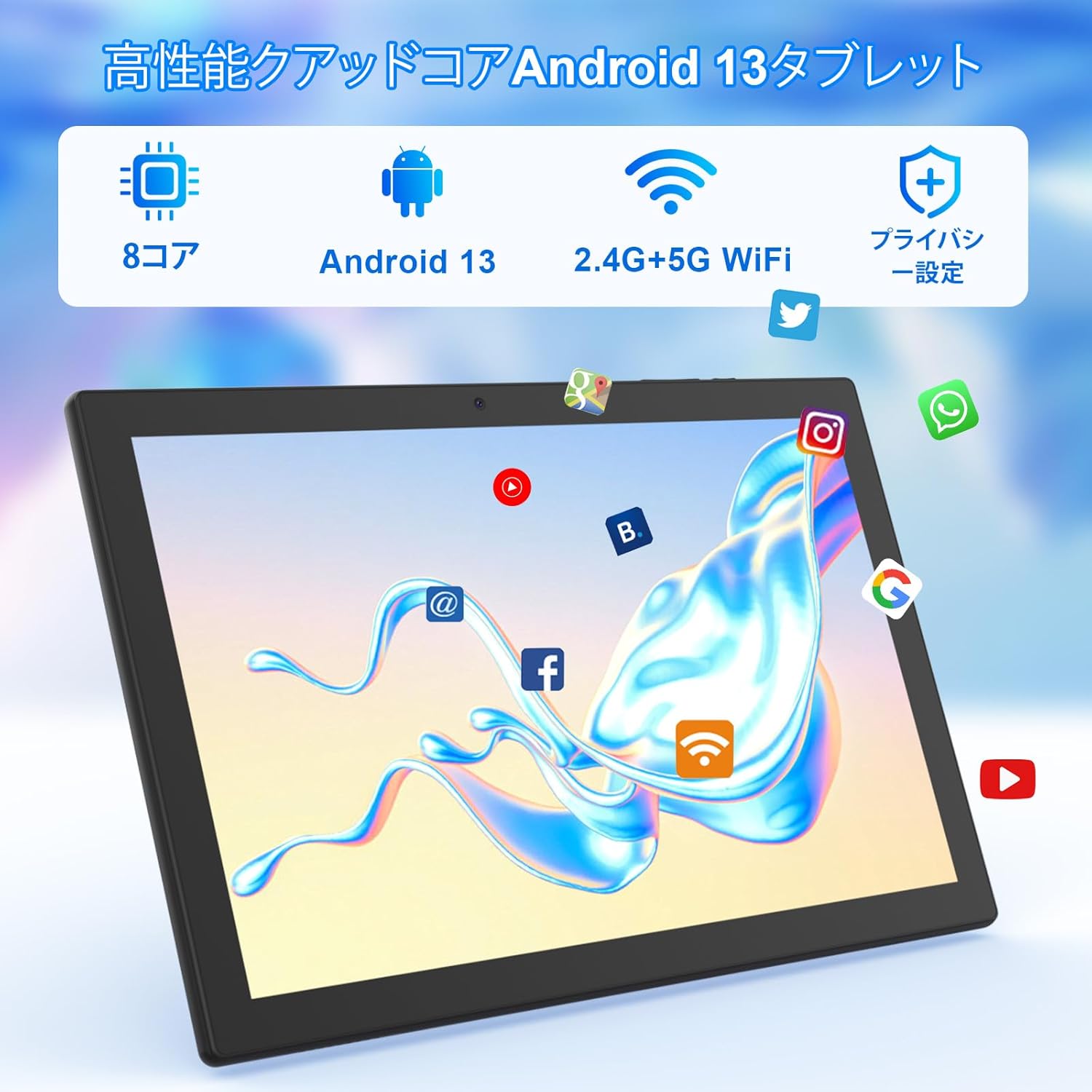
영상: Tablet screen showing app icons and connectivity features.
5.3 구글 계정 설정
Sign in with your Google account or create a new one to access Google Play Store, Gmail, and other Google services.
5.4 보호 필름
The tablet comes with a simple transparent PET protective film pre-applied. You may choose to keep it on or remove it according to your preference. It is designed for easy application without air bubbles or dust.
6. 사용 설명서
6.1 기본 탐색
The CUPEISI YQ11M tablet features a 10.1-inch FHD in-cell touchscreen with wide viewing angles and 1280x800 high resolution, offering a clear and vibrant visual experience.

영상: Tablet display features.
- 수도꼭지: 항목을 선택하거나 기능을 활성화하세요.
- 강타: 화면을 탐색하거나 콘텐츠를 스크롤합니다.
- 꼬집기: 이미지 확대/축소 및 web 페이지.
6.2 앱 관리
The tablet comes with Google Play pre-installed, allowing you to download and use popular applications such as Facebook, Twitter, YouTube, Line, and Instagram. To install apps:
- '플레이 스토어' 앱을 엽니다.
- 검색 원하는 앱.
- Tap 'Install' to download and set up the app.
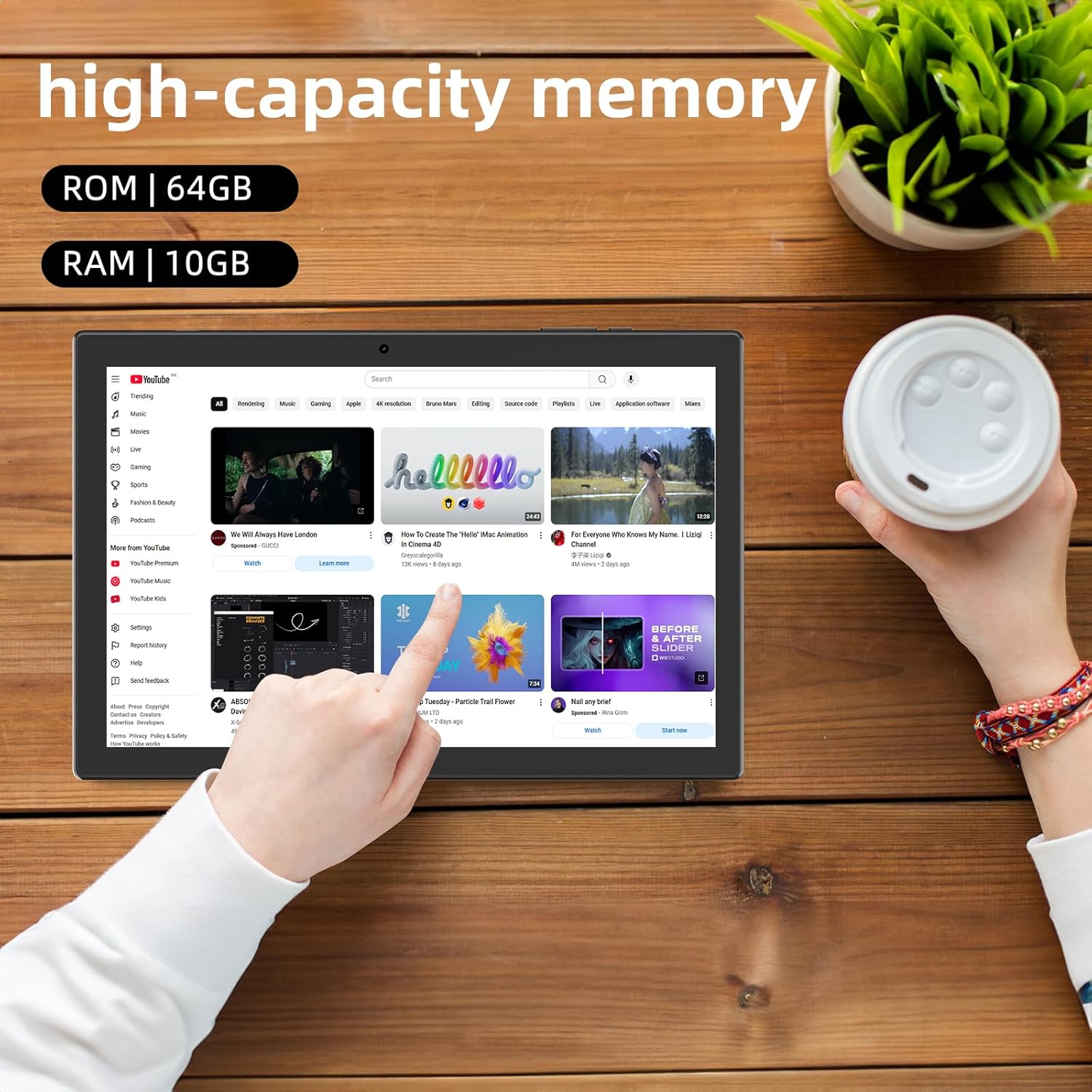
영상: Tablet displaying high-capacity memory and app usage.
6.3 카메라 사용
The tablet is equipped with an 8MP main camera and a 2MP front camera. You can use them for capturing beautiful moments, participating in web conferences, or online classes.
- '카메라' 앱을 엽니다.
- 필요에 따라 전면 카메라와 후면 카메라를 전환하세요.
- Tap the shutter button to take a photo or start recording a video.
6.4 GPS 기능
With built-in GPS functionality, you can download offline maps to your tablet and use it for navigation, even without an internet connection.
6.5 배터리 관리
The tablet features a large 6000mAh battery and AI intelligent power management, allowing for extended use for movies, reading, and browsing.

영상: Tablet highlighting its 6000mAh battery capacity.

영상: Tablet showing Type-C charging and various entertainment uses.
7. 유지관리
7.1 장치 청소
Use a soft, lint-free cloth to gently wipe the screen and body of the tablet. Avoid using harsh chemicals or abrasive materials.
7.2 소프트웨어 업데이트
Periodically check for system updates in the tablet's settings to ensure optimal performance and security.
7.3 스토리지 관리
The tablet comes with 64GB of internal storage (ROM) and supports MicroSD cards up to 1TB for additional storage. Regularly manage your files and uninstall unused apps to free up space and maintain smooth operation.
8. 문제 해결
- 장치가 켜지지 않음: 배터리가 충전되어 있는지 확인하십시오. 태블릿을 충전기에 연결하고 몇 분 정도 기다린 후 다시 전원을 켜보세요.
- Wi-Fi 연결 문제: 설정에서 Wi-Fi가 활성화되어 있는지 확인하세요. 라우터와 태블릿을 다시 시작하세요. Wi-Fi 신호 범위 내에 있는지 확인하세요.
- 느린 성능: Close unused applications. Clear cache and data for frequently used apps. Consider uninstalling unnecessary apps or moving large files를 MicroSD 카드에 저장하세요.
- 화면이 반응하지 않음: Restart the tablet by holding down the power button. If the issue persists, contact support.
9. 사양
| 상표 | 쿠페이시 |
| 모델 | YQ11M (Note: Some specifications may refer to CP31 or UMIDIGI G2 Tab, but YQ11M is the primary model for this product.) |
| 운영 체제 | Android 13(GMS 인증) |
| CPU | MediaTek MTK8768 Octa-core, 2.3 GHz |
| 숫양 | 10GB(4GB + 6GB 확장) |
| 내부 저장소(ROM) | 64GB |
| 확장 가능한 스토리지 | 최대 1TB의 MicroSD |
| 화면 크기 | 10.1인치 |
| 디스플레이 해상도 | 1280x800 pixels HD IPS |
| 전면 카메라 | 2MP |
| 후방 카메라 | 8MP |
| 와이파이 | 2.4G + 5G Dual-band (802.11ac/b/g/n) |
| 블루투스 | 예 |
| GPS | 예 |
| 배터리 용량 | 6000mAh (22.8와트시) |
| 충전 포트 | C타입 |
| 스피커 | 2 채널 스피커 |
| 품목 무게 | 516g |
| 패키지 크기 | 30.9 x 19.3 x 2.9cm |
10. 보증 및 지원
이 제품에는 다음이 포함되어 있습니다. 1년 품질 보증. In the unlikely event that you encounter any issues or defects with your product, please do not hesitate to contact us via email. We are committed to providing a prompt response within 24 hours to address your concerns.
Returns and refunds are also possible for customer convenience. Please purchase with confidence.
For support inquiries, please refer to the contact information provided with your purchase or visit the official CUPEISI web대지.

