소개
This manual provides detailed instructions for the safe and efficient use of your LENRUE F13 Portable Bluetooth Speaker. Please read this manual thoroughly before operating the device and retain it for future reference.
제품 끝view
패키지 내용
- LENRUE F13 Portable Bluetooth Speaker
- USB 충전 케이블
- 탈착식 랜야드
- 사용자 설명서
스피커 구성 요소 및 제어 장치
Familiarize yourself with the various parts and controls of your LENRUE F13 speaker:

그림 1: 앞쪽 view of the LENRUE F13 speaker, showcasing its compact design and metal grille.

그림 2: 맨 위 view of the speaker, highlighting the sound output grille.

그림 3: 옆 view showing the control buttons for volume, track navigation, and power.
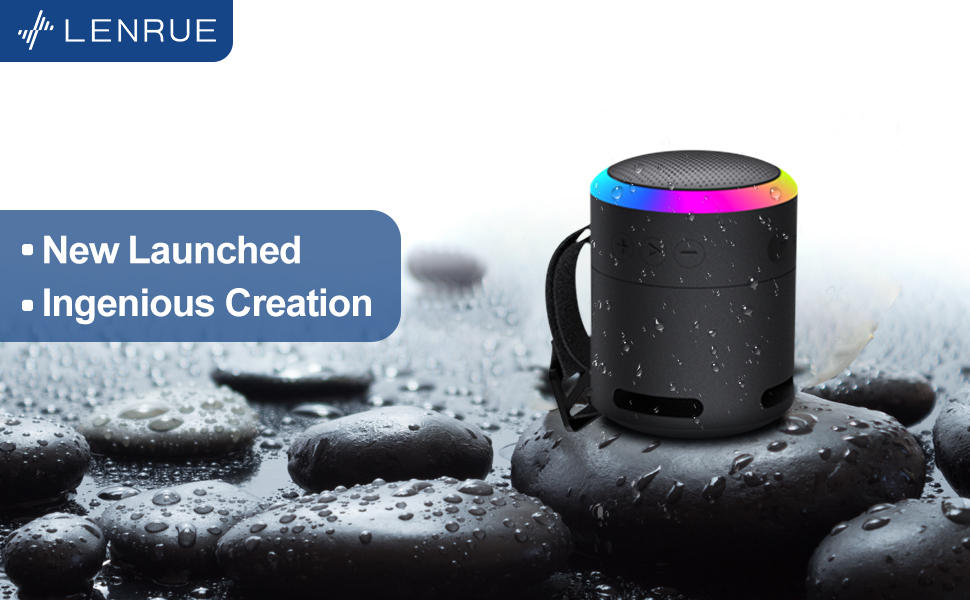
그림 4: 폭발했다 view illustrating the internal 5W high-performance driver and passive subwoofer for clear sound.
The speaker features a sleek metal design with a stainless steel line around its body. The top surface is metal, where the sound is emitted. On the bottom, you will find the main control buttons:
- 전원 버튼: Located in the center, used to power the device on/off.
- 재생/일시 정지 버튼: 오디오 재생을 제어합니다.
- 볼륨 높이기 / 다음 트랙 버튼: 볼륨을 높이거나 다음 곡으로 넘어갑니다.
- 볼륨 낮추기/이전 트랙 버튼: 볼륨을 줄이거나 이전 곡으로 이동합니다.
- 라이트 모드 버튼: Changes the colorful LED light modes.
On the rear side of the speaker, you will find the charging input (USB-C) and an auxiliary input port. A small slot is also present for attaching the included lanyard, allowing for easy portability.
설정
스피커 충전하기
- 제공된 USB 충전 케이블을 스피커의 USB-C 포트에 연결하십시오.
- USB 케이블의 다른 쪽 끝을 호환되는 USB 전원 어댑터(포함되지 않음)나 컴퓨터의 USB 포트에 연결합니다.
- The LED indicator will show charging status. Allow sufficient time for a full charge before first use.
전원 켜기/끄기
- 전원을 켜려면: Press and hold the Power button (center button on the bottom) for a few seconds until the LED lights illuminate and an audible prompt is heard.
- 전원을 끄려면: Press and hold the Power button again for a few seconds until the LED lights turn off and an audible prompt is heard.
작동 지침
블루투스 페어링
The LENRUE F13 speaker uses Bluetooth 5.0 for stable wireless connection up to 33 feet (10 meters).
- Ensure the speaker is powered on and in pairing mode (LED lights will typically flash).
- 스마트폰이나 태블릿에서 블루투스를 활성화하고 사용 가능한 장치를 검색하세요.
- Select "LENRUE F13" (or similar name) from the list of devices.
- Once paired, the speaker will indicate a successful connection, and the LED lights may change to a steady pattern.
오디오 재생
- 재생/일시 중지: 재생/일시정지 버튼을 한 번 누르세요.
- 볼륨 업: "+" 버튼을 누르세요.
- 볼륨 작게 : "-" 버튼을 누르세요.
- 다음 트랙: "+" 버튼을 길게 누르세요.
- 이전 트랙 : "-" 버튼을 길게 누르세요.
다채로운 조명 모드
The speaker features colorful LED lights to enhance your listening experience.
- 모드 변경: Press the Light Mode button (located on the bottom, opposite the Power button) to cycle through different light patterns and colors.
- 불 끄기: Press and hold the Light Mode button to turn off the LED lights.
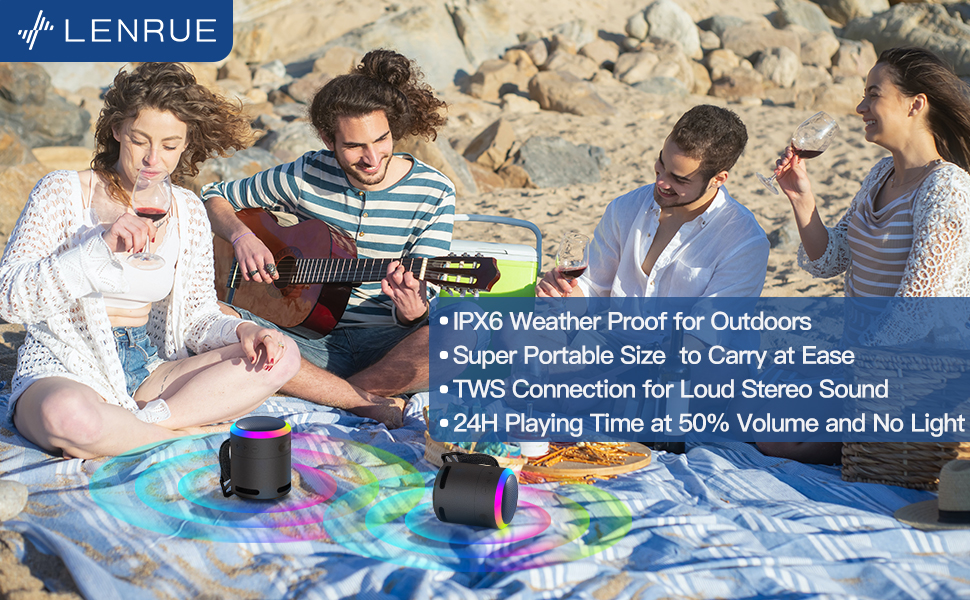
그림 5: The speaker's colorful lights create an ambient atmosphere, ideal for relaxation or social gatherings.
진정한 무선 스테레오 (TWS) 페어링
If you have two LENRUE F13 speakers, you can pair them together for a true wireless stereo experience.
- 두 스피커의 전원이 켜져 있고 다른 Bluetooth 장치에 연결되어 있지 않은지 확인하세요.
- On one speaker (the master speaker), press and hold the Light Mode button for 3 seconds to enter TWS pairing mode.
- 스피커는 자동으로 서로 연결됩니다. 연결되면 스테레오 페어로 작동합니다.
- 위에서 설명한 대로 블루투스를 통해 기기를 메인 스피커에 연결하세요.

그림 6: Two speakers connected via TWS for an enhanced stereo audio experience.
유지
청소
- 부드럽고 마른 천으로 스피커를 닦으세요.
- 연마성 세척제나 용제를 사용하지 마십시오.
방수 기능(IPX6)
The LENRUE F13 speaker is IPX6 waterproof, making it resistant to strong jets of water. It is suitable for use in environments like showers, by the pool, or during light rain.
- 방수 기능을 유지하려면 모든 포트 덮개가 단단히 닫혀 있는지 확인하십시오.
- 스피커를 물에 담그지 마십시오.
- 물에 닿은 후에는 스피커를 깨끗이 닦은 다음 충전하십시오.
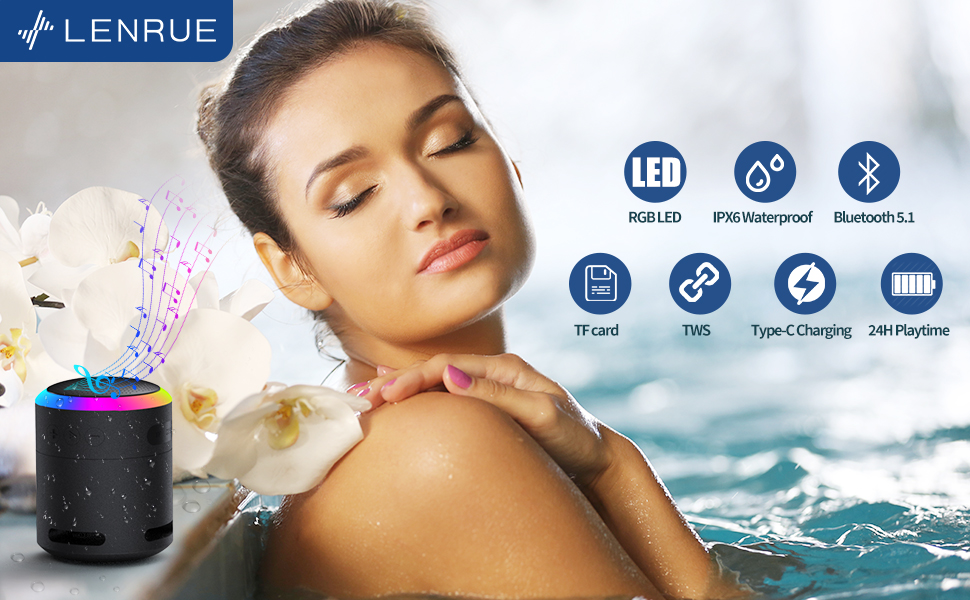
그림 7: The IPX6 water resistance allows for worry-free use in various wet environments.
문제 해결
| 문제 | 가능한 원인 | 해결책 |
|---|---|---|
| 스피커 전원이 켜지지 않습니다 | 배터리 부족 | 스피커를 완전히 충전하세요. |
| 블루투스로 페어링이 불가능합니다 | Speaker not in pairing mode / Device Bluetooth off / Too far from device | Ensure speaker is in pairing mode, Bluetooth is enabled on your device, and device is within 33 feet (10 meters). |
| 재생 중 소리가 나지 않음 | Volume too low / Paused / Not connected | Increase volume on both speaker and device, check if playback is paused, ensure successful Bluetooth connection. |
| TWS 페어링 실패 | Speakers already paired to other devices / Too far apart | 두 스피커가 다른 기기에서 모두 분리되었는지 확인하십시오. 스피커를 가까이 놓고 TWS 페어링을 다시 시도하십시오. |
명세서
- 모델 이름: F13
- 스피커 유형: 휴대용 블루투스 스피커
- 스피커 최대 출력: 5 와트
- 연결 기술 : 블루투스 5.0
- 블루투스 범위 : 10미터(33피트)
- 방수 등급: IPX6
- 노는 시간: Up to 24 hours (at 50% volume, no LED light); 5 hours (typical use)
- 충전 포트: USB-C
- 특별 기능: Colorful LED Lights, Metal Construction, Detachable Lanyard, TWS Pairing
- 제품 크기: 2.8인치 깊이 x 2.8인치 너비 x 3.6인치 높이
- 품목 무게: 10.5 온스
보증 및 지원
For any questions, concerns, or support needs regarding your LENRUE F13 Portable Bluetooth Speaker, please contact LENRUE customer service through the retailer where the product was purchased. Keep your purchase receipt for warranty claims.


