1. 제품 오버view
The Logitech MK955 Signature Slim Wireless Keyboard and Mouse Combo provides a versatile and efficient input solution for multiple devices. This combo includes the K950 Signature Slim Keyboard and the M750L Signature Plus Mouse, designed for comfortable and quiet operation across various operating systems.

Image: The Logitech MK955 Signature Slim Wireless Keyboard and Mouse Combo, featuring a graphite-colored keyboard with a full numeric keypad and a matching ergonomic mouse, alongside a Logi Bolt USB receiver.
상자 안에 무엇이 들어있나요?
- Logitech K950 Signature Slim Wireless Keyboard
- Logitech M750L Signature Plus Wireless Mouse
- Logi Bolt USB 수신기
- AAA Batteries (pre-installed or included)

이미지: 오버헤드 view showing the contents of the product packaging, including the keyboard, mouse, Logi Bolt USB receiver, and AAA batteries.
2. 설정 지침
2.1 배터리 설치
The keyboard and mouse are battery-powered. Ensure batteries are correctly installed before first use. The Logi Bolt USB receiver is typically found inside the mouse's battery compartment or within the product packaging.
2.2 장치 연결
The MK955 combo offers two primary connection methods: Bluetooth and the Logi Bolt USB receiver.
- Logi Bolt USB 수신기 사용:
- Locate the Logi Bolt USB receiver.
- 수신기를 컴퓨터의 사용 가능한 USB 포트에 연결하십시오.
- 키보드와 마우스를 켜세요. 그러면 자동으로 수신기에 연결될 것입니다.
- 블루투스 사용:
- 키보드와 마우스를 켭니다.
- On the keyboard, press and hold one of the Easy-Switch keys (1, 2, or 3) until the LED indicator blinks rapidly, indicating pairing mode.
- On your computer or device, navigate to Bluetooth settings and select "Logitech K950" or "Logitech M750L" from the list of available devices to pair.
- Repeat for the other device if necessary.

이미지: 클로즈업 view of the Logitech K950 keyboard's Easy-Switch buttons labeled 1, 2, and 3, used for switching between paired devices.
2.3 Installing Logi Options+ App
For enhanced customization and productivity features, download and install the Logi Options+ App from the official Logitech website. This application allows you to personalize keys, buttons, and shortcuts for both the keyboard and mouse.

Image: A computer screen displaying the Logi Options+ application interface, showing options for customizing Logitech devices.
3. 사용 설명서
3.1 다중 장치 전환
The K950 keyboard and M750L mouse can be paired with up to three different devices. Use the Easy-Switch buttons (1, 2, 3) on the keyboard and the corresponding button on the mouse to seamlessly switch between connected computers, tablets, or smartphones.

Image: A user efficiently working across a desktop computer and a laptop using the Logitech MK955 combo, demonstrating multi-device capability.
3.2 키보드 기능
- 조용한 타이핑: The keyboard is designed for a quiet typing experience, minimizing noise in shared workspaces.
- 사용자 정의 키: Utilize the Logi Options+ App to assign custom functions and shortcuts to various keys.
- 다중 OS 레이아웃: The keyboard supports Mac, Windows, and Chrome OS layouts, with dedicated keys for each.
- 기울기 다리: Adjust the keyboard angle for ergonomic comfort using the integrated tilt legs (+4°).

Image: A close-up of hands typing on the Logitech K950 keyboard, highlighting its slim profile and quiet keys.
3.3 마우스 기능
- 조용한 클릭음: The M750L mouse features SilentTouch technology for significantly reduced click noise.
- 스마트휠: The scroll wheel allows for precise line-by-line scrolling or rapid, free-spinning scrolling for long documents.
- 윤곽형 모양: Designed for larger hands, the ergonomic shape provides comfortable use over extended periods.
- 사용자 정의 가능한 버튼: Program side buttons and other controls using the Logi Options+ App.

Image: A hand operating the Logitech M750L mouse, focusing on the SmartWheel and ergonomic design.
4. 유지관리
4.1 배터리 수명 및 교체
The K950 keyboard offers up to 36 months of battery life, while the M750L mouse provides up to 24 months, depending on usage. When batteries are low, replace them with new AAA batteries for the keyboard and AA batteries for the mouse (check device for specific battery type if different from included).
4.2 청소 지침
- Disconnect the devices from your computer before cleaning.
- 부드럽고 보풀이 없는 천을 살짝 사용하십시오. dampened with water or an approved electronics cleaner.
- 강한 화학 물질, 연마재 또는 과도한 습기를 피하세요.
- For the keyboard, use compressed air to remove debris from between keys.
5. 문제 해결
5.1 연결 문제
- 연결 없음: Ensure batteries are charged and correctly installed. Verify the Logi Bolt USB receiver is securely plugged in, or that Bluetooth is enabled on your device and the keyboard/mouse are in pairing mode.
- 간헐적인 연결: Move the keyboard and mouse closer to the receiver or Bluetooth-enabled device. Avoid placing large metal objects between the devices and the receiver/computer.
- Bluetooth Wake-up: When connected via Bluetooth, the keyboard and mouse may not wake your computer from sleep. You might need to use your computer's power button or an existing wired input device to wake it.
- BIOS 접근: Bluetooth connections typically do not function during system boot-up. If you need to access BIOS/UEFI settings, a wired keyboard is usually required. The Logi Bolt receiver may offer better compatibility for pre-OS functions.
5.2 Logi Options+ App Functionality
- Custom Keys Not Working: After waking your computer from sleep, custom key assignments from the Logi Options+ App may take a few moments to become active. If they remain unresponsive, try manually launching the Logi Options+ App.
- App Not Detecting Devices: Ensure the Logi Options+ App is up to date. Re-pair your devices if they are not detected by the software.
6. 사양
| 특징 | 세부 사항 |
|---|---|
| 상표 | 로지텍 |
| 모델명 | MK955 Signature Slim Combo (K950 Keyboard, M750L Mouse) |
| 품목 모델 번호 | 920-012469 |
| 연결 기술 | 블루투스, Logi Bolt USB 수신기 |
| 호환 장치 | PC, Laptop, Linux, Mac, iPadOS, iOS, Android, Chrome OS |
| 운영 체제 | Windows 10/11, macOS, Chrome OS, Linux, iPadOS, iOS, Android |
| 전원 | Battery Powered (AAA for keyboard, AA for mouse - check device for specifics) |
| 키보드 배터리 수명 | 최대 36개월 |
| 마우스 배터리 수명 | 최대 24개월 |
| 재료 | Made with certified post-consumer recycled plastic (minimum 48% for keyboard; 25% for mouse) |
| 색상 | 석묵 |
| 품목 무게 | 약 2.42파운드(콤보 기준) |
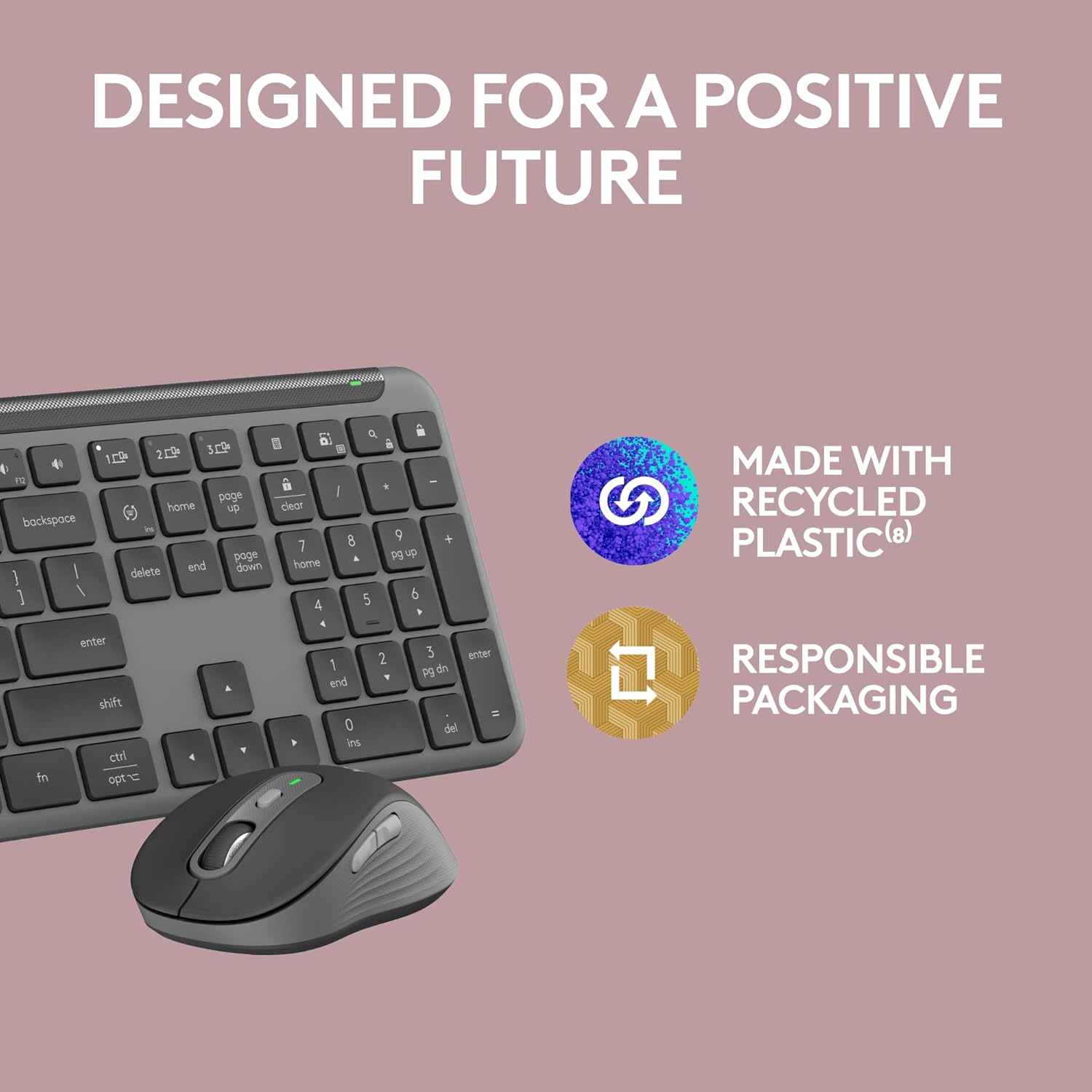
Image: An annotated diagram highlighting key features of the Logitech K950 keyboard, including tilt legs, shortcuts, media keys, multi-device connectivity, and multi-OS layouts.
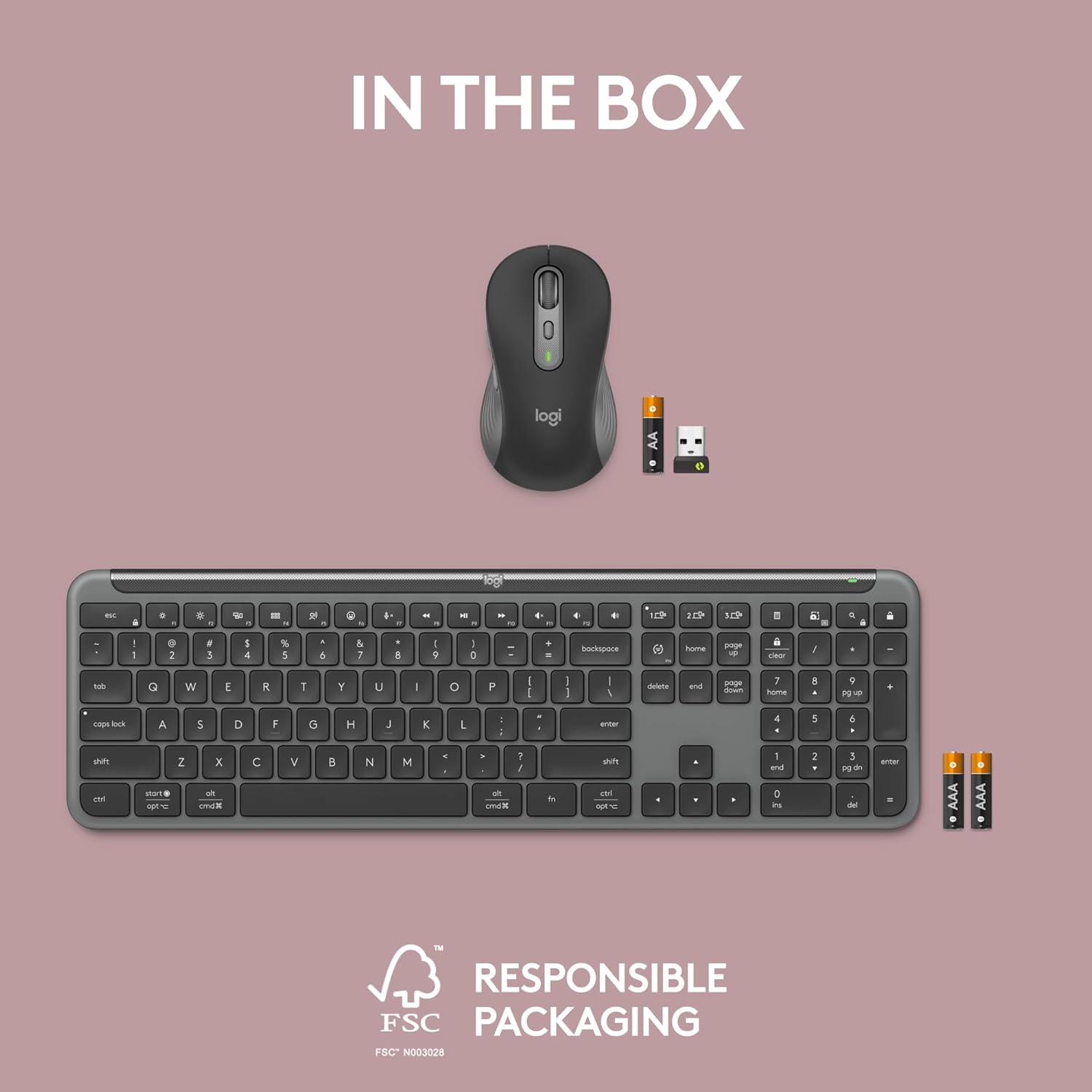
Image: An annotated diagram highlighting key features of the Logitech M750L mouse, including silent click, SmartWheel, DPI button, customizable buttons, contoured shape, and multi-OS connectivity.

Image: An illustration emphasizing the use of recycled plastic in the product and responsible packaging, reflecting Logitech's commitment to sustainability.
7. 보증 및 지원
7.1 제품 보증
Logitech products typically come with a limited hardware warranty. Please refer to the warranty information included with your product packaging or visit the official Logitech web해당 지역 및 제품 모델에 적용되는 구체적인 약관은 해당 사이트에서 확인하세요.
7.2 고객 지원
For further assistance, technical support, or to download the latest version of the Logi Options+ App, please visit the official Logitech support web사이트에서 FAQ, 문제 해결 가이드, 고객 서비스 연락처 정보를 확인하실 수 있습니다.
Logitech 지원 Web대지: www.logitech.com/support


