1. 서론
This manual provides instructions for the proper use and maintenance of the Frigga M1E Single Use Temperature Data Logger with External Probe. This device is designed for accurate temperature monitoring in various applications, particularly within cold chain logistics, medicine storage, and food refrigeration. It records temperature data and generates PDF and CSV reports without requiring special software.
2. 제품 오버view
The Frigga M1E data logger is a compact, single-use device equipped with an external probe for precise temperature measurement. It features an LCD screen for real-time data display and buttons for operation.

이미지 2.1: Frigga M1E Single Use Data Logger with its key components labeled, including the USB Cover, USB Connector, LED Indicator, LCD Screen, Stop Button, Start Button, Bar Code Label, and External Sensor.
주요 구성 요소:
- USB 커버: Protects the USB connector.
- USB 커넥터: Used for connecting to a computer to retrieve data.
- LED 표시등: Provides visual feedback on device status (e.g., alarm, recording).
- LCD 화면: Displays current temperature, alarm status, and other operational information.
- 중지 버튼 : Initiates the stop recording process.
- 시작 버튼: Initiates the start recording process.
- Bar Code Label: Contains device identification information.
- 외부 센서 : 정확한 온도 측정값을 제공합니다.
3. 설정
The Frigga M1E data logger is designed for immediate use. No prior setup or charging is required as it comes with a pre-installed, long-lasting CR2450 battery.
- 장치 포장 풀기: Carefully remove the data logger from its packaging.
- 외부 프로브: Ensure the external temperature probe is securely connected to the device. The probe is essential for accurate temperature measurement.
- 놓기: Position the data logger and its external probe in the environment where temperature monitoring is required. Ensure the probe is placed to accurately reflect the temperature of the monitored items.
4. 사용 설명서
4.1 데이터 로거 시작하기
To begin temperature recording:
- 길게 누르세요시작" button for 5 seconds until the Blue LED blinks. The device will display "8888" then the current temperature, indicating it has started recording.
- 메모: This device is for single-use. Once activated, it cannot be turned off, and the maximum recording time is 100 days.

이미지 4.1: Visual guide for starting and stopping the Frigga M1E data logger, illustrating the button presses and LED feedback.
4.2 Stopping the Data Logger
To stop temperature recording:
- 길게 누르세요멈추다" button for 5 seconds until the Red LED blinks, then release it within 40 seconds. The device will display "StoP" indicating recording has ceased.
4.3 Work Status Indicators
The LCD screen provides various status indicators:

이미지 4.2: Display modes of the Frigga M1E data logger, including Sleep Mode, Start Delay, Recording Mode, Generating Report, and Stop Mode.
- 수면 모드 : "8888" displayed before starting.
- 시작 지연 : Indicates a programmed delay before recording begins.
- 녹음 모드: Displays current temperature and "REC" icon.
- Generating Report: "PdF" displayed when connected to a computer and generating a report.
- 정지 모드 : "StoP" displayed after recording has been manually stopped.
4.4 Retrieving Data Reports
After recording is complete, you can easily retrieve the data:
- Remove the USB cover.
- Plug the data logger into a standard USB port on any computer.
- The device will automatically generate a PDF and CSV report. These files will appear as a removable drive.
- Open the PDF report to view a summary, temperature graph, and detailed data table. The CSV file provides raw data for further analysis.

이미지 4.3: Illustration of the Frigga M1E's plug-and-play functionality for generating PDF and CSV reports directly from the device when connected to a computer.
동영상 4.1 : This video demonstrates the physical components of the Frigga M1E data logger, how to initiate recording by pressing the START button, how to stop recording using the STOP button, and the process of plugging the device into a computer to automatically generate and access PDF and CSV data reports.
5. 특징
The Frigga M1E data logger offers several features designed for reliable temperature monitoring:
- Accurate Temperature Data: Advanced internal sensor provides a measuring range of -40°F ~ 176°F (-40°C ~ 80°C), with an accuracy range of ±0.5℃ (-20℃ to +40℃) and ±1℃ for other ranges.
- 대용량 데이터 메모리: Stores up to 14400 readings, ensuring comprehensive data collection over extended periods.
- Auto Generated CSV & PDF Report: Directly generates reports upon USB connection, eliminating the need for software or driver installation.
- LED Alarm Indicator: Alerts users if the temperature exceeds pre-set thresholds, crucial for maintaining temperature stability.
- No Charging Required & Long-lasting Battery Life: Equipped with a CR2450 battery for extended operation without recharging.
- 외부 온도 프로브: Allows for remote temperature monitoring in hard-to-reach or specific locations.
- IP65 방수 등급: 먼지와 물 튀김으로부터 보호해줍니다.
- 온도 단위 스위치: Allows selection between Celsius and Fahrenheit (current version supports Celsius only).
- Event Mark: Ability to mark specific events during the recording period.
- Zero Data Loss: Designed to ensure data integrity throughout the monitoring process.
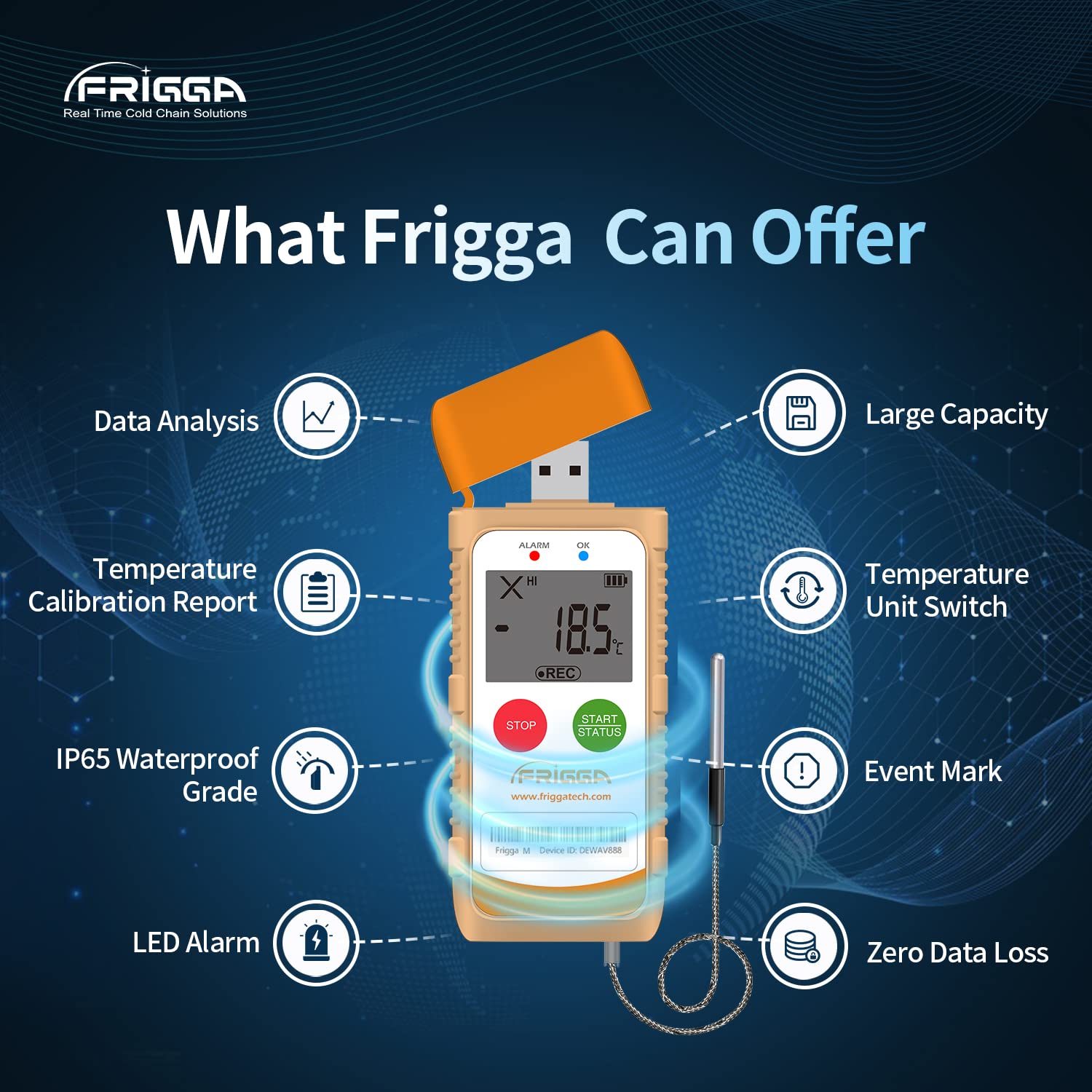
이미지 5.1: 오버view of the Frigga M1E's capabilities, including data analysis, temperature calibration report, IP65 waterproof rating, LED alarm, temperature unit switch, event mark, and zero data loss.
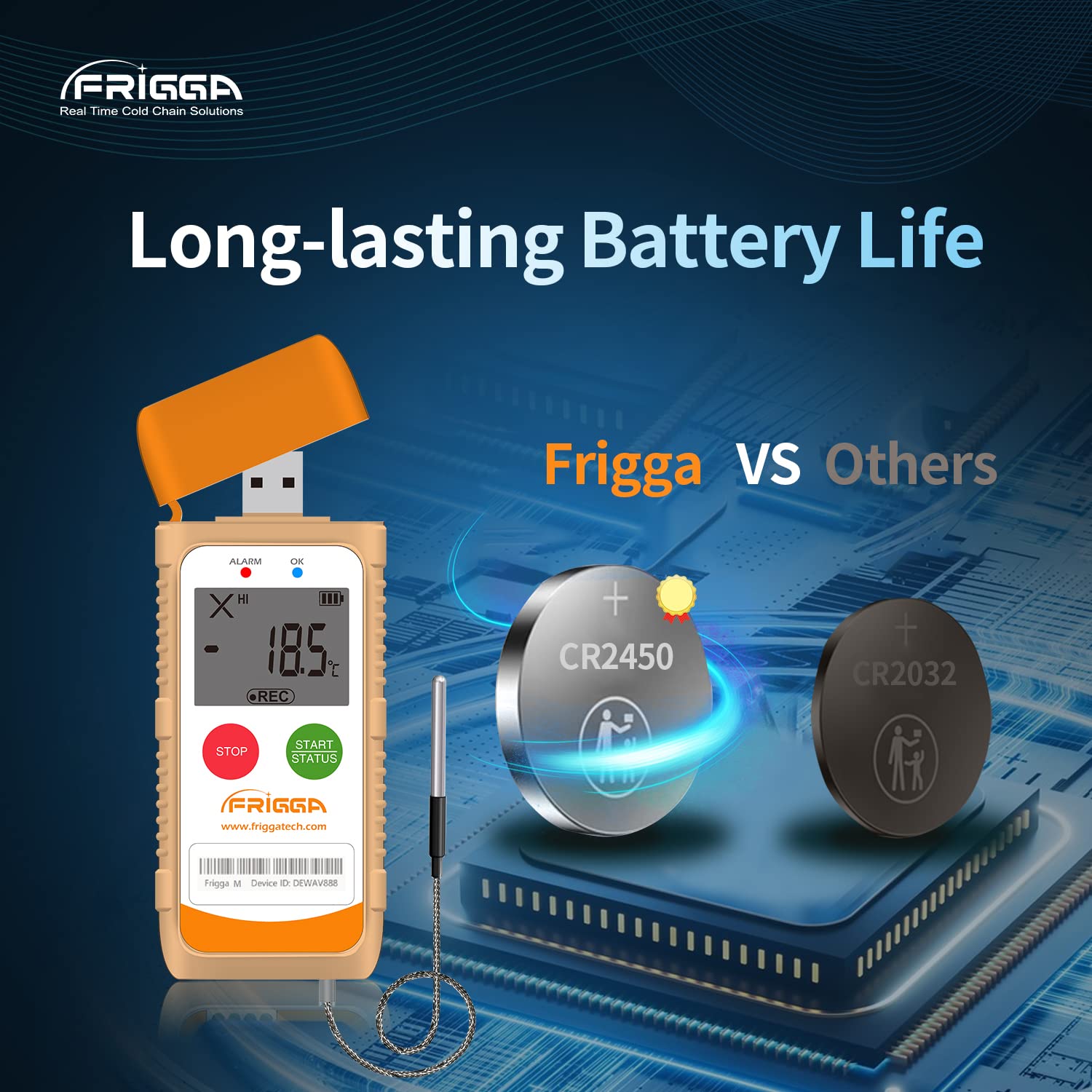
이미지 5.2: This image highlights the long-lasting battery life of the Frigga M1E, featuring a CR2450 battery.
6. 사양

이미지 6.1: Detailed product parameters for the Frigga M1E, including measurement range, accuracy range, and memory capacity.
| 매개변수 | 세부 사항 |
|---|---|
| 모델명 | M1E |
| 측정 범위 | -40°C ~ 80°C (-40°F ~ 176°F) |
| 정확도 범위 | ±0.5℃ (-20℃ to +40℃); ±1℃ for other ranges |
| 메모리 용량 | 14400개의 독서 |
| 재사용성 | 일회용 |
| 전원 | 1 Lithium Ion CR2450 battery (included) |
| 연결 기술 | USB |
| 디스플레이 유형 | 액정표시장치 |
| 특별 기능 | Alarm, Fast Reading System, High Accuracy, External Probe |
| 겉감 소재 | 플라스틱 |
| 제품 관리 지침 | 닦아내십시오 |
| 품목 무게 | 11.2 온스 |
| 품목 길이 | 4 인치 |
| 실내/실외 사용 | 실내 |
7. 유지관리
The Frigga M1E is a single-use device and requires minimal maintenance. Follow these guidelines:
- 청소: Wipe the device clean with a dry or slightly damp 옷감. 강한 화학 물질이나 연마성 세제를 사용하지 마십시오.
- 저장: Store the device in a cool, dry place away from direct sunlight and extreme temperatures before activation.
- 배터리: The device is equipped with a non-replaceable CR2450 battery designed to last for the entire 100-day recording period. No charging is required.
- 처분: As a single-use device, dispose of the data logger responsibly according to local electronic waste regulations after use.
8. 문제 해결
If you encounter issues with your Frigga M1E data logger, consider the following:
- 기기가 시작되지 않음: Ensure the "START" button is pressed and held for the required 5 seconds until the Blue LED blinks. If the device has been previously activated, it cannot be restarted.
- 데이터 보고서가 생성되지 않았습니다.
- Verify the data logger is securely plugged into a functional USB port on your computer.
- Ensure the recording was properly stopped by long-pressing the "STOP" button until the Red LED blinks.
- Check your computer's file explorer for a new removable drive.
- 부정확한 판독:
- Ensure the external probe is correctly connected and positioned to accurately measure the desired temperature.
- Verify the device is operating within its specified measurement range.
- LED Alarm Not Functioning: Check that the device is actively recording and that the temperature has indeed exceeded the pre-set alarm thresholds.
For further assistance, please contact Frigga customer support.
9. 보증 및 지원
Frigga products are manufactured to high-quality standards. For specific warranty information, please refer to the documentation included with your purchase or visit the official Frigga website. For technical support, troubleshooting assistance, or any inquiries regarding your Frigga M1E data logger, please contact Frigga customer service through their official channels.
자세한 정보와 연락처는 다음에서 확인할 수 있습니다. Frigga Brand Store on Amazon 또는 제조업체의 web대지.


