1. 서론
Thank you for choosing the OUKITEL P1201 Portable Power Station. This device is designed to provide reliable power for various applications, including home backup, outdoor camping, RV use, and emergency situations. It features a 960Wh LiFePO4 battery and a 1200W (2400W peak) pure sine wave inverter, capable of powering a wide range of electronic devices and small appliances. Please read this manual thoroughly before operating the device to ensure safe and optimal performance.
2. 안전 지침
- 장치를 분해, 수리 또는 개조하지 마십시오.
- 제품을 화기 근처에 두거나 고온에 노출시키지 마십시오.
- 욕실이나 물에 노출되는 장소에서 제품을 사용하거나 보관하지 마십시오.
- 장시간 직사광선에 제품을 노출시키지 마십시오.
- Do not use or store the unit in dusty or corrosive environments.
- 과열을 방지하기 위해 사용 중에는 적절한 환기를 보장하십시오.
- 어린이와 애완동물의 손이 닿지 않는 곳에 보관하세요.
- 정품 또는 인증된 충전 케이블과 액세서리만 사용하세요.
- 화재 발생 시에는 분말소화기를 사용하세요. 물을 사용하지 마세요.
- 해당 제품은 지역 규정에 따라 폐기하십시오.
3. 패키지 내용
패키지에 모든 품목이 들어 있는지 확인하세요.
- 1 x OUKITEL P1201 Portable Power Station
- 1 x AC 충전 케이블
- 1 x 자동차 충전 케이블
- 1 x MC-4 Solar Charging Cable
- 1 x 사용자 설명서
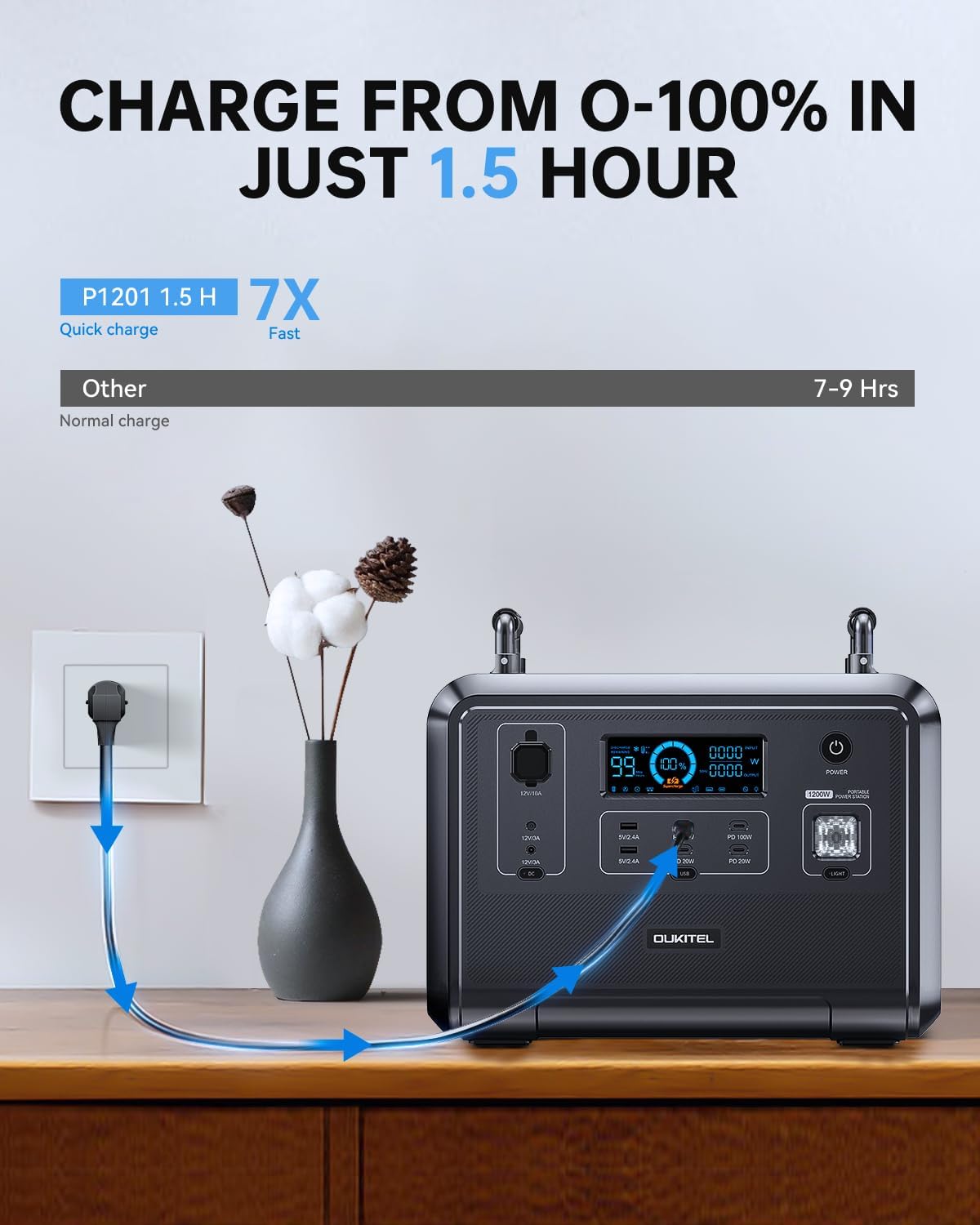
Image: OUKITEL P1201 Portable Power Station with its charging cables and user manual.
4. 제품 오버view
The OUKITEL P1201 features multiple input and output ports for versatile power delivery. Below is a general view 단위의.

이미지: 앞면 view of the OUKITEL P1201, highlighting the display screen, AC outlets, USB ports, and DC outputs.
4.1. 출력 포트
- 4 x AC Outlets (1200W total, 2400W peak)
- 2개의 USB-A 포트
- 3 x USB-C PD 20W Ports
- 1 x USB-C PD 100W Port
- 2 x DC36W Ports
- 1 x DC120W Car Cigarette Lighter Socket
4.2. 디스플레이 화면
The integrated display provides real-time information on battery level, input/output wattage, and operational status. Refer to the manual for detailed icon explanations.
5. 설정
Before first use, fully charge the OUKITEL P1201. This ensures optimal battery performance and calibration.
- 짐 풀기: 전원 스테이션과 모든 부속품을 포장에서 조심스럽게 꺼내세요.
- 초기 청구 : Connect the AC charging cable to the power station's input port and then to a wall outlet. The display will indicate charging status.
- 놓기: 발전소를 직사광선, 열원 및 습기를 피해 통풍이 잘 되는 안정적이고 평평한 곳에 설치하십시오.
6. 사용 설명서
6.1. 전원 켜기 / 끄기
- To power on, press and hold the main power button for 3 seconds. The display will light up.
- To power off, press and hold the main power button for 3 seconds. The display will turn off.
6.2. AC 출력 사용
- 발전소가 켜져 있는지 확인하십시오.
- Press the AC power button to activate the AC outlets. The AC indicator on the display will illuminate.
- AC 기기를 콘센트에 꽂으세요.
- After use, press the AC power button again to turn off the AC outputs and conserve power.
6.3. DC 및 USB 출력 사용
- DC 및 USB 출력은 일반적으로 기기의 전원이 켜져 있을 때 활성화됩니다.
- Plug your USB or DC devices into the respective ports.
- 디스플레이에는 출력 와트가 표시됩니다.tage for these ports.
6.4. 무정전 전원 공급 장치(UPS) 기능
The P1201 features a UPS function, providing continuous power during outag에스.
- Connect the P1201 to a wall outlet using the AC charging cable.
- Connect your critical devices (e.g., computers, medical equipment) to the AC outlets of the P1201.
- In case of a power failure, the P1201 will automatically switch to battery power within 0.1 seconds, ensuring uninterrupted operation for connected devices.
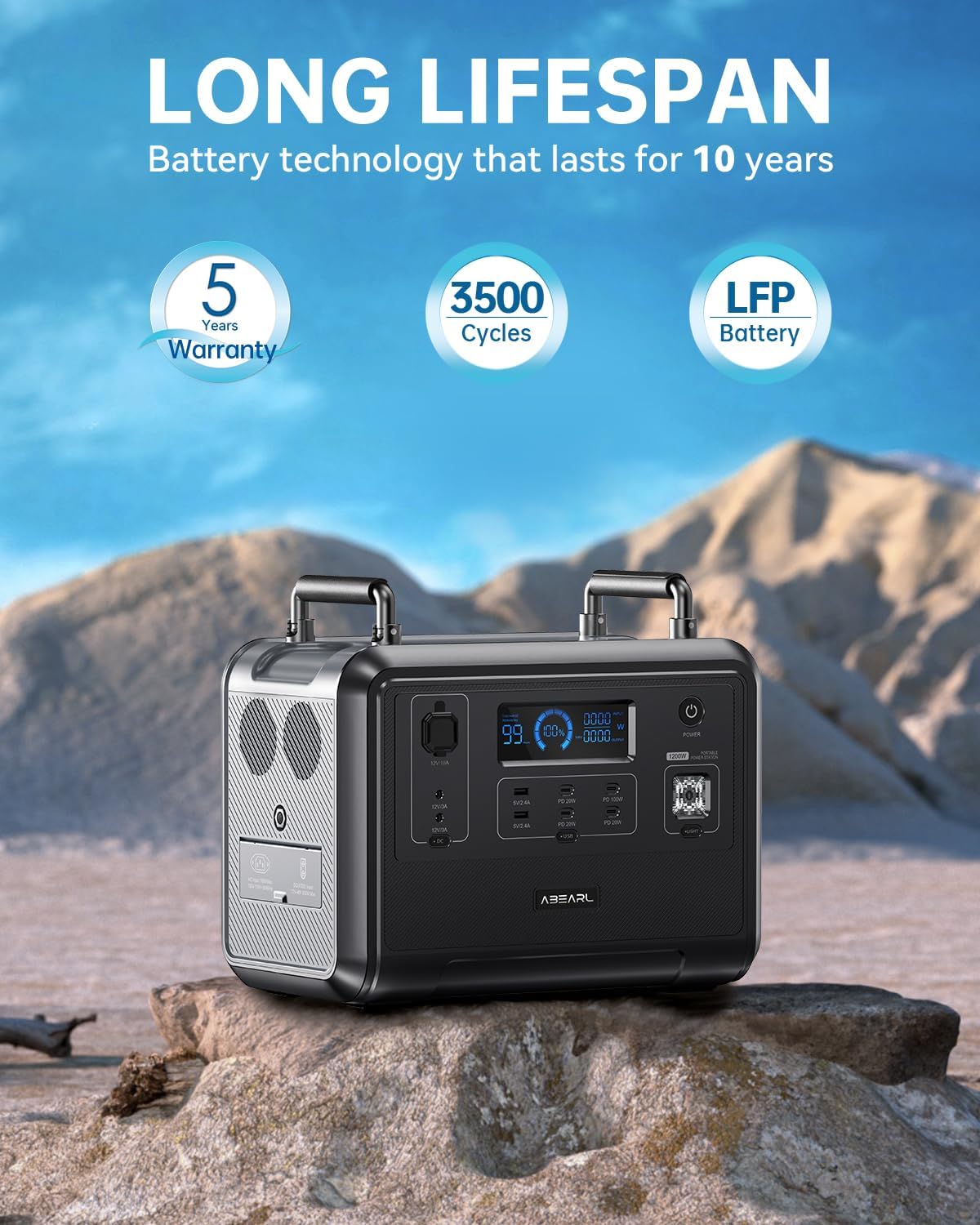
Image: The OUKITEL P1201 powering multiple devices simultaneously, demonstrating its versatility for outdoor and home use.
7. Charging the OUKITEL P1201
The P1201 offers multiple charging methods:
7.1. AC 벽면 충전
- Connect the AC charging cable to the input port of the P1201 and then to a standard wall outlet.
- The unit can be fully charged in approximately 1.5 hours.
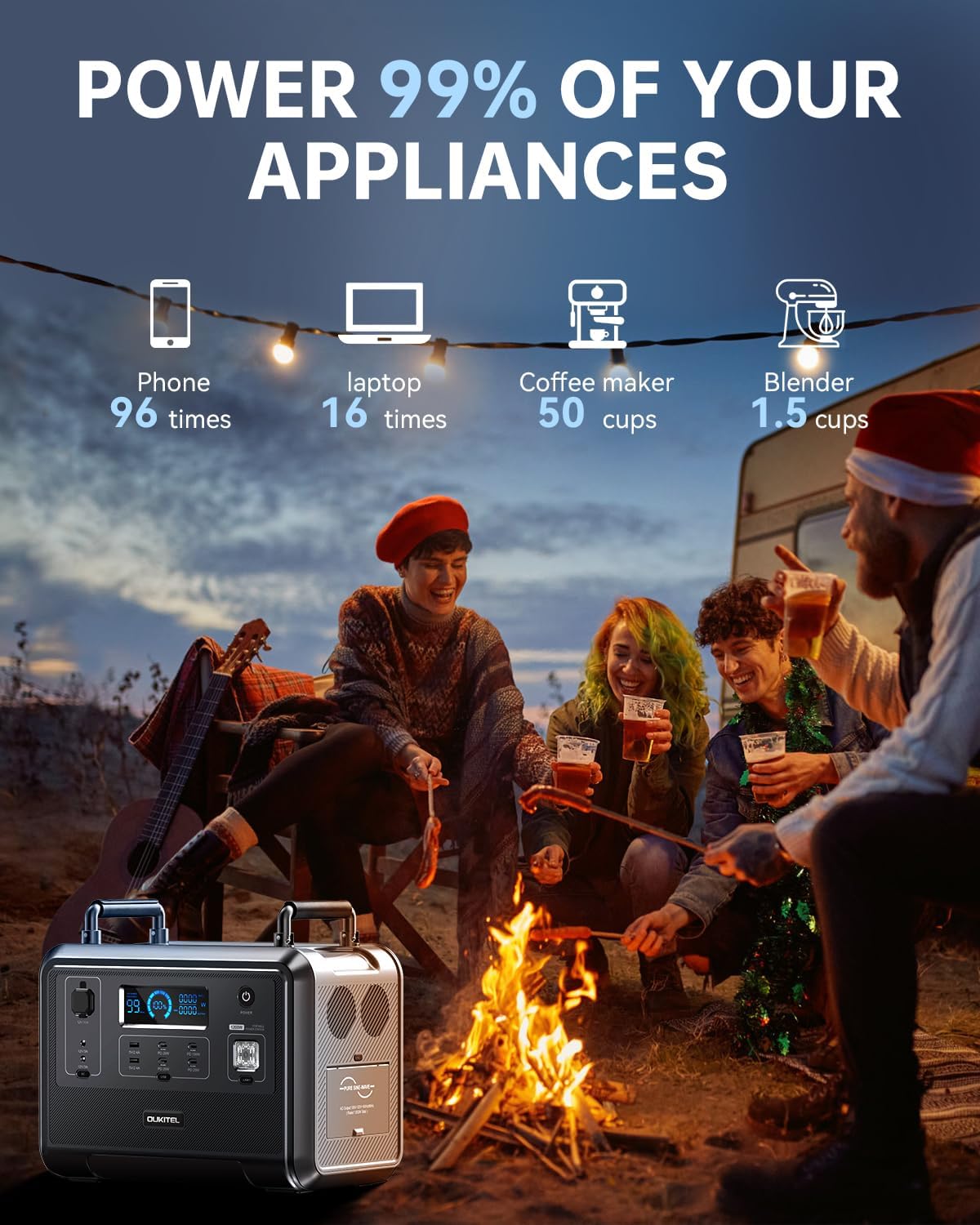
Image: The OUKITEL P1201 connected to a wall outlet for rapid charging, illustrating the 1.5-hour charge time.
7.2. 태양광 패널 충전
- Connect compatible solar panels (up to 500W) to the P1201 using the MC-4 solar charging cable.
- Place solar panels in direct sunlight for optimal charging efficiency.
- Charging time is approximately 2.5 hours with 500W solar input.

Image: The OUKITEL P1201 being charged by solar panels in a camping environment, demonstrating its clean energy input capability.
7.3. 자동차 충전
- Connect the car charging cable to the P1201's input port and then to your vehicle's 12V cigarette lighter socket.
- Charging time will vary depending on the vehicle's output.
7.4. 통합 충전
- For the fastest charging, combine AC wall charging with solar panel charging.
- This method can reduce the charging time to less than 1 hour.
8. 유지관리
- 청소: 부드럽고 마른 천으로 기기 표면을 닦으세요. 연마성 세제나 용제는 사용하지 마세요.
- 저장: If storing for an extended period, charge the unit to 50-80% every 3-6 months to prolong battery life. Store in a cool, dry place away from direct sunlight and extreme temperatures.
- 배터리 수명: The LiFePO4 battery is designed for over 3500 charge cycles, providing a lifespan of approximately 10 years under normal use.
- 통풍: Ensure the ventilation vents are clear of obstructions during operation.
9. 문제 해결
| 문제 | 가능한 원인 | 해결책 |
|---|---|---|
| 장치가 켜지지 않습니다 | 배터리가 완전히 방전되었습니다. 전원 버튼이 제대로 눌리지 않았습니다. | AC 어댑터를 사용하여 제품을 충전하십시오. 전원 버튼을 3초 동안 길게 누르십시오. |
| AC 출력이 작동하지 않음 | AC 출력이 활성화되지 않았습니다. 장치가 과도한 전력을 소모하고 있습니다. 과부하 보호 장치가 작동했습니다. | AC 전원 버튼을 누르세요. 기기의 전력량을 확인하세요.tage (max 1200W); Disconnect device, restart AC output. |
| 태양광을 통한 느린 충전 | Insufficient sunlight; Panels not optimally angled; Dirty panels; Incorrect connection. | Ensure direct sunlight; Adjust panel angle; Clean panels; Verify MC-4 cable connection. |
| 장치 과열 | 환기 불량; 과부하. | 통풍구가 막히지 않았는지 확인하십시오. 연결된 장치의 부하를 줄이십시오. 더 서늘한 곳으로 옮기십시오. |
10. 사양
| 모델 | 피1201 |
| 배터리 유형 | 인산철(LiFePO4) |
| 용량 | 960Wh |
| 교류 출력 | 1200W (Pure Sine Wave, 2400W Peak) |
| 권tage | 110V 교류 |
| USB-A 출력 | 2개 포트 |
| USB-C 출력 | 3 x PD 20W, 1 x PD 100W |
| DC 출력 | 2 x DC36W, 1 x DC120W Car Socket |
| AC 충전 입력 | Fast Charge (approx. 1.5 hours) |
| 태양열 충전 입력 | MPPT 500W Max (approx. 2.5 hours) |
| UPS 기능 | 0.1초 전환 |
| 치수 | 38.1 x 22.86 x 33.02cm(15 x 9 x 13인치) |
| 무게 | 14.51kg(32파운드) |
11. 보증 및 지원
11.1. 보증 정보
The OUKITEL P1201 Portable Power Station comes with a 5년 보증 구매일로부터. 본 보증은 정상적인 사용 상태에서 발생한 제조상의 결함 및 제조상의 결함에 적용됩니다. 오용, 사고, 무단 개조 또는 자연재해로 인한 손상에는 적용되지 않습니다.
보증 청구를 위해 구매 증명서를 보관하십시오.
11.2. 고객 지원
For technical assistance, warranty claims, or any questions regarding your OUKITEL P1201, please contact our customer support team. Refer to the official OUKITEL web자세한 연락처 정보는 해당 사이트나 구매 설명서를 참조하세요.
Web대지: www.oukitel.com


