소개
This manual provides instructions for the Matias Wired USB-C Keyboard for Mac with Numeric Keypad, Model FK316CS. It covers setup, operation, maintenance, troubleshooting, and product specifications to ensure optimal use of your keyboard.
패키지 내용
- Matias Wired USB-C Keyboard
설정
The Matias Wired USB-C Keyboard is designed for simple plug-and-play functionality with compatible Mac devices. No additional drivers or software installation is required.
- Locate an available USB-C port on your Mac computer (e.g., MacBook Pro, MacBook Air, iMac).
- Insert the USB-C connector of the keyboard into the USB-C port on your Mac.
- 키보드는 운영체제에서 자동으로 인식되어야 합니다.
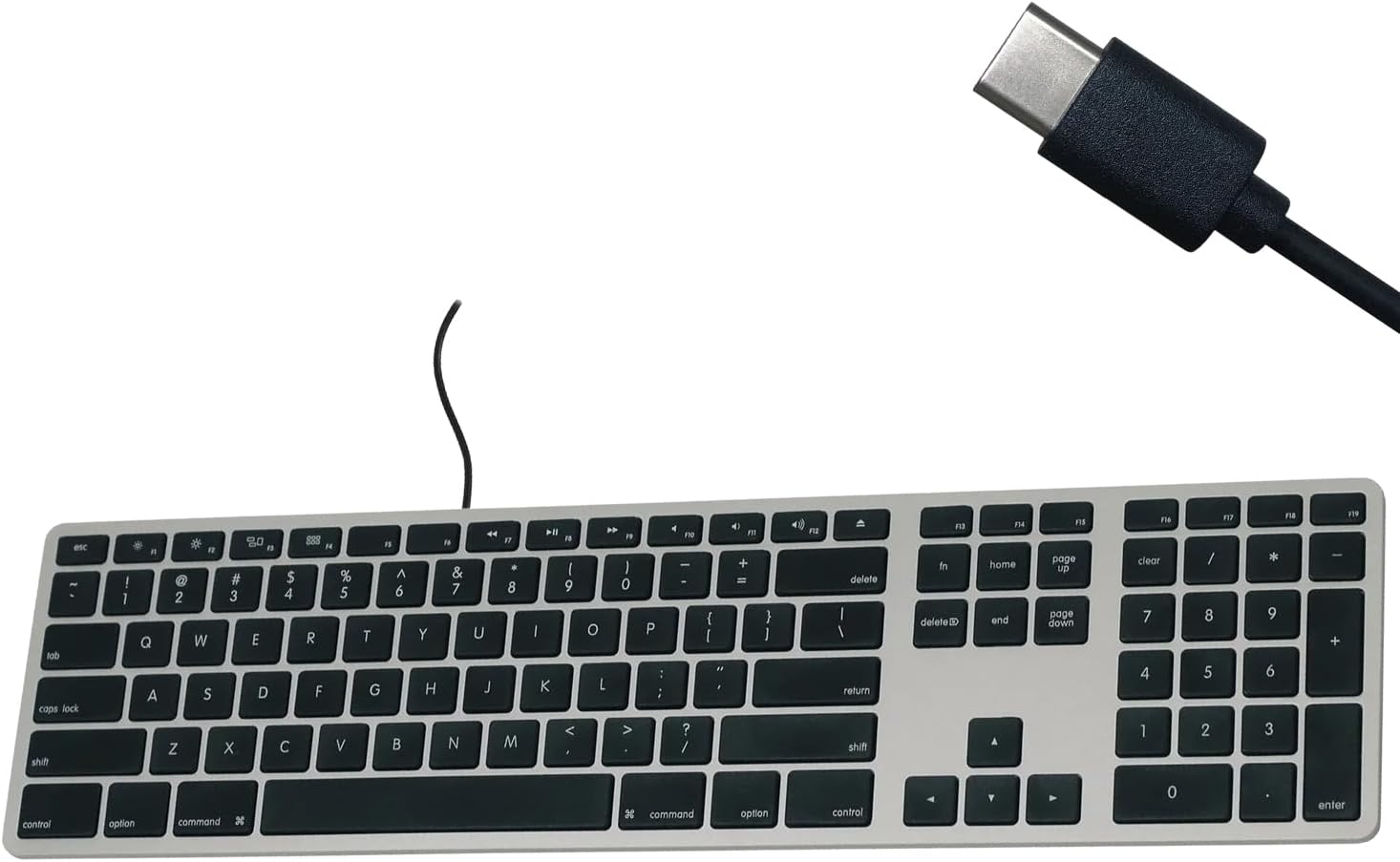
Figure 1: Matias USB-C Keyboard with its USB-C connector, ready for connection.

Figure 2: The keyboard connected to a Mac computer, demonstrating a typical setup.
작동 지침
기본 타이핑
The keyboard features a standard QWERTY layout with a full numeric keypad. Simply begin typing after connecting the keyboard to your Mac.
숫자 키패드
The integrated numeric keypad allows for efficient data entry and calculations. Ensure the 'Num Lock' function is active if numbers are not registering (though typically not required on Mac keyboards for the numeric pad).
맥 기능 키
The top row of keys (F1-F12) provides dedicated Mac-specific functions. These keys allow for quick access to controls such as screen brightness, volume adjustment, media playback, and Mission Control.

그림 3: 클로즈업 view of the Mac-specific function keys (F1-F12) on the keyboard.
유지
To maintain the performance and appearance of your Matias keyboard, follow these guidelines:
- 청소: 부드럽고 털이 없는 천을 살짝 사용하세요.ampened with water or a mild, non-abrasive cleaner to wipe the surface of the keyboard. Avoid spraying liquids directly onto the keyboard.
- 먼지 제거: 압축 공기를 사용하여 키 사이의 먼지와 이물질을 제거합니다.
- 저장: 키보드를 사용하지 않을 때는 깨끗하고 건조한 곳에 보관하십시오.
문제 해결
If you encounter issues with your Matias Wired USB-C Keyboard, consider the following steps:
- 키보드가 응답하지 않음:
- Ensure the USB-C cable is securely connected to both the keyboard and your Mac.
- Try connecting the keyboard to a different USB-C port on your Mac.
- 맥 컴퓨터를 재시작하세요.
- Test the keyboard on another compatible Mac computer, if available, to determine if the issue is with the keyboard or the computer.
- 키가 제대로 작동하지 않습니다:
- 해당 키 아래에 장애물이나 이물질이 있는지 확인하십시오.
- Ensure your Mac's operating system is up to date.
이러한 단계를 거쳐도 문제가 해결되지 않으면 지원 섹션을 참조하여 추가 지원을 받으세요.
명세서
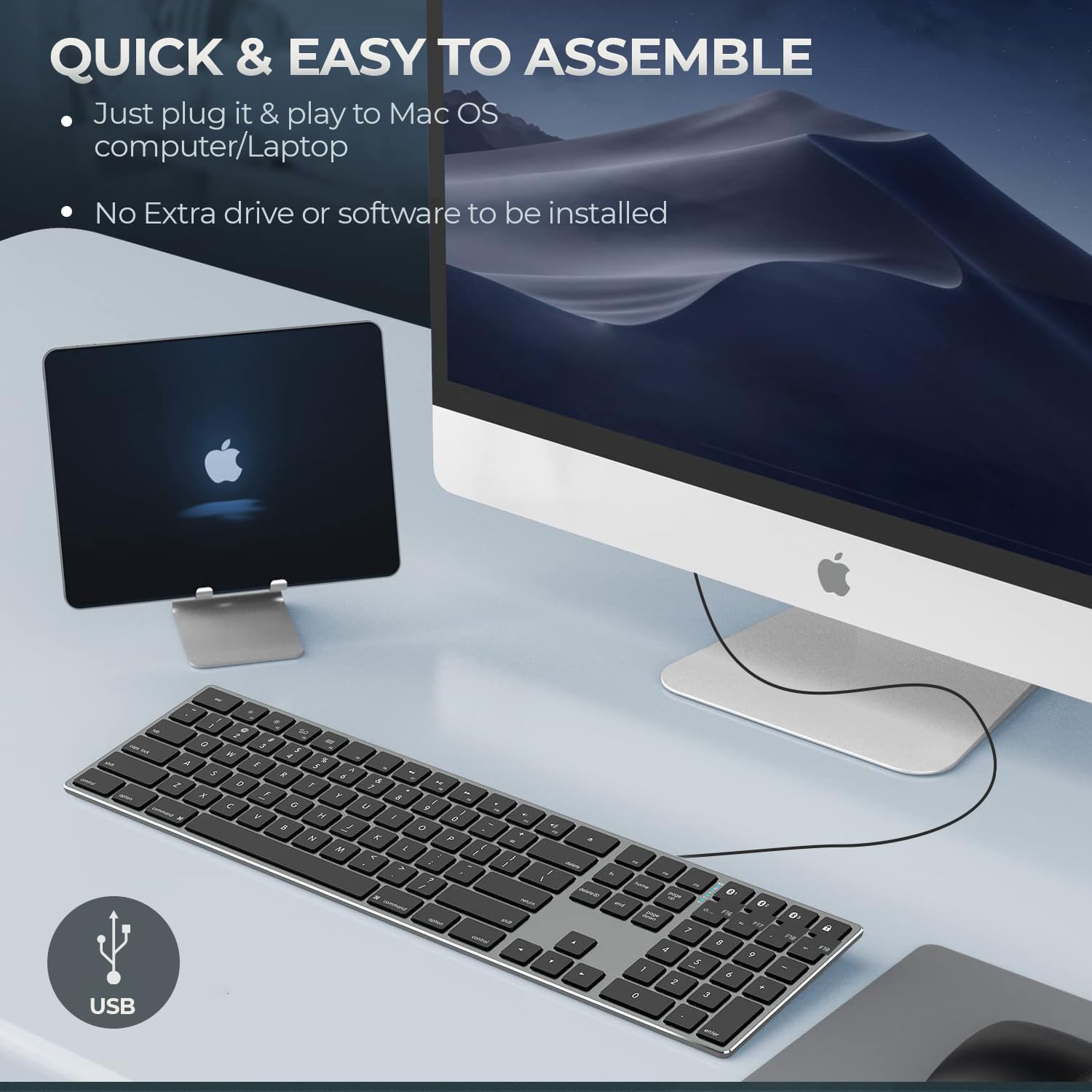
Figure 4: Key specifications of the Matias USB-C Keyboard.
| 특징 | 세부 사항 |
|---|---|
| 모델 번호 | FK316CS |
| 연결 기술 | USB-C(유선) |
| 호환 장치 | MacBook Pro, MacBook Air, iMac, Mac OS X v.10.6.8 and later |
| 제품 치수 | 17.35 x 4.58 x 0.75인치(44.07 x 11.63 x 1.91cm) |
| 품목 무게 | 1.35파운드(612그램) |
| 케이블 길이 | 5피트(1.5미터) |
| 재료 | Plastic keyframe |
| 색상 | 스페이스 그레이 |

Figure 5: Keyboard dimensions and ergonomic tilt angle.
보증 정보
Matias products are covered by a manufacturer's warranty. For specific details regarding the warranty period and terms, please refer to the warranty card included with your product or visit the official Matias web대지.
지원하다
For further assistance, technical support, or to inquire about replacement parts, please contact Matias customer service through their official web대지:
- Matias Official Web대지: www.matias.ca
Please have your product model number (FK316CS) and purchase information ready when contacting support.


