1. 서론
This manual provides essential information for setting up, operating, and maintaining your Headwolf WPad3 Android 12 Tablet. Please read this manual thoroughly before using your device to ensure optimal performance and longevity.
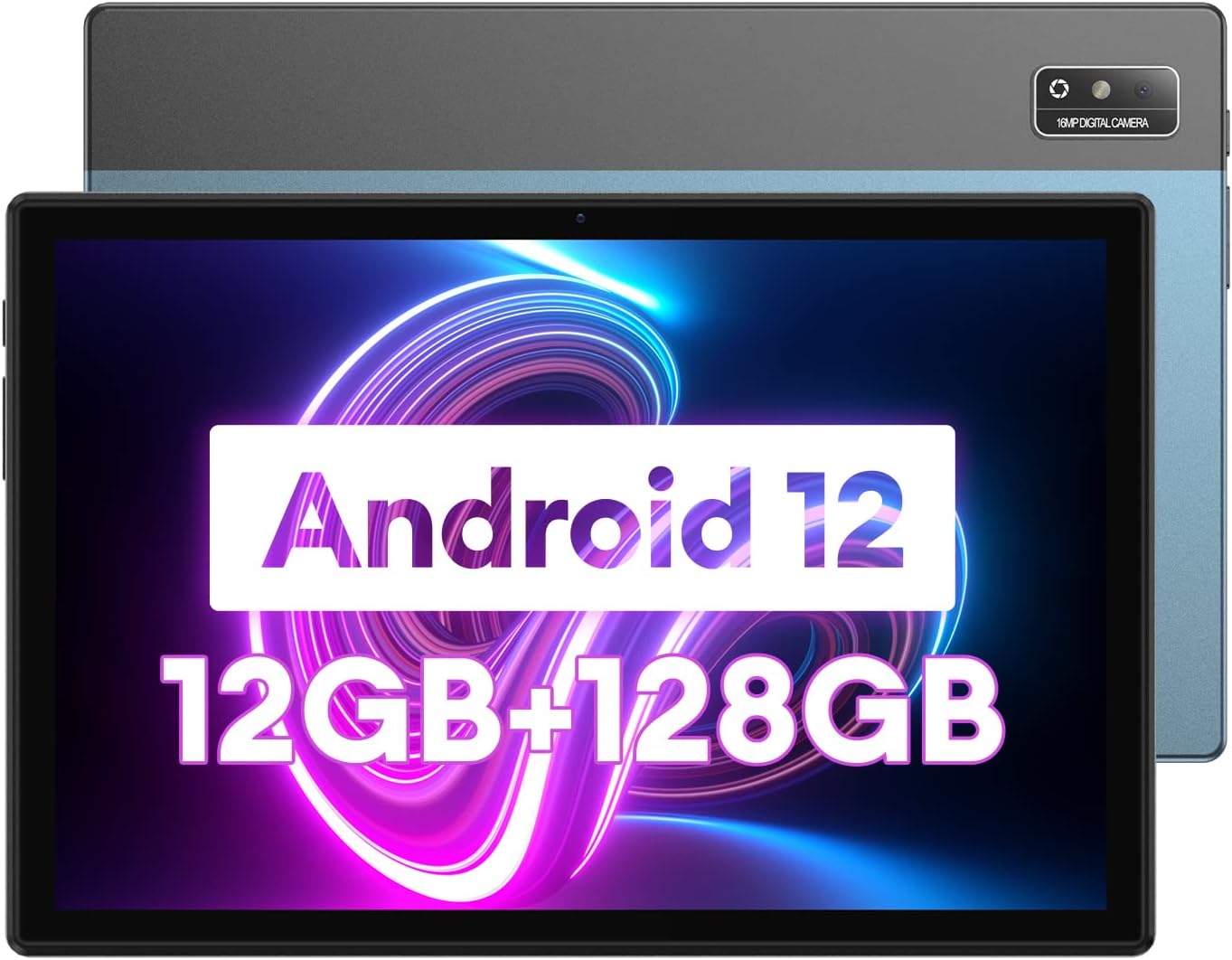
Image 1.1: Headwolf WPad3 Android 12 Tablet.
2. 패키지 내용
패키지에 모든 품목이 들어 있는지 확인하세요.
- 헤드울프 WPad3 태블릿
- 5V2A 전원 어댑터
- White USB Cable (31.5 inches)
- 사용자 설명서
- Micro SD Ejector Tool

Image 2.1: Contents of the Headwolf WPad3 package.
언박싱 과정을 시각적으로 보여주는 영상은 아래를 참고하세요.
Video 2.1: Headwolf WPad3 Android Tablet 10 inch Unboxing. This video demonstrates the unboxing process and shows the included items.
3. 제품 오버view
3.1 물리적 레이아웃
The Headwolf WPad3 features a thin and light metal body for portability.

Image 3.1: Thin and light metal body design of the Headwolf WPad3.
3.2 주요 특징
- 프로세서: MT8183 Octa-core CPU for fast application launching and smooth gaming.
- 메모리 및 스토리지 : 12GB RAM (6GB + 6GB expansion) and 128GB ROM, expandable up to 512GB via Micro SD.
- 운영 체제: Android 12 with upgraded privacy and security management.
- 표시하다: 10.1-inch HD IPS display with 189 PPI and 178° view잉 각도.
- 카메라: 8MP front camera and 16MP rear camera with autofocus.
- 배터리: 7700mAh cobalt lithium battery, providing up to 10 hours of use.
- 연결성: 2.4G/5G dual-band WiFi, Bluetooth 5.0, GPS+BDS+GALILEO navigation system.
- 오디오: Dual BOX speakers.

이미지 3.2: 이상view of Headwolf WPad3 features.
4. 설정
4.1 전원 켜기/끄기
To power on the tablet, press and hold the power button located on the side until the Headwolf logo appears. To power off, press and hold the power button, then select 'Power off' from the options.
4.2 초기 설정 마법사
Upon first use, the tablet will guide you through an initial setup process. This includes selecting your language, connecting to a Wi-Fi network, and setting up your Google account.
4.3 Wi-Fi에 연결하기
- 이동하다 설정 > 네트워크 및 인터넷 > 와이파이.
- Wi-Fi 전환 On.
- 목록에서 원하는 네트워크를 선택하세요.
- 메시지가 표시되면 비밀번호를 입력한 다음 탭하세요. 연결하다.
4.4 구글 계정 설정
A Google account is required to download apps from the Google Play Store and access Google services. During initial setup, you will be prompted to sign in or create a new Google account.
5. 태블릿 작동
5.1 탐색 기본 사항
태블릿은 탐색을 위해 터치 제스처를 사용합니다.
- 수도꼭지: 항목을 선택하거나 앱을 엽니다.
- 강타: 화면이나 목록을 스크롤합니다.
- 핀치 투 줌: 이미지 확대/축소 및 web 페이지.
5.2 응용 프로그램 사용
The tablet comes pre-installed with essential Google applications. Additional applications can be downloaded from the Google Play Store.

Image 5.1: Android 12 interface on the Headwolf WPad3.
5.3 카메라 기능
이 태블릿에는 8MP 전면 카메라와 16MP 후면 카메라가 장착되어 있습니다. 카메라 앱을 열어 사진과 동영상을 촬영하세요.

Image 5.2: Headwolf WPad3 dual camera system.
5.4 배터리 관리
The 7700mAh battery provides extended usage. Charge the tablet using the provided 5V2A power adapter and Type-C cable.

Image 5.3: Headwolf WPad3 battery and charging.
5.5 스토리지 관리
The tablet has 128GB of internal storage and supports Micro SD card expansion up to 512GB. To insert a Micro SD card, use the ejector tool to open the card slot.

Image 5.4: Headwolf WPad3 memory and storage expansion.
5.6 무선 프로젝션
The tablet supports wireless projection to compatible displays, allowing you to extend your view경험.

Image 5.5: Wireless projection feature.
5.7 GPS 기능
The tablet integrates GPS, BDS, and GALILEO navigation systems for accurate location services.
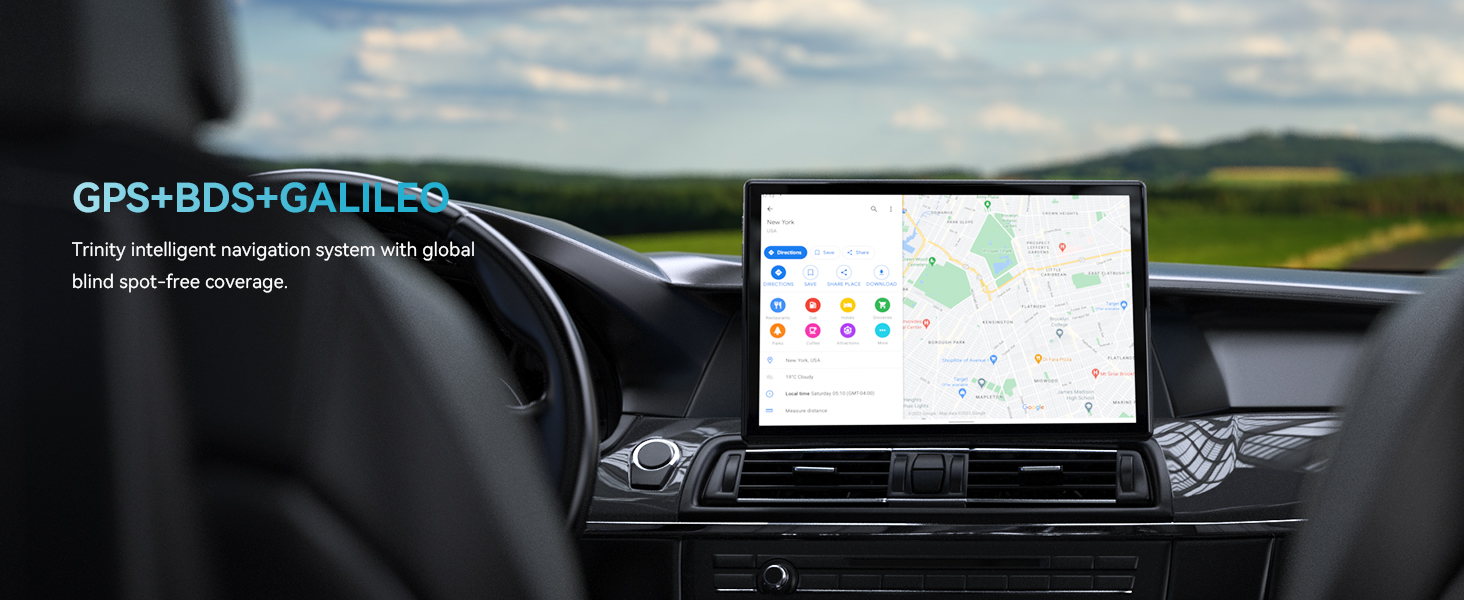
Image 5.6: GPS navigation on the Headwolf WPad3.
5.8 오디오
Enjoy audio through the tablet's dual BOX speakers or connect headphones via the 3.5mm headphone jack.

Image 5.7: Dual BOX speakers for enhanced audio.
For a demonstration of the tablet's performance and features, refer to the video below:
Video 5.8: Headwolf WPad3 6+6GB RAM 128GB ROM Android 12 Tablet. This video highlights the tablet's speed and memory capabilities.
Video 5.9: Headwolf WPad3 10 Inch Tablet, 6GB+128GB Large Memory. This video showcases the tablet's large memory and display.
6. 유지관리
6.1 청소
부드럽고 보풀 없는 천으로 태블릿 화면과 본체를 닦으세요. 강한 화학 약품이나 연마성 재질은 사용하지 마세요.
6.2 소프트웨어 업데이트
태블릿에 최신 기능과 보안 패치가 적용되도록 정기적으로 소프트웨어 업데이트를 확인하고 설치하세요. 다음 링크를 방문하세요. 설정 > 체계 > 시스템 업데이트.
7. 문제 해결
This section addresses common issues you might encounter with your Headwolf WPad3 tablet.
7.1 Display Issues (e.g., Dead Pixels)
If you observe a dead pixel or other display anomalies upon unboxing, contact customer support immediately. While rare, manufacturing defects can occur.
7.2 충전 문제
Ensure you are using the provided 5V2A power adapter and Type-C cable. Some Type-C to Type-C cables or chargers may not be compatible. If the tablet is not charging, try a different power outlet or cable. If the issue persists, contact customer support.
7.3 Performance Lags or App Crashes
If the tablet experiences occasional lags or app crashes, try the following:
- 사용하지 않는 백그라운드 애플리케이션을 닫습니다.
- Clear cache for problematic apps (설정 > 앱 > [앱 이름] > 저장소 및 캐시 > 캐시 지우기).
- 충분한 여유 저장 공간을 확보하세요.
- 공장 초기화는 최후의 수단으로만 수행하십시오.설정 > 체계 > 옵션 재설정 > 모든 데이터 삭제(공장 초기화)). Back up your data before performing a factory reset.
8. 사양
| 특징 | 세부 사항 |
|---|---|
| 모델명 | W3 |
| 운영 체제 | 안드로이드 12 |
| 화면 크기 | 10.1 인치 |
| 화면 해상도 | 1280 x 800 픽셀(HD IPS) |
| 프로세서 브랜드 | MediaTek (MT8183 Octa-core) |
| 숫양 | 12GB(6GB + 6GB 확장) |
| 내부 저장소(ROM) | 128GB |
| 확장 가능한 스토리지 | 최대 512GB (Micro SD) |
| 뒤쪽 Web캠 해상도 | 16MP |
| 앞쪽 Web캠 해상도 | 8MP |
| 배터리 용량 | 7700mAh |
| 무선형 | 802.11ac(2.4G/5G WiFi) |
| 블루투스 | 블루투스 5.0 |
| 항해 | GPS+BDS+갈릴레오 |
| 품목 무게 | 2.07파운드 |
| 제품 치수 | 9 x 5 x 3 인치 |
9. 보증 및 지원
Headwolf provides a one-year repair and replacement warranty for the WPad3 tablet. Dedicated customer service and technical support are available 24 hours a day. If you encounter any problems with your Android tablet, you can contact us through Amazon "Your Order - Get Help" for assistance. We are committed to providing a satisfactory solution.


