1. 서론
Thank you for choosing the ENDORFY Thock TKL Wireless Keyboard. This manual provides detailed instructions for setting up, operating, maintaining, and troubleshooting your new keyboard. Please read this manual carefully before use to ensure optimal performance and longevity of your device.
2. 패키지 내용
패키지에 모든 품목이 들어 있는지 확인하세요.
- ENDORFY Thock TKL Wireless Keyboard
- USB-C to USB-A 케이블
- 2.4 GHz USB Wireless Receiver
- 키캡/스위치 풀러 도구
- 사용 설명서 (본 문서)
3. 설정
3.1 초기 설정 및 충전
Before first use, it is recommended to fully charge the keyboard. Connect the provided USB-C cable to the keyboard's USB-C port and the USB-A end to a powered USB port on your computer or a wall adapter. The keyboard's indicator light will show charging status.
3.2 연결 모드
The ENDORFY Thock TKL Wireless Keyboard supports three connection modes: 2.4 GHz Wireless, Bluetooth, and Wired (USB-C).
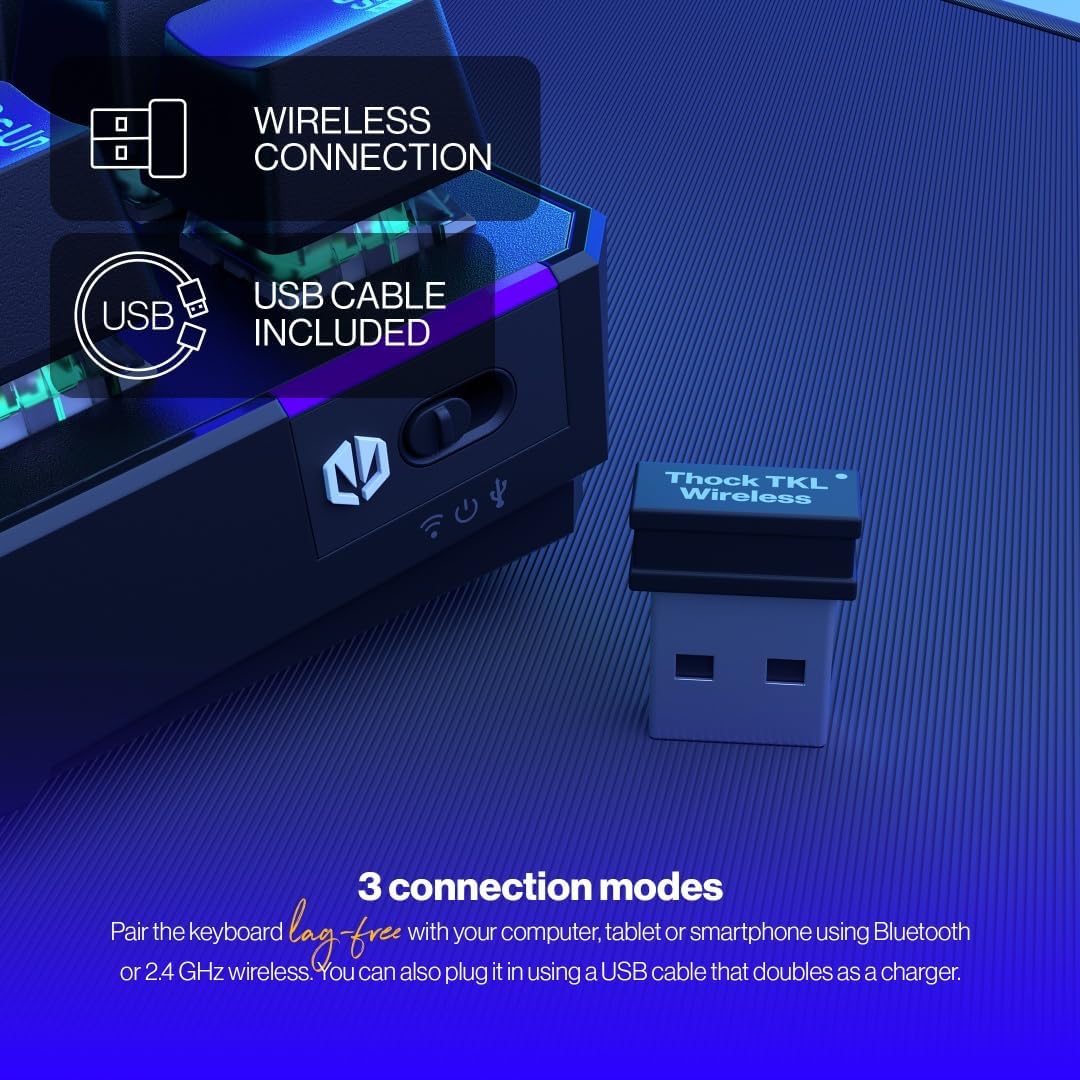
The keyboard offers versatile connectivity options including 2.4 GHz wireless, Bluetooth, and a wired USB connection.
3.2.1 2.4GHz 무선 연결
- Locate the 2.4 GHz USB wireless receiver in your package.
- USB 수신기를 컴퓨터의 사용 가능한 USB 포트에 연결합니다.
- On the keyboard, locate the mode switch (usually on the side or back) and set it to the '2.4G' or wireless icon position.
- 키보드가 자동으로 컴퓨터에 연결됩니다.
3.2.2 블루투스 연결
- On the keyboard, set the mode switch to the 'BT' or Bluetooth icon position.
- 키보드가 페어링 모드로 진입합니다(표시등이 깜빡일 수 있습니다).
- 컴퓨터나 기기에서 Bluetooth 설정을 열고 새 기기를 검색하세요.
- Select 'ENDORFY Thock TKL' (or similar name) from the list of available devices to pair.
3.2.3 유선 연결
- 제공된 케이블의 USB-C 단자를 키보드의 USB-C 포트에 연결하십시오.
- 케이블의 USB-A 끝을 컴퓨터의 사용 가능한 USB 포트에 연결합니다.
- The keyboard will function as a wired keyboard and will also charge its internal battery.

The USB-C port on the side of the keyboard allows for wired connection and charging.
4. 사용 설명서
4.1 주요 기능
The Thock TKL keyboard features a standard 87-key US layout. Many keys have secondary functions accessible via the 'Fn' key. Refer to the keycaps for specific Fn combinations (e.g., Fn + F1-F12 for media controls, volume, etc.).
4.2 RGB 백라이트 사용자 정의
The keyboard features programmable ARGB backlighting. You can cycle through various lighting effects and colors directly on the keyboard using specific Fn key combinations, or through the dedicated software for more advanced customization.
The keyboard features excellent ARGB backlighting, allowing for various color and effect customizations.
4.3 소프트웨어 사용
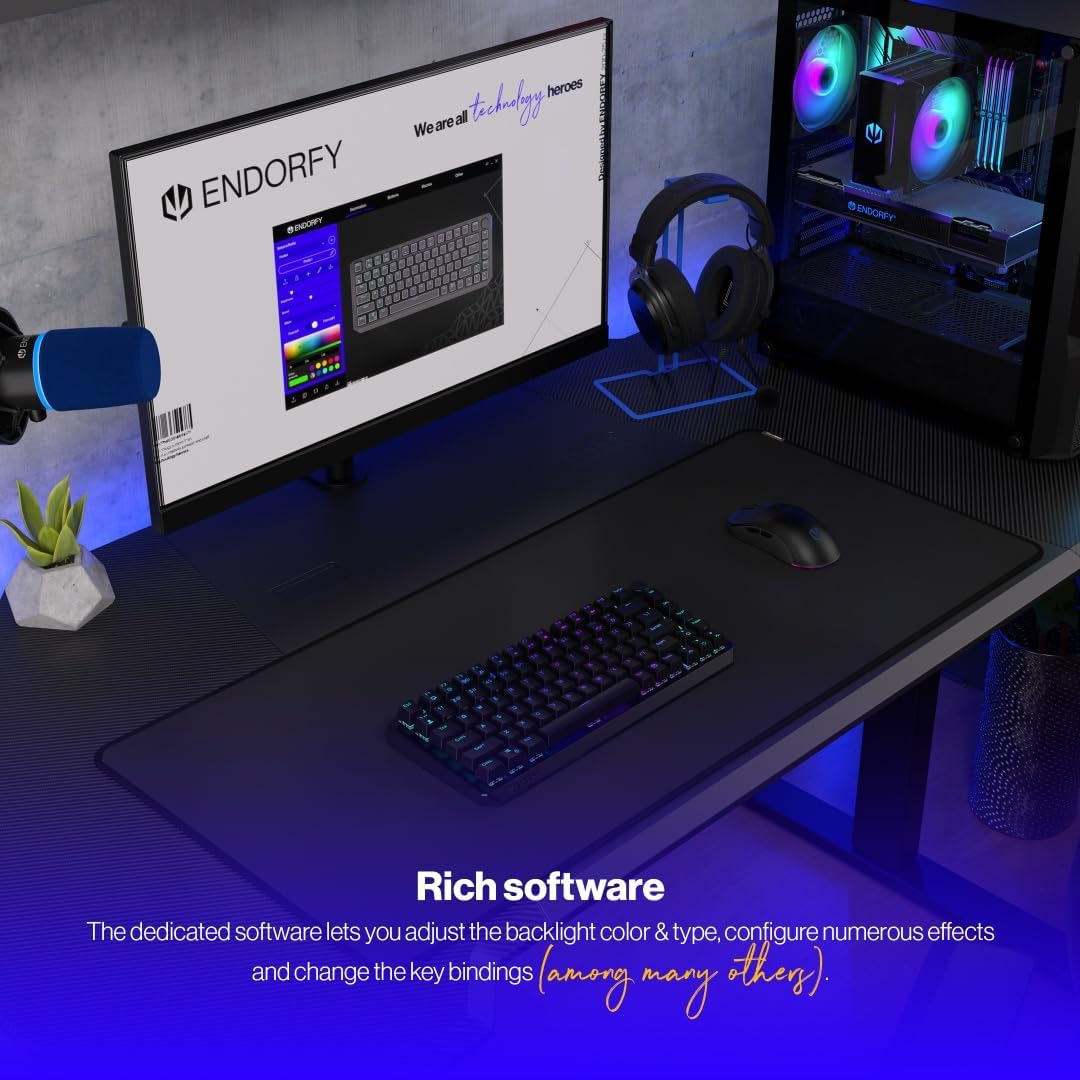
For advanced customization of key bindings, macros, and RGB lighting effects, download and install the dedicated ENDORFY software from the official website. The software provides a graphical interface to fine-tune your keyboard settings.

The dedicated software allows for comprehensive adjustment of backlight color, type, effects, and key bindings.
5. 유지관리
5.1 청소
To clean your keyboard, first disconnect it from your computer. Use a soft, dry cloth to wipe down the keycaps and chassis. For deeper cleaning, you may use a can of compressed air to remove dust and debris from between the keys. Avoid using harsh chemicals or abrasive materials.
5.2 핫 스와핑 스위치
The ENDORFY Thock TKL keyboard features hot-swappable switches, allowing you to easily change them without soldering. Use the provided switch puller tool to carefully remove switches. Align the new switch with the pins and gently press it into place until it clicks.

The hot-swap feature allows for easy replacement of switches using the included tool.

The keyboard comes equipped with Kailh Box Red switches, known for their smooth and linear actuation.
5.3 키캡 교체
The keyboard uses durable PBT Double Shot keycaps. To remove a keycap, use the keycap puller tool (often combined with the switch puller) to gently pull it upwards. To install a new keycap, align it with the switch stem and press down firmly until it is seated.

The durable PBT Double Shot keycaps are resistant to wear and maintain their appearance over time.
6. 문제 해결
6.1 키보드가 응답하지 않음
- 키보드가 충전되어 있는지 확인하세요.
- 연결 모드 스위치(2.4G, 블루투스, 유선)가 올바르게 설정되어 있는지 확인하십시오.
- For wireless connections, ensure the USB receiver is properly plugged in or Bluetooth is paired. Try a different USB port.
- For wired connection, try a different USB cable or port.
- 컴퓨터를 다시 시작하세요.
6.2 백라이트가 작동하지 않거나 올바르지 않음
- Fn 키 조합을 통해 백라이트가 활성화되어 있는지 확인하십시오.
- Check the brightness level.
- 소프트웨어를 사용하는 경우 설정이 올바르게 적용되었는지 확인하세요.
- Perform a factory reset if available (refer to software or advanced Fn commands).
6.3 키가 등록되지 않음
- 키보드가 깨끗하고 키캡 아래에 이물질이 없는지 확인하세요.
- If a specific key is not working, try hot-swapping the switch with a known working one to diagnose if the issue is with the switch or the keyboard PCB.
- Update keyboard firmware if available.
7. 사양
| 모델 번호 | EY5A080 |
| 키보드 유형 | Mechanical, TKL (Tenkeyless) |
| 스위치 | Kailh Box Red (Hot-Swappable) |
| 키캡 | PBT 더블샷 |
| 공들여 나열한 것 | US Layout, 87 Keys |
| 연결성 | 2.4 GHz Wireless, Bluetooth, USB-C Wired |
| 백라이트 | ARGB Programmable |
| 배터리 | 1개의 리튬 이온 배터리(포함) |
| 제품 치수 | 14.23 x 5.51 x 1.67인치(361.50 x 140 x 42.50mm) |
| 품목 무게 | 1.74파운드 |
| 호환 장치 | PC, Gaming Consoles, Tablets, Smartphones |

맨 위 view dimensions of the ENDORFY Thock TKL Wireless Keyboard.

옆 view dimensions illustrating the adjustable height options of the keyboard.
8. 보증 및 지원
The ENDORFY Thock TKL Wireless Keyboard comes with a 2년 보증 구매일로부터. 보증 청구를 위해 구매 증빙을 보관하세요.
For technical support, driver downloads, firmware updates, or further information, please visit the official ENDORFY web대지:
http://endorfy.com/kb/EY5A-THOCK-TKL-WIRELESS
You may also contact ENDORFY customer support directly through the contact information provided on their web대지.


