1. 서론
This manual provides comprehensive instructions for the proper use and care of your MARKLIFE 1.57" x 0.78" Direct Thermal Labels. These labels are specifically designed for optimal performance with the Marklife P50 Label Printer, offering a reliable solution for various labeling needs in business, home, and office environments. Please read this manual carefully to ensure correct usage and to maximize the lifespan and effectiveness of your labels.

Image 1.1: MARKLIFE 1.57" x 0.78" Direct Thermal Labels packaging and roll.
This image displays a roll of MARKLIFE 1.57" x 0.78" Direct Thermal Labels alongside its white product box. The labels feature a light blue and purple starry design, indicating their aesthetic appeal. The box is branded "MARK LIFE LABEL PAPER".
2. 제품 오버view 및 기능
MARKLIFE Direct Thermal Labels are engineered for clear, durable printing without the need for ink or toner. They are designed with specific features to enhance usability and longevity.
주요 특징:
- Size and Quantity: Each roll contains 310 labels, measuring 1.57 inches by 0.78 inches, suitable for various applications.
- 내구성: These labels are water-resistant, oil-resistant, and abrasion-resistant, ensuring printed information remains legible in diverse conditions.
- 강력한 접착력: Equipped with a robust adhesive, the labels securely attach to surfaces, preventing peeling or falling off during use.
- 선명한 인쇄: Direct thermal technology provides sharp, clear text and graphics.
- BPA 없음: Manufactured without Bisphenol A for user safety.
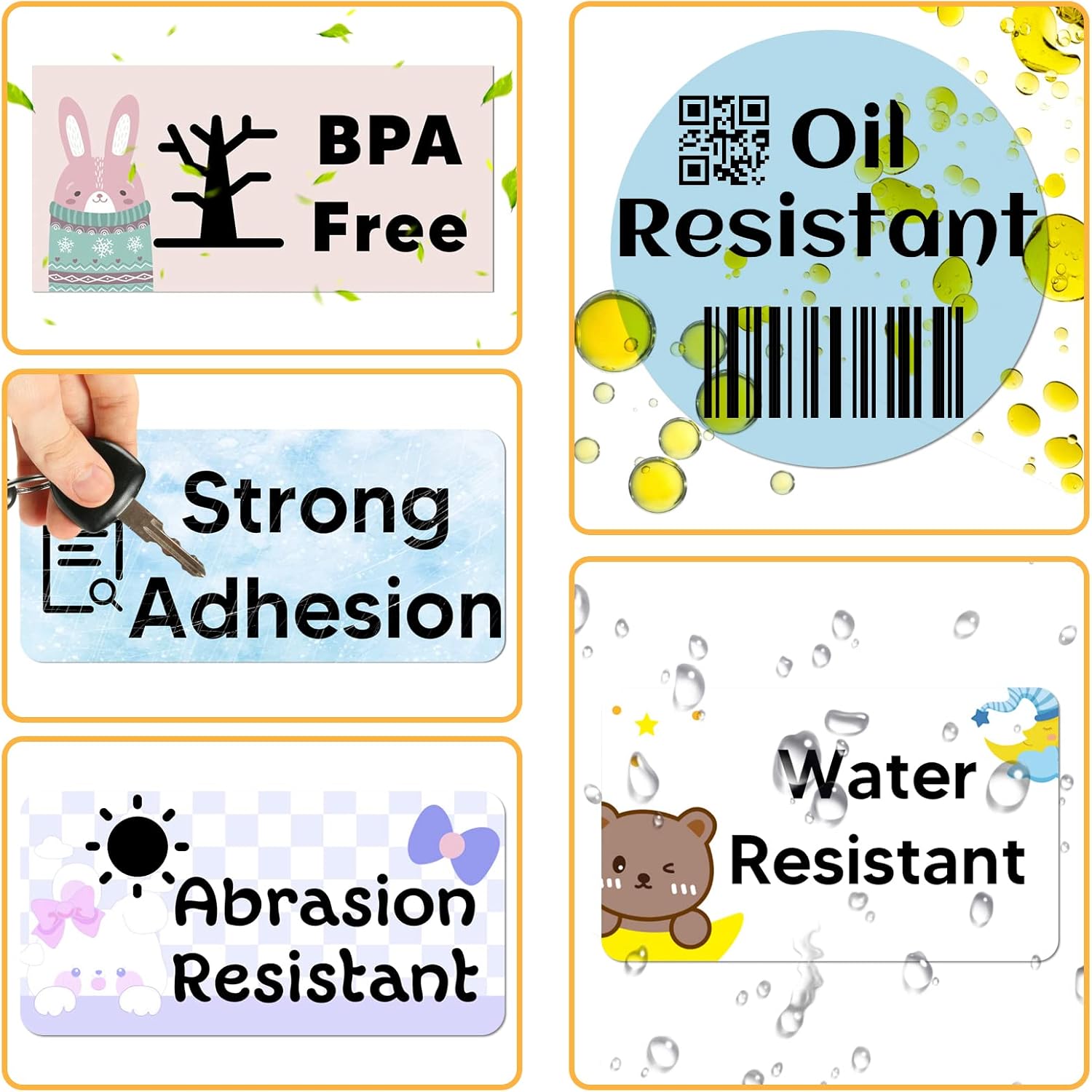
Image 2.1: Visual representation of label features.
This image highlights the key features of the MARKLIFE labels through a series of icons: "BPA Free" with a rabbit and tree, "Oil Resistant" with oil droplets and a barcode, "Strong Adhesion" with a key and magnifying glass, "Abrasion Resistant" with a sun and bow, and "Water Resistant" with a bear and water droplets.

Image 2.2: Label dimensions.
This image illustrates the dimensions of the labels, showing a roll of labels with measurements indicated as 1.57 inches (40mm) in width and 0.78 inches (20mm) in height. Note: While the image text states "220 Labels/Roll", the product description confirms 310 labels per roll for this product.
3. 설정 및 로딩
These labels are designed for use with the Marklife P50 Label Printer. Follow these general steps to load the labels into your compatible printer. Refer to your Marklife P50 printer's specific manual for detailed loading instructions.
- 프린터 덮개를 여세요: Gently open the label compartment cover on your Marklife P50 printer.
- 라벨 롤을 삽입하세요: Place the MARKLIFE label roll into the designated slot, ensuring the labels feed out from the bottom of the roll and the printing side faces upwards.
- 사료 라벨: Pull a small section of the labels out past the printer's print head and align it with the label guide.
- 덮개 닫기: Close the printer cover securely until it clicks into place. The printer should automatically detect the label type and size.

Image 3.1: Labels loaded in Marklife P50 printers.
This image shows two Marklife P50 label printers, one white and one blue, each with a roll of 1.57" x 0.78" labels loaded and ready for printing. This demonstrates the compatibility and proper loading appearance of the labels within the printer.
4. 사용 설명서
Once the labels are loaded, you can begin printing using your Marklife P50 Label Printer and its associated smart application.
- 프린터 연결: Ensure your Marklife P50 printer is powered on and connected to your device (smartphone/tablet) via Bluetooth, as per the printer's instructions.
- 앱 열기: Launch the Marklife smart application on your device.
- 디자인 라벨: Use the app's interface to design your label. The app offers various fonts, filter effects, and themes.
- 인쇄: Select the "one-click printing" option within the app to send your design to the printer.
- 벗겨내고 바르세요: Once printed, carefully peel the label from its backing and apply it to your desired surface.
응용 프로그램 예amp레:
These versatile labels are suitable for a wide range of uses, including:
- Price labels
- 바코드 라벨
- DIY logo labels
- Address labels
- Storage bin labels
- Jar labels
- General organization and identification

Image 4.1: Label application examples (home & personal care).
This image showcases various applications of the labels, including labeling vases ("Rose Vase", "Jasmine Vase"), bathroom bottles ("Body wash", "Conditioner", "Shampoo"), and a bar of handmade soap with a barcode.

Image 4.2: Further label application examples (kitchen & storage).
This image provides additional examples of label usage, such as on medicine bottles, food storage jars ("Macaroni", "Starch"), a glass of "Chocolate Latte", and small containers for "Baking Tools", "Sugar", and "Salt".
5. 유지 관리 및 보관
To ensure the best performance and longevity of your MARKLIFE Direct Thermal Labels, follow these maintenance and storage guidelines:
- 저장: Store label rolls in a cool, dry place away from direct sunlight and excessive heat or humidity. Extreme conditions can affect adhesive quality and thermal print sensitivity.
- 손질: Avoid touching the thermal printing surface of the labels with bare hands as oils and dirt can degrade print quality.
- Printer Care: Regularly clean your Marklife P50 printer's print head according to its manual to prevent dust or adhesive residue from affecting print quality and label feeding.
6. 문제 해결
If you encounter issues while using your MARKLIFE Direct Thermal Labels, consider the following common solutions:
- Faint or Unclear Prints:
- Ensure the label roll is inserted correctly with the thermal printing surface facing the print head.
- Check if the printer's print head is clean. Refer to your printer manual for cleaning instructions.
- Verify that the label roll is not expired or damaged from improper storage (e.g., excessive heat exposure).
- 라벨이 제대로 부착되지 않음:
- Confirm the label roll is properly seated and aligned within the printer's guides.
- Check for any obstructions or debris in the label path.
- Ensure the printer's rollers are clean and free of adhesive residue.
- 라벨이 잘 붙지 않아요:
- Ensure the application surface is clean, dry, and smooth.
- Avoid applying labels to extremely textured, oily, or dusty surfaces.
- Check the storage conditions of the labels; prolonged exposure to high humidity or heat can degrade adhesive.
- Printer Not Detecting Labels:
- Ensure the labels are "gap labels" compatible with your Marklife P50 printer's sensor.
- Restart the printer and the associated application.
- Recalibrate the printer's label sensor if your printer model supports this feature.
7. 사양
| 기인하다 | 세부 사항 |
|---|---|
| 상표 | 마크라이프 |
| 모델 번호 | ML0006 |
| 라벨 크기 | 1.57인치 x 0.78인치(40mm x 20mm) |
| 롤당 라벨 | 310 |
| 재료 유형 | Direct Thermal Paper (Cardboard, Paper) |
| 색상 | Stars (Patterned) |
| 품목 무게 | 4.2 온스(약 119그램) |
| 패키지 크기 | 2.13 x 2.13 x 2.09 인치 |
| 특징 | Water-resistant, Oil-resistant, Abrasion-resistant, Strong Adhesion, BPA-Free |
| 호환성 | Marklife P50 Label Printer |
8. 보증 및 지원
For specific warranty information regarding MARKLIFE products, please refer to the documentation included with your original purchase or visit the official MARKLIFE web대지.
If you require further assistance or have questions not covered in this manual, please contact MARKLIFE customer support through their official channels. You can often find support information on the product packaging or the brand's official online store: MARKLIFE Store on Amazon.


