소개
This manual provides comprehensive instructions for the ENDORFY Omnis Pudding Onyx White Red mechanical keyboard (Model EY5A036). This full-size keyboard features Kailh Red mechanical switches, durable PBT Pudding keycaps, and customizable ARGB backlighting. It is designed for various applications, including gaming, creative work, and general office use, offering a responsive and comfortable typing experience. Key features include a reinforced chassis, a detachable magnetic wrist rest, and a metal volume wheel for convenient audio control.
패키지 내용
- ENDORFY Omnis Pudding Onyx White Red Mechanical Keyboard
- Detachable USB-A Cable
- 자석 손목 받침대
- 사용 설명서 (본 문서)
설정
1. 키보드 연결
Connect the detachable USB-A cable to the USB-C port on the keyboard and then to an available USB-A port on your computer. The keyboard is plug-and-play and should be recognized automatically by your operating system.
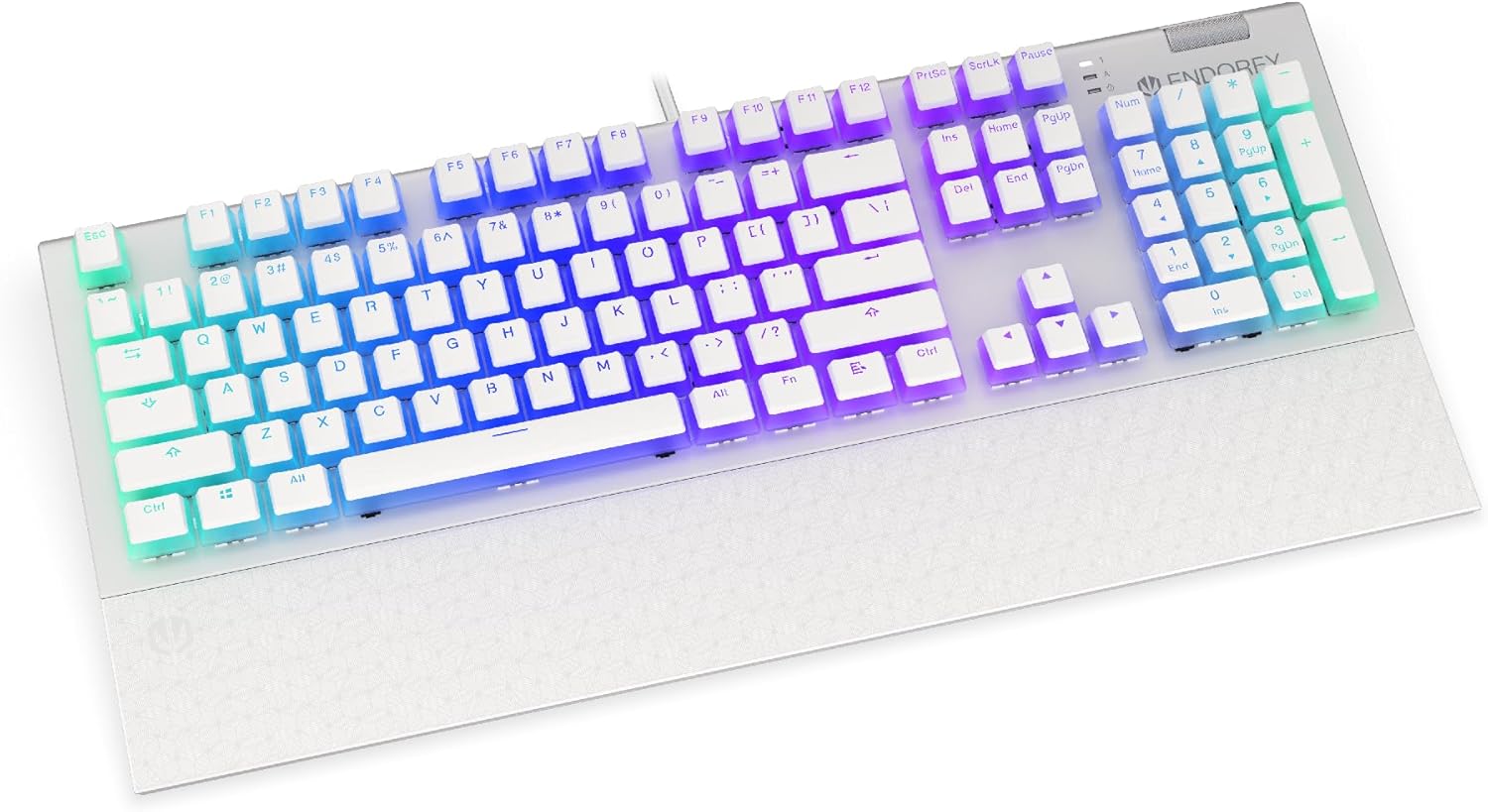
이미지: 앞면 view of the ENDORFY Omnis Pudding Onyx White Red mechanical keyboard, showcasing its full layout and connected cable.
2. 손목 받침대 부착
Align the magnetic wrist rest with the front edge of the keyboard. The magnets will automatically secure it in place, providing ergonomic support during use.

이미지: 각도 view of the ENDORFY Omnis Pudding Onyx White Red mechanical keyboard with the magnetic wrist rest attached, highlighting the seamless integration.
3. 소프트웨어 설치(선택 사항)
For advanced customization of lighting effects, key assignments, and macros, download the official ENDORFY software from the manufacturer's web사이트. 화면의 지시에 따라 설치하세요.
작동 지침
기본 키보드 기능
The keyboard features a standard full-size layout with a dedicated numpad, function keys (F1-F12), and navigation keys. All keys operate as standard input devices for your computer.
Volume Wheel Operation
The metal volume wheel located on the top right of the keyboard allows for quick audio adjustments:
- 위로 회전: 볼륨을 높이세요.
- 아래로 회전: 볼륨을 낮추세요.
- 아래로 누르기: 오디오 음소거/음소거 해제.
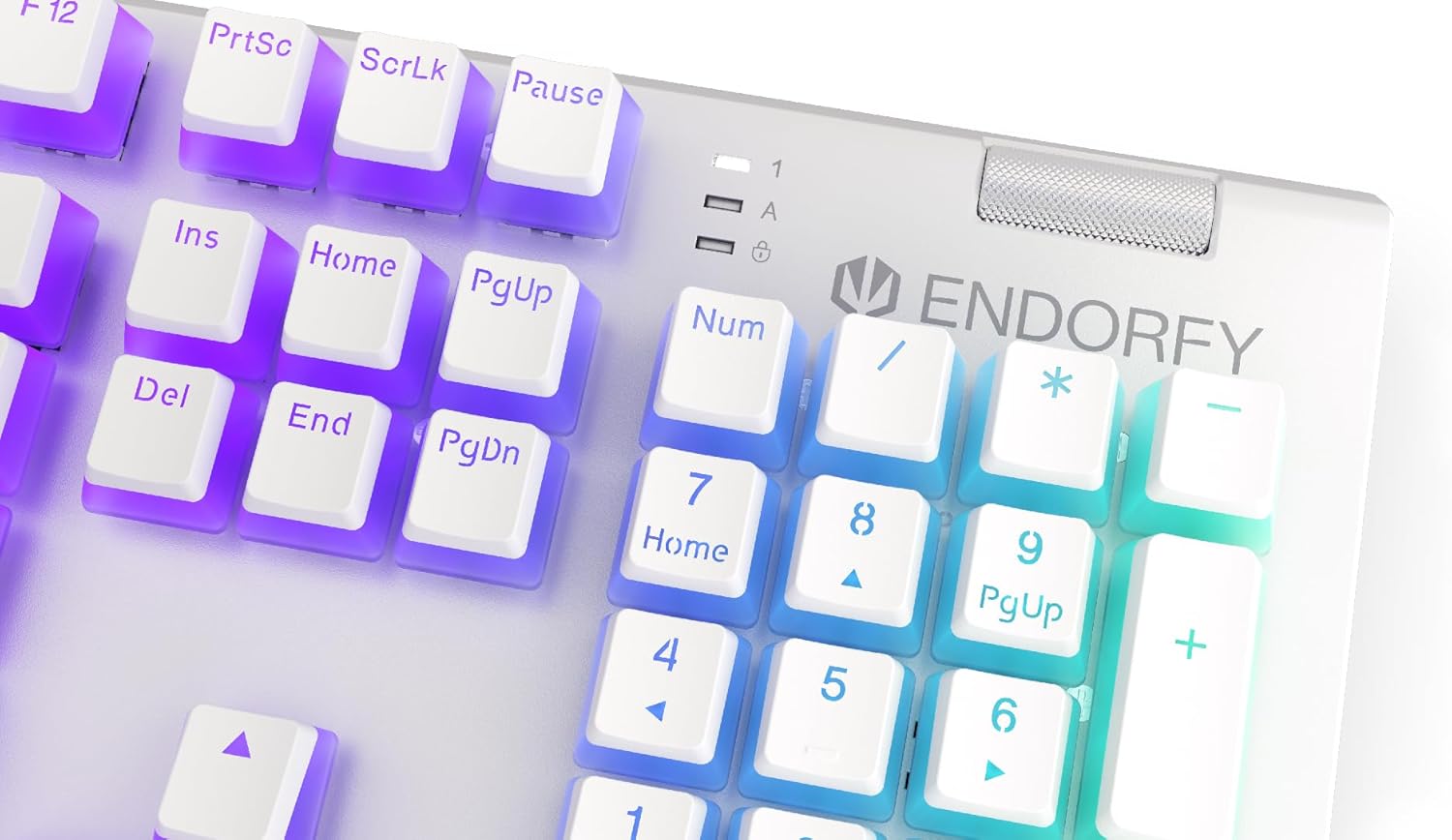
이미지: 클로즈업 view of the keyboard's numpad and the prominent metal volume wheel, indicating its position for easy access.
RGB 백라이트 제어
The keyboard features customizable ARGB backlighting. Lighting effects and brightness can be adjusted using the dedicated ENDORFY software. Some basic lighting modes and brightness levels may also be accessible via keyboard shortcuts (e.g., Fn + arrow keys or specific function keys), though advanced customization is recommended through the software.

Image: The ENDORFY Omnis Pudding Onyx White Red mechanical keyboard illuminated with vibrant RGB backlighting, showcasing the Pudding keycaps.
N-키 롤오버(NKRO)
The keyboard supports N-Key Rollover, which means every key press is registered independently, regardless of how many other keys are being pressed simultaneously. This feature is particularly beneficial for fast typists and gamers, preventing ghosting or missed inputs.
소프트웨어 기능
The ENDORFY software allows users to:
- Customize ARGB lighting effects and colors.
- 개별 키를 다시 매핑합니다.
- 복잡한 명령 시퀀스를 위한 매크로를 생성하고 할당합니다.
- 여러 프로 관리file다양한 애플리케이션이나 게임에 적합합니다.
유지
키보드 청소
최적의 성능과 외관을 유지하려면:
- 청소하기 전에 키보드를 컴퓨터에서 분리하세요.
- 부드럽고 털이 없는 천을 살짝 사용하세요.amp물이나 순한 세척액을 사용하여 키캡과 섀시를 닦아냅니다.
- 키캡 사이의 먼지와 이물질을 제거하려면 압축 공기를 사용하세요.
- 가혹한 화학물질이나 연마재의 사용은 피하세요.
키캡 제거 및 교체
The PBT Pudding keycaps can be removed for thorough cleaning or replacement. Use a keycap puller (not included) to gently lift keycaps straight up. When replacing, align the keycap with the switch stem and press down firmly until it clicks into place.

이미지: 클로즈업 view of the Kailh Red mechanical switches, visible when keycaps are removed, illustrating the switch mechanism.
문제 해결
- 키보드가 응답하지 않음:
Ensure the USB cable is securely connected to both the keyboard and the computer. Try connecting the keyboard to a different USB port or a different computer to rule out port or system issues. Restart your computer. - 백라이트가 작동하지 않거나 잘못 작동함:
Check the brightness settings via the ENDORFY software or any onboard shortcuts. Ensure the software is up to date. If specific keys have incorrect lighting, reset the lighting profile 소프트웨어에서. - 키가 등록되지 않음:
Clean under the affected keycaps to remove any debris that might be obstructing the switch. If the issue persists, it may indicate a hardware fault; refer to the Warranty and Support section. - Wrist Rest Not Attaching Securely:
Ensure there is no debris between the keyboard and the wrist rest that might interfere with the magnetic connection.
명세서
| 특징 | 세부 사항 |
|---|---|
| 상표 | 엔도르피 |
| 모델 번호 | EY5A036 |
| 색상 | 하얀색 |
| 키 스위치 | Kailh Red Mechanical |
| 키캡 | PBT Pudding |
| 공들여 나열한 것 | Full-size (US Layout) |
| 백라이트 | ARGB (Configurable RGB) |
| 연결성 | USB-A (Detachable Cable) |
| 손목 받침대 | Magnetic, Detachable |
| 볼륨 조절 | Metal Volume Wheel |
| N키 롤오버 | 예 |
| 호환되는 운영 체제 | Linux, Mac OS X 10.12 Sierra, Windows 7, Windows 8, Windows 10 |
| 권장 사용 | Gaming, Multimedia |
| 재료 | 폴리부틸렌 테레프탈레이트(PBT) |
보증 및 지원
ENDORFY products are covered by a manufacturer's warranty. For detailed warranty terms, technical support, or service inquiries, please refer to the official ENDORFY web사이트를 방문하거나 가까운 판매점에 문의하세요. 보증 청구를 위해 구매 증빙 자료를 보관하세요.


