1. 서론
The Sonic Blast Digital Alarm Clock with Projection is designed to provide a reliable and effective wake-up experience, especially for heavy sleepers. It combines an extra-loud alarm with a bright strobe light, time projection, Bluetooth audio, and a USB charging port. This manual will guide you through the setup, operation, and maintenance of your device.

Image 1.1: The Sonic Blast Digital Alarm Clock with Projection, showing its display, time projection, and USB charging capability.
2. 안전 정보
- 장치를 작동하기 전에 모든 지침을 읽으십시오.
- 기기를 물이나 과도한 습기로부터 멀리하십시오.
- 장치를 극한의 온도나 직사광선에 노출시키지 마십시오.
- 제공된 전원 어댑터만 사용하세요.
- 기기를 직접 분해하거나 수리하지 마십시오. 모든 정비는 자격을 갖춘 기술자에게 맡기십시오.
- 장치 주변의 적절한 환기를 보장하십시오.
3. 패키지 내용
- Sonic Blast Digital Alarm Clock with Projection (Model SB775B)
- 전원 어댑터
- 사용자 설명서
4. 제품 오버view: Controls and Indicators
Familiarize yourself with the various buttons, ports, and indicators on your Sonic Blast alarm clock.

이미지 4.1: 앞면 view of the Sonic Blast alarm clock highlighting display and feature icons.
전면 패널
- LED 디스플레이: Shows current time, alarm status (AL1, AL2), PM indicator, and Bluetooth (BT) status.
- 스트로브 라이트: Flashes during alarm.
상단 패널

Image 4.2: Top panel controls, including the SNOOZE/DIMMER button.
- 전원 버튼: 기기를 켜거나 끕니다.
- 볼륨 감소/증가 버튼: 볼륨을 조절하세요.
- AL.SET Button: 알람 설정에 사용됩니다.
- 밝기 조절 버튼: 디스플레이 밝기를 조절합니다(5단계).
- HOUR / MIN Buttons: 시간 및 알람 설정을 조정하세요.
- 음소거 버튼: 다시 알림 기능을 활성화합니다.
- BUZZER/TONE Switch: Selects alarm sound type.
- ALM1 / ALM2 / VIB Switch: Selects alarm mode (Alarm 1, Alarm 2, or Vibration).
- PROJECTION IMAGE ON/OFF / ROTATE Button: Controls the projection feature.
- FOCUSING Wheel: Adjusts the clarity of the projected time.
후면 패널

이미지 4.3: 후면 view of the Sonic Blast alarm clock, showing USB and AUX ports.
- DC 입력 잭: 전원 어댑터를 연결합니다.
- USB 충전 포트 : 외부 장치를 충전하는 데 사용됩니다.
- AUX IN 잭: 외부 오디오 소스를 연결하는 데 사용됩니다.
- VIBRATOR Jack: For connecting an optional bed shaker (sold separately).
5. 설정
5.1 전원 연결
- Plug the power adapter into the DC IN jack on the rear of the alarm clock.
- 어댑터의 다른 쪽 끝을 표준 벽면 콘센트에 꽂습니다.
- 시계 디스플레이가 켜집니다.
5.2 배터리 백업 설치
A CR2032 lithium battery (not included) can be installed to maintain time and alarm settings during a power outage.

Image 5.1: Illustration of the CR2032 battery for backup power.
- 장치 하단에서 배터리 칸을 찾으세요.
- 배터리 덮개를 엽니다.
- CR2032 리튬 배터리 1개를 삽입할 때, 극성(+/-)을 정확히 확인하십시오.
- 배터리 덮개를 단단히 닫으세요.
5.3 시간 설정
- 를 누르고 계세요 시간 디스플레이가 깜빡일 때까지 버튼을 누르세요.
- 사용하세요 시간 그리고 최소 현재 시간과 분을 설정하는 버튼입니다.
- 를 누르세요 시간 버튼을 다시 눌러 설정을 확인합니다.
6. 사용 설명서
6.1 알람 설정(알람 1 및 알람 2)
이 시계는 두 개의 독립적인 알람을 지원합니다.

Image 6.1: The Sonic Blast alarm clock supporting dual alarms.
- 를 누르고 계세요 알셋 button. AL1 will flash on the display.
- 사용하세요 시간 그리고 최소 알람 1에 대해 원하는 알람 시간을 설정하는 버튼입니다.
- 누르다 알셋 again to set Alarm 2, repeating the process.
- After setting both alarms, press 알셋 one more time to exit alarm setting mode.
- 알람을 작동시키려면 슬라이드하세요. ALM1 / ALM2 / VIB switch to the desired alarm (AL1 or AL2). The corresponding indicator will light up.
- To select the alarm sound, slide the BUZZER/TONE switch to BUZZER or TONE.
6.2 스누즈 기능
알람이 울리면 버튼을 누르세요. 선잠 button to temporarily silence the alarm for a preset duration.

Image 6.2: Adjustable snooze feature for customized wake-up delays.
- The snooze duration is adjustable. Refer to the full manual for specific steps to adjust snooze time.
6.3 볼륨 및 톤 조정
Customize your alarm sound to your preference.

Image 6.3: Graphic illustrating the adjustable volume feature.
- 사용하세요 권 그리고 볼륨+ buttons to adjust the alarm volume.
- 슬라이드 BUZZER/TONE switch to select between a standard buzzer or an adjustable tone.

Image 6.4: Close-up of the tone adjustment controls.
6.4 프로젝션 기능
Project the time onto your ceiling or wall for easy view주고받음.
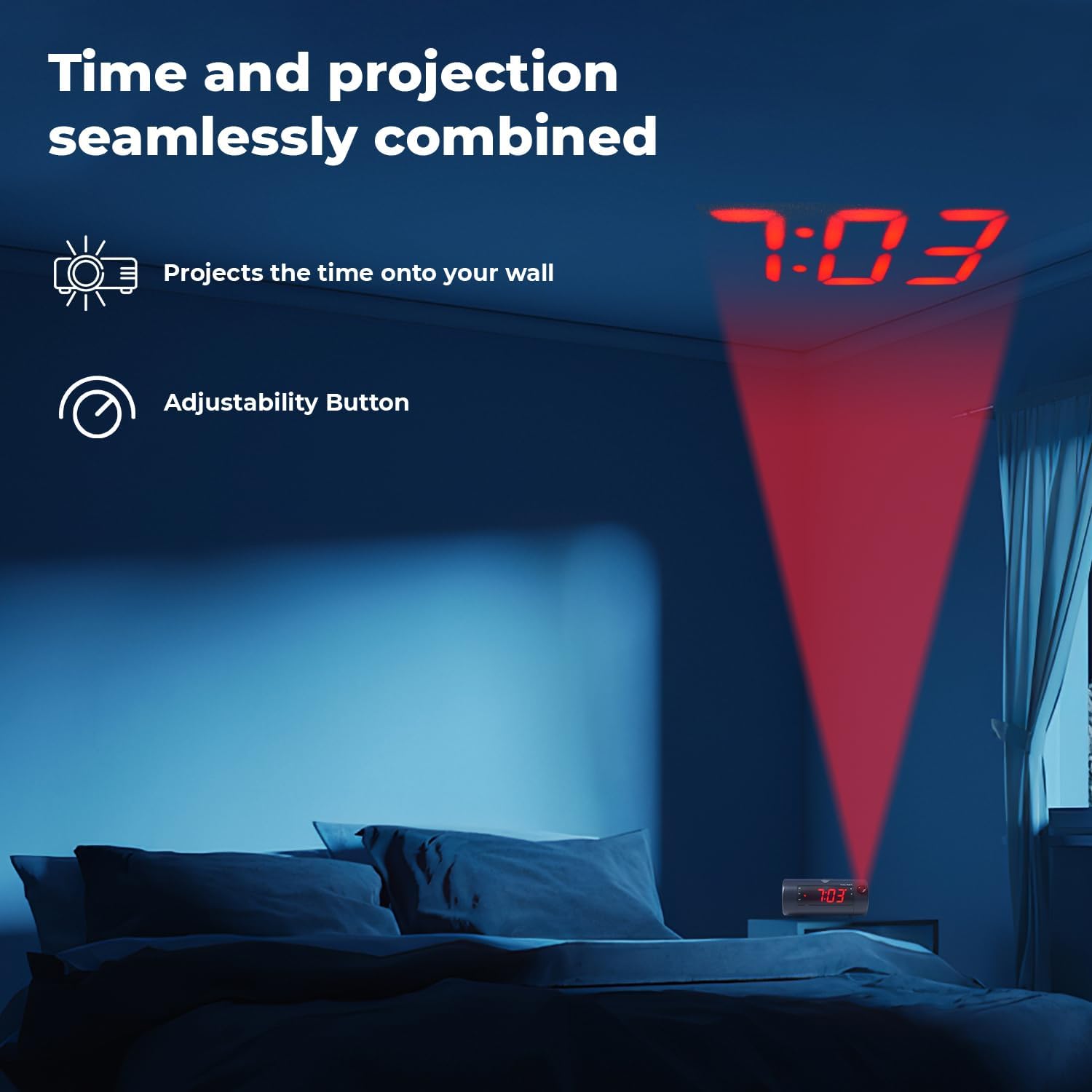
Image 6.5: Time projected onto a bedroom wall.
- 를 누르세요 PROJECTION IMAGE ON/OFF 투사를 켜거나 끄는 버튼입니다.
- 사용하세요 집중하다 wheel to adjust the clarity of the projected image.
- 를 누르고 계세요 PROJECTION IMAGE ROTATE button to rotate the projected time to the desired orientation.

Image 6.6: Close-up of the projection focus, on/off, and rotation controls.
6.5 블루투스 스피커 페어링
Connect your smartphone or tablet to play audio through the alarm clock's speaker.
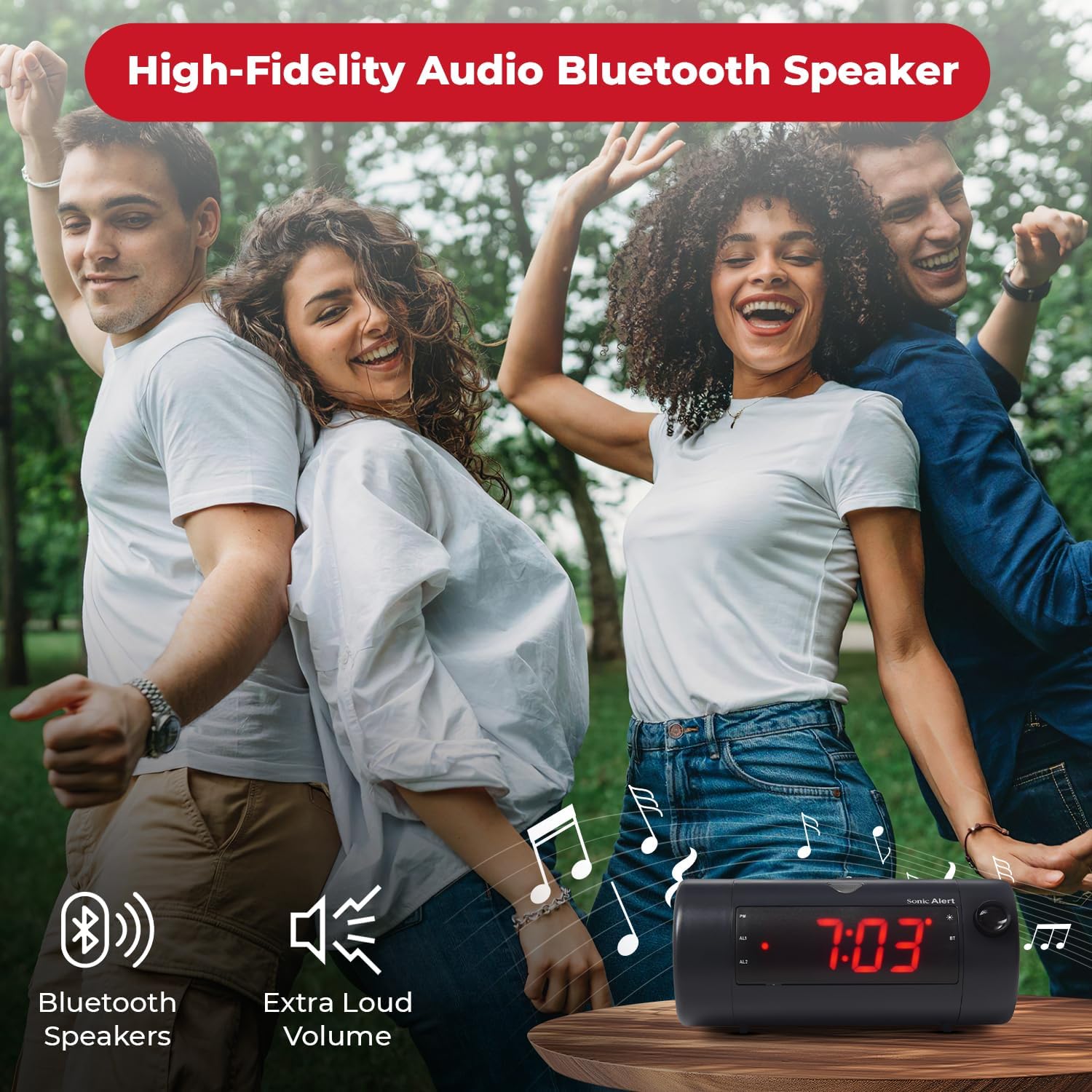
Image 6.7: The Sonic Blast alarm clock functioning as a Bluetooth speaker.
- 알람시계 전원이 켜져 있는지 확인하십시오.
- 모바일 기기에서 Bluetooth를 활성화하세요.
- 검색 "Sonic Blast" in your device's Bluetooth settings and select it to pair.
- The "BT" indicator on the clock display will illuminate when successfully paired.
6.6 USB Charging Port Usage
Use the built-in USB port to charge your compatible devices.

Image 6.8: Smartphone charging via the alarm clock's USB port.
- Connect your device's USB charging cable to the USB port on the rear of the alarm clock.
- The alarm clock must be connected to power for the USB charging port to function.
6.7 Recordable Alarm
The Sonic Blast allows you to record a custom alarm message.

Image 6.9: The recordable alarm feature in use.
- Refer to the detailed instructions in the full manual for recording and setting your custom alarm message.
6.8 12/24시간 표시
- To switch between 12-hour and 24-hour time format, press the 시간 button briefly while the time is displayed.
7. 유지관리
- 부드럽고 마른 천으로 기기를 닦으십시오. 액체 세척제나 연마성 재질을 사용하지 마십시오.
- 장치에 먼지나 이물질이 없는 상태로 유지하십시오.
- If the battery backup is used, replace the CR2032 battery annually or when the low battery indicator appears.
8. 문제 해결
| 문제 | 해결책 |
|---|---|
| 시계 표시가 꺼져 있습니다. | Ensure the power adapter is securely connected. Check the wall outlet. Press the POWER button to turn the unit on. |
| 알람이 울리지 않습니다. | Verify that the alarm is activated (AL1 or AL2 indicator is on). Check alarm volume. Ensure the correct alarm mode (BUZZER/TONE) is selected. |
| 투영된 영상이 흐릿하거나 보이지 않습니다. | 조정하다 집중하다 wheel. Ensure the projection is turned on. Check the distance to the projection surface. |
| Bluetooth 장치를 페어링할 수 없습니다. | Ensure Bluetooth is enabled on your device and the alarm clock. Move devices closer. Try restarting both devices. |
| USB 충전이 작동하지 않습니다. | Ensure the alarm clock is connected to a power source. Check the USB cable and the device being charged. |
9. 사양
| 특징 | 세부 사항 |
|---|---|
| 모델 번호 | SB775B |
| 상표 | 소닉 경보 |
| 알람 볼륨 | 최대 113dB |
| 디스플레이 유형 | Digital LED with 5-level dimmer |
| 특별 기능 | Adjustable Projection Clock, Bluetooth Wireless Audio, USB Charging Port, Dual Alarm, Bright Flashing Light, Adjustable Volume & Tone, Adjustable Snooze, Recordable Alarm, Vibrating Bed Shaker Port (for optional SS5V shaker) |
| 전원 | 코드식 전기 |
| 배터리 백업 | 1 x CR2032 Lithium Cell (not included) |
| 제품 치수 | Approximately 1"W x 1"H (Note: This dimension seems incorrect based on typical alarm clock sizes and product images. Please refer to product packaging for accurate dimensions.) |
| 품목 무게 | 1.39파운드(0.63킬로그램) |
10. 보증 및 지원
For warranty information and customer support, please refer to the official Sonic Alert web해당 사이트를 방문하거나 고객 서비스 부서에 문의하세요. 보증 청구를 위해 구매 영수증을 보관하세요.
연락처 정보: Please visit the Sonic Alert web최신 연락처 정보는 사이트에서 확인하세요.


