1. 서론
The JLab Epic Cam USB HD Webcam delivers high-definition video quality for all your communication needs. Featuring full 2K video resolution at 30 frames per second and a 5-megapixel camera, it ensures a clear and sharp image. Equipped with auto-focus, dual omni-directional microphones, and adjustable zoom and exposure levels, this webcam is designed for versatile use in various environments.
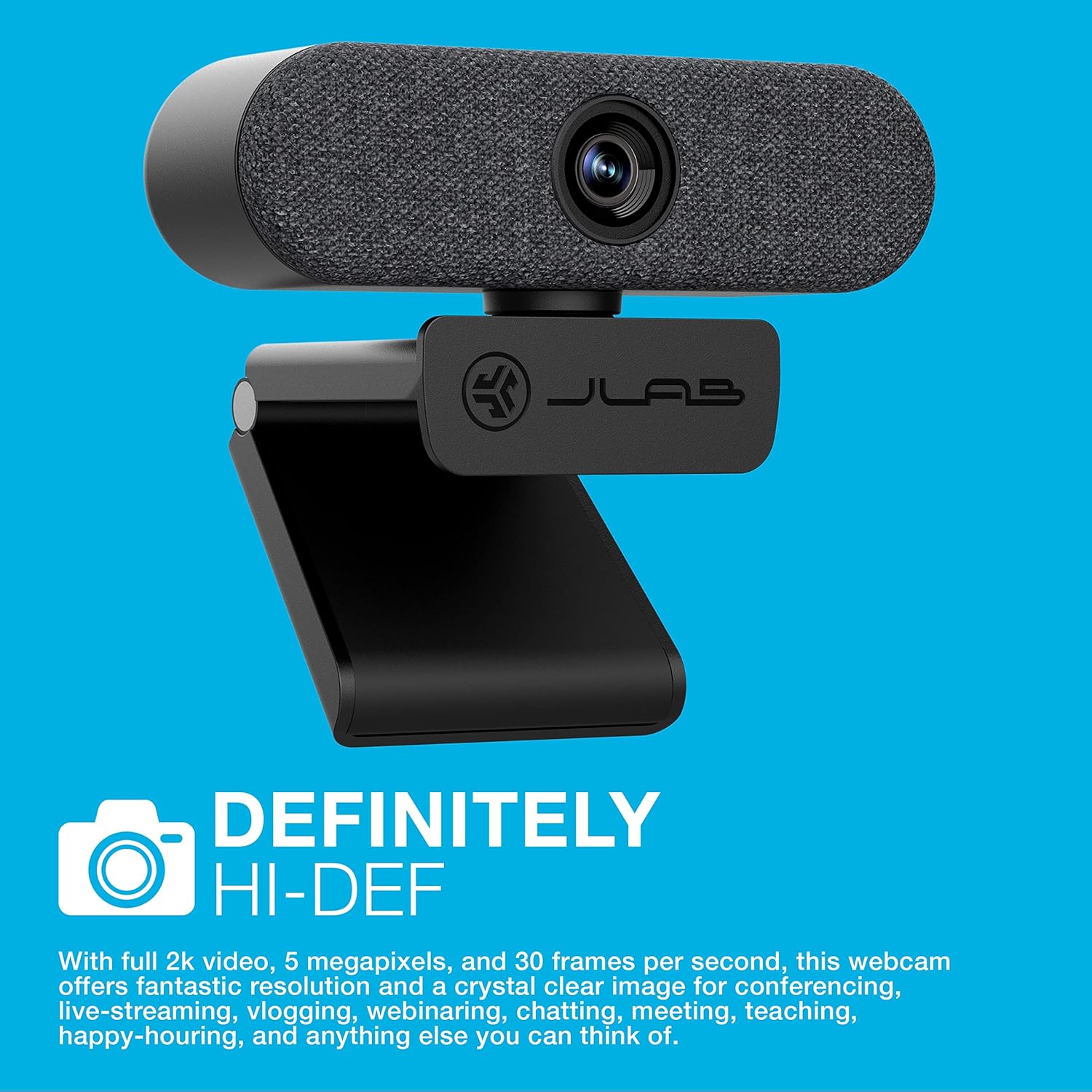
Image: The JLab Epic Cam USB HD Web캠, 쇼크asing its sleek black design with a grey fabric faceplate, securely mounted on top of a computer monitor.

Image: A close-up of the JLab Epic Cam USB HD Webcam, highlighting its high-definition capabilities with a text overlay stating 'DEFINITELY HI-DEF'.
제품 끝view 동영상
Video: An official JLab product overview, demonstrating the key features and benefits of the Epic Cam USB HD Webcam as part of the Work Series.
2. 상자 안에 무엇이 들어있나요?
Your JLab Epic Cam USB HD Web캠 패키지에는 다음 항목이 포함되어 있습니다:
- JLab Epic Cam USB HD Web캠
- Removable Face Plates (Black and White)
- 빠른 시작 가이드

Image: The JLab Epic Cam USB HD Webcam, its USB cable, two interchangeable fabric faceplates (black and light grey), and the Quick Start Guide, laid out on a wooden surface.
3. 설정
The JLab Epic Cam is designed for easy plug-and-play setup, ensuring you can start using it quickly with minimal effort.
3.1 연결하기 Web캠
- 기기에 연결하세요: Plug the integrated USB-A cable from the Epic Cam into an available USB port on your PC, Mac, or Chromebook. The device is automatically recognized, and no additional drivers are typically required.
- 위치 Web캠: Use the universal adjustable clip to securely mount the webcam on top of your monitor or laptop screen. The clip is designed to provide a stable fit without causing damage.
- 삼각대 장착: 다른 배치 방법을 원하시면, webcam's base includes a standard tripod thread, allowing it to be mounted on a tripod (not included) for more flexible positioning.

Image: A hand gently adjusting the JLab Epic Cam, demonstrating its flexible mounting and positioning on a monitor.
3.2 호환성
The JLab Epic Cam is broadly compatible with various operating systems and devices:
- PC(윈도우)
- 맥(macOS)
- Chromebook (Chrome OS)

Image: The JLab Epic Cam displayed alongside logos for Mac, Windows, Android, and Linux, indicating its broad compatibility across different operating systems.
4. 운영 Web캠
The Epic Cam offers intuitive controls and features to enhance your video calls and recordings.
4.1 비디오 품질 및 필드 View
- 해결: Enjoy crisp 2K (2560x1440) video at 30 frames per second, or 1080p at 30 FPS, with a 5-megapixel camera for high-quality visuals.
- 분야 View: The 90-degree wide-angle lens provides a broad perspective, ideal for individual use or including multiple participants in a conference room.
- Auto-Focus & Light Correction: 그만큼 webcam automatically adjusts focus and corrects lighting conditions to ensure you always look your best, even in varying light environments.

이미지: 클로즈업 view of the JLab Epic Cam mounted on a monitor, with a hand interacting with the touch-sensitive controls on top of the web캠.
4.2 오디오 기능
- Dual Omni-Directional Microphones: Integrated dual microphones capture clear audio from all directions, ensuring your voice is heard naturally during calls and recordings.

Image: The JLab Epic Cam featuring a white fabric faceplate, accompanied by the text 'SOUND ON POINT', emphasizing its superior audio capabilities.
4.3 장치 내 컨트롤
The Epic Cam features touch-sensitive buttons on its top surface for quick adjustments:
- 줌: Adjust the zoom level to frame yourself perfectly.
- 노출: Toggle between 15 exposure settings to optimize your appearance in various lighting conditions without needing external software.

Image: A hand pressing one of the touch-sensitive buttons on the top of the JLab Epic Cam, illustrating the ease of adjusting settings directly on the device.
절대 사용자 정의
- Interchangeable Face Plates: 그만큼 webcam comes with magnetic, removable fabric face plates in black and white, allowing you to match your desk aesthetic.

이미지: 폭발된 view of the JLab Epic Cam, illustrating its main body and the two interchangeable fabric faceplates (black and light grey) that can be swapped to customize its appearance.
5. 유지관리
To ensure the longevity and optimal performance of your JLab Epic Cam, follow these simple maintenance guidelines:
- 렌즈 세척: Gently wipe the camera lens with a soft, lint-free cloth to remove dust or smudges. Avoid using harsh chemicals or abrasive materials.
- 일반 청소: 건조하거나 약간 d를 사용하세요amp 몸을 닦을 천 webcam. Ensure no moisture enters the device.
- 저장: 사용하지 않을 때는 보관 web카메라는 극한 온도와 직사광선을 피해 깨끗하고 건조한 곳에 보관하십시오.
6. 문제 해결
If you encounter any issues with your JLab Epic Cam, refer to the following common troubleshooting steps:
- 비디오/오디오 없음: USB 케이블이 두 곳에 모두 안전하게 연결되어 있는지 확인하십시오. webcam and your computer. Try a different USB port. Verify that the webcam is selected as the primary video and audio input device in your application settings (e.g., Zoom, Teams, Windows Camera app).
- 이미지 품질이 좋지 않음: Check your lighting conditions. Use the on-device exposure controls to adjust brightness. Ensure the lens is clean and free from obstructions.
- Auto-Focus Issues: Make sure there are no objects too close to the lens that might interfere with the auto-focus mechanism.
- 마이크가 작동하지 않음: 확인해주세요 webcam's microphone is enabled and set as the default input device in your computer's sound settings and the application you are using.
- 호환성 문제: Ensure your operating system is up to date. While plug-and-play, some systems may benefit from a restart after initial connection.
7. 사양
| 특징 | 세부 사항 |
|---|---|
| 브랜드 이름 | 제이랩 |
| 품목 무게 | 5.9 온스 |
| 제품 치수 | 1.99 x 3.62 x 1.99 인치 |
| 품목 모델 번호 | WEPICCAMRBLK124 |
| 색상 이름 | 검은색 |
| 특별 기능 | 낮은 조명 |
| 포토 센서 기술 | CMOS |
| 비디오 캡처 해상도 | 2K |
| 최대 초점 거리 | 3.5 밀리미터 |
| 최대 조리개 | 30 피트 |
| 플래시 메모리 유형 | 마이크로SD |
| 비디오 캡처 형식 | MP4 |
| 지원되는 오디오 형식 | AAC, MP3 |
| 화면 크기 | 2.8 인치 |
| 연결 기술 | USB |
8. 보증 및 지원
JLab stands by the quality of its products. The Epic Cam USB HD Webcam typically comes with a 2-year manufacturer's warranty.
8.1 확장 보호 계획
표준 보증 범위를 넘어 보장 범위를 확장하기 위해 추가 보호 플랜을 구매할 수 있습니다.
- 2년 보호 계획: 6.99달러(일회성 결제)에 구매 가능합니다.
- 3년 보호 계획: 8.99달러(일회성 결제)에 구매 가능합니다.
- 완벽한 보호: A monthly plan for $16.99 covering all eligible past and future purchases.
8.2 고객 지원
For technical assistance, warranty claims, or further information, please visit the official JLab support web사이트를 방문하거나 고객 서비스에 문의하세요.


