1. 서론
The 4smarts Solar Powerbank Rugged TitanPack UltiMag 20000mAh is a robust and versatile portable charging solution designed for outdoor enthusiasts and everyday use. Featuring a high-capacity 20000mAh battery, integrated solar panel, and MagSafe-compatible wireless charging, this power bank ensures your devices stay powered in various environments. Its rugged, water-resistant, and dust-resistant design provides durability and reliability. This manual provides essential information on how to set up, operate, maintain, and troubleshoot your power bank.

그림 1.1: The 4smarts Solar Powerbank, showcasing its rugged design and solar panel. This device is built for durability and portable power.
2. 제품 오버view 및 구성 요소
Familiarize yourself with the various components and features of your 4smarts Solar Powerbank.

그림 2.1: Labeled diagram of the power bank's ports and indicators.
- 태양광 패널: Located on the front, for emergency trickle charging.
- 배터리 표시기: LED lights showing remaining battery percentage (25, 50, 75, 100%).
- LED 엘amp: 내장형 손전등으로 조명을 밝힙니다.
- Magnetic Fast Charging Pad: For MagSafe-compatible wireless charging.
- USB 3.0 Output Ports: Two standard USB-A ports for wired charging.
- Type-C Input & Output Port: Versatile port for charging the power bank or other devices.
- MicroUSB Input Port: Alternative input for charging the power bank.
- 라이트닝 입력 포트: Another alternative input for charging the power bank.
- Switch/Power Button: Controls power and LED lamp.
- 고속 충전 표시기: Indicates when fast charging is active.
3. 설정 및 초기 사용
3.1 초기 충전
Before first use, fully charge your power bank using a wall adapter.
- Connect a compatible charging cable (USB-C, MicroUSB, or Lightning) to the corresponding input port on the power bank.
- 케이블의 다른 쪽 끝을 USB 벽면 어댑터(별도 구매) 또는 컴퓨터의 USB 포트에 연결하십시오.
- The battery indicator LEDs will illuminate, showing the charging progress. All four LEDs will be solid when fully charged.
3.2 Understanding Battery Indicators
The four LED lights indicate the remaining battery capacity:
- LED 1개: 0-25%
- LED 2개: 25-50%
- LED 3개: 50-75%
- LED 4개: 75-100%
3.3 태양열 충전
The integrated solar panel is designed for emergency charging and maintaining the battery level in outdoor conditions. It is not intended as the primary charging method due to its slower charging speed.
- 태양광 패널이 직사광선을 향하도록 보조 배터리를 놓으세요.
- A small green sun icon will illuminate on the display when solar charging is active.
- For optimal solar charging, ensure no obstructions block the panel.
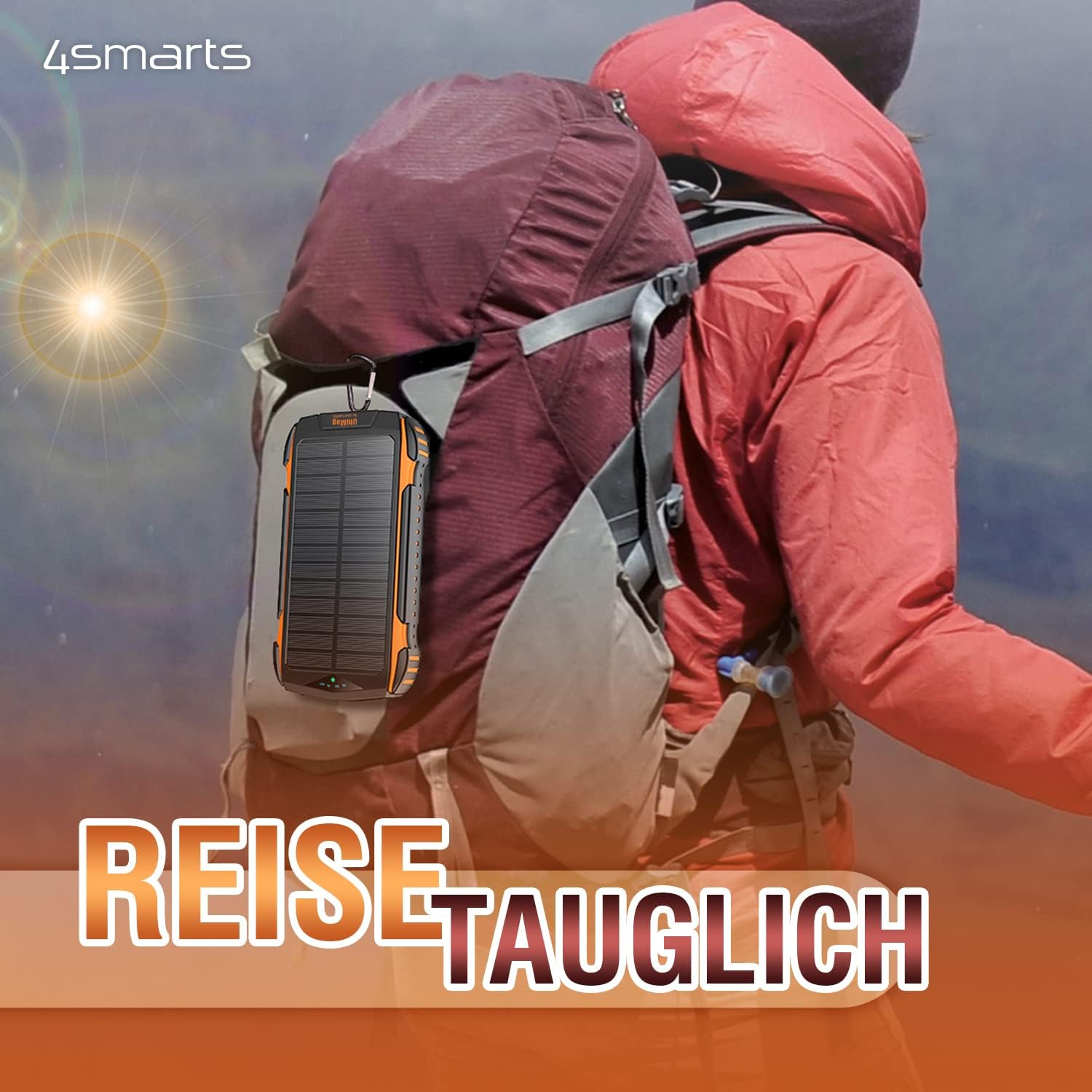
그림 3.1: The power bank can be attached to a backpack for solar charging during outdoor activities.
4. 사용 설명서
4.1 Powering On/Off and Checking Battery Level
Press the power button once to turn on the power bank and check the current battery level. The power bank will automatically turn off after a few seconds if no device is connected.
4.2 Wired Charging Devices
You can charge up to three devices simultaneously using the wired ports.
- Connect your device's charging cable to one of the USB 3.0 Output ports or the Type-C Input & Output port on the power bank.
- 케이블의 다른 쪽 끝을 장치에 연결합니다.
- 모바일 기기가 자동으로 충전을 시작합니다.

그림 4.1: The power bank can charge multiple devices simultaneously via its various ports.
4.3 Wireless Charging (UltiMag / MagSafe Compatible)
The power bank supports 15W Qi wireless charging and is compatible with MagSafe-enabled devices.
- 보조 배터리가 켜져 있는지 확인하십시오.
- Place your MagSafe-compatible smartphone directly onto the magnetic wireless charging pad on the back of the power bank. The magnets will align the phone correctly.
- For non-MagSafe Qi-enabled devices, simply place them centrally on the charging pad.
- 무선 충전이 자동으로 시작됩니다.

그림 4.2: A smartphone being charged wirelessly on the MagSafe-compatible pad.
4.4 Using the LED Lamp
The power bank includes a built-in LED lamp 조명용.
- LED를 켜려면 lamp on or off, press and hold the power button for approximately 3 seconds.
5. 유지관리 및 관리
Proper care will extend the lifespan of your 4smarts Solar Powerbank.
- 청소: Wipe the power bank with a soft, dry cloth. Do not use harsh chemicals or abrasive cleaners. Ensure the solar panel is clean for efficient charging.
- 저장: Store the power bank in a cool, dry place away from direct sunlight and extreme temperatures. For long-term storage, charge the power bank to about 50-75% every 3-6 months to maintain battery health.
- 방수 및 방진 기능: The power bank is designed to be water and dust resistant. However, avoid prolonged submersion in water or exposure to heavy dust, and ensure all port covers are securely closed when not in use.
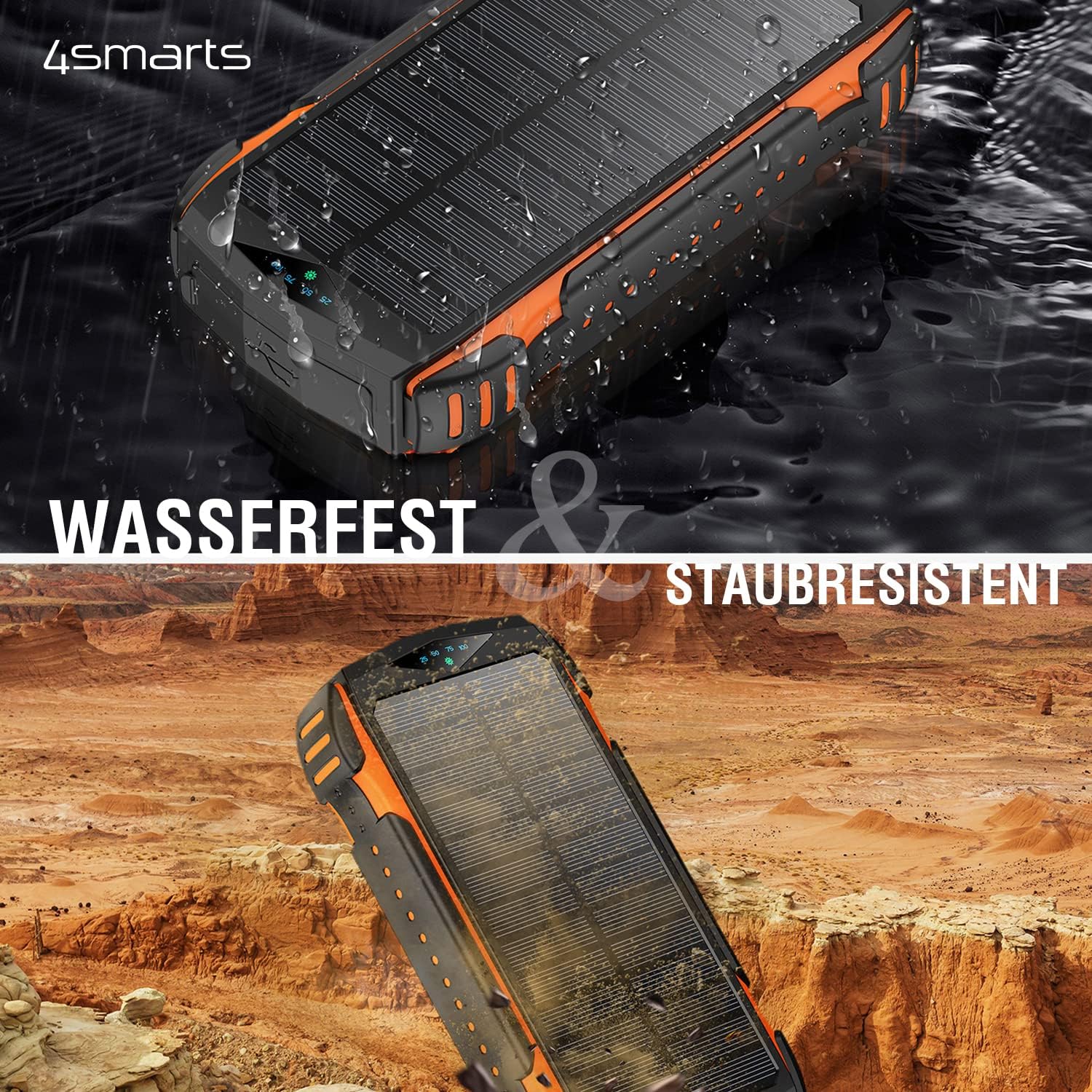
그림 5.1: The power bank is water and dust resistant, making it suitable for rugged environments.
6. 문제 해결
모바일 배터리에 문제가 발생하면 다음의 일반적인 문제와 해결 방법을 참조하세요.
| 문제 | 가능한 원인 | 해결책 |
|---|---|---|
| 모바일 기기가 충전되지 않습니다. | Cable issue, adapter issue, or port damage. | Try a different charging cable and/or wall adapter. Ensure the cable is fully inserted into the port. Try a different input port (USB-C, MicroUSB, Lightning). |
| 전원 은행에서 기기를 충전할 수 없습니다. | Power bank low on charge, incorrect cable, or device not properly connected. | Ensure the power bank is sufficiently charged. Press the power button to activate output. Try a different output port or charging cable. For wireless charging, ensure proper alignment. |
| Solar charging is very slow or ineffective. | Insufficient sunlight, dirty solar panel, or misunderstanding of solar panel's purpose. | Ensure the power bank is in direct, strong sunlight. Clean the solar panel surface. Remember that the solar panel is for emergency/trickle charging, not fast primary charging. It will take a very long time to fully charge via solar. |
| LED 엘amp 켜지지 않습니다. | 버튼을 잘못 눌렀거나 배터리 잔량이 부족합니다. | Press and hold the power button for 3 seconds. Ensure the power bank has sufficient charge. |
7. 사양
Detailed technical specifications for the 4smarts Solar Powerbank Rugged TitanPack UltiMag 20000mAh.
- 모델: TitanPack UltiMag
- 배터리 용량: 20000mAh
- 입력 포트 :
- USB 타입-C
- 마이크로USB
- 번개
- 출력 포트:
- 2 x USB 타입-A
- 1 x USB Type-C (shared input/output)
- 무선 충전: 15W Qi (MagSafe compatible)
- 태양광 패널 출력: Max. 1.3W (for trickle charging)
- 권tage: 5 Volts (typical output)
- 특별 기능: Rugged, Water-resistant, Dust-resistant, Integrated LED Lamp, Fast Charge Indicator
- 치수(길이 x 너비 x 높이): 약 177mm x 95mm x 33mm
- 무게: 약 534g
- 색상: Black with orange accents

그림 7.1: Detailed dimensions of the power bank.
8. 보증 및 지원
For warranty information or technical support, please refer to the official 4smarts web사이트를 방문하거나 고객 서비스에 직접 문의하세요. 보증 청구를 위해 구매 증빙 자료를 보관하세요.
공식적인 Web대지: www.4smarts.com (Please note: This is a placeholder link. Refer to your product packaging or official documentation for the precise support contact information.)


