소개
This manual provides comprehensive instructions for the setup, operation, and maintenance of your Tera L5100Y USB Laser 1D Barcode Scanner. Designed for efficiency and durability, this scanner offers fast and precise scanning capabilities for various 1D barcodes. Please read this manual thoroughly to ensure proper use and to maximize the lifespan of your device.

Image: The Tera L5100Y USB Laser 1D Barcode Scanner, featuring its ergonomic design and integrated USB cable.
설정
플러그 앤 플레이 설치
The Tera L5100Y barcode scanner is designed for simple plug-and-play operation, requiring no driver installation. Follow these steps to set up your scanner:
- Ensure your computer or device has an available USB 2.0 port.
- Connect the USB cable of the scanner to a USB port on your computer.
- The operating system (Windows, Mac, Linux) will automatically recognize the device.
- Once recognized, the scanner is ready for use with applications such as Word, Excel, Novell, and other common software.

Image: Illustration showing the simple plug-and-play connection of the Tera L5100Y barcode scanner to a laptop via USB.
작동 지침
스캔 모드
The L5100Y scanner supports two primary scanning modes:
- Manual Scanning (Key Trigger Mode): 트리거 버튼을 눌러 레이저를 활성화하고 바코드를 스캔하세요.
- Auto Continuous Scanning Mode: The scanner continuously emits the laser, allowing for hands-free scanning without pressing the trigger for each item.
You can switch between these modes by scanning specific configuration barcodes provided in the quick start guide or a separate settings sheet.

Image: Diagram illustrating the two scanning modes: Key Trigger Mode (manual) and Continuous Mode (automatic).
Barcode Decoding Capacity
The Tera L5100Y is designed for super 1D decoding capacity, supporting a wide range of linear barcodes including:
- UPC&EAN, UPC-A, UPC-E
- Code 39, CODE32, Code 93, CODE11, Code 128, UCC-EAN128
- EAN-8, EAN-13, ISSN, ISBN
- CODABAR, MSI
- Interleaved 2 of 5, Matrix 2 of 5, Industrial 2 of 5 code, and more.
Note: This scanner is specifically for 1D barcodes and does not scan 2D QR codes or barcodes displayed on screens.

Image: The Tera L5100Y scanner actively scanning a 1D barcode from a roll of labels, with boxes in the background, emphasizing its 1D capability.
사용자 정의 가능한 설정
The scanner offers multiple customizable settings to adapt to your specific needs:
- Prefix / Suffix: 스캔한 데이터 앞이나 뒤에 사용자 정의 문자를 추가합니다.
- 용량: Adjust the sound feedback.
- 터미네이터: Configure the character sent after the barcode data (e.g., Enter key).
- Upper / Lower Case: Convert scanned data to desired case.
- 키보드 언어: Supports English, Spanish, German, French, Italian, Japanese, and more.
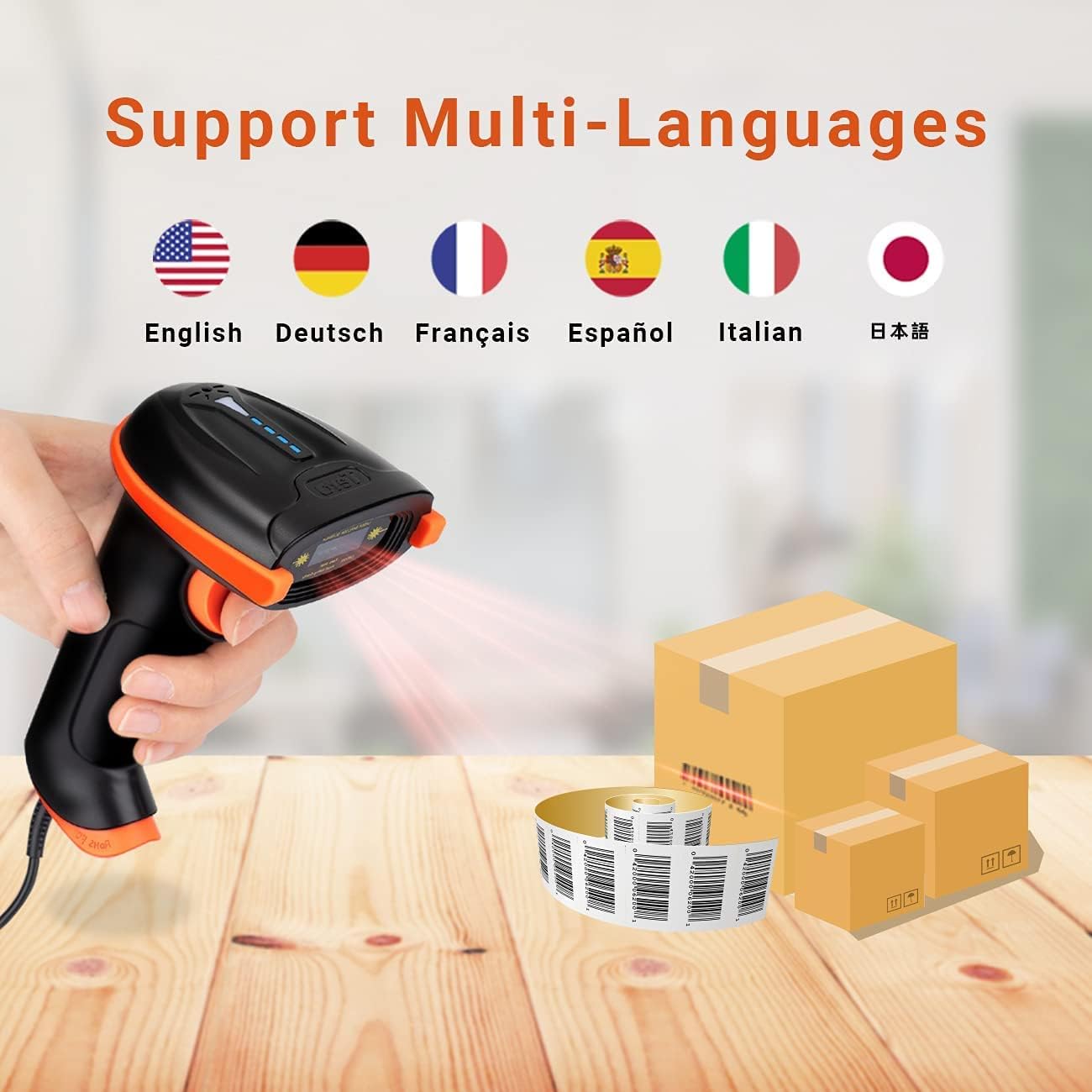
Image: Flags representing supported languages for the scanner.

이미지: 전ample of adding or hiding digits in scanned barcode output.
일반적인 사용 시나리오
The Tera L5100Y barcode scanner is versatile and suitable for various environments:
- Retail Stores and Supermarkets for checkout and inventory.
- Pharmacies for managing medication and product codes.
- Book Shops for cataloging and sales.
- Warehouses and logistics for tracking goods.

Image: Collage showing the barcode scanner being used in a supermarket, retail store, pharmacy, and book shop.
디자인 특징
인체공학적 손잡이
The L5100Y features a specially designed ergonomic handle for comfortable and extended use. It is slightly longer and thicker with a curved design to fit naturally in the hand, reducing fatigue during long scanning sessions.

Image: Close-up of the scanner's curved and extended ergonomic handle, designed for comfortable grip.
유지
내구성과 관리
The Tera L5100Y is built with durability in mind, featuring an IP65 rating for dustproof and waterproof protection, and an anti-shock silicone design to withstand drops.
- 청소: Use a soft, dry cloth to clean the scanner's exterior. For the scanning window, use a lens cleaning cloth and solution if necessary, avoiding abrasive materials.
- 저장: 스캐너는 직사광선과 극한의 온도를 피해 시원하고 건조한 곳에 보관하세요.
- 케이블 관리: 손상을 방지하려면 USB 케이블을 급격하게 구부리거나 과도하게 당기지 마세요.
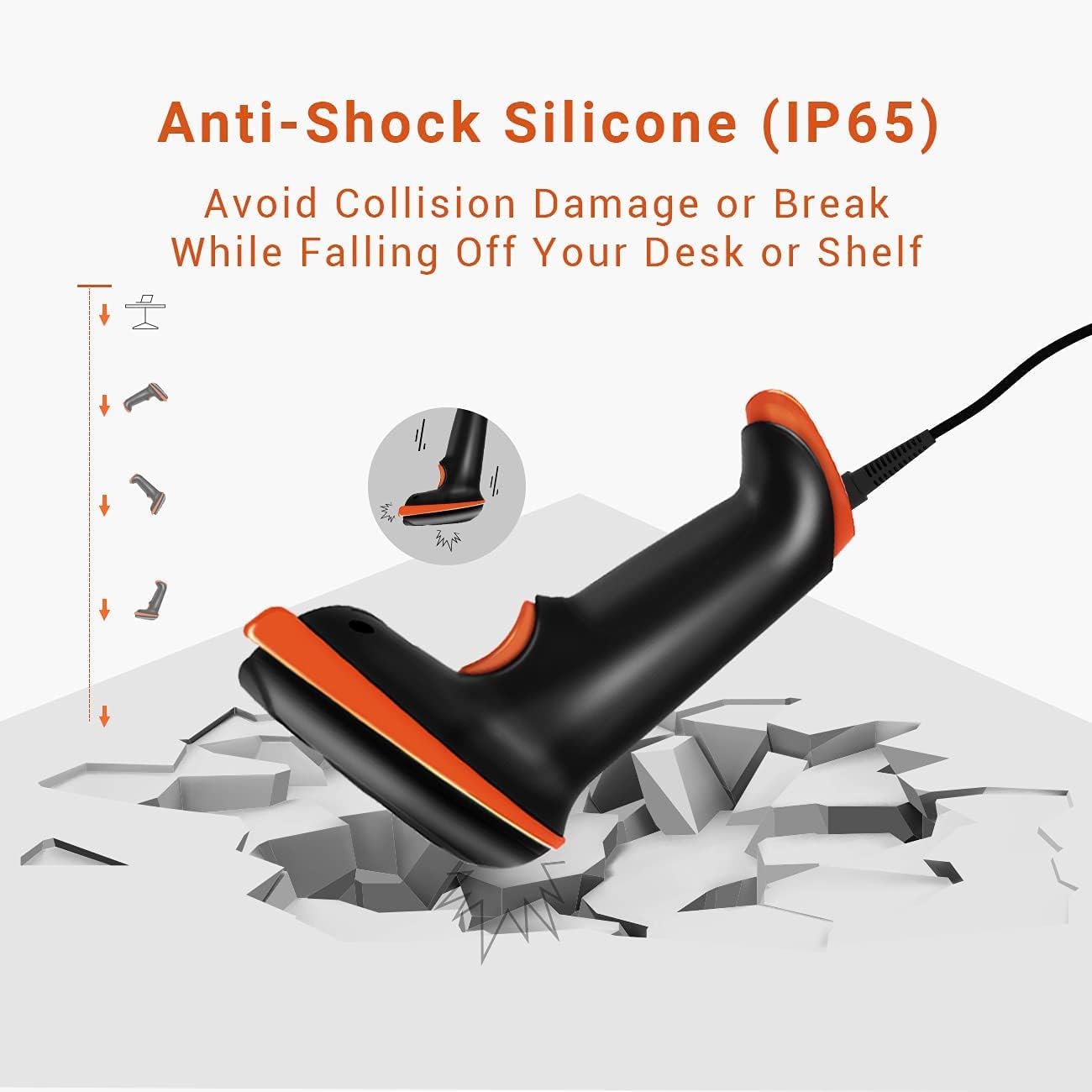
Image: Illustration demonstrating the anti-shock silicone protection of the Tera L5100Y scanner, showing it can withstand impacts from falling.
문제 해결
| 문제 | 가능한 원인 | 해결책 |
|---|---|---|
| 컴퓨터에서 스캐너를 인식하지 못합니다. | USB 연결이 느슨하거나, USB 포트가 고장났거나, 운영 체제가 호환되지 않는 경우입니다. | Ensure the USB cable is securely connected. Try a different USB port. Verify your operating system (Windows, Mac, Linux) is supported. |
| 스캐너가 바코드를 읽지 못합니다. | Incorrect barcode type, damaged barcode, insufficient lighting, or scanner in wrong mode. | Confirm it's a 1D barcode (not 2D/QR). Ensure the barcode is clear and undamaged. Adjust lighting conditions. Check if the scanner is in the correct scanning mode (manual/continuous). |
| 스캔한 데이터가 잘못되었거나 불완전합니다. | Incorrect keyboard language setting, or prefix/suffix settings. | Scan the appropriate configuration barcodes to set the correct keyboard language. Review and adjust prefix/suffix settings if applicable. |
| No sound feedback after scanning. | Volume setting is off or too low. | Scan the configuration barcode to increase the volume. |
명세서
| 특징 | 세부 사항 |
|---|---|
| 모델 번호 | L5100Y |
| 연결 기술 | USB 케이블 (유선) |
| 전원 | 유선 전기, USB 케이블 |
| 호환 장치 | Laptop, Desktop (Windows, Mac, Linux) |
| 스캐닝 속도 | 초당 최대 300회 스캔 |
| 오류율 | 1 in 5 million |
| 디코딩 용량 | 1D Barcodes (UPC/EAN, Code 39, Code 128, etc.) |
| IP 등급 | IP65 (방진, 방수) |
| 인간 공학 | Curved & Extended Ergonomic Handle |
| 케이블 길이 | 5.9ft / 1.8m |
| 품목 무게 | 9.6 온스 |
| 패키지 크기 | 7.8 x 4.37 x 3.11 인치 |


