소개
The Oral-B Pro 100 CrossAction Battery Powered Toothbrush is designed to provide a superior clean compared to a regular manual toothbrush. Its perfectly angled bristles reach deep between teeth for effective plaque removal and healthier gums. This manual provides essential information for the setup, operation, maintenance, and specifications of your Oral-B Pro 100 toothbrush.
안전 정보
- Do not use this product as a toy or without adult supervision.
- 작은 부품은 질식 위험이 있을 수 있습니다.
- Do not chew or bite on the brush head.
- 3세 미만의 어린이에게는 사용하지 마십시오.
- Prior to use, ensure the brush head fits well.
- If the product is dropped, the brush head should be replaced before the next use, even if no damage is visible.
- Dispose of or recycle batteries in accordance with local regulations.
패키지 내용
Your Oral-B Pro 100 CrossAction Battery Powered Toothbrush package includes:
- 1 Oral-B Pro 100 Toothbrush Handle (Black)
- 1 CrossAction Brush Head
- 2개의 AA 배터리
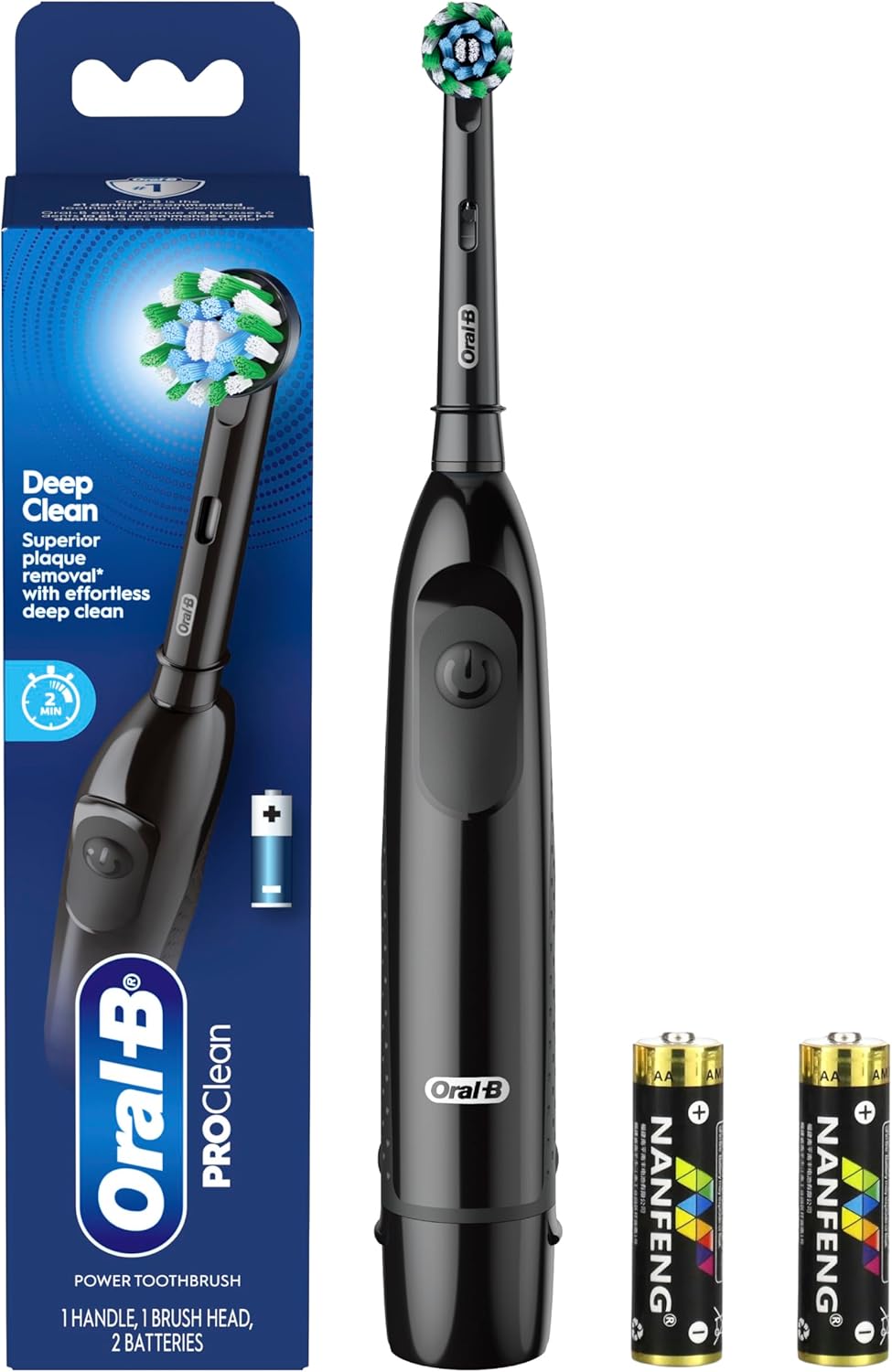
Figure 1: Oral-B Pro 100 Power Toothbrush package contents.
설정
1. 배터리 삽입
- Remove the battery cover from the bottom of the toothbrush handle by pressing the two small bumps on each side and pulling down.
- AA 배터리 2개를 올바른 극성(+/-)에 맞춰 삽입하세요.
- Replace the battery cover, pushing it firmly until it clicks into place.

Figure 2: Inserting AA batteries into the toothbrush handle.
2. 브러시 헤드 부착
- 칫솔모를 칫솔 손잡이의 금속 샤프트에 맞춥니다.
- Push the brush head down firmly until it snaps into place. Ensure the small plastic grommet is in place to secure the head.
작동 지침
1. 켜기/끄기
- Press the power button (marked with a universal power symbol) to turn the toothbrush on.
- Press the power button again to turn the toothbrush off.

Figure 3: Oral-B Pro 100 Toothbrush with power button.
2. 칫솔질 기법
- 칫솔모에 소량의 치약을 바릅니다.
- Place the brush head against your teeth, ensuring it covers one tooth at a time.
- Move the brush head slowly from tooth to tooth, allowing the rotating action to clean each surface. The round brush head is designed for a tooth-by-tooth clean.
- The toothbrush features a 2-minute coaching timer, which helps ensure you brush for the dentist-recommended duration.

Figure 4: The round brush head provides superior cleaning.

Figure 5: Daily cleaning with the Oral-B Pro 100.
유지
1. 청소
- After each use, switch off the handle and remove the brush head.
- Rinse both parts separately with water.
- Wipe them dry before reassembling.
2. 칫솔모 교체
- Replace the brush head every 3 months, or sooner if the brush head becomes worn or no longer fits properly.
- The Oral-B Pro 100 is compatible with various Oral-B brush heads, including CrossAction, Sensitive Gum Care, FlossAction, and 3D White. Ensure you use genuine Oral-B replacement brush heads.
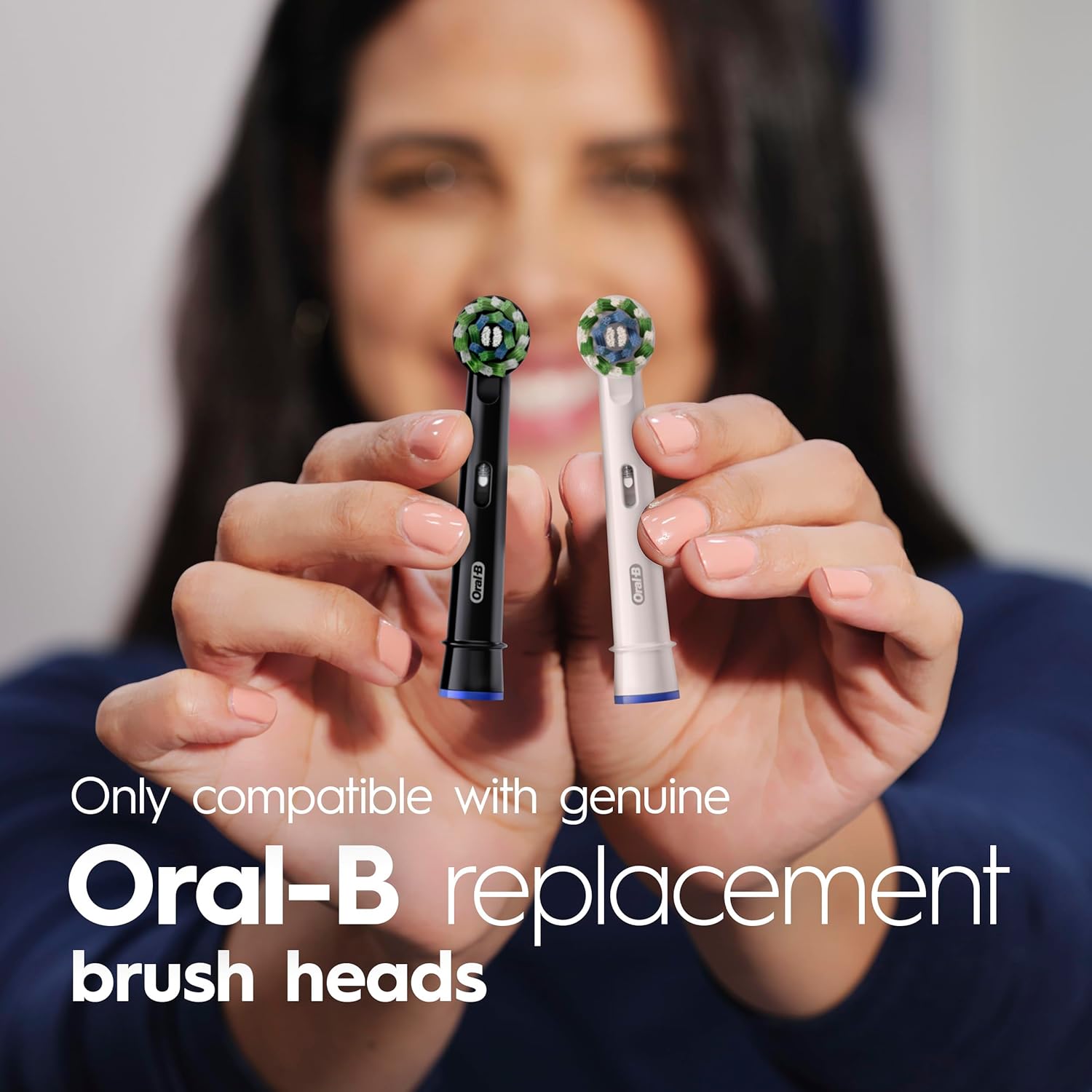
Figure 6: Replace brush head every 3 months.

Figure 7: Compatible with genuine Oral-B replacement brush heads.
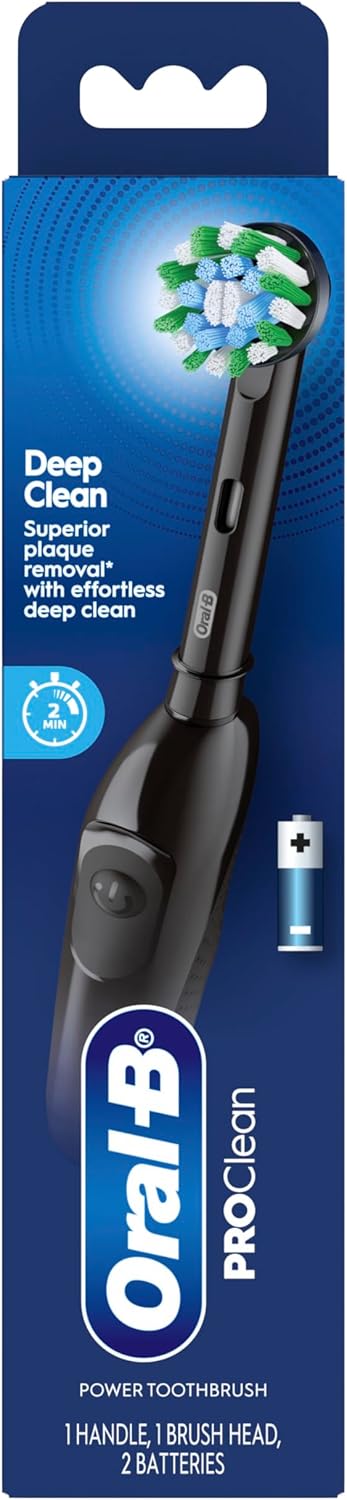
Figure 8: Choose your perfect clean from various Oral-B brush heads.
명세서
| 특징 | 세부 사항 |
|---|---|
| 상표 | 오랄비 |
| 모델 번호 | P_1651 |
| 전원 | 배터리 구동(AA 배터리 2개 포함) |
| 작동 모드 | 오토매틱 |
| 설정 수 | 1 |
| 칫솔 머리 모양 | Round (CrossAction) |
| 분당 회전 수 | 9,000 (for superior plaque removal) |
| 시간제 노동자 | 2-minute coaching timer |
| 포함된 구성 요소 | Toothbrush handle, 1 brush head, 2 AA batteries |
| 제품 치수 | 2.08 x 1.77 x 9.37 인치 |
| 품목 무게 | 0.18킬로그램(6.35온스) |
| 색상 | 검은색 |
| 손잡이 재질 | 플라스틱 |
| 강모 소재 | 나일론 |
문제 해결
1. Toothbrush not turning on or weak performance:
- 배터리가 극성에 맞게 올바르게 삽입되었는지 확인하십시오.
- Replace the two AA batteries with new ones. The included batteries are designed for consistent performance, but will eventually need replacement.
2. Brush head feels loose or ineffective:
- Ensure the brush head is firmly snapped onto the handle.
- If the brush head is worn (typically after 3 months of use), replace it with a new genuine Oral-B brush head.
- If the toothbrush was dropped, replace the brush head immediately, even if no visible damage is present.
추가 자료
For visual guidance on using and maintaining your Oral-B Pro 100 toothbrush, please refer to the following videos:
Oral-B Battery Operated Toothbrush Review - Watch First
Description: A detailed review of the Oral-B Battery Operated Toothbrush, covering its features and performance.
Unboxing the EASY to Assemble OralB Pro100
Description: This video demonstrates the unboxing and easy assembly process of the Oral-B Pro 100 toothbrush.
Why I bought the Oral-B Pro 100 Battery Powered Electric Toothbrush
Description: A user shares their reasons for choosing the Oral-B Pro 100 Battery Powered Electric Toothbrush.
Oral-B Pro 100 3D White, Battery Toothbrush Review
Description: A review focusing on the Oral-B Pro 100 with a 3D White brush head.
Watch for honest review
Description: An honest review of the Oral-B Pro 100 Battery Powered Toothbrush.
What you need to know about this Tooth Brush...
설명: 한 개 이상의view of key information regarding the Oral-B Pro 100 Toothbrush.
Is it good quality?
Description: A video assessing the quality of the Oral-B Pro 100 Battery Powered Toothbrush.
I like this tooth brush
Description: A user's positive feedback and demonstration of the Oral-B Pro 100 toothbrush.
Watch Before Buy Oral-B Oral B Pro 100 3D Battery Toothbrush
Description: A quick overview of the Oral-B Pro 100 3D Battery Toothbrush for potential buyers.
보증 및 지원
For warranty information or customer support, please refer to the official Oral-B website or contact their customer service directly. Details can typically be found on the product packaging or through the manufacturer's official channels.