소개
Thank you for choosing the MuveAcoustics Core Wireless On-Ear Headphones. This manual provides essential information for the safe and efficient use of your device. Please read it thoroughly before use and retain it for future reference.
The MuveAcoustics Core headphones offer an immersive audio experience with their stereo sound and noise reduction technology. Designed for comfort and portability, they feature a foldable design, long battery life, and dual wireless/wired connectivity, making them suitable for various activities from gaming to travel.

Image: MuveAcoustics Core headphones, highlighting their suitability for travel.
패키지 내용
- MuveAcoustics Core Wireless On-Ear Headphones
- 충전 케이블
- 오디오 케이블 (3.5mm 잭)
- 사용 설명서
제품 끝view
Familiarize yourself with the components and key features of your MuveAcoustics Core headphones.
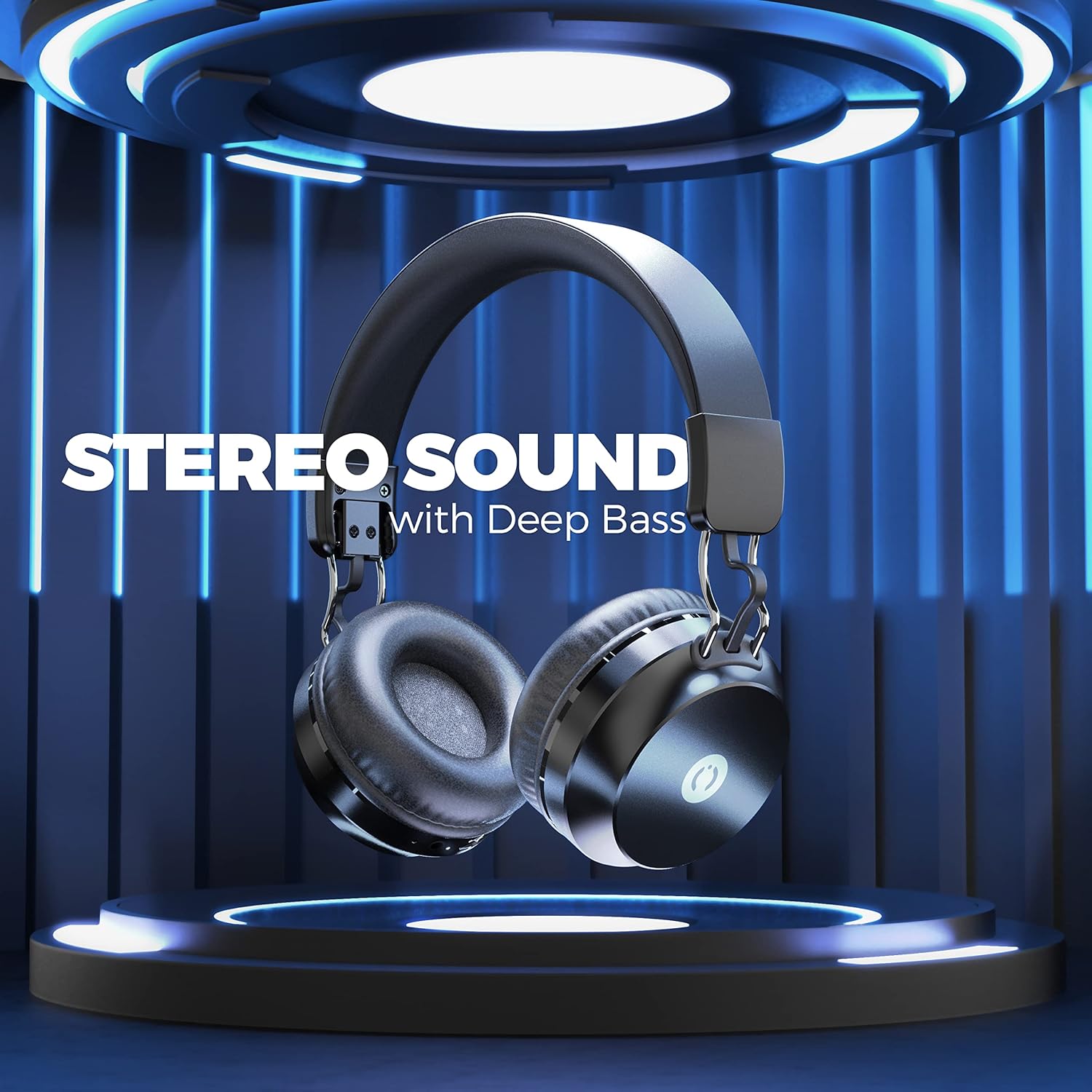
Image: MuveAcoustics Core Wireless On-Ear Headphones, showcasin전체적인 디자인을 고려했습니다.
주요 특징:
- Incredible Stereo Sound: Designed with noise reduction isolation technology for an immersive audio experience.
- Comfortable On-Ear Fit: Foldable and easily adjustable earcups for extended wear.
- 쉬운 제어: Integrated microphone for calls and playback controls.
- Long Battery Life and Dual Mode: Up to 20 hours of wireless playback, with an option to switch to wired mode for continuous audio.
- 휴대성 있는 디자인: Ergonomic and foldable design for easy transport.
설정
1. 헤드폰 충전
Before first use, fully charge your headphones. Connect the provided charging cable to the charging port on the headphones and the other end to a USB power source (e.g., computer, wall adapter).
- LED 표시기에 충전 상태가 표시됩니다.
- 완전 충전에는 약 2시간이 걸립니다.
- 충전이 완료되면 LED 표시등의 색상이 바뀌거나 꺼집니다.
2. 전원 켜기 / 끄기
- 전원을 켜려면: LED 표시등이 켜질 때까지 전원 버튼을 몇 초간 길게 누르세요.
- 전원을 끄려면: LED 표시등이 꺼질 때까지 전원 버튼을 몇 초간 길게 누르세요.
3. 블루투스 페어링
헤드폰을 장치에 무선으로 연결하려면:
- 헤드폰이 충전되어 있고 전원이 꺼져 있는지 확인하세요.
- LED 표시등이 깜박여 페어링 모드를 나타낼 때까지 전원 버튼을 길게 누릅니다.
- 사용하시는 기기(스마트폰, 노트북, 태블릿)에서 블루투스를 활성화하고 사용 가능한 기기를 검색하세요.
- Select "MuveAcoustics Core" from the list of found devices.
- 페어링이 완료되면 LED 표시등이 더 이상 깜박이지 않고 계속 켜져 있습니다.

Image: MuveAcoustics Core headphones illustrating wide connectivity with multiple device types.
4. Wired Connection (Dual Mode)
You can use the headphones in wired mode even if the battery is depleted. Connect the provided 3.5mm audio cable to the headphone's audio jack and the other end to your device's audio output.

Image: MuveAcoustics Core headphones illustrating the flexibility of both wireless and wired modes.
작동 지침
음악 재생
- 재생/일시 중지: 다기능 버튼을 한 번 누릅니다.
- 다음 트랙: 볼륨 높이기 버튼을 길게 누르세요.
- 이전 트랙 : 볼륨 낮추기 버튼을 길게 누릅니다.
- 볼륨 업: 볼륨 높이기 버튼을 짧게 누르세요.
- 볼륨 작게 : 볼륨 낮추기 버튼을 짧게 누르세요.
통화 관리
- 전화 받기/종료: 다기능 버튼을 한 번 누릅니다.
- 전화 거부: 다기능 버튼을 2초 동안 길게 누릅니다.
- 마지막 번호 재다이얼: 다기능 버튼을 두 번 누릅니다.
음성 지원
- Voice Assistant 활성화 : 다기능 버튼을 세 번 누릅니다(기기에서 지원하는 경우).
유지
- 청소: 부드럽고 마른 천으로 헤드폰을 닦으세요. 연마성 세제나 용제는 사용하지 마세요.
- 저장: 사용하지 않을 때는 헤드폰을 서늘하고 건조한 곳에 보관하세요. 접이식 디자인으로 컴팩트하게 보관할 수 있습니다.
- 배터리 관리 : To prolong battery life, avoid fully discharging the headphones frequently. Charge regularly, even if not used for extended periods.
- 극한의 환경을 피하세요: 헤드폰을 극한의 온도, 습도 또는 직사광선에 노출시키지 마십시오.
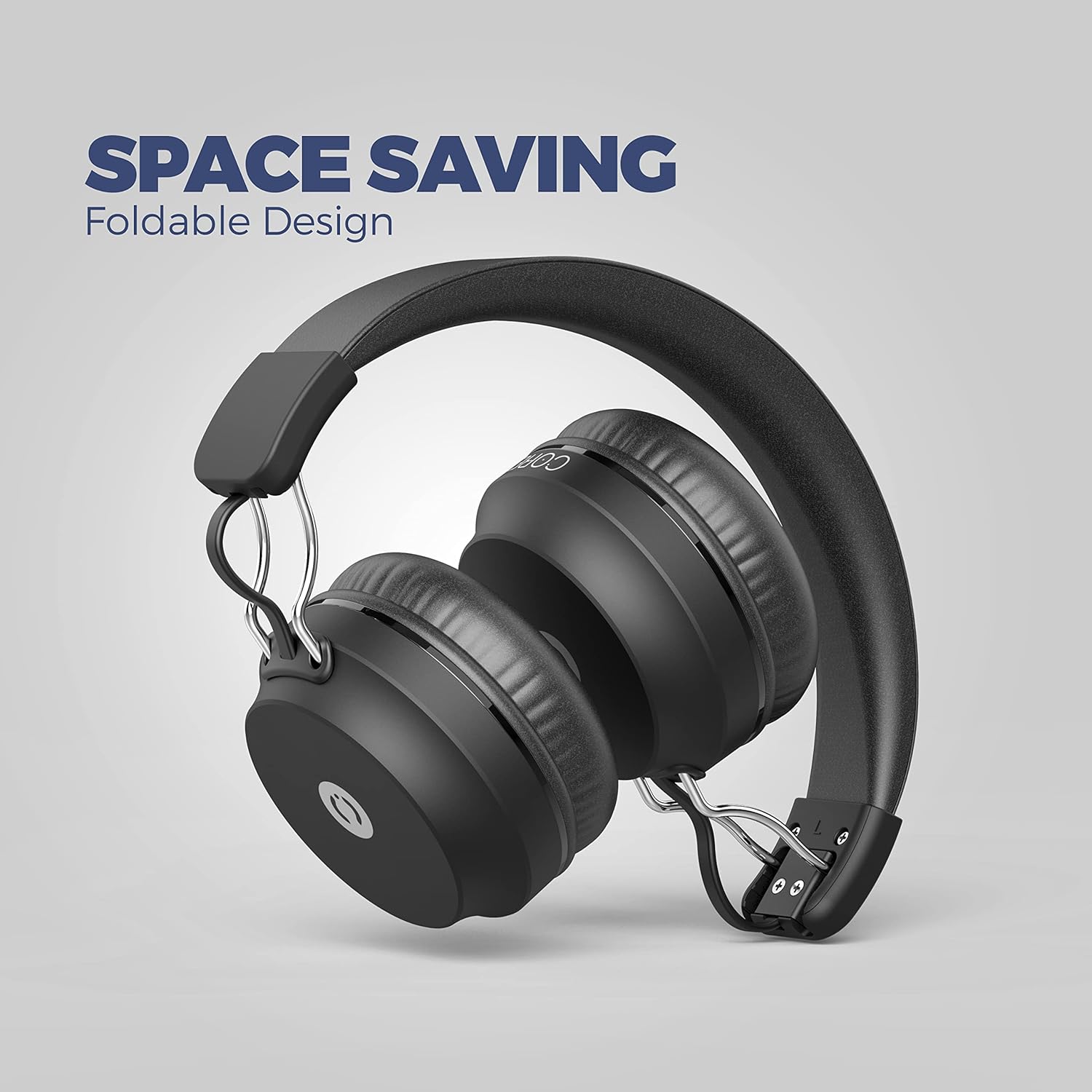
Image: MuveAcoustics Core headphones demonstrating their foldable design for easy storage and portability.
문제 해결
| 문제 | 가능한 원인 | 해결책 |
|---|---|---|
| 헤드폰의 전원이 켜지지 않습니다. | 배터리가 소진되었습니다. | 헤드폰을 최소 30분 동안 충전하세요. |
| 블루투스로 페어링할 수 없습니다. | 헤드폰이 페어링 모드가 아닙니다. 기기의 Bluetooth가 비활성화되어 있습니다. 기기가 너무 멀리 떨어져 있습니다. | 헤드폰이 페어링 모드인지 확인하세요(LED가 깜빡임). 기기에서 블루투스를 켜세요. 기기를 헤드폰 가까이(10미터 이내) 이동하세요. |
| 무선 모드에서는 소리가 나지 않습니다. | 볼륨이 너무 낮음; 헤드폰이 연결되지 않음; 장치에서 잘못된 오디오 출력을 선택했습니다. | 헤드폰과 기기의 볼륨을 높이세요. 헤드폰을 다시 페어링하세요. 기기의 오디오 출력 설정을 확인하세요. |
| 마이크가 작동하지 않습니다. | Microphone muted; incorrect input device selected on computer/app. | Ensure microphone is not muted. Check audio input settings on your connected device or application. |
| 음질이 좋지 않습니다. | Weak Bluetooth signal; audio source quality; headphones not fully charged. | Move closer to the connected device. Try a different audio source. Ensure headphones are fully charged. |
명세서
| 특징 | 세부 사항 |
|---|---|
| 상표 | MuveAcoustics |
| 모델명 | Core (Studio) |
| 품목 모델 번호 | MA-1500ASB |
| 연결 기술 | 무선(블루투스) |
| 무선 통신 기술 | 블루투스 |
| 폼 팩터 | Circum-Aural (On-Ear) |
| 귀 위치 | 온이어 |
| 특별 기능 | 마이크 포함 |
| 제어 유형 | 볼륨 조절 |
| 제어 방법 | 촉각적 |
| 소음 차단 | 음향 차단 |
| 헤드폰 잭 | 3.5 mm 잭 |
| 호환 장치 | Smartphones, Laptops, Tablets, Gaming Consoles, Desktop Computers, Smart Speakers |
| 추천 용도 | Calling, Running, Cycling, Recording, Exercise, Video Gaming, DJing, Skateboarding, Snowboarding, Audio Monitoring |
| 특정 제품 용도 | 게임, 음악, 스포츠 |
| 재료 | 플라스틱 |
| 품목 무게 | 200그램 |
| 배터리 구성 | 리튬폴리머 |
| 충전식 배터리 | 예 |
| 충전 시간 | 2시간 |
| 포함된 구성 요소 | 케이블 |
| 제조업체 | 지바 인터내셔널 |
보증 및 지원
For warranty information or technical support, please refer to the documentation included with your purchase or visit the official MuveAcoustics web사이트. 보증 청구를 위해 구매 증빙 자료를 보관하세요.
If you encounter any issues not covered in this manual, please contact MuveAcoustics customer service for assistance.
안전 정보
- 헤드폰을 분해하거나 개조하지 마십시오.
- 청력 손상을 예방하려면 볼륨을 높여 장시간 듣는 것을 피하세요.
- 어린이의 손이 닿지 않는 곳에 보관하세요.
- 제품과 배터리는 현지 규정에 따라 책임감 있게 폐기하십시오.


