1. 서론
Thank you for choosing the Noorio B200 Security Camera. This wireless outdoor magnetic camera is designed to provide comprehensive home security with its 1080p resolution, AI motion detection, two-way talk, and long-lasting battery. This manual will guide you through the setup, operation, and maintenance of your new security camera.
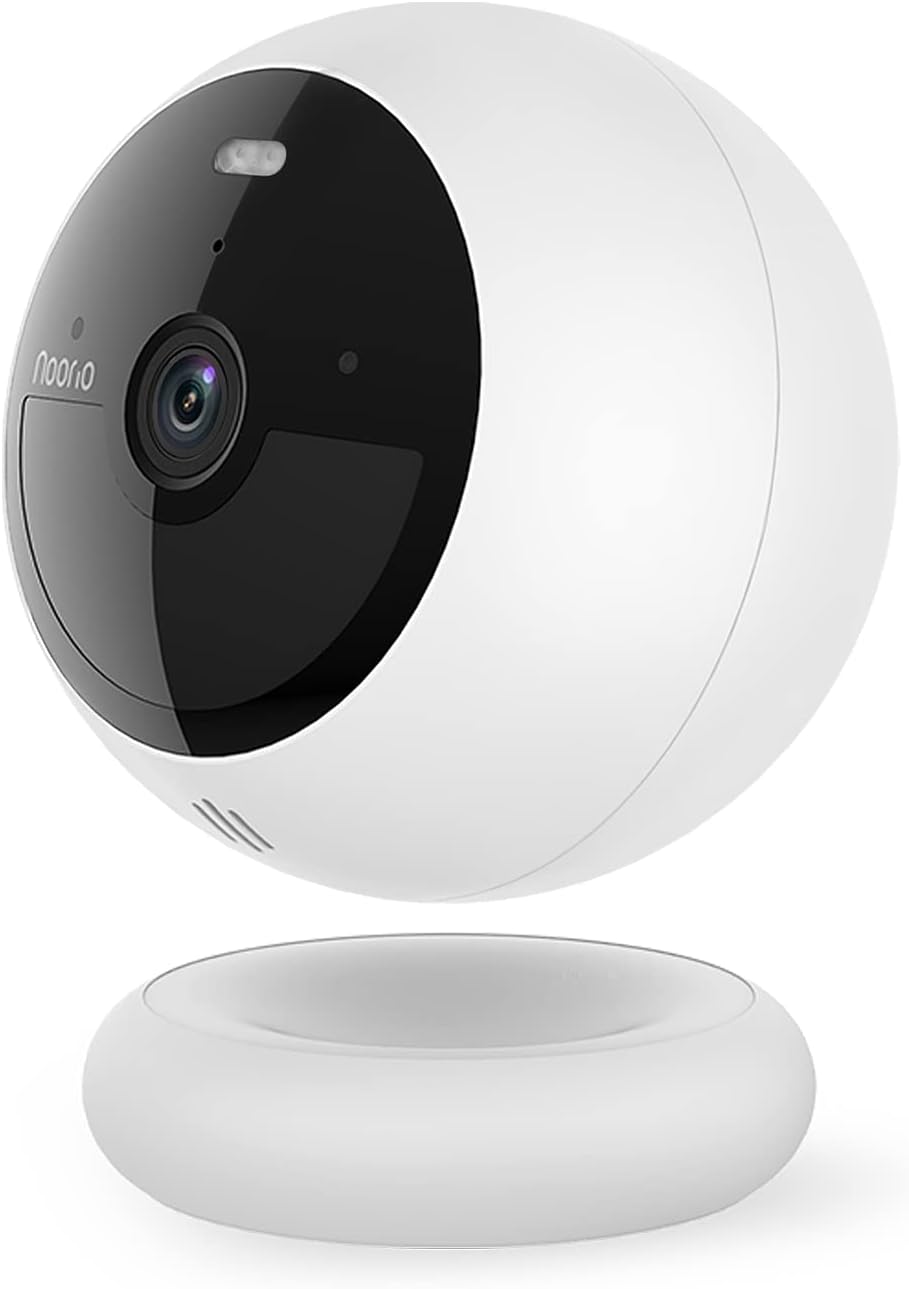
Figure 1: Noorio B200 Security Camera
2. 상자 안에 무엇이 들어있나요?
- Security Camera x 1
- Magnetic Mount x 1
- Screw Mount x 1
- 충전 케이블 x 1
- 스크류팩 x 2
- 위치 고정 스티커 2개
- 경고 스티커 x 2
- 빠른 시작 가이드 x 1
3. 주요 특징

3.1 1080p HD Clarity
Experience crystal clear 1080p Full HD video, allowing you to see the finest details of your surroundings.

3.2 Advanced AI Motion Detection
The camera features advanced AI that distinguishes human motion from other subjects like animals or cars, minimizing false alarms and ensuring you only get relevant alerts.

3.3 Color Night Vision with Built-in Spotlight
Equipped with a motion-activated spotlight, the camera illuminates the area when motion is detected, providing clear color night vision and deterring unwanted visitors.

3.4 양방향 오디오
Communicate with visitors or deter intruders using the built-in microphone and speaker, accessible through the mobile app.

3.5 100% Wire-Free & Long Battery Life
Enjoy flexible placement options with no wires. The built-in rechargeable battery provides up to 180 days of operation on a single charge, depending on usage.

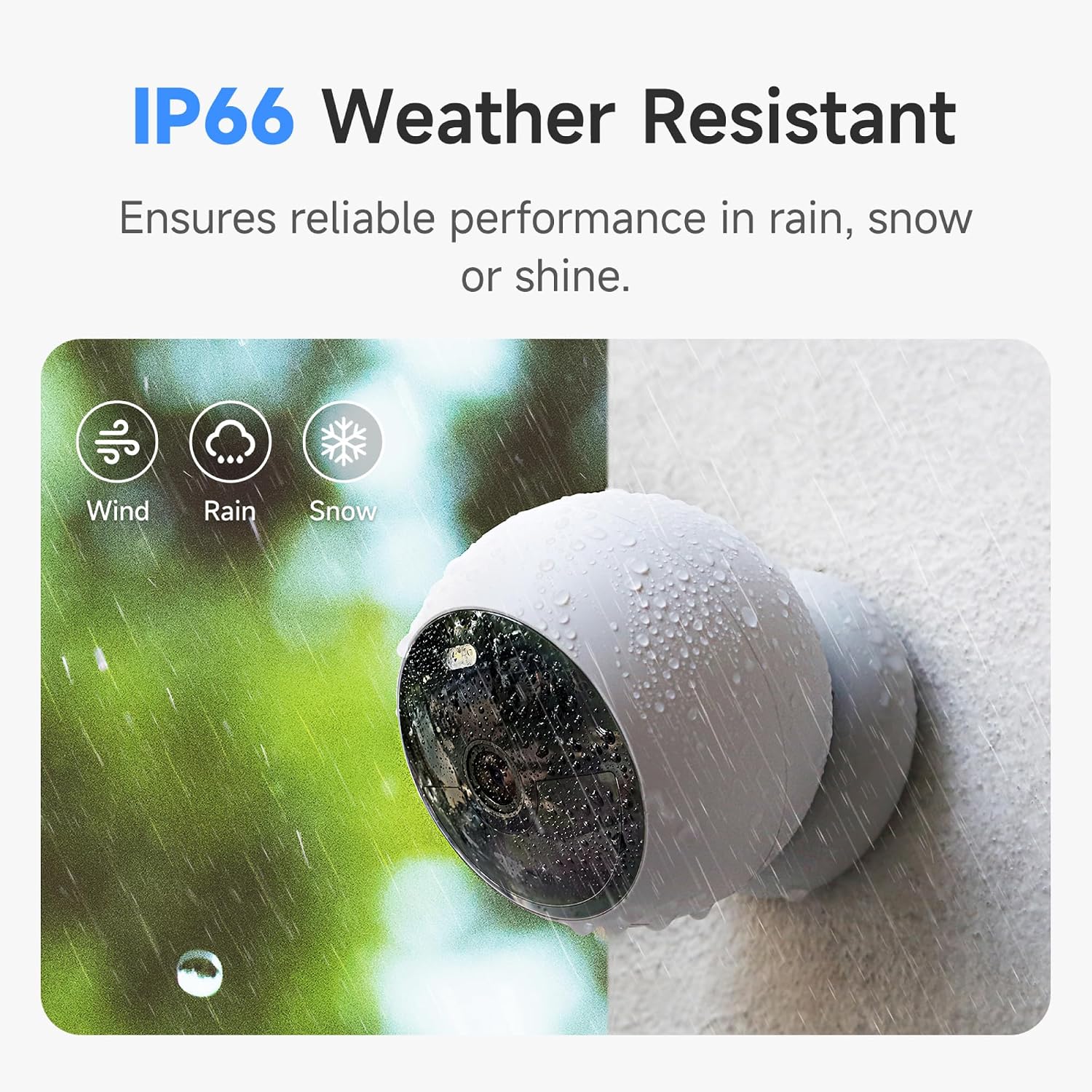
3.6 IP66 내후성
Designed to withstand various weather conditions, the IP66 rating ensures reliable performance in rain, snow, or shine.
3.7 8GB Local Storage & Cloud Option
Store up to 3000 pieces of footage directly on the camera's built-in 8GB local storage without any subscription fees. Optional cloud service is also available.
4. 설정 및 설치
The Noorio B200 offers flexible installation options. Before starting, ensure your camera is fully charged using the provided USB-C cable.
4.1 모바일 앱 설정
Download the 'Noorio' app from your device's app store (available on Android and iOS). Follow the in-app instructions to create an account, add your device by scanning the QR code on the camera's back, and connect it to your 2.4GHz Wi-Fi network.
Video 1: Detailed setup and feature overview of the Noorio B200 camera via the mobile app.
4.2 장착 옵션
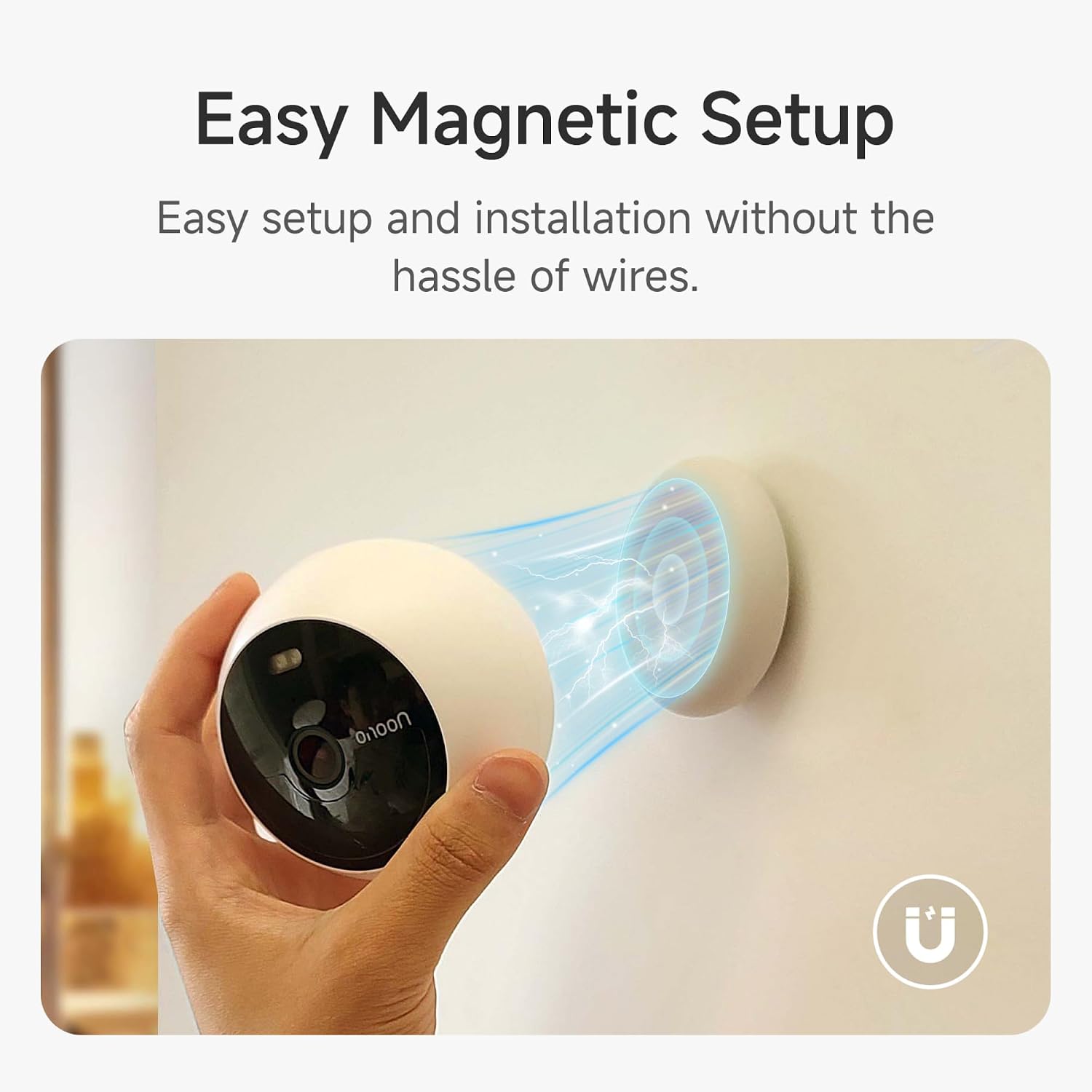
The camera supports both magnetic and screw mounting for versatile placement.
마그네틱 마운트
The magnetic mount allows for easy attachment to any metallic surface. Simply place the camera onto the magnetic base. This method is ideal for temporary placement or frequent repositioning.
나사산
For a more permanent installation, use the provided screw mount. Attach the mount to your desired surface using the screw pack, then secure the camera to the mount. This is suitable for both indoor and outdoor use.
Video 2: Demonstrates the magnetic mounting and general usage of the Noorio security camera.
5. 카메라 작동
The Noorio app provides full control over your camera's functions.
5.1 라이브 View
Access the live feed from your camera anytime, anywhere through the app. Simply tap on your camera's name to view 실시간 비디오 스트림.
Video 3: Shows the camera's live view and two-way audio features in action.
5.2 양방향 오디오
라이브에서 view, tap the phone icon to initiate two-way communication. Speak into your phone, and your voice will be projected through the camera's speaker, allowing you to interact with anyone on the other end.
5.3 동작 감지 및 알림
Configure motion detection settings, including sensitivity and activity zones, to receive instant alerts on your phone when human motion is detected. You can also enable or disable person detection.
5.4 Night Vision & Spotlight Control
Switch between full color night vision and infrared night vision modes. You can manually turn the built-in spotlight on or off via the app.
5.5 Video Storage & Playback
The camera continuously records and stores footage on its 8GB built-in memory. Access recorded events and playback video clips directly from the app. You can rewind and watch any moment from the past days.
6. 사양
| 특징 | 세부 사항 |
|---|---|
| 모델명 | B200 |
| 비디오 캡처 해상도 | 1080p |
| 연결 기술 | 무선(Wi-Fi 2.4GHz) |
| 전원 | 배터리 구동 |
| 배터리 수명 | 최대 180일 (1회 충전 기준) |
| 로컬 스토리지 | 8GB built-in eMMC |
| 내후성 | IP66 |
| 분야 View | 140도 |
| 나이트 비전 범위 | 26.25 피트 |
| 치수(길이 x 너비 x 높이) | 3.35 x 3.35 x 2.98 인치 |
| 품목 무게 | 1.3파운드 |
7. 유지관리
- 충전 중: Recharge the camera using the provided USB-C cable when the battery level is low.
- 청소: 카메라 렌즈와 바디를 부드러운 천으로 가볍게 닦아주세요.amp 먼지와 이물질을 제거하는 데는 천을 사용하십시오. 독한 화학 약품은 사용하지 마십시오.
- 펌웨어 업데이트: Regularly check the Noorio app for firmware updates to ensure optimal performance and security.
8. 문제 해결
- 카메라 오프라인: Ensure the camera is within range of your 2.4GHz Wi-Fi network. Restart your router and the camera.
- 허위 모션 경고: Adjust the motion sensitivity settings in the app. Define specific activity zones to reduce unwanted alerts.
- 야간 시력이 좋지 않음: Ensure the camera lens is clean. Check for any obstructions blocking the spotlight or infrared sensors.
- 배터리가 빨리 소모됨: 자주 라이브 view access, high motion detection sensitivity, and continuous spotlight usage can reduce battery life. Adjust settings as needed.
- 양방향 오디오 없음: 앱에서 마이크와 스피커 설정을 확인하세요. 휴대폰 볼륨이 켜져 있는지 확인하세요.
9. 보증 및 지원
For detailed warranty information, please refer to the Quick Start Guide or the User Manual (PDF) provided with your product. You can also visit the official Noorio web지원 리소스 사이트.
고객 서비스:
- Phone: 800-642-5905 (9 AM - 6 PM ET, Business Day)
- 이메일: support@nooriolife.com


