1. 이상view
The FIFINE K669PRO2 is a USB condenser microphone designed for various applications including podcasting, gaming, streaming, voice-overs, and online meetings. It features RGB lighting, a tap-to-mute function, a gain control knob, and a cardioid pickup pattern for clear audio capture. This manual provides instructions for setting up, operating, and maintaining your microphone.
2. 패키지 내용
모든 품목이 들어 있는지 확인하려면 패키지 내용물을 확인하세요.
- FIFINE K669PRO2 USB Condenser Microphone with Pop Filter
- USB-C-USB-A 케이블 (2m)
- 삼각대 스탠드
- 사용자 설명서

Figure 2.1: Package Contents. Includes the microphone with pop filter, USB cable, tripod stand, and user manual.
3. 설정 가이드
Follow these steps to set up your FIFINE K669PRO2 microphone:
3.1 물리적 조립
- 삼각대 스탠드를 부착하세요: Screw the microphone onto the included tripod stand. Ensure it is firmly attached and stable on your desk.
- 팝 필터를 설치하세요: Attach the pop filter to the microphone's shock mount. This helps reduce plosive sounds for clearer audio.

Figure 3.1: Plug and Play setup. The microphone connects directly to your computer via the provided USB cable.
3.2 장치에 연결하기
- USB 케이블 연결: Plug the USB-C end of the cable into the microphone and the USB-A end into an available USB port on your computer (PC/Mac) or gaming console (PS4/PS5).
- 시스템 인식: Your operating system should automatically detect and install the necessary drivers. The microphone is plug-and-play, requiring no additional software installation.
- 입력 장치로 선택:
- 윈도우: 로 이동 사운드 설정 > 입력 and select "FIFINE K669PRO2" as your input device.
- 맥 OS : 로 이동 시스템 환경 설정 > 소리 > 입력 and select "FIFINE K669PRO2".
- PS4/PS5: 로 이동 설정 > 장치 > 오디오 장치 and select "FIFINE K669PRO2" as your input device.
4. 사용 설명서
4.1 제어를 얻으세요
The microphone features a gain control knob on the front. Rotate the knob to adjust the microphone's input sensitivity. Turn clockwise to increase gain and counter-clockwise to decrease it. Adjust the gain to achieve optimal audio levels without distortion.

Figure 4.1: Front panel controls, including the gain knob for volume adjustment.
4.2 음소거 기능
Tap the mute button on the front of the microphone to instantly mute or unmute your audio. The LED indicator will change color to show the mute status (e.g., green for active, red for muted), providing a visual reminder.
Figure 4.2: Front panel controls, highlighting the tap-to-mute button.
4.3 RGB 조명 제어
The microphone features customizable RGB lighting. Use the RGB control key on the back of the microphone to cycle through different lighting modes and colors. There are three lighting modes and over nine color options available.

Figure 4.3: RGB lighting in action, showcasing dynamic solid-color, dynamic multi-color, and static solid color modes.

그림 4.4: 후면 view of the microphone, indicating the RGB control button.
4.4 카디오이드 픽업 패턴
The K669PRO2 utilizes a cardioid polar pattern. This means the microphone primarily picks up sound from the front, reducing unwanted noise from the sides and rear. Position the microphone directly towards the sound source (e.g., your mouth) for optimal voice capture.
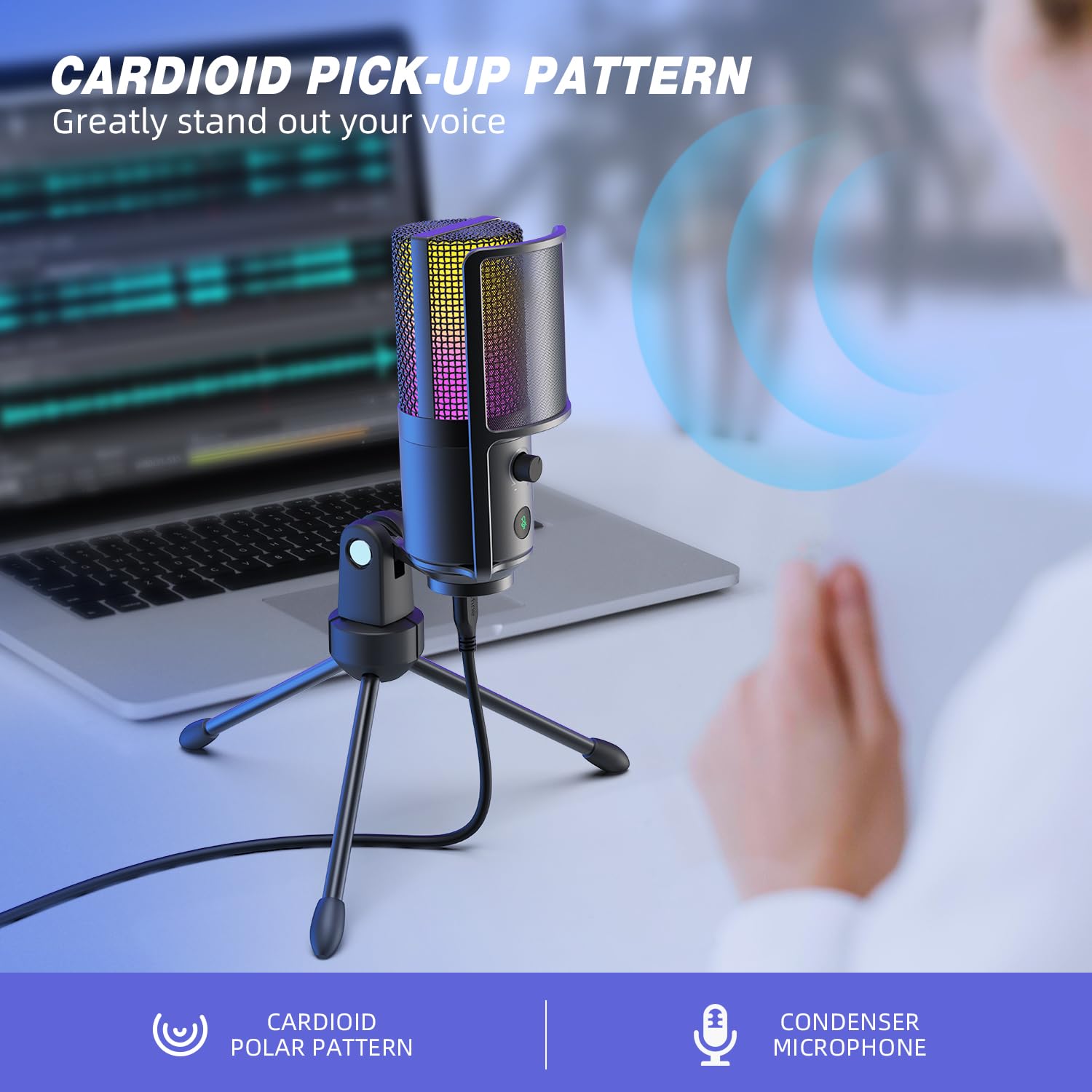
Figure 4.5: Cardioid pickup pattern illustration, demonstrating focused sound capture.
5. 유지관리
- 청소: Use a soft, dry cloth to clean the microphone's exterior. Avoid using liquid cleaners or solvents, as they may damage the device.
- 저장: 사용하지 않을 때는 마이크를 건조하고 먼지 없는 곳에 보관하십시오.
- 손질: 마이크를 조심스럽게 다루십시오. 떨어뜨리거나 강한 충격을 주지 마십시오. 성능에 영향을 미칠 수 있습니다.
6. 문제 해결
| 문제 | 가능한 원인 | 해결책 |
|---|---|---|
| 마이크에서 소리가 나지 않습니다. |
|
|
| Low volume or weak audio. |
|
|
| 왜곡되거나 불분명한 오디오. |
|
|
| RGB 조명이 작동하지 않습니다. |
|
|
7. 사양
| 모델 | K669PRO2 |
| 극성 패턴 | 단방향 (카디오이드) |
| 연결 기술 | USB |
| 커넥터 유형 | USB-C (on mic), USB-A (on cable) |
| 호환 장치 | PC, Mac, PS4, PS5 |
| 재료 | 금속 |
| 주파수 응답 | 20Hz - 20kHz |
| 신호 대 잡음 비율 | 70데시벨 |
| 전원 | 유선 전기(USB 전원 사용) |
| 품목 무게 | 508g |
| 포함된 구성 요소 | Microphone, USB Cable, Tripod Stand, Pop Filter |
8. 보증 및 지원
보증 정보, 기술 지원 또는 고객 서비스 문의는 FIFINE 공식 웹사이트를 참조하십시오. web해당 웹사이트를 방문하거나 고객 지원팀에 직접 문의하십시오. 자세한 내용은 일반적으로 제품 포장이나 제조업체의 공식 온라인 채널에서 확인할 수 있습니다.
You can visit the FIFINE store for more information: FIFINE 공식 스토어