1. 설정 및 충전
Before initial use, ensure the device is fully charged using the provided 4-foot USB cable. The device features a rechargeable battery for portability.

그림 1: 후면 view of the Baby Shark Alarm Clock with the USB charging port visible.
2. 사용 설명서
2.1 Sleep Training Modes
The Baby Shark Alarm Clock offers interactive sleep, play, and wake modes to assist children with sleep training.
- 수면 모드 : Set a desired sleep time. The clock will display a sleeping Baby Shark (eyes closed) to indicate quiet hours. An optional night light can be set to aid peaceful sleep.
- 플레이 모드: Approximately 30 minutes before the set wake time, the clock's eyes will open, glow, and begin to look around. This visual cue encourages children to play quietly until the official wake time.
- 웨이크 모드 : At the set wake time, the Baby Shark Clock will glow and play the Baby Shark song. The green light will remain illuminated for one hour, allowing for flexibility if your child sleeps in.

Figure 2: Baby Shark Alarm Clock in Sleep Mode with eyes closed.

Figure 3: Baby Shark Alarm Clock in Wake Mode with eyes open.
2.2 Night Light and Sounds
The device features a built-in night light and various sound options.
- 야간 조명: Activate the night light for a comforting glow. The light can be set to various colors.
- 소리: Enjoy alarm sounds, nature sleep sounds, and the iconic Baby Shark song.
- 스누즈 기능 : A snooze function is available for alarms.

Figure 4: The Baby Shark Alarm Clock providing a gentle night light.
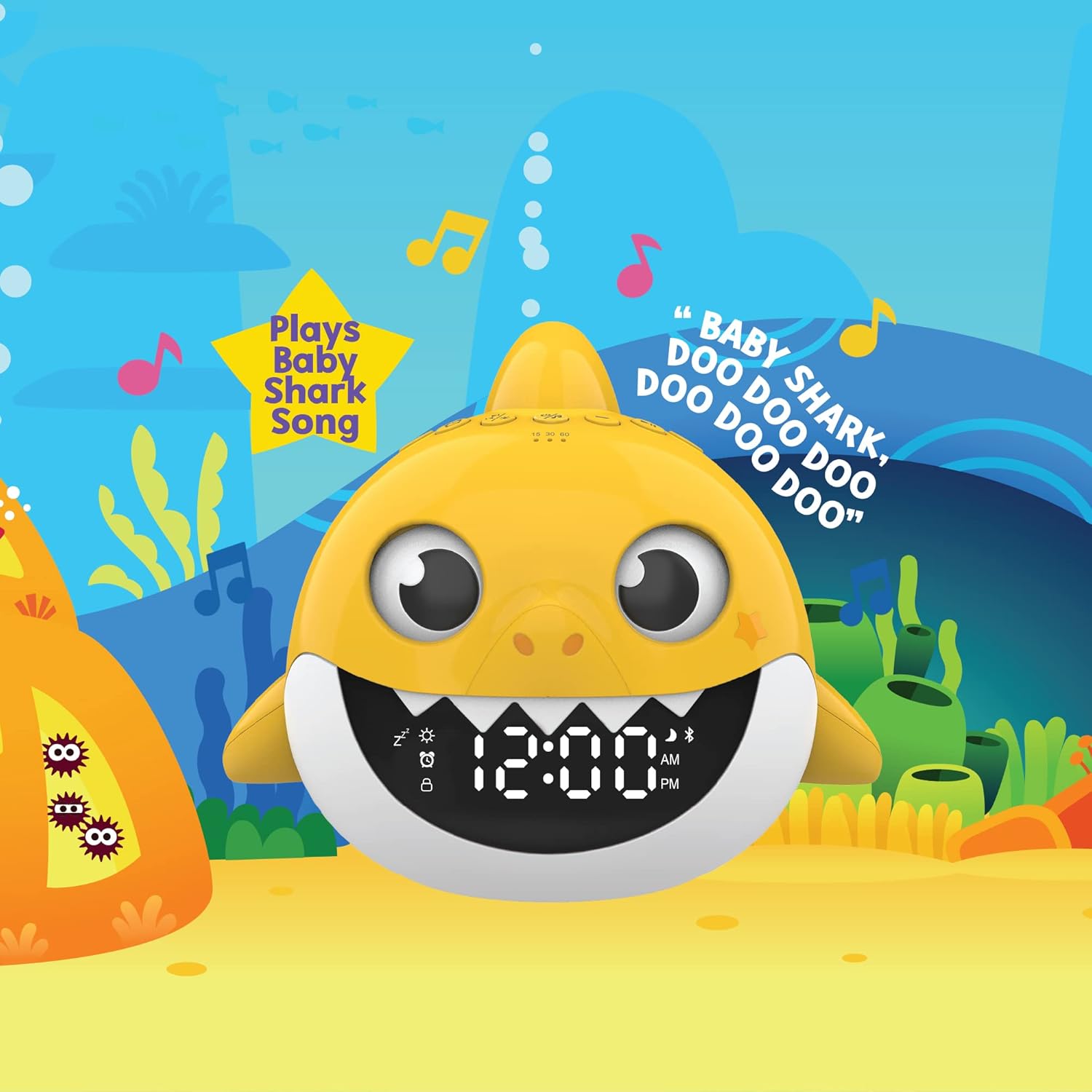
Figure 5: The Baby Shark Alarm Clock playing the Baby Shark song.
2.3 블루투스 스피커
Connect your device wirelessly to the Baby Shark Alarm Clock to stream music.
- 편성: Refer to the device's specific instructions for Bluetooth pairing.
- 재생: Once paired, stream audio from your connected device.

Figure 6: Wireless music streaming via Bluetooth on the Baby Shark Alarm Clock.
3. 유지관리
To clean the device, simply wipe it with a clean, damp 옷감. 가혹한 화학 물질이나 연마재를 사용하지 마십시오.
4. 문제 해결
If you encounter any issues, please ensure the device is fully charged. If problems persist, refer to the official product support resources.
5. 사양
| 특징 | 세부 사항 |
|---|---|
| 상표 | 핵심 혁신 |
| 모델 번호 | ALM204 |
| 색상 | 노란색 |
| 디스플레이 유형 | 디지털 |
| 특징 | 프로그래밍 가능, 타이머 |
| 제품 치수 | 폭 6.1인치 x 높이 6.8인치 |
| 전원 | 배터리 구동 |
| 재료 | 플라스틱 |
| 품목 무게 | 12.8 온스 |
| 필요한 배터리 | 예(리튬 이온 배터리 1개 포함) |
| 포함된 구성 요소 | Alarm Clock; USB Cable |
6. 보증 및 지원
이 제품에는 다음이 포함되어 있습니다. 1년 한정 보증 covering 90 days for parts and labor.
For further assistance or product information, please visit the official Core Innovations web대지: Core Innovations Product Page


