1. 서론
This manual provides detailed instructions for the operation and maintenance of your Coby CVR42BK Portable Cassette Player and Recorder. Please read this manual thoroughly before using the device to ensure proper function and longevity.
2. 패키지 내용
아래 나열된 모든 품목이 패키지에 들어 있는지 확인하세요.
- Coby CVR42BK Portable Cassette Player and Recorder
- 외부 붐 마이크
- 120V AC 어댑터
- 사용 설명서 (본 문서)

Figure 2.1: Included items in the Coby CVR42BK package.
3. 제품 오버view
The Coby CVR42BK is a portable cassette player and recorder designed for both playback and one-touch recording. It features a built-in handle for portability and includes an external boom microphone for enhanced recording quality.

Figure 3.1: Coby CVR42BK Portable Cassette Player and Recorder.
3.1 컨트롤 및 표시기
Familiarize yourself with the controls and ports on your device:
- 재생 버튼: 카세트 재생을 시작합니다.
- 녹음 버튼: Activates recording function (requires a blank cassette).
- 빨리 감기 버튼: 테이프를 빠르게 넘긴다.
- 되감기 버튼: 테이프를 빠르게 되감는다.
- Stop/Eject Button: Stops playback/recording and opens the cassette compartment.
- 볼륨 조절: 재생 볼륨을 조절합니다.
- 헤드폰 잭(3.5mm): 개인적으로 듣기 위한 것입니다.
- 외부 마이크 입력: Connects the included boom microphone.
- AC 어댑터 포트: For connecting the 120V AC adapter.
- 배터리 칸: Holds 4 C batteries for portable power.
4. 설정
4.1 장치 전원 공급
The CVR42BK can be powered by either the included AC adapter or 4 C batteries (not included).
- AC 전원: Connect the 120V AC adapter to the AC adapter port on the device and then plug it into a standard wall outlet.
- 배터리 전원: Open the battery compartment on the underside of the unit. Insert 4 C batteries, ensuring correct polarity (+/-). Close the compartment securely.

Figure 4.1: Power options for the CVR42BK.
4.2 카세트 테이프 로딩
- 를 누르세요 중지/꺼내기 카세트 칸 문을 여는 버튼입니다.
- 카세트 테이프의 열린 면이 위를 향하고 테이프 면이 사용자를 향하도록 삽입하십시오.
- 카세트 칸 덮개를 딸깍 소리가 나면서 닫힐 때까지 살살 닫아주세요.

Figure 4.2: Loading a cassette tape.
5. 사용 설명서
5.1 카세트 테이프 재생하기
- Ensure a cassette tape is loaded (refer to Section 4.2).
- 를 누르세요 놀다 버튼을 누르세요. 테이프가 재생되기 시작합니다.
- 조정하다 볼륨 조절 원하는 청취 레벨로 설정하세요.
- 빨리 감으려면 빨리 감기 버튼을 누르세요. 되감기하려면 버튼을 누르세요. 되감기 단추.
- 재생을 중지하려면 중지/꺼내기 단추.
- 개인적으로 청취하시려면 3.5mm 헤드폰 잭에 헤드폰을 연결하십시오.
5.2 Recording Audio (One-Touch Recording)
The CVR42BK features one-touch recording and Automatic Level Control (ALC) to optimize recording levels.
- Load a blank or recordable cassette tape into the device. Note: Re-using older cassettes may affect sound quality. New cassettes are recommended for optimal results.
- 를 누르세요 기록 버튼. 놀다 button will also engage simultaneously. The device will begin recording audio from its built-in microphone or the connected external microphone.
- 녹음을 중지하려면 중지/꺼내기 단추.
- The device includes an auto-stop feature that will automatically stop recording when the tape reaches its end.
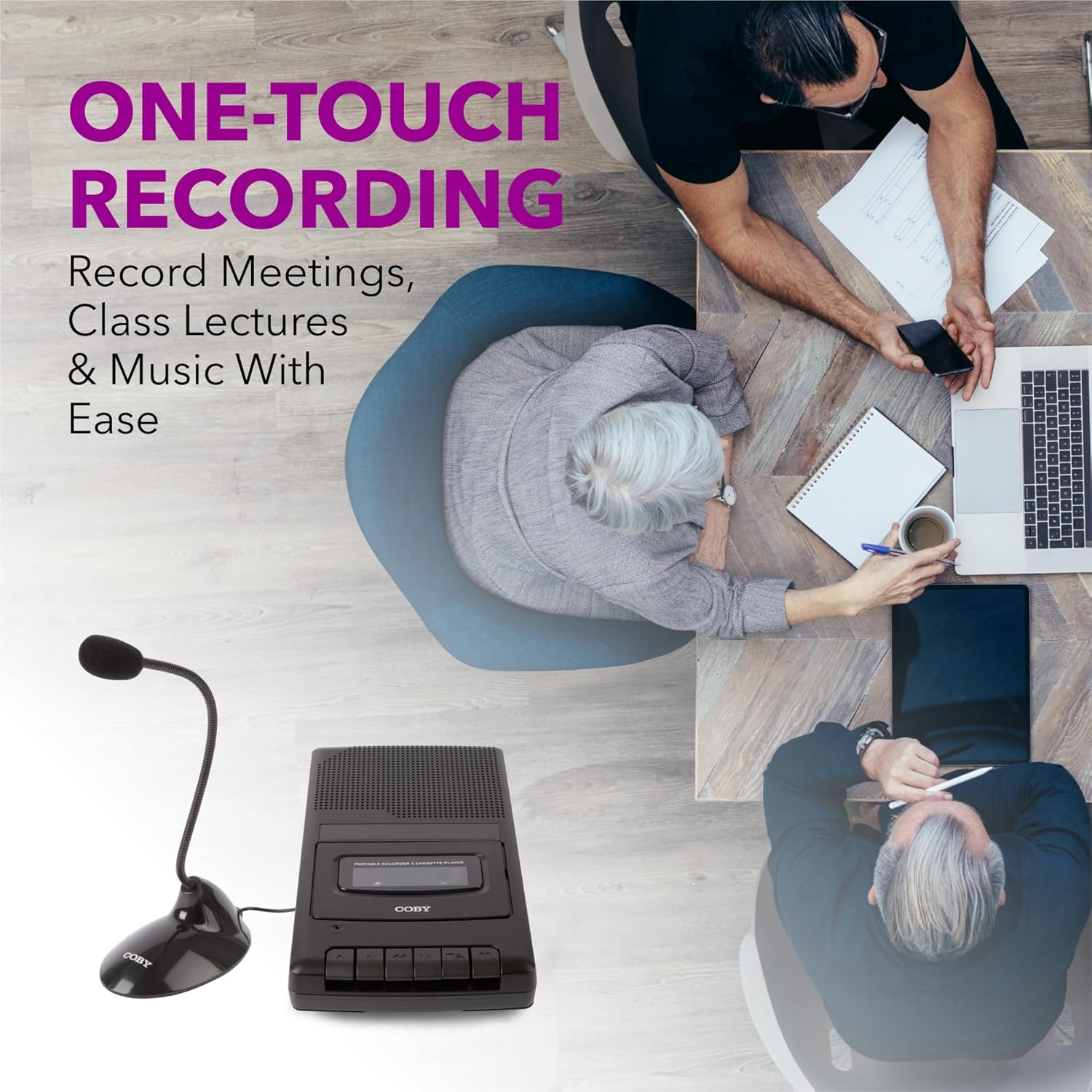
Figure 5.1: Using the CVR42BK for recording.
5.3 Using the External Boom Microphone
For higher quality recordings, especially for lectures or meetings, connect the included external boom microphone.
- Locate the external microphone input port on the CVR42BK.
- Plug the external boom microphone into this port.
- Position the microphone appropriately for the sound source you wish to record.
- Proceed with recording as described in Section 5.2. The device will automatically prioritize the external microphone when connected.

Figure 5.2: External boom microphone in use.
6. 유지관리
- 청소: 부드럽고 마른 천을 사용하여 기기 외부를 닦으세요. 액체 세척제나 용제는 사용하지 마세요.
- 테이프 헤드 청소: Periodically clean the tape heads with a specialized cassette head cleaning kit to ensure optimal sound quality and prevent tape damage.
- 저장: When not in use for extended periods, remove batteries to prevent leakage. Store the device in a cool, dry place away from direct sunlight and extreme temperatures.
- 카세트 관리: Store cassette tapes in their cases to protect them from dust and physical damage. Avoid exposing tapes to strong magnetic fields.
7. 문제 해결
| 문제 | 가능한 원인 | 해결책 |
|---|---|---|
| 전원이 없습니다 | AC 어댑터가 연결되지 않았거나 고장났거나, 배터리가 방전되었거나 잘못 삽입되었습니다. | Check AC adapter connection and power outlet. Replace batteries or ensure correct polarity. |
| 재생 중 소리가 나지 않음 | Volume too low; headphones connected; tape head dirty; tape damaged. | Increase volume. Disconnect headphones. Clean tape heads. Try a different tape. |
| 녹음이 작동하지 않습니다 | Tape is write-protected; tape is full; microphone not connected or faulty. | Ensure the write-protect tab on the cassette is intact. Use a blank tape. Check microphone connection. |
| 음질이 좋지 않음 | Dirty tape heads; old or damaged cassette tape; external interference. | Clean tape heads. Use a new or known-good cassette tape. Move away from electronic devices. |
| 테이프가 움직이지 않음 | Tape jammed; mechanism fault. | Gently open compartment and check for tape jams. If problem persists, contact support. |
8. 사양
| 모델 번호 | CVR42BK |
| 전원 | 120V AC Adapter (included) or 4 x 'C' Batteries (not included) |
| 특징 | Automatic Level Control (ALC), One-Touch Recording, Fast Forward, Rewind, Volume Control, Auto-Stop |
| 마이크로폰 | Built-in microphone, External Boom Microphone (included) |
| 헤드폰 잭 | 3.5mm 스테레오 |
| 제품 크기(L x W x H) | 10.2 x 5.83 x 1.97인치(25.9 x 14.8 x 5cm) |
| 품목 무게 | 1.75파운드(0.79kg) |
| 한국어: | 810071491450 |
9. 보증 및 지원
For warranty information or technical support, please refer to the warranty card included with your product or visit the official Coby web사이트. 보증 청구에 대비해 구매 증빙 자료로 구매 영수증을 보관하세요.
제조업체: 서밋 전자 LLC


