소개
This manual provides detailed instructions for the setup, operation, maintenance, and troubleshooting of your Altec Lansing Nanophones ANC Bluetooth Wireless Active Noise Cancelling Headphones. Please read this manual thoroughly before using the product to ensure proper functionality and to maximize your listening experience.
제품 끝view
The Altec Lansing Nanophones ANC are on-ear Bluetooth wireless headphones featuring Active Noise Cancelling technology, a detachable microphone, and a 12-hour battery life. They are designed for comfortable use during work, learning, and leisure activities.

이미지: 앞면 view of the Altec Lansing Nanophones ANC headphones in Icy color, showcasing the on-ear design and overall aesthetic.
패키지 내용
패키지에 모든 품목이 들어 있는지 확인하세요.
- Altec Lansing Nanophones ANC Headphones
- 분리형 마이크
- USB-C 충전 케이블
- 사용 설명서 (본 문서)
제어 및 표시기
Familiarize yourself with the location and function of the controls on your Nanophones ANC headphones:

이미지: 측면 view of the Altec Lansing Nanophones ANC headphones, highlighting the control buttons and ports on the earcups.
- 전원 버튼: 전원을 켜거나 끄려면 길게 누릅니다.
- 볼륨 업/다음 트랙: 짧게 누르면 볼륨이 커지고, 길게 누르면 다음 트랙이 됩니다.
- 볼륨 낮추기/이전 트랙: 짧게 누르면 볼륨이 낮아지고, 길게 누르면 이전 트랙으로 돌아갑니다.
- 다기능 버튼(MFB): 재생/일시정지, 전화 받기/끊기, 음성 비서 활성화.
- ANC 버튼: 액티브 노이즈 캔슬링 기능을 켜거나 끕니다.
- USB-C 충전 포트: 헤드폰을 충전합니다.
- 마이크 포트: 분리형 마이크를 연결하기 위한 것입니다.
- LED 표시등: 전원, 충전, 블루투스 상태를 표시합니다.
설정
1. 헤드폰 충전
Before first use, fully charge your Nanophones ANC headphones.
- 제공된 USB-C 충전 케이블을 헤드폰의 USB-C 포트에 연결합니다.
- 케이블의 다른 쪽 끝을 USB 전원(예: 컴퓨터 USB 포트, USB 벽면 어댑터)에 연결합니다.
- LED 표시등은 충전 상태를 보여줍니다(예: 충전 중에는 빨간색, 충전이 완료되면 꺼짐 또는 파란색).
- A full charge takes approximately 2-3 hours and provides up to 12 hours of playtime.
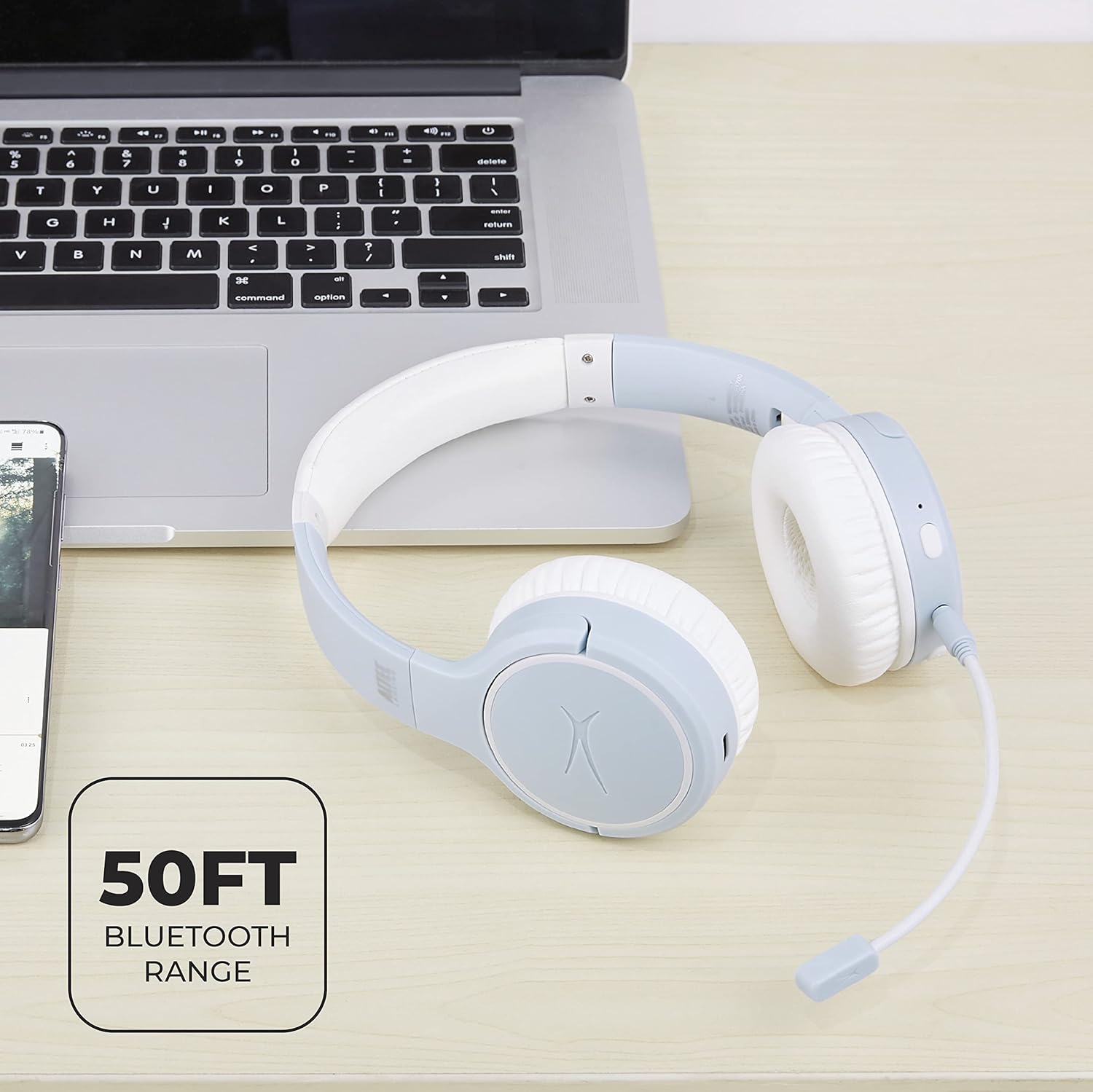
Image: Close-up of the Altec Lansing Nanophones ANC headphones showing the USB-C charging port.
2. 전원 켜기 / 끄기
- 전원을 켜려면: 전원 버튼을 3초 동안 길게 누르면 LED 표시등이 파란색으로 깜빡입니다.
- 전원을 끄려면: LED 표시등이 꺼질 때까지 전원 버튼을 3초 동안 길게 누르세요.
3. 블루투스 페어링
Pair your headphones with a Bluetooth-enabled device:
- 헤드폰의 전원이 꺼져 있는지 확인하십시오.
- Press and hold the Power Button for 5-7 seconds until the LED indicator flashes red and blue alternately. This indicates pairing mode.
- 기기(스마트폰, 태블릿, 컴퓨터)에서 Bluetooth를 활성화하고 사용 가능한 기기를 검색하세요.
- Select "Altec Lansing Nanophones ANC" from the list.
- 페어링이 성공적으로 완료되면 LED 표시등이 파란색으로 천천히 깜빡입니다.
메모: 헤드폰의 전원을 켜면 마지막으로 페어링된 기기에 자동으로 다시 연결을 시도합니다.
작동 지침
음악 재생
- 재생/일시 중지: MFB를 한 번 누르세요.
- 다음 트랙: 볼륨 높이기 버튼을 길게 누르세요.
- 이전 트랙 : 볼륨 낮추기 버튼을 길게 누르세요.
- 볼륨 업: 볼륨 높이기 버튼을 짧게 누르세요.
- 볼륨 작게 : 볼륨 낮추기 버튼을 짧게 누르세요.
통화 관리
To use the microphone for calls, ensure the detachable microphone is securely plugged into its port on the left earcup.
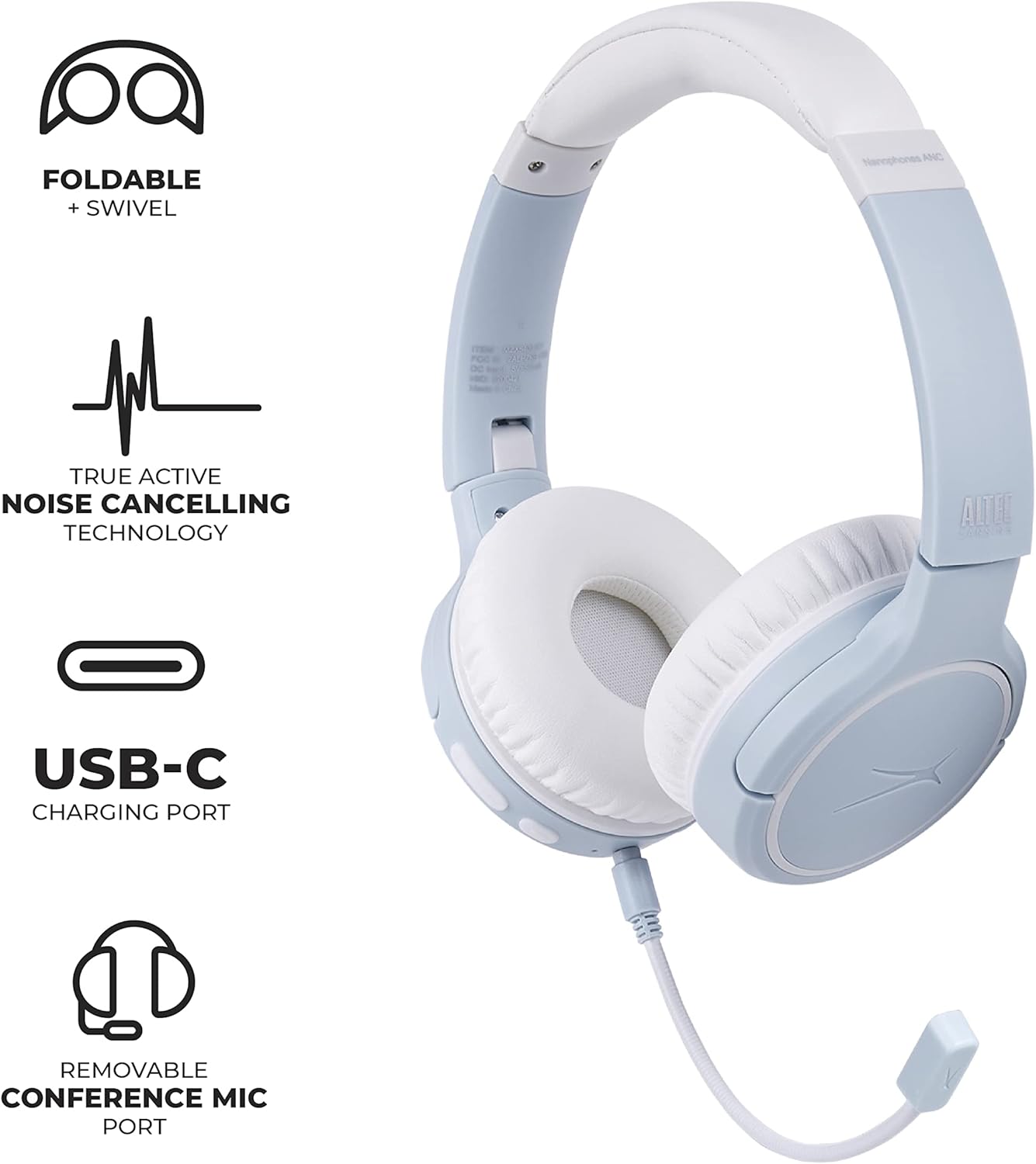
Image: Altec Lansing Nanophones ANC headphones with the detachable microphone connected, illustrating its use for communication.
- 전화 받기/종료: MFB를 한 번 누르세요.
- 전화 거부: MFB를 2초간 누르세요.
능동 소음 제거(ANC)
ANC 기능은 주변 소음을 줄여 더욱 몰입감 있는 청취 경험을 제공합니다.
- ANC 활성화/비활성화: Press the ANC button once. The LED indicator will change color (e.g., green for ANC on).
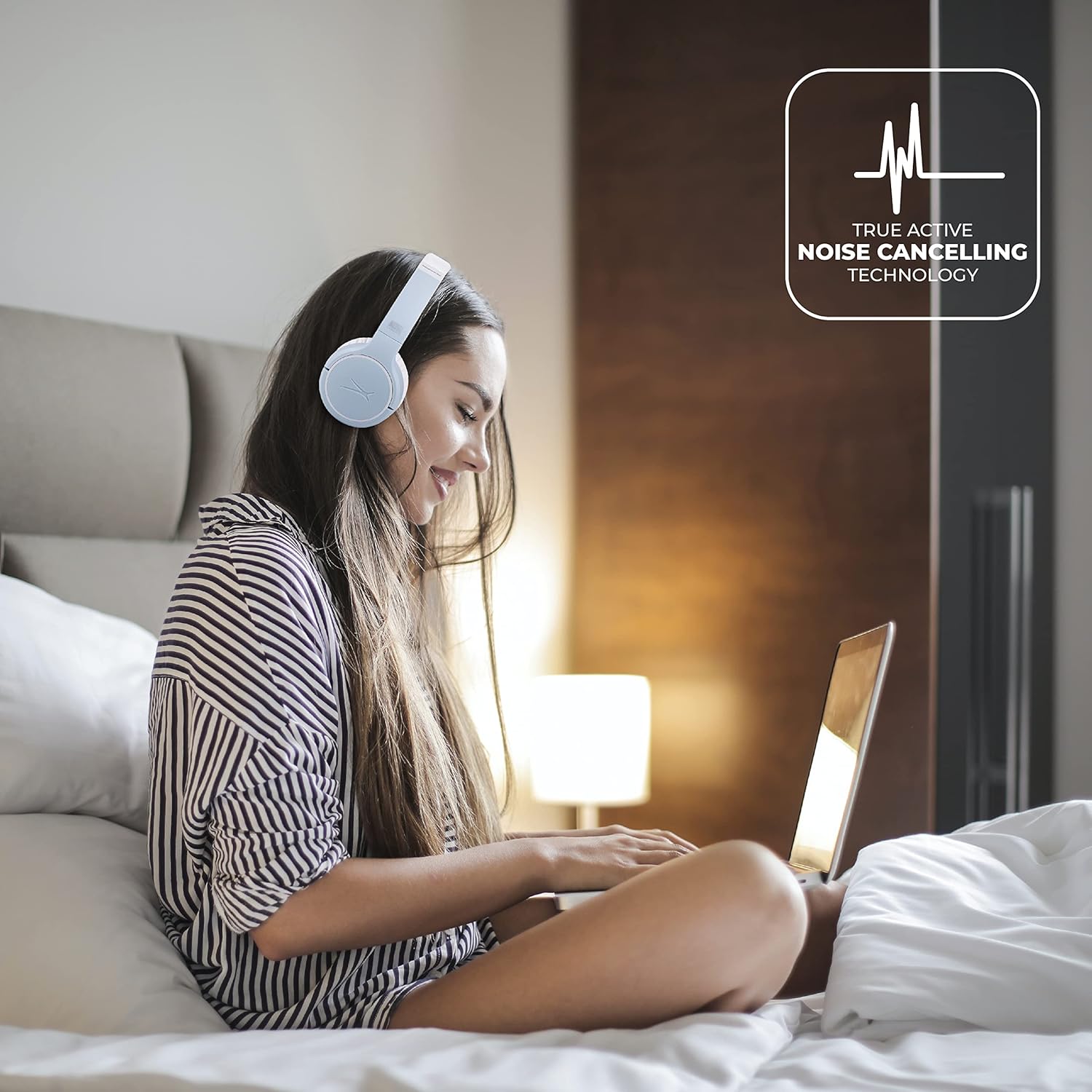
Image: A person wearing the Altec Lansing Nanophones ANC headphones while working on a laptop, illustrating the use of Active Noise Cancelling technology.
음성 지원 액세스
- Voice Assistant 활성화 : Double-press the MFB to activate your device's voice assistant (Siri, Google Assistant, Alexa, etc.).
유지
- 청소: 부드럽고 마른 천으로 헤드폰을 닦으세요. 연마성 세제나 용제는 사용하지 마세요.
- 저장: When not in use, store the headphones in a cool, dry place. The headphones feature foldable earcups for compact storage.

Image: The Altec Lansing Nanophones ANC headphones shown in their folded position, demonstrating their compact design for easy storage and portability.
- 배터리 관리 : 배터리 수명을 연장하려면 이어폰을 자주 완전히 방전시키지 마십시오. 계속 사용하지 않더라도 정기적으로 충전하십시오.
문제 해결
| 문제 | 가능한 원인 | 해결책 |
|---|---|---|
| 헤드폰의 전원이 켜지지 않습니다. | 배터리가 부족합니다. | 제공된 USB-C 케이블을 사용하여 헤드폰을 완전히 충전하세요. |
| 기기와 페어링할 수 없습니다. | 헤드폰이 페어링 모드가 아닙니다. 기기의 Bluetooth가 꺼져 있습니다. 기기와 너무 멀리 떨어져 있습니다. | Ensure headphones are in pairing mode (flashing red/blue). Turn on Bluetooth on your device. Move headphones closer to the device (within 50ft/15m). |
| 소리가 나지 않거나 볼륨이 작습니다. | 헤드폰이나 기기의 볼륨이 너무 낮거나 제대로 연결되지 않았습니다. | 헤드폰과 기기의 볼륨을 모두 높이세요. 헤드폰을 다시 페어링하세요. |
| ANC가 효과적으로 작동하지 않습니다. | ANC feature is off; environmental noise is too high. | Press the ANC button to activate. Ensure earcups fit snugly over your ears. |
| 마이크가 작동하지 않습니다. | Microphone not properly connected; device settings. | Ensure the detachable microphone is fully inserted. Check microphone input settings on your device. |
명세서
- 모델 이름: MZX5400-ICY
- 연결 기술 : 무선(블루투스 5.0)
- 귀 위치: 귀에
- 소음 제어: 능동 소음 제거
- 배터리 수명: 최대 12시간
- 충전 포트: USB-C
- 주파수 범위: 20Hz - 20,000Hz
- 제어 방법: 터치, 음성
- 품목 무게: 1.98파운드
- 치수: 9.65 x 8.11 x 2.52인치(패키지)
보증 및 지원
보증 정보 및 고객 지원에 대해서는 Altec Lansing 공식 웹사이트를 참조하십시오. web사이트를 방문하거나 고객 서비스에 직접 문의하세요. 보증 청구를 위해 구매 증빙 자료로 구매 영수증을 보관하세요.
Altec Lansing Official Web대지: altelansing.com


