1. 환영합니다
Welcome to the BYYBUO SmartPad T10 user manual. This guide provides detailed instructions on setting up, operating, maintaining, and troubleshooting your new Android 12 tablet. Please read this manual thoroughly to ensure optimal performance and longevity of your device.
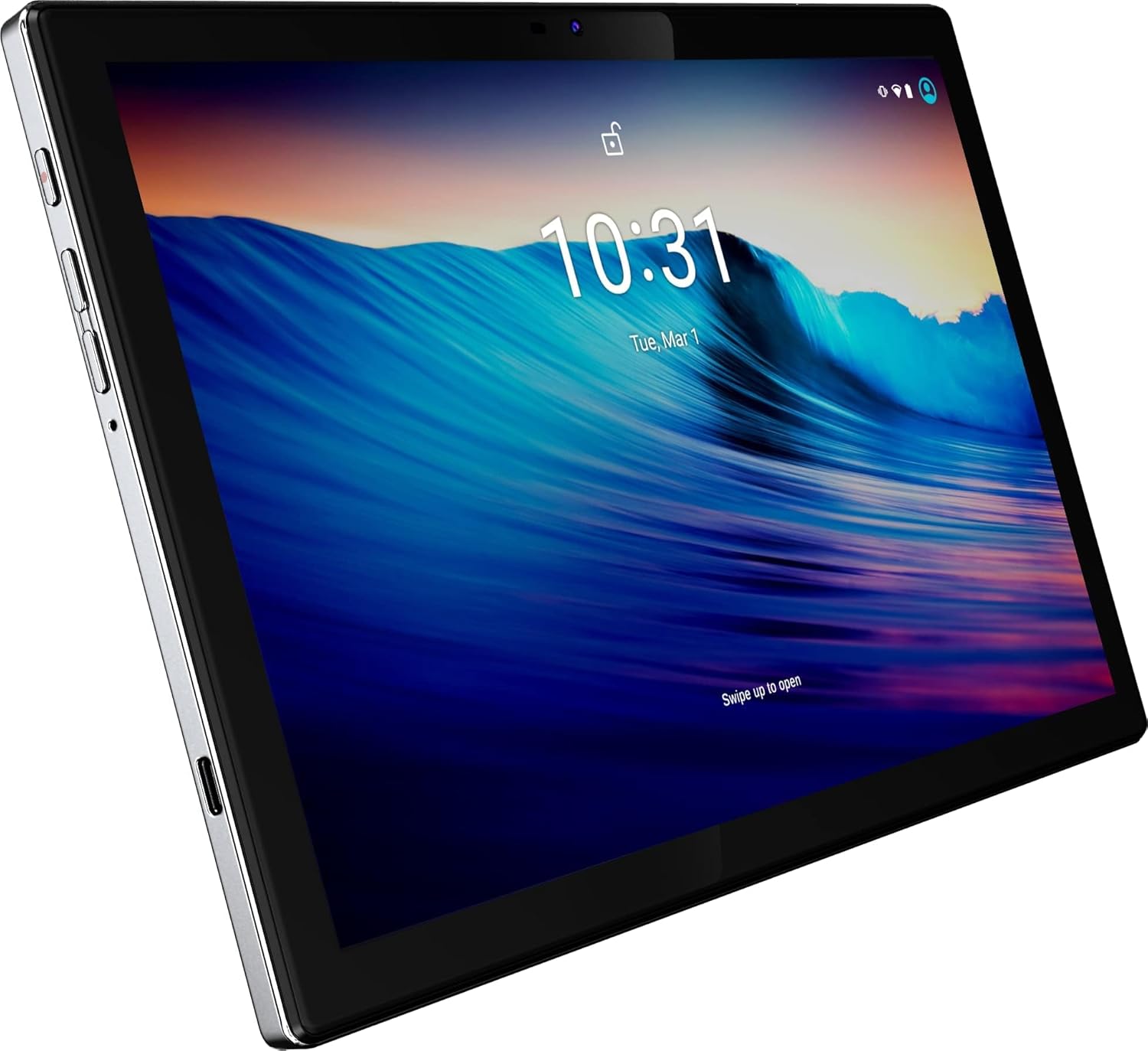
그림 1: 전면 view of the BYYBUO SmartPad T10 Tablet.
2. 제품 오버view
2.1개의 구성요소
- 10.1인치 풀 HD IPS 디스플레이: 선명한 화면을 위한 고해상도 터치스크린.
- 전면 카메라: 영상 통화와 셀카를 위해.
- 후방 카메라: 사진과 비디오를 촬영하는 데 사용합니다.
- 전원 버튼: 기기를 켜거나 끄거나 절전 모드로 전환합니다.
- 볼륨 버튼: 오디오 레벨을 조정합니다.
- USB-C 포트: 충전 및 데이터 전송용입니다.
- 3.5mm 헤드폰 잭 : 오디오 출력용.
- MicroSD/TF 카드 슬롯: 확장 가능한 저장 공간.
- 듀얼 스피커: 향상된 오디오 경험을 위해.

그림 2: 측면 view highlighting ports and buttons.
2.2 주요 특징
- High-Performance Octa-Core Processor: Ensures smooth operation and efficient multitasking.
- 안드로이드 12 운영체제: Provides a user-friendly interface and access to the latest apps.
- 7000mAh 배터리 용량: Offers extended usage time for entertainment and productivity.
- 64GB Internal Storage (Expandable to 512GB): Amp앱, 사진, 비디오를 위한 공간입니다.
- 1920x1200 IPS Display: 몰입감을 위해 생생한 색상과 선명한 디테일을 제공합니다. view경험.
- Dual-band Wi-Fi (2.4G+5G): For fast and stable internet connectivity.
- 블루투스 4.2 : 무선 액세서리를 연결합니다.
- 내장 GPS: 내비게이션 및 위치 기반 서비스에 사용합니다.
- Dual Cameras (5MP Front, 13MP Rear): For capturing memories and video calls.
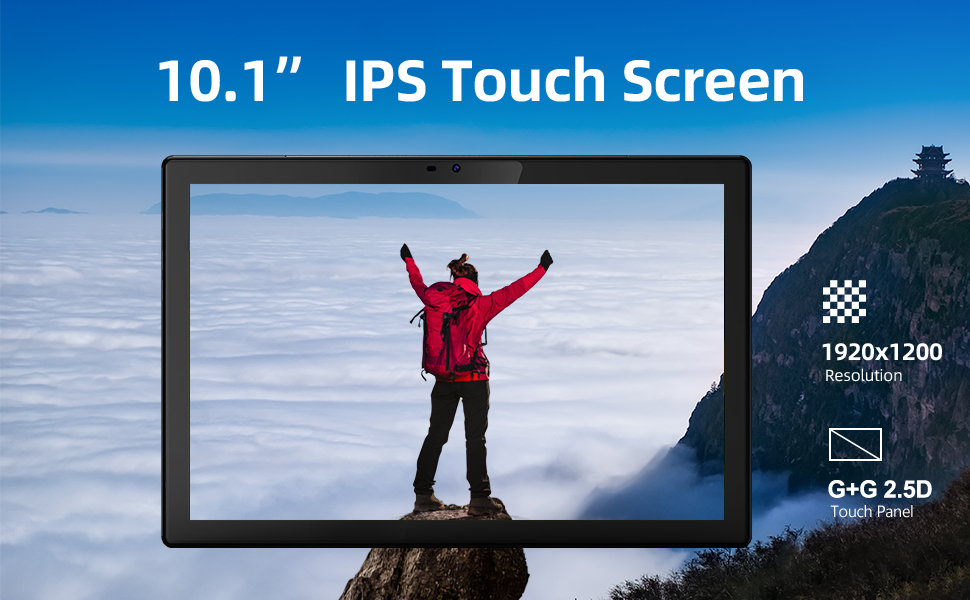
그림 3: 주요 기능의 시각적 표현.
3. 설정 가이드
3.1 초기 충전
Before first use, fully charge your SmartPad T10 using the provided USB-C cable and charger. The battery indicator on the screen will show charging progress.

Figure 4: The tablet's large battery capacity ensures long usage.
3.2 전원 켜기/끄기
- 전원을 켜려면: Press and hold the Power button on the side of the tablet until the BYYBUO logo appears.
- 전원을 끄려면: 메뉴가 나타날 때까지 전원 버튼을 길게 누르세요. '전원 끄기'를 선택하고 확인하세요.
- 잠들기/깨어나기: 전원 버튼을 짧게 누릅니다.
3.3 Wi-Fi 연결
- '설정' > '네트워크 및 인터넷' > 'Wi-Fi'로 이동하세요.
- 와이파이를 '켜기'로 설정하세요.
- 목록에서 원하는 Wi-Fi 네트워크를 선택하세요.
- 메시지가 표시되면 비밀번호를 입력하고 '연결'을 탭합니다.
3.4 구글 계정 설정
Upon first power-on or after a factory reset, you will be guided through the initial setup process, including connecting to Wi-Fi and signing in with your Google account. A Google account is required to download apps from the Google Play Store.
3.5 스토리지 확장
The SmartPad T10 supports MicroSD/TF cards up to 512GB for expanded storage. Locate the card slot on the side of the tablet. Use the provided tool to open the tray, insert the card, and close the tray securely.

Figure 5: Expandable storage for more content.
4. Operating Your SmartPad
4.1 탐색
The SmartPad T10 features a highly responsive touchscreen. Use standard Android gestures such as tap, swipe, pinch-to-zoom, and long-press to navigate the interface and interact with apps.

Figure 6: The Android 12 interface on the SmartPad T10.
4.2 앱 관리
- 앱 다운로드: Open the 'Play Store' app, search for your desired app, and tap 'Install'.
- 앱 제거: Long-press the app icon on the home screen or app drawer, then drag it to 'Uninstall' or select 'Uninstall' from the pop-up menu. Alternatively, go to 'Settings' > 'Apps' > select the app > 'Uninstall'.
4.3 카메라 사용
Access the camera app from the home screen or app drawer. You can switch between the front (5MP) and rear (13MP) cameras. Tap the shutter button to take photos or switch to video mode to record.
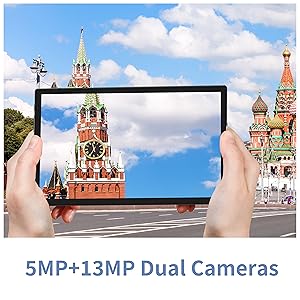
Figure 7: The tablet features dual cameras for versatile photography.
4.4 미디어 재생
Enjoy videos and music on your SmartPad T10. The 1920x1200 IPS display provides a clear viewing experience, and dual speakers offer quality audio. You can download streaming apps like Netflix and YouTube from the Play Store.

Figure 8: The Full HD display is ideal for media consumption.
영상 1: 공식 제품 영상 쇼asing the BYYBUO SmartPad T10's features and usage scenarios.
4.5 블루투스 페어링
- '설정' > '연결된 기기' > '블루투스'로 이동하세요.
- Toggle Bluetooth 'On'.
- Bluetooth 장치가 페어링 모드인지 확인하세요.
- Select the device from the 'Available devices' list and follow on-screen prompts to pair.
4.6 GPS 기능
The built-in GPS allows for accurate location tracking and navigation. Use pre-installed map applications or download your preferred navigation apps from the Google Play Store.
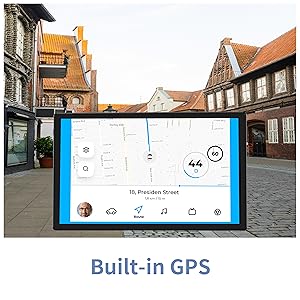
Figure 9: Built-in GPS for reliable navigation.
5. 유지관리 및 관리
5.1 청소
부드럽고 보풀이 없는 천을 사용하여 태블릿 화면과 본체를 닦으세요. 표면을 손상시킬 수 있는 강한 화학 물질이나 연마재는 사용하지 마세요.
5.2 배터리 관리
- 극한의 온도는 배터리 수명을 단축시킬 수 있으므로 피하세요.
- 배터리가 자주 완전히 방전되지 않도록 하세요.
- 제공된 충전기나 인증된 호환 충전기만 사용하세요.
5.3 소프트웨어 업데이트
Periodically check for system updates to ensure your tablet has the latest features and security patches. Go to 'Settings' > 'System' > 'System update'.
5.4 스토리지 관리
불필요한 것을 정기적으로 정리하세요 files, cache data, and uninstall unused apps to free up storage space and maintain optimal performance. You can manage storage in 'Settings' > 'Storage'.
6. 일반적인 문제 해결
| 문제 | 가능한 해결책 |
|---|---|
| 기기가 켜지지 않습니다 | 배터리가 충전되었는지 확인하세요. 충전기를 연결하고 몇 분 정도 기다린 후 다시 전원을 켜보세요. |
| Wi-Fi 연결 문제 | Restart the tablet and your Wi-Fi router. Check Wi-Fi settings to ensure correct network and password. Try forgetting and re-connecting to the network. |
| 앱이 충돌하거나 정지됨 | Clear the app's cache and data (Settings > Apps > [App Name] > Storage). If the issue persists, uninstall and reinstall the app. Ensure sufficient free storage space. |
| 느린 성능 | 사용하지 않는 백그라운드 앱을 종료하세요. 캐시와 임시 저장 파일을 삭제하세요. files. Consider a factory reset if performance issues persist after other troubleshooting steps. |
| 배터리가 빨리 소모됩니다 | Reduce screen brightness. Disable unused features like Bluetooth or GPS. Close background apps. Check for apps consuming excessive battery in Settings > Battery. |
7. 기술 사양
| 특징 | 사양 |
|---|---|
| 상표 | BYYBUO |
| 모델명 | T10 |
| 화면 크기 | 10.1 인치 |
| 화면 해상도 | 1920 x 1200 픽셀(Full HD IPS) |
| 프로세서 | Octa-Core 2.0 GHz (MediaTek) |
| 숫양 | 4GB (XNUMX기가바이트) |
| 내부 저장소 | 64GB (XNUMX기가바이트) |
| 확장 가능한 스토리지 | Up to 512 GB (MicroSD/TF) |
| 운영 체제 | 안드로이드 12 |
| 배터리 용량 | 7000mAh(리튬폴리머) |
| 평균 배터리 수명 | 12시간 |
| 무선형 | 802.11b/g/ac (2.4G+5G WiFi) |
| 블루투스 | 블루투스 4.2 |
| 카메라 | Rear: 13 MP, Front: 5 MP |
| 품목 무게 | 1.23파운드 |
| 치수(길이x너비x높이) | 0.01 x 0.31 x 0.01 인치 |
8. 보증 및 지원
8.1 보증 정보
For specific warranty details, please refer to the warranty card included in your product packaging or contact BYYBUO customer support directly. Keep your proof of purchase for warranty claims.
8.2 고객 지원
If you encounter any issues or have questions not covered in this manual, please contact BYYBUO customer support. You can find contact information on the official BYYBUO website or through your purchase platform. BYYBUO offers 24-hour online support.
Visit the official BYYBUO Store: BYYBUO Amazon Store
For community support and updates, you may also check the BYYBUO Facebook page: BYYBUO Facebook


