제품 끝view
The LG QNED80 Series 75-Inch Class QNED Mini-LED Smart TV (Model 75QNED80UQA) is designed to deliver a lifelike viewing experience with advanced picture and sound quality. Featuring Quantum Dot NanoCell Color Technology, an α7 Gen5 AI Processor 4K, and a 120Hz refresh rate, this TV is suitable for various entertainment needs, including sports, movies, and gaming. It integrates smart functionalities through ThinQ AI and webOS, offering built-in voice assistants like Alexa and Google Assistant, along with support for Apple AirPlay2 and HomeKit.
설치 가이드
제품 개봉 및 스탠드 설치
Carefully remove the TV from its packaging. Attach the included stand feet to the designated slots at the bottom of the TV. Ensure they are securely fastened with the provided screws. Refer to the diagram below for proper placement and dimensions.

Image: LG QNED80 TV dimensions and stand placement.
벽면 장착
This TV supports VESA wall mounts with a 400 x 400mm pattern (mount sold separately). Ensure the wall mount is compatible with the TV's weight and size. Follow the instructions provided with your specific wall mount for safe and secure installation. The back of the TV features screw holes for mounting.

이미지: 후면 view of the LG QNED80 TV, highlighting VESA mounting points.
장치 연결
Connect your external devices such as gaming consoles, sound systems, or media players to the TV's ports. The TV features multiple HDMI ports, including HDMI 2.1 for high-performance devices, USB ports, a LAN port for wired internet, and an optical digital audio out. Ensure cables are securely connected to the correct ports.

Image: Rear input ports of the LG QNED80 TV.

Image: Side input ports of the LG QNED80 TV.
TV 작동하기
매직 리모컨 사용하기
The LG Magic Remote allows for intuitive control of your TV. It features a motion-sensing pointer, a scroll wheel, and dedicated buttons for popular streaming services like Netflix, Disney+, and Prime Video. Voice commands are also supported via built-in Alexa and Google Assistant buttons.

Image: LG Magic Remote.
ThinQ AI 및 webOS
The TV runs on LG's webOS smart platform, powered by ThinQ AI. This provides a personalized and smart experience, allowing easy access to apps, live TV, and connected devices. Use voice commands to control your TV and smart home devices.

이미지: LG webOS 스마트 TV 인터페이스.
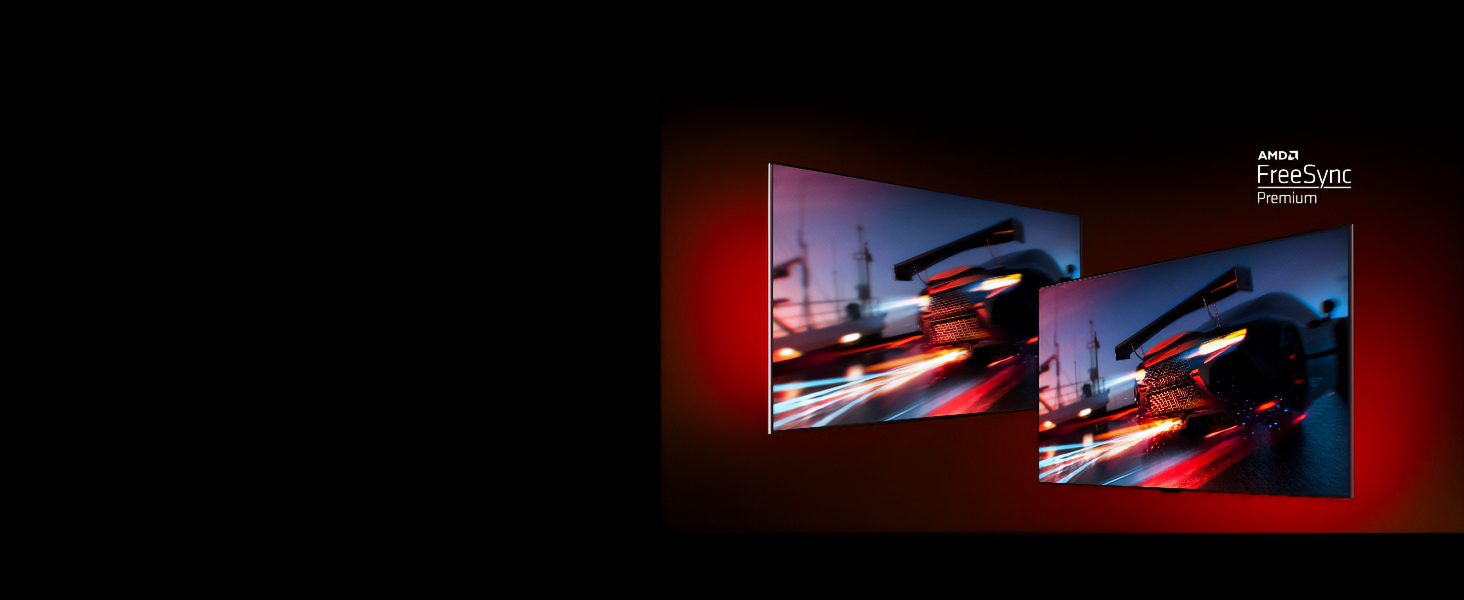
Image: Voice assistant and smart home compatibility logos.
디스플레이 기술
QNED Mini-LED Display
The LG QNED display combines Quantum Dot and NanoCell technologies to deliver rich, accurate colors and improved contrast. Local dimming enhances picture clarity by reducing the halo effect. Enjoy smooth, fluid on-screen motion with a high 120-Hertz refresh rate, ideal for fast-paced content.

Image: a7 Gen5 AI Processor 4K.

Video: LG QNED Color Demonstration. This video showcases the vivid and accurate color reproduction of the LG QNED display technology.
α7 Gen5 AI 프로세서 4K
The advanced α7 Gen5 AI Processor 4K intelligently adapts and adjusts picture and sound quality in real-time. It uses AI Picture Pro for enhanced clarity and resolution, and AI Sound Pro for optimized audio, creating a more immersive view경험.
오디오 시스템
The TV features a 20W amplifier (10W per channel) for clear and dynamic sound. With AI Sound Pro, the TV automatically adjusts audio settings to match the content and room environment, providing an optimized listening experience. The Magic Remote can also be used for room calibration with its built-in microphone.
게임 경험
게임에 최적화됨
For gamers, the LG QNED80 offers features like FreeSync Premium and Variable Refresh Rate (VRR) to minimize screen tearing and stuttering. Auto Low-Latency Mode (ALLM) ensures a responsive gaming experience. The Game Optimizer allows you to quickly adjust game settings for optimal performance.

Image: Gaming features demonstration (HGiG).
Video: LG QNED Cloud Gaming. This video highlights the TV's compatibility with cloud gaming services like GEFORCE Now.
관리 및 유지 보수
To maintain the performance and appearance of your LG QNED TV, regularly clean the screen and exterior. Use a soft, dry cloth to wipe dust from the screen. For stubborn marks, lightly dampen the cloth with water or a specialized screen cleaner. Avoid using harsh chemicals or abrasive materials. Ensure the TV is unplugged before cleaning.
문제 해결
TV에 문제가 발생하면 다음의 기본 문제 해결 단계를 시도해 보세요.
- 전원 없음: TV와 벽면 콘센트에 전원 케이블이 제대로 꽂혀 있는지 확인하십시오. 콘센트가 정상적으로 작동하는지 확인하십시오.
- 화면/소리 없음: Verify that all external devices are correctly connected to the TV's input ports. Check the input source selection on your TV.
- 원격 응답 없음: 매직 리모컨의 배터리를 교체하세요. 리모컨과 TV 사이에 장애물이 없는지 확인하세요.
- 화질이 좋지 않음: TV 메뉴에서 화면 설정(밝기, 대비, 선명도)을 조정하세요. 콘텐츠 소스가 고화질인지 확인하십시오.
For more detailed troubleshooting or persistent issues, please refer to the full owner's manual or contact LG customer support.
기술 사양
| 특징 | 사양 |
|---|---|
| 상표 | LG |
| 모델 번호 | 75QNED80UQA |
| 화면 크기 | 74.5인치(75인치급) |
| 디스플레이 기술 | LED-NanoCell (QNED Mini-LED) |
| 해결 | 4K(3840 x 2160) |
| 새로 고침 빈도 | 120Hz |
| 프로세서 | α7 Gen5 AI 프로세서 4K |
| 스마트 TV 플랫폼 | webOS with ThinQ AI |
| 음성 지원 | Alexa Built-In, Google Assistant |
| 연결성 | Wi-Fi, Bluetooth 5.0, HDMI 2.1 (x2), HDMI 2.0 (x2), USB (x2), LAN, Optical Digital Audio Out |
| 특별 기능 | Active HDR, Filmmaker Mode, Game Optimizer, FreeSync Premium, VRR, ALLM, AI Picture Pro, AI Sound Pro |
| 제품 치수(스탠드 포함) | 14.1인치 깊이 x 65.9인치 너비 x 40.5인치 높이 |
| 품목 무게 | 104.8파운드 |
패키지 내용
Upon unboxing, ensure all the following items are included:
- LG QNED80 시리즈 75인치 스마트 TV
- 매직 리모컨
- 리모컨 배터리(AA)
- 전원 케이블
- 빠른 시작 가이드
- Stand Feet (if not wall-mounted)
보증 및 지원
Your LG QNED80 Series TV comes with a manufacturer's warranty. For specific warranty details, including coverage period and terms, please refer to the warranty card included in your package or visit the official LG website. For technical support, troubleshooting assistance, or service requests, please contact LG Customer Service through their official channels.