1. 서론
This manual provides essential information for the proper installation, configuration, and operation of your Hikvision Turbo HD DVR 8-Channel, model DS-7108HGHI-K1(S). Please read this manual thoroughly before using the device to ensure safe and efficient operation. Keep this manual for future reference.
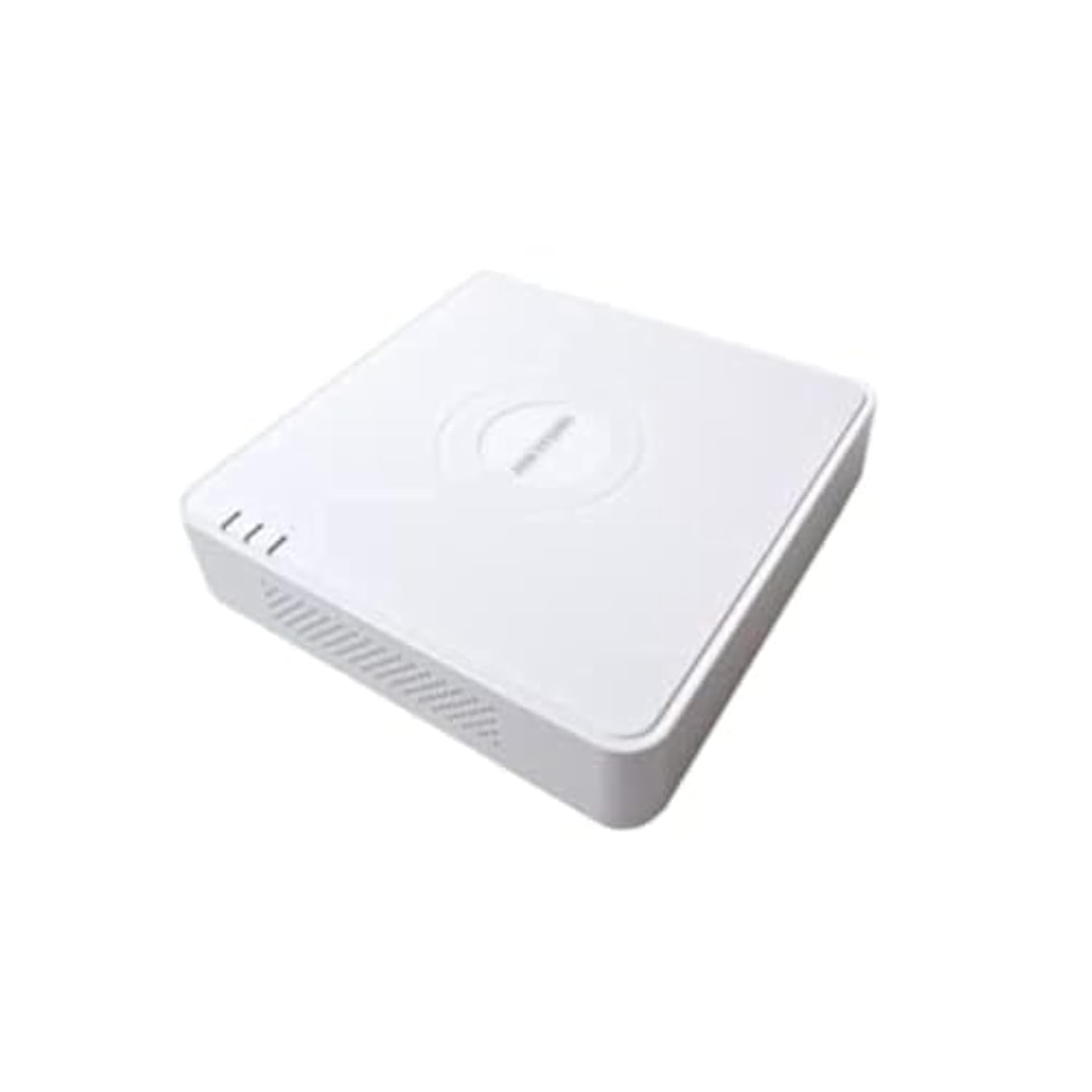
This image shows the Hikvision Turbo HD DVR unit from a front-side perspective, highlighting its compact design, ventilation grilles, and status indicator lights.
2. 제품 특징
- High-definition 8-channel Turbo HD DVR
- Supports audio transmission over coaxial cable
- Equipped with one SATA interface for storage
- 내구성이 뛰어난 플라스틱 casing는 보호를 위한 것입니다.
- Video encoding capabilities up to 1080p Lite at 15 frames per second
- Advanced video compression: H.265 Pro+/H.265 Pro/H.265
3. 설정 가이드
3.1 풀기 및 검사
Carefully unpack the DVR and all accessories. Verify that all components are present and undamaged. If any items are missing or damaged, contact your supplier immediately.
3.2 DVR 연결하기
- 하드 드라이브 연결(사전 설치되지 않은 경우): DVR을 엽니다asing, connect the SATA data and power cables to the hard drive, and secure the drive.
- 카메라 연결: Connect your Turbo HD cameras to the BNC video input ports on the rear panel.
- 모니터 연결: Use an HDMI or VGA cable to connect a monitor to the corresponding output port on the DVR.
- 마우스 연결: USB 마우스를 DVR의 USB 포트에 꽂습니다.
- 네트워크 연결: Connect an Ethernet cable from your router/switch to the LAN port on the DVR for network access and remote view주고받음.
- 전원 연결: 전원 어댑터를 DVR의 전원 입력 단자에 연결한 다음 전원 콘센트에 꽂으세요. DVR이 자동으로 켜집니다.
3.3 초기 구성
Upon first power-on, the DVR will guide you through an initial setup wizard. This includes setting up a strong password, configuring network settings, and initializing the hard drive. Follow the on-screen prompts to complete the setup.
4. 사용 설명서
4.1 라이브 View
초기 설정 후 DVR은 라이브를 표시합니다. view 모니터에 연결된 모든 카메라에서. 단일 카메라 간에 전환할 수 있습니다. view 및 멀티 카메라 그리드 view 화면상의 컨트롤이나 마우스를 사용합니다.
4.2 녹음
The DVR is typically configured for continuous recording by default. You can access the recording schedule settings via the main menu to customize recording modes (e.g., motion detection, scheduled recording) for each channel.
4.3 재생
다시view 기록된 footage, navigate to the Playback menu. Select the desired camera(s) and time range. You can use the timeline and playback controls to fast forward, rewind, or pause the video.
4.4 원격 접속
원격용 viewing on a mobile device or computer, ensure the DVR is connected to the internet. Download the official Hik-Connect app (or client software) and follow the instructions to add your DVR using its serial number or QR code. This allows you to view 인터넷 연결만 있으면 어디서든 실시간 영상과 녹화 영상을 시청할 수 있습니다.
5. 유지관리
5.1 정기 청소
Keep the DVR clean by wiping its exterior with a soft, dry cloth. Ensure ventilation openings are free from dust and obstructions to prevent overheating.
5.2 펌웨어 업데이트
정기적으로 Hikvision 공식을 확인하세요 website for firmware updates. Keeping your DVR's firmware up-to-date ensures optimal performance, security, and access to new features. Follow the provided instructions carefully when performing updates.
5.3 데이터 백업
중요한 비디오 파일을 정기적으로 백업하세요tage to an external USB drive or network storage. This helps prevent data loss in case of hard drive failure or other unforeseen issues.
6. 문제 해결
6.1 비디오 출력 없음
- Check all video cable connections (BNC, HDMI, VGA) to ensure they are secure.
- 모니터의 전원이 켜져 있고 올바른 입력 소스로 설정되어 있는지 확인하세요.
- Ensure cameras are powered and functioning correctly.
6.2 네트워크 연결 문제
- Confirm the Ethernet cable is properly connected to both the DVR and the router/switch.
- Check network settings in the DVR menu (IP address, gateway, DNS). Ensure they are correct for your network.
- Restart your router/switch and the DVR.
6.3 녹음 문제
- Verify that a hard drive is installed and properly initialized.
- Check the recording schedule and settings for the affected channels.
- 하드 드라이브에 충분한 여유 공간이 있는지 확인하십시오.
7. 사양
| 특징 | 세부 사항 |
|---|---|
| 제조업체 | 히크비전 |
| 모델 번호 | DS-7108HGHI-K1(S) |
| 제품 치수(W x D x H) | 10 x 10 x 3 cm (approximate, based on video) |
| 품목 무게 | 1000그램(1kg) |
| 연결 기술 | 이더넷 |
| 호환 장치 | 카메라 |
| 메모리 저장 용량 | 4 Terabytes (HDD not included) |
| 하드 디스크 크기 | 4 Terabytes (Maximum supported) |
| 전력 소비 | 17 와트 |
| 채널 수 | 8 |
| 디지털 비디오 미디어 포맷 | MP4 |
8. 보증 및 지원
For specific warranty terms and conditions, please refer to the documentation provided with your purchase or contact Hikvision directly. Technical support may be available through the Hikvision official web해당 웹사이트 또는 공인 대리점을 이용하십시오.