소개
This manual provides essential information for the safe and efficient operation of your Audiolab Omnia All-in-One Music System. Please read these instructions carefully before use and retain them for future reference. The Audiolab Omnia is designed to deliver high-fidelity audio performance from various sources, including CD, streaming, and external devices.
중요한 안전 정보
- 전원 공급 장치: Connect the unit only to an AC power source of the type marked on the rear panel. Ensure the power cord is securely plugged into the unit and the wall outlet.
- 통풍: 환기구를 막지 마십시오. 과열을 방지하기 위해 장치 주변에 충분한 공기 흐름을 확보하십시오.
- 물과 습기: 제품을 비, 습기 또는 과도한 습도에 노출시키지 마십시오. 꽃병과 같이 액체가 담긴 물건을 제품 위에 올려놓지 마십시오.
- 열원: 장치를 라디에이터, 난방 조절기, 스토브 또는 열을 발생시키는 기타 장치와 같은 열원으로부터 멀리 두십시오.
- 서비스: 이 제품을 직접 수리하려고 하지 마십시오. 모든 서비스는 자격을 갖춘 서비스 담당자에게 문의하십시오.
- 청소: Unplug the unit from the wall outlet before cleaning. Use a soft, dry cloth for cleaning. Do not use liquid cleaners or aerosol cleaners.
패키지 내용
패키지에 모든 품목이 들어 있는지 확인하세요.
- Audiolab Omnia All-in-One Music System
- 전원 케이블
- 원격 제어
- Wi-Fi 안테나(x2)
- 사용 설명서 (본 문서)
설정
1. 풀기 및 배치
Carefully remove the Audiolab Omnia from its packaging. Place the unit on a stable, level surface with adequate ventilation. Avoid placing it near strong magnetic fields or direct sunlight.
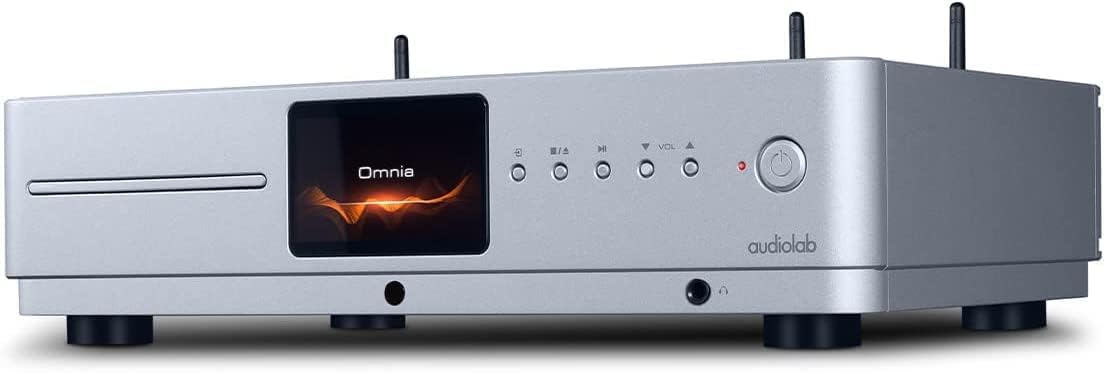
앞쪽 view of the Audiolab Omnia All-in-One Music System, showcasing its silver finish, central display, CD slot, and control buttons.
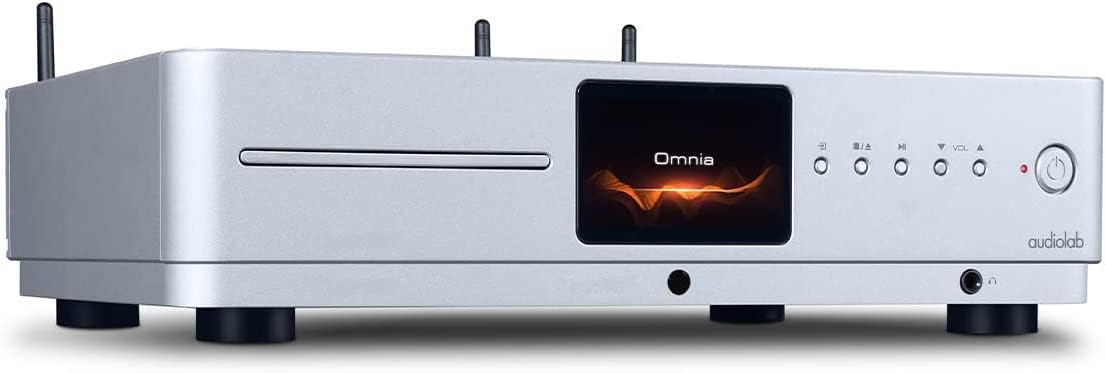
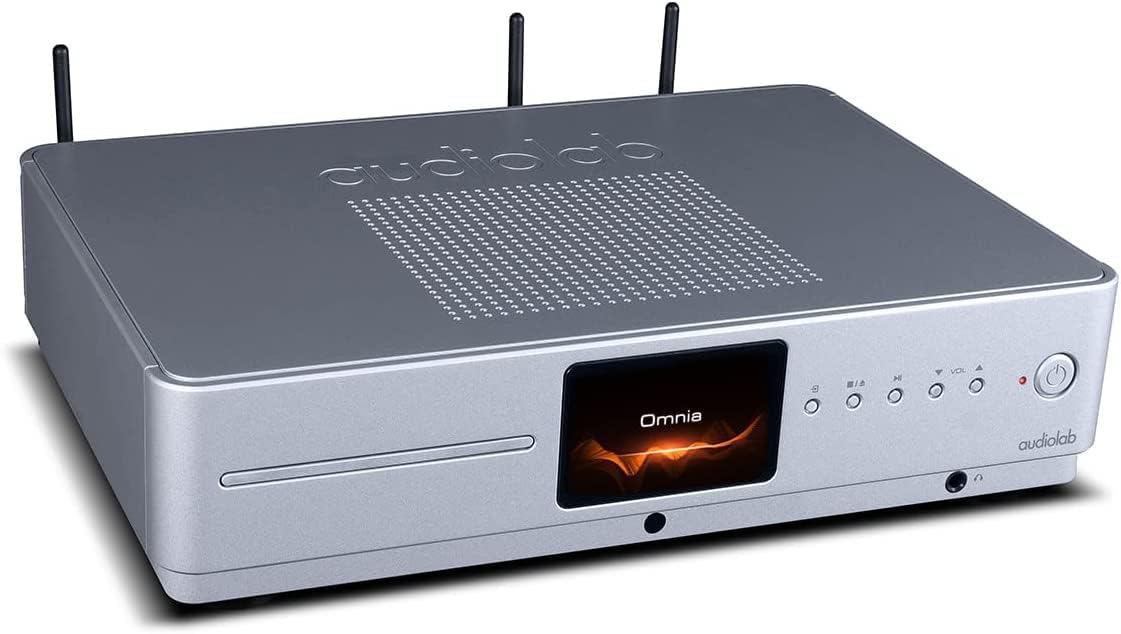
각진 앞면 view of the Audiolab Omnia, highlighting its sleek design and integrated display.
2. 스피커 연결
Connect your passive speakers to the speaker terminals on the rear panel of the Omnia. Ensure correct polarity (+ to + and - to -) for optimal sound quality. Use high-quality speaker cables.

The rear panel of the Audiolab Omnia, displaying speaker terminals, digital and analog inputs, network ports, and power input.
3. 네트워크 연결
For network streaming features, connect the supplied Wi-Fi antennas to the rear panel. Alternatively, connect an Ethernet cable from your router to the LAN port on the Omnia for a wired connection.
Detail of the rear panel, indicating the locations for Wi-Fi antenna attachment and the Ethernet port for network connectivity.
4. 전원 연결
Connect the power cable to the AC inlet on the rear panel and then to a suitable wall outlet. Ensure the power switch is in the OFF position before connecting.
작동 지침
1. 전원 켜기 / 끄기
전면 패널 또는 리모컨의 전원 버튼을 눌러 기기를 켜거나 끄세요. 전원이 켜지면 디스플레이에 불이 들어옵니다.
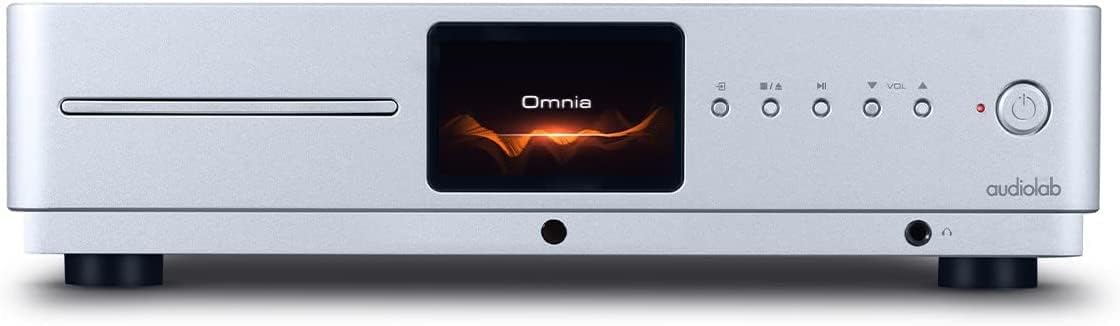
Front panel of the Omnia, showing the power button on the right and the central display.
2. 소스 선택
Use the 'Input' button on the front panel or the remote control to cycle through available input sources (e.g., CD, Optical, Coaxial, USB, Network, Bluetooth, Analog).
3. CD 재생
Insert a CD into the slot on the front panel. The unit will automatically detect the CD and begin playback. Use the play/pause, stop, and track skip buttons on the front panel or remote control.
The CD slot on the front left of the Audiolab Omnia, ready for disc insertion.
4. 네트워크 스트리밍
Once connected to your network, use the dedicated Audiolab app (available for iOS and Android) to control streaming services, internet radio, and local network music files. Follow the in-app instructions for setup and control.
5. 블루투스 연결
Select Bluetooth as the input source. On your mobile device, search for "Audiolab Omnia" in the Bluetooth settings and pair. The unit supports aptX Bluetooth for high-quality wireless audio.
유지
- 청소: Use a soft, dry, lint-free cloth to clean the unit's exterior. Do not use abrasive cleaners, waxes, or solvents.
- 통풍: 적절한 공기 흐름을 보장하기 위해 통풍구에 먼지나 이물질이 없는지 정기적으로 확인하세요.
- CD 트레이: Keep the CD slot clean and free from foreign objects.
문제 해결
| 문제 | 가능한 원인 | 해결책 |
|---|---|---|
| 전원이 없습니다 | Power cable not connected; Power switch off; Wall outlet faulty. | Ensure power cable is securely connected; Turn power switch on; Test wall outlet with another device. |
| 사운드 출력이 없습니다 | Speakers not connected; Incorrect input source selected; Volume too low; Mute activated. | Check speaker connections; Select correct input source; Increase volume; Deactivate mute. |
| CD가 재생되지 않습니다 | CD inserted incorrectly; CD dirty or scratched; Incorrect source selected. | Re-insert CD correctly; Clean or replace CD; Select CD input source. |
| 네트워크 연결 문제 | Wi-Fi antennas not connected; Router issues; Incorrect network settings. | Ensure antennas are connected; Restart router; Check network settings via the app. |
명세서
- 모델: 옴니아
- 상표: 오디오랩
- 연결 기술 : Wi-Fi, 블루투스, 이더넷
- 색상: 은
- 스피커 유형: Stereo (Integrated Amp리피어)
- 전원: 코드식 전기
- 품목 무게: 26.1파운드(약 11.84kg)
- 패키지 크기: 21 x 16.7 x 8.3인치(약 53.34 x 42.42 x 21.08cm)
- 첫 이용 가능 날짜: 21년 2021월 XNUMX일
보증 정보
Audiolab products are manufactured to the highest standards and undergo rigorous quality control. This product is covered by a limited warranty against manufacturing defects. The specific terms and duration of the warranty may vary by region. Please retain your proof of purchase for warranty claims. For detailed warranty information, please refer to the warranty card included with your product or visit the official Audiolab web대지.
고객 지원
If you encounter any issues not covered in the troubleshooting section or require further assistance, please contact Audiolab customer support. You can find contact details on the official Audiolab website or through your local dealer. Please have your product model and serial number ready when contacting support.
온라인 리소스: 방문하다 www.audiolab.co.uk 제품 등록, FAQ 및 추가 지원 자료는 다음을 참조하십시오.


