제품 끝view
The Core Innovations 14-inch Portable DVD Player offers versatile entertainment on the go. Featuring a 14.1-inch 1280x800 high-resolution display, the screen can tilt and swivel 180 degrees for optimal viewing. Enjoy audio through built-in stereo speakers or the included headphones. Connect to a TV for a larger display, and play media from discs, micro SD cards, or USB devices. The rechargeable battery ensures portability, and the included carrying bag makes transport easy.
패키지 내용
상자를 풀 때 모든 품목이 있는지 확인하세요.
- 14-inch Portable DVD Player
- 헤드폰
- 리모컨
- 운반 가방
- 충전기(AC 어댑터)
- AV 케이블
- 사용자 설명서
- 보증 카드
주요 특징
- 크리스탈 클리어 Viewing: 14.1인치 1280x800 고해상도 디스플레이에서 놀라운 영상미를 즐겨보세요. 180도까지 기울기 및 회전이 가능한 화면으로 최적의 시청 환경을 제공합니다. view어떤 위치에서든 각도를 조절할 수 있습니다.
- 향상된 사운드 옵션: 내장 스테레오 스피커를 통해 풍부한 오디오를 경험하거나, 함께 제공되는 헤드폰을 사용하여 더욱 개인적인 엔터테인먼트 경험에 몰입해 보세요.
- 다양한 미디어 재생: TV에 연결하여 디스크나 마이크로 SD 카드에 저장된 사진, 음악, 비디오를 공유하세요. 함께 제공되는 리모컨으로 좌석에서 간편하게 탐색하고 제어할 수 있습니다.
- 휴대성과 편의성: 충전식 배터리로 언제 어디서든 엔터테인먼트를 즐길 수 있습니다. 사용하지 않을 때는 세련된 휴대용 가방에 DVD 플레이어를 넣어 간편하게 휴대할 수 있습니다.
- 종합 액세서리 키트: 코어 이노베이션 휴대용 DVD 플레이어는 헤드폰, 휴대용 가방, 리모컨, 충전기, AV 케이블, 사용 설명서 등 필요한 모든 구성품을 포함하여 완벽한 상태로 바로 사용할 수 있도록 제공됩니다.
시작하기
1. 장치 충전
Before first use, fully charge the portable DVD player. Connect the included AC adapter to the DC IN port on the device and plug it into a standard wall outlet. The charging indicator light will illuminate. Once fully charged, the light may change color or turn off, depending on the model.
2. 전원 켜기 / 끄기
Locate the POWER switch on the side of the device. Slide it to the 'ON' position to power on the player. To power off, slide the switch to the 'OFF' position.
3. Inserting a DVD/CD
Gently open the disc cover. Place your DVD or CD onto the spindle with the label side facing up. Press down gently on the center of the disc until it clicks into place. Close the disc cover securely.
Using Your DVD Player
1. 기본 재생 제어
- 재생/일시 중지: 를 누르세요 재생/일시정지 재생을 시작하거나 일시 정지하려면 버튼을 클릭하세요.
- 중지: 를 누르세요 멈추다 재생을 종료하려면 버튼을 클릭하세요.
- 건너뛰다: 사용하세요 이전/다음 트랙이나 챕터 사이를 건너뛸 수 있는 버튼입니다.
- 빨리 감기/되감기: 를 누르고 있습니다 이전/다음 buttons to fast forward or rewind.
- 용량: 를 사용하여 볼륨을 조정합니다. VOL + / VOL- 버튼.
2. 화면 조정
The 14.1-inch screen can be tilted and swiveled up to 180 degrees. Adjust the screen to your preferred viewing angle for comfort and optimal visibility.

Image: The portable DVD player's screen is shown tilting and swiveling, demonstrating its 180-degree rotational capability for flexible view각도를 나타냅니다.
3. Media Playback from USB/SD Card
Insert a USB flash drive into the USB port or a micro SD card into the CARD slot. Use the 'Source' button on the device or remote control to select the appropriate media source (USB or CARD). Navigate through your file제어 버튼을 사용하여 원하는 미디어를 선택하여 재생합니다.
4. TV에 연결하기
Use the included AV cable to connect the portable DVD player to your television. Plug one end of the AV cable into the AV OUT port on the DVD player and the other end into the corresponding AV IN ports on your TV (typically yellow for video, red for right audio, white for left audio). Select the correct AV input on your TV to view the DVD player's output.
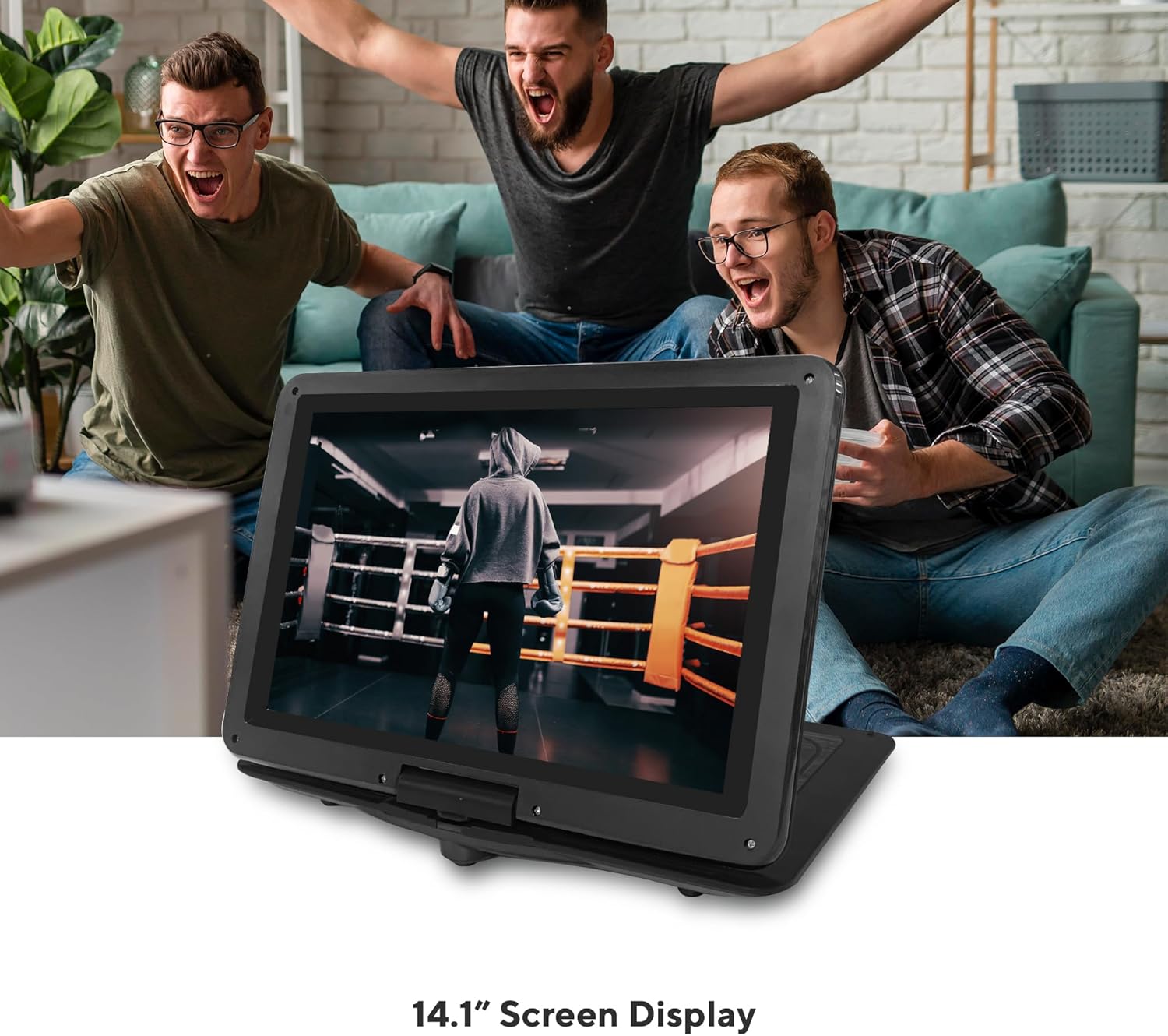
Image: The Core Innovations 14-inch Portable DVD Player is displayed open, showing its screen and control panel, alongside its remote control, headphones, and carrying case.
관리 및 유지 보수
- 기기를 물, 습기 및 직사광선으로부터 멀리하십시오.
- Clean the screen and exterior with a soft, dry cloth. Do not use liquid cleaners or aerosols.
- 장치를 떨어뜨리거나 강한 충격을 가하지 마십시오.
- Store the device in its carrying bag when not in use to protect it from dust and scratches.
- For optimal battery life, fully charge the device before long periods of storage and recharge it periodically.
문제 해결
전원이 없습니다
- Ensure the device is fully charged or connected to the AC adapter.
- Check that the POWER switch is in the 'ON' position.
디스크가 감지되지 않았습니다
- Verify the disc is inserted correctly with the label side facing up and seated properly on the spindle.
- 디스크가 깨끗하고 긁힘이나 얼룩이 없는지 확인하세요.
- Check if the disc format is supported (CD-R, CD-RW, DVD-R, SVCD, VCD).
소리가 나지 않습니다
- Increase the volume using the VOL+ button.
- If using headphones, ensure they are properly plugged into the headphone jack.
- If connected to a TV, check the TV's volume and input settings.
화질 저하
- Adjust the screen's tilt and swivel for better view주고받음.
- 디스크가 깨끗하고 손상되지 않았는지 확인하십시오.
- If connected to a TV, check the AV cable connections and TV input settings.
기술 사양
| 사양 | 값 |
|---|---|
| 제품 치수 | 10 x 14.6 x 1.8 인치 |
| 품목 무게 | 3.26파운드 |
| 품목 모델 번호 | CPD144BL |
| 배터리 | 리튬 폴리머 배터리 1개 필요 |
| 상표 | 핵심 혁신 |
| 미디어 유형 | CD-R, CD-RW, DVD-R, SVCD, VCD |
| 색상 | 검은색 |
| 화면 크기 | 14.1 인치 |
| 디스플레이 유형 | 액정표시장치 |
보증 및 지원
Your Core Innovations Portable DVD Player comes with a limited manufacturer's warranty. Please refer to the included Warranty Card for specific terms and conditions. For technical support or service inquiries, please contact Core Innovations customer service through the contact information provided in your product documentation or on the official Core Innovations web대지.


