1. 서론
The GTMEDIA V7 Pro is a versatile satellite receiver designed to provide access to DVB-S/S2/S2X and DVB-T/T2 digital television broadcasts. This device supports advanced features such as VCM/ACM/Multi-Stream, HEVC 10bit decoding, and includes a CA card slot for conditional access. It also offers USB WiFi connectivity for network features and online content. This manual provides essential information for setting up, operating, and maintaining your GTMEDIA V7 Pro receiver.
2. 안전 정보
- Ensure the device is placed on a stable, flat surface with adequate ventilation.
- Avoid exposing the receiver to moisture, extreme temperatures, or direct sunlight.
- 장치의 환기구를 막지 마십시오.
- 청소나 유지관리 작업을 하기 전에 전원을 차단하세요.
- Only use the provided power adapter to prevent damage.
- 직접 기기를 열거나 수리하지 마십시오. 자격을 갖춘 서비스 담당자에게 문의하십시오.
3. 패키지 내용
아래 나열된 모든 품목이 패키지에 포함되어 있는지 확인하세요.
- GTMEDIA V7 Pro Satellite Receiver
- 전원 어댑터
- IR 원격 제어
- HDMI 케이블
- 사용 설명서 (본 문서)
- 보증 카드
- USB WiFi 동글

Image 3.1: All items included in the GTMEDIA V7 Pro package, showing the receiver, remote control, power adapter, HDMI cable, USB WiFi dongle, user manual, and warranty card.
4. 제품 오버view
The GTMEDIA V7 Pro features a compact design with essential ports for connectivity. Understanding the layout of the device will assist in proper setup and operation.
4.1 Front and Side Panels
- 표시하다: Shows channel numbers, time, and status indicators.
- 전원 LED: 장치의 전원 상태를 나타냅니다.
- CA Card Slot: Located on the side, for inserting conditional access cards.
4.2 후면 패널 연결

이미지 4.1: 상세 view of the GTMEDIA V7 Pro's rear panel, illustrating the various input and output ports including LNB IN, ANT IN, HD OUT, AV OUT, RF TO TV, USB ports, DC 12V Power input, and the Power ON/OFF switch.
- LNB 입력: Connects to your satellite dish LNB for DVB-S/S2/S2X signals (950MHz to 2150MHz).
- 개미: Connects to a terrestrial antenna for DVB-T/T2 signals.
- HD 출력: HDMI output for connecting to a high-definition television (up to 1080p).
- AV 출력 : Analog video and audio output for older televisions.
- RF에서 TV로: RF output for connecting to a TV's antenna input.
- USB 포트: Two USB ports for connecting USB storage devices (for PVR, media playback, firmware upgrade) or the included USB WiFi dongle.
- DC 12V 전원: Connects to the provided 12V power adapter.
- 전원 켜기/끄기: 기기의 주 전원 스위치입니다.
5. 설정
Follow these steps to set up your GTMEDIA V7 Pro receiver:
- TV에 연결: Connect the receiver to your television using an HDMI cable (for best quality) or AV cables. Ensure the TV input is set to the corresponding HDMI or AV port.
- 안테나/LNB 연결:
- For satellite reception, connect your satellite dish LNB cable to the LNB 입력 포트.
- For terrestrial reception, connect your terrestrial antenna cable to the 개미가 들어와요 포트.
- Connect USB WiFi Dongle: Insert the provided USB WiFi dongle into one of the USB ports on the rear panel.
- 전원 연결: 전원 어댑터를 콘센트에 꽂으십시오. DC 12V 전원 수신기의 입력 단자에 연결한 다음 어댑터를 벽면 콘센트에 꽂으세요.
- 전원 켜기: 뒤집다 전원 켜기/끄기 switch to the ON position. The front display will show "boot" then "Load" as the system starts.
- 초기 설정 마법사: Upon first power-on, the receiver may guide you through an initial setup wizard. Follow the on-screen prompts to select your preferred language and configure basic settings.
- 네트워크 구성: 로 이동합니다 회로망 메뉴. 선택 네트워크 구성, 그 다음에 와이파이. Scan for available networks, select your network, and enter the password to connect.
- 채널 검색:
- 로 이동 설치 메뉴.
- 선택하다 위성 목록 for satellite channels or 지구의 for terrestrial channels.
- Choose your desired satellite (e.g., Hot Bird 13B/13C) or ensure the correct terrestrial region is selected.
- 수행하다 자동 검색 or Blind Scan to find available channels. This process may take several minutes.
Video 5.1: This video demonstrates the physical overview, port connections, initial power-on sequence, and basic menu navigation for the GTMEDIA V7 Pro Satellite Receiver, including satellite list selection, channel search, and network configuration.
6. 사용 설명서
6.1 기본 탐색
Use the included remote control to navigate the receiver's menus and functions. The arrow keys are used for selection, OK for confirmation, and EXIT/MENU for returning to previous screens or the main menu.
6.2 채널 관리
After performing a channel search, you can organize your channels. The receiver supports various channel sorting options and allows you to create favorite lists.
6.3 미디어 재생(USB)
Insert a USB storage device containing media files (music, pictures, movies) into a USB port. Navigate to the 메디아 menu to browse and play your content.
6.4 Program Recording (PVR)
With a connected USB storage device, you can record live TV programs. Access the PVR functions through the remote control or the 메디아 menu. You can also set timers for scheduled recordings.
6.5 온라인 기능
Once connected to the internet via WiFi, the receiver provides access to online applications such as YouTube and Youporn. Navigate to the 회로망 menu, then Online Movie App 이러한 기능에 액세스하려면
6.6 Conditional Access (CA Card)
The GTMEDIA V7 Pro includes a CA card slot. Insert your smart card into the slot to decrypt encrypted channels. Ensure the card is inserted correctly according to the card's orientation. The receiver supports various card types including Albertis/Tivusat/BBC Satback/Irdeto Card.

Image 6.1: A hand inserting a smart card into the CA card slot of the GTMEDIA V7 Pro receiver, demonstrating the conditional access feature for viewing encrypted programs.
6.7 Multi-Room Functionality
The Multi-Room feature allows you to share program resources across multiple satellite receivers within the same local area network, eliminating the need for multiple subscription cards for different devices.
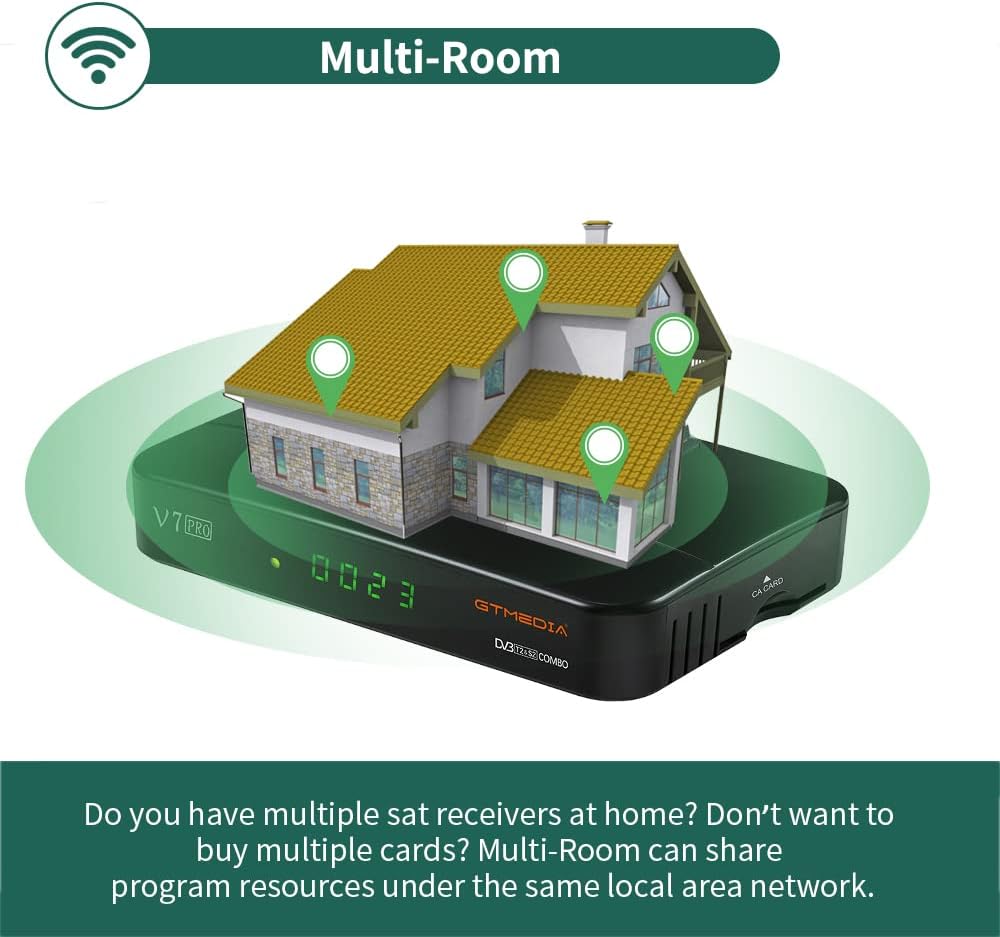
Image 6.2: An illustration depicting the GTMEDIA V7 Pro receiver connected to a house, symbolizing its Multi-Room capability to share content across multiple devices on a local network.
7. 유지관리
7.1 청소
To clean the receiver, disconnect it from the power supply. Use a soft, dry cloth to wipe the exterior. Do not use liquid cleaners or abrasive materials.
7.2 펌웨어 업데이트
The GTMEDIA R&D center continuously optimizes and improves the receiver's firmware. New firmware versions are released on the official forum for users to download and update. To update, download the firmware to a USB drive, insert it into the receiver, and navigate to Tools > USB Upgrade 메뉴에서.
8. 문제 해결
If you encounter issues with your GTMEDIA V7 Pro, refer to the following common problems and solutions:
- 신호 없음:
- Check all cable connections (LNB IN, ANT IN) to ensure they are secure.
- Verify that your satellite dish or terrestrial antenna is properly aligned.
- Ensure the correct satellite is selected in the Installation menu.
- 화면/소리 없음:
- Confirm the HDMI or AV cable is securely connected to both the receiver and the TV.
- Check that your TV's input source is set to the correct HDMI or AV port.
- Ensure the TV volume is not muted or set too low.
- 원격 제어가 작동하지 않음:
- 리모컨의 배터리를 확인하고 교체하세요.
- 리모컨과 수신기의 적외선 센서 사이에 장애물이 없는지 확인하십시오.
- 네트워크 연결 문제:
- Verify the USB WiFi dongle is properly inserted.
- Check your WiFi network name and password in the Network Config menu.
- 와이파이 공유기를 재시작하세요.
9. 사양
The GTMEDIA V7 Pro is equipped with the following technical specifications and features:
Image 9.1: A table detailing the product parameters of the GTMEDIA V7 Pro, including dimensions, unit weight, power supply, operating and storage temperatures, humidity, and included accessories.
| 특징 | 설명 |
|---|---|
| Tuner Support | DVB-S/S2/S2X + DVB-T/T2 |
| 비디오 디코딩 | VCM/ACM/Multi-Stream/T2MI, Multi-PLP, HEVC main 10 profile (10bit), AVS+ |
| 조건부 액세스 | CA Card Slot, supports BISS auto roll, Full PowerVu, DRE & Biss key, Albertis/Tivusat/BBC Satback/Irdeto Card |
| DiSEqC 지원 | Unicable, DiSEqC1.0/1.1/1.2/USALS Motor |
| 연결성 | USB (2 ports), USB WiFi dongle support, USB 3/4G dongle support |
| 온라인 서비스 | YouTube, Youporn, CCCAM, NEWCAM, MGCAM |
| 멀티 룸 | Supported for sharing program resources on a local network |
| 언어 | English, Spanish, French, Russian, Portuguese, Polish, Indonesian, Arabic, Turkish, German, Italian, Persian, Thai, etc. |
| 치수(길이*너비*높이) | 7.09 x 4.92 x 1.18인치(180 x 125 x 30mm) |
| 단위 무게 | 8.8온스(0.25킬로그램) |
| 전원 공급 장치 | 교류 100-250V, 50Hz/60Hz |
| 작동 온도 | 0°C ~ +45°C |
| 보관 온도 | -10°C ~ +60°C |
| 습기 | 20% to 90% (Non-condensed) |
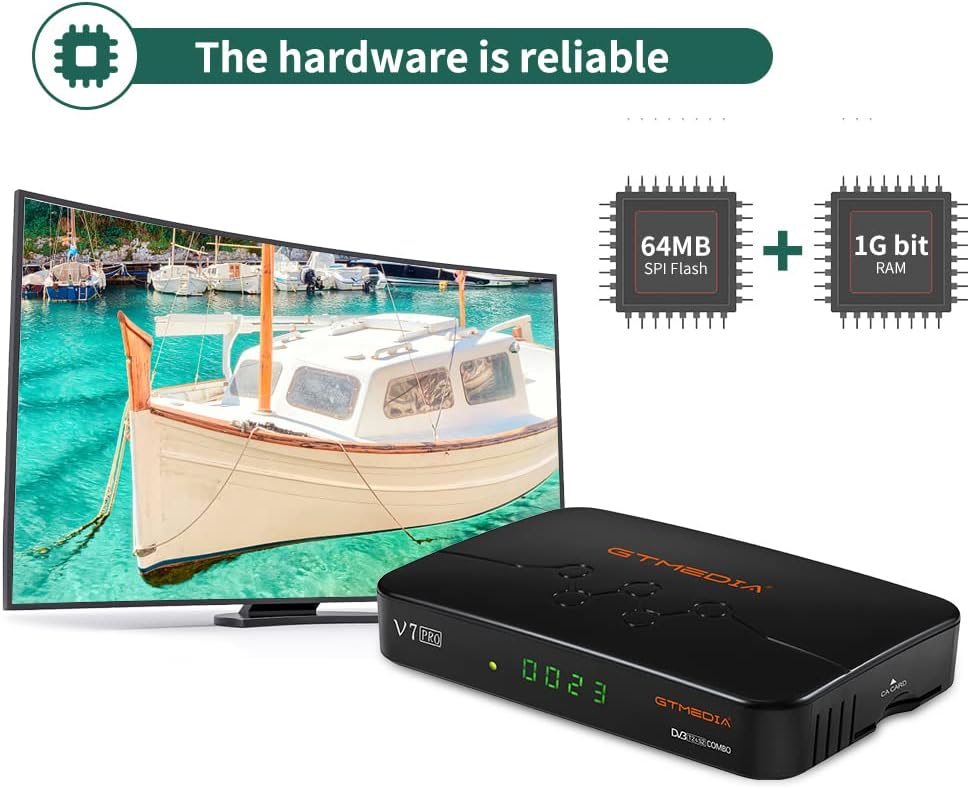
이미지 9.2: 내부 view of the GTMEDIA V7 Pro's hardware, highlighting the 64MB SPI Flash and 1G bit RAM components, indicating reliable performance.
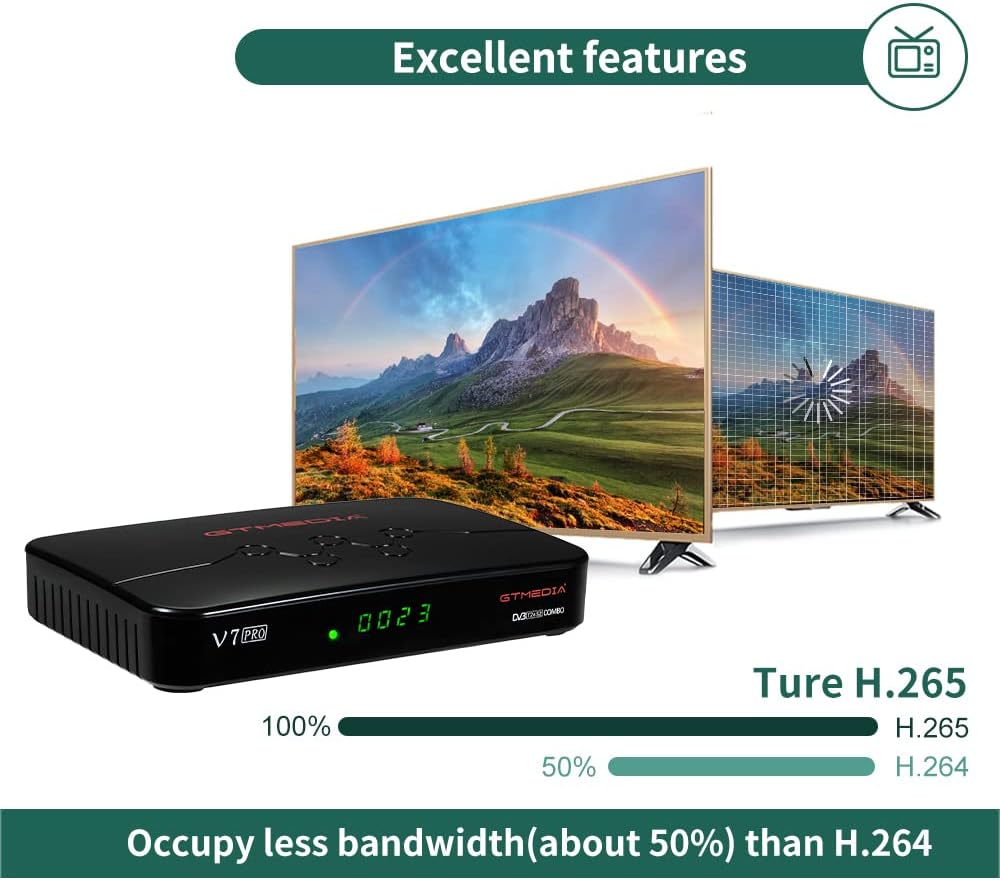
Image 9.3: An illustration demonstrating the GTMEDIA V7 Pro's H.265 (HEVC) decoding capability, which occupies approximately 50% less bandwidth compared to H.264, leading to more efficient video streaming.
10. 보증 및 지원
For detailed warranty information, please refer to the Warranty Card included in your product package.
For technical support, firmware updates, and community assistance, visit the official GTMEDIA R&D center forum. You can post your questions on the forum and expect a response within 24 hours.
온라인 리소스:
- GTMEDIA Official Web대지: www.gtmedia.cc
- GTMEDIA Support Forum: (Refer to product packaging or official website for specific forum link)


